# Google Cloud Platform
In this guide, you will learn how to deploy the Coder control plane instance and
your first template.
## Requirements [#requirements]
This guide assumes you have `roles/compute.instanceAdmin.v1` access to your
Google Cloud Platform project.
## Launch a Coder instance from the Google Cloud Marketplace [#launch-a-coder-instance-from-the-google-cloud-marketplace]
We publish an Ubuntu 22.04 VM image with Coder and Docker pre-installed.
Two SKU's are available via the Google Cloud Marketplace:
1. [License purchase via Google Cloud Marketplace](https://console.cloud.google.com/marketplace/product/coder-enterprise-market-public/coder-gcmp?inv=1\&invt=Ab45rg\&project=secret-beacon-468405-p5)
2. [A solution to deploy VM's on GCP (Bring Your Own License)](https://console.cloud.google.com/marketplace/product/workspan-public-422119/coder?inv=1\&invt=Ab45rg\&project=secret-beacon-468405-p5)
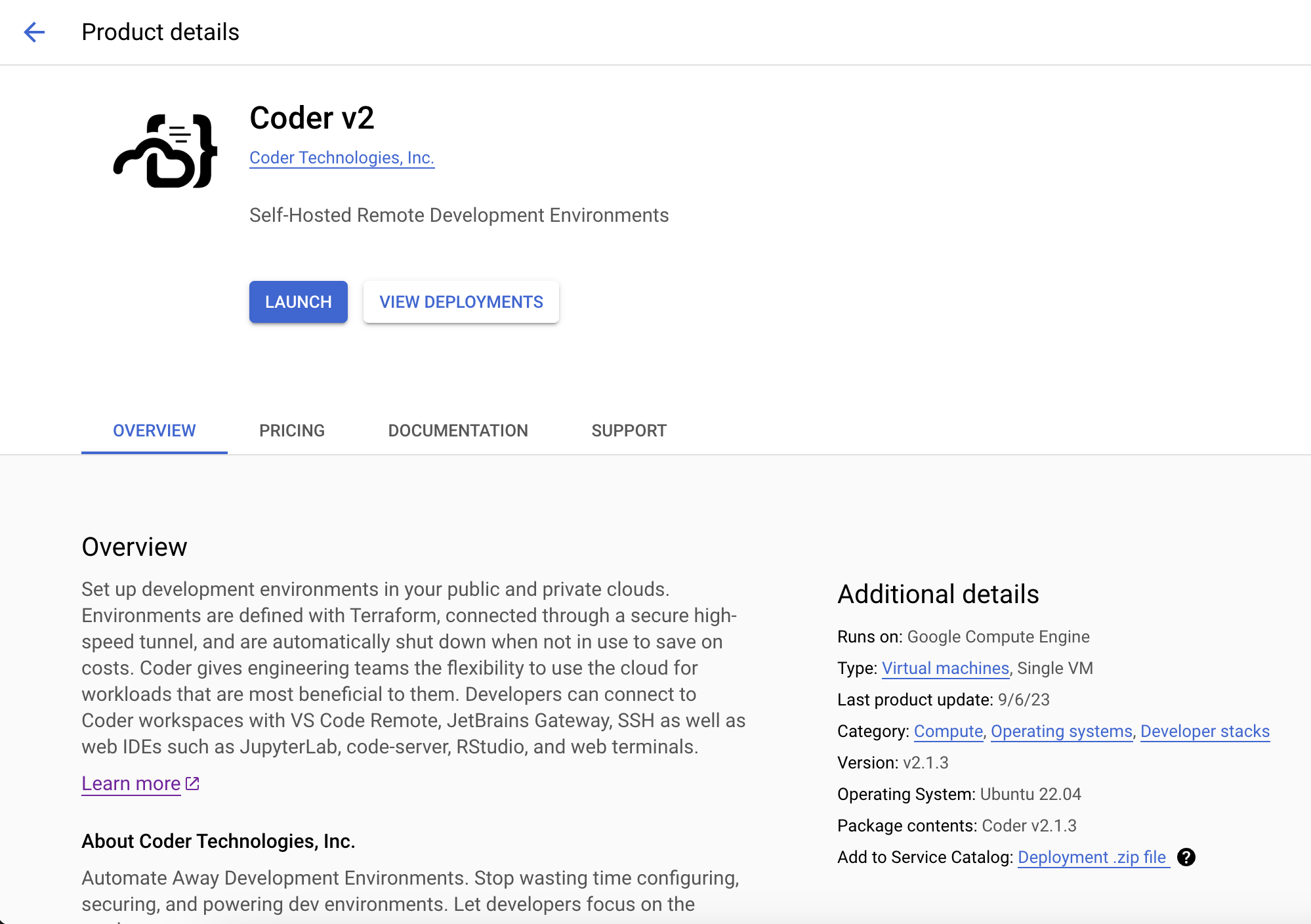
Be sure to keep the default firewall options checked so you can connect over
HTTP, HTTPS, and SSH.
We recommend keeping the default instance type (`e2-standard-4`, 4 cores and 16
GB memory) if you plan on provisioning Docker containers as workspaces on this
VM instance. Keep in mind this platforms is intended for proof-of-concept
deployments and you should adjust your infrastructure when preparing for
production use. See: [Scaling Coder](/beta-docs/admin/infrastructure/)
Be sure to add a keypair so that you can connect over SSH to further
[configure Coder](/beta-docs/admin/setup/).
After launching the instance, wait 30 seconds and navigate to the public IPv4
address. You should be redirected to a public tunnel URL.
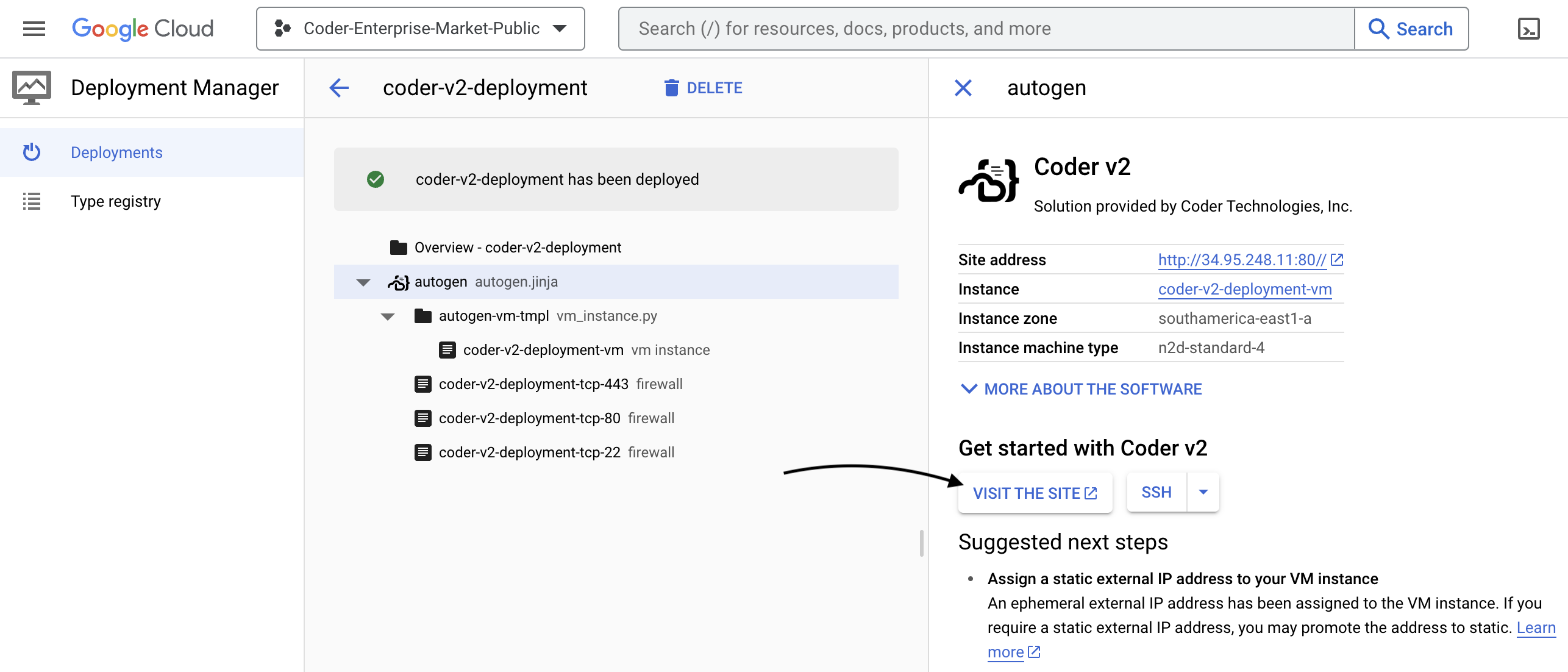
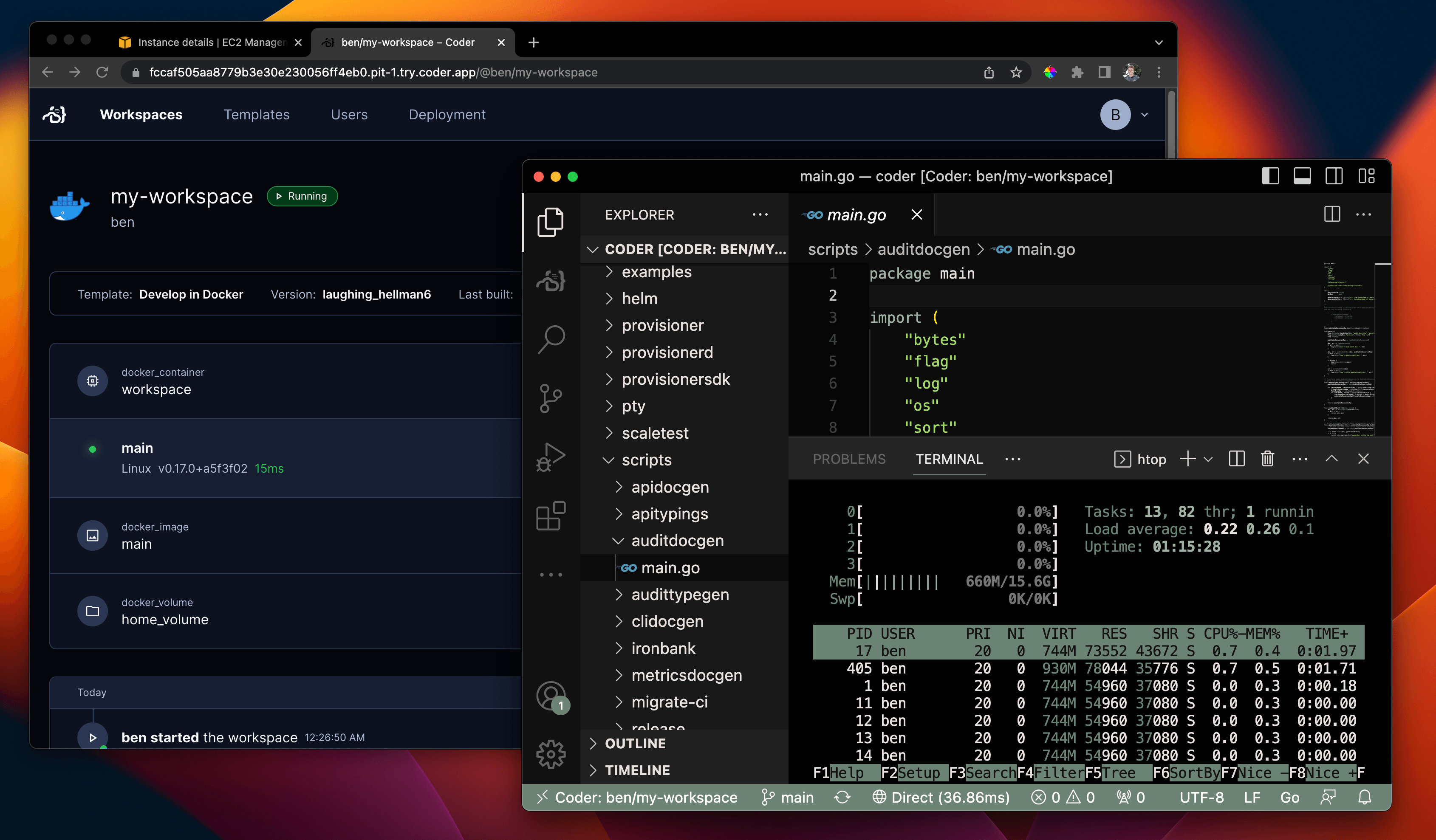
That's all! Use the UI to create your first user, template, and workspace. We
recommend starting with a Docker template since the instance has Docker
pre-installed.
## Configuring Coder server [#configuring-coder-server]
Coder is primarily configured by server-side flags and environment variables.
Given you created or added key-pairs when launching the instance, you can
[configure your Coder deployment](/beta-docs/admin/setup/) by logging in via
SSH or using the console:
```sh
ssh ubuntu@
sudo vim /etc/coder.d/coder.env # edit config
sudo systemctl daemon-reload
sudo systemctl restart coder # restart Coder
```
## Give developers VM workspaces (optional) [#give-developers-vm-workspaces-optional]
Instead of running containers on the Coder instance, you can offer developers
full VM instances with the
[gcp-linux](https://github.com/coder/coder/blob/release/2.37/examples/templates/gcp-linux/README.md)
template.
Before you can use this template, you must authorize Coder to create VM
instances in your GCP project. Follow the instructions in the
[gcp-linux template README](https://github.com/coder/coder/blob/release/2.37/examples/templates/gcp-linux/README.md#authentication)
to set up authentication.
### Next Steps [#next-steps]
* [Use your IDE with Coder](/beta-docs/user-guides/workspace-access/)
* [Writing custom templates for Coder](/beta-docs/admin/templates/)
* [Configure the Coder server](/beta-docs/admin/setup/)
* [Use your own domain + TLS](/beta-docs/admin/setup/#tls--reverse-proxy)