# Headless authentication
Creating service accounts requires a [Premium license](https://coder.com/pricing).
Service accounts are headless user accounts that cannot use the web UI to log in to Coder.
This is useful for creating accounts for automated systems, such as continuous integration and continuous delivery (CI/CD) pipelines or for users who only consume Coder via another client/API.
Service accounts do not have passwords or associated email addresses.
You must have the User Admin role or above to create service accounts.
## Create a service account
Use the `--service-account` flag to create a dedicated service account:
```sh
coder users create \
--username="coder-bot" \
--service-account
```
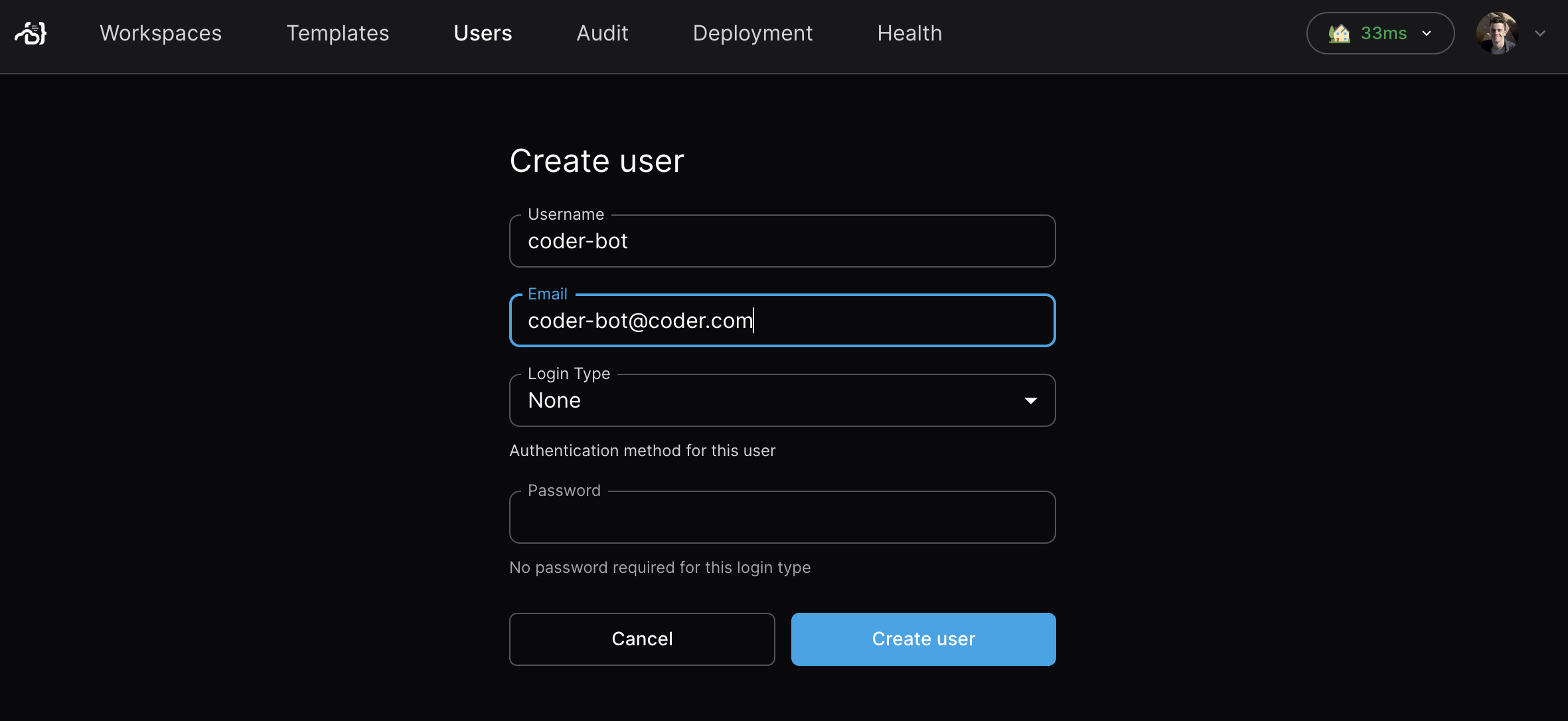
Navigate to **Deployment** > **Users** > **New user**, then select **Service account** as the login type.
## Authenticate as a service account
To make API or CLI requests on behalf of the headless user, learn how to [generate API tokens on behalf of a user](/docs/@main/admin/users/sessions-tokens/#generate-a-long-lived-api-token-on-behalf-of-another-user).