Install the Coder CLI
Install the standalone Coder CLI binary on Linux, macOS, or Windows to run the control plane and client.
On this page
A single CLI (coder) is used for both the control plane and the client.
We support two release channels: mainline and stable - read the Releases page to learn more about which best suits your team.
Download the latest release from GitHub
Our install script is the fastest way to install Coder on Linux/macOS:
curl -fsSL https://coder.com/install.sh | shRefer to GitHub releases for alternate installation methods (e.g. standalone binaries, system packages).
To run the Coder control plane on a Red Hat Enterprise Linux host or another RHEL-family distribution, refer to Install Coder on RHEL-family Linux.
To start the control plane:
coder server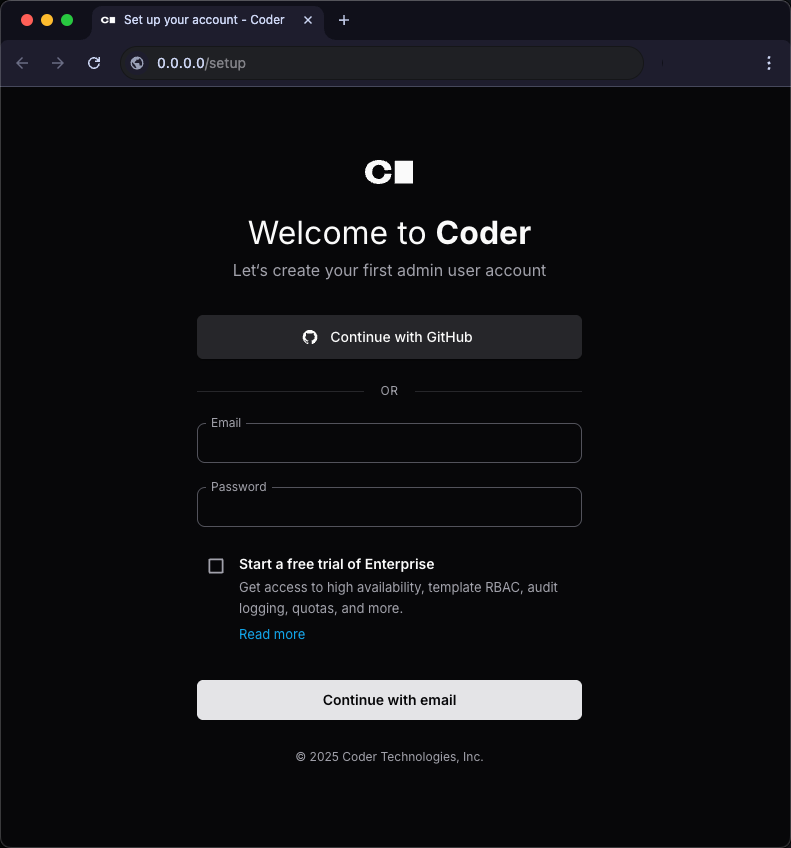
To log in to an existing Coder deployment:
coder login https://coder.example.comDownload the CLI from your deployment
Note
Available in Coder 2.19 and newer on macOS and Linux clients only.
Every control plane hosts CLI binaries for all supported platforms. You can run a script to download the appropriate CLI for your machine from your Coder deployment.
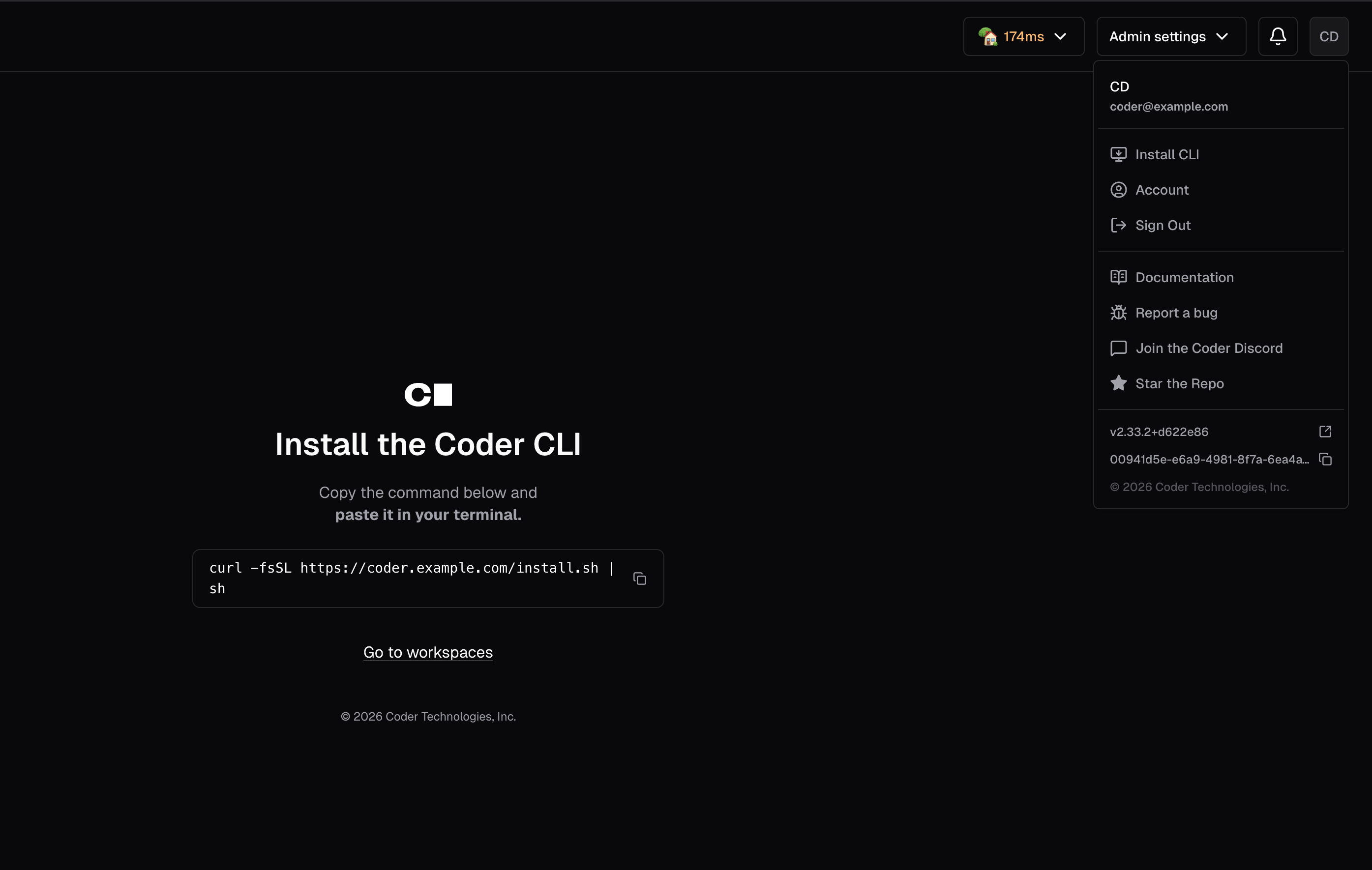
This script works within air-gapped deployments and ensures that the version of the CLI you have installed on your machine matches the version of the control plane.
This script can be useful when authoring a template for installing the CLI.