Workspace presets
Bundle commonly used parameter values into a single option in the workspace creation form.
On this page
Workspace presets bundle commonly used combinations of parameter values into a single option, so developers can pick the one that fits their needs.
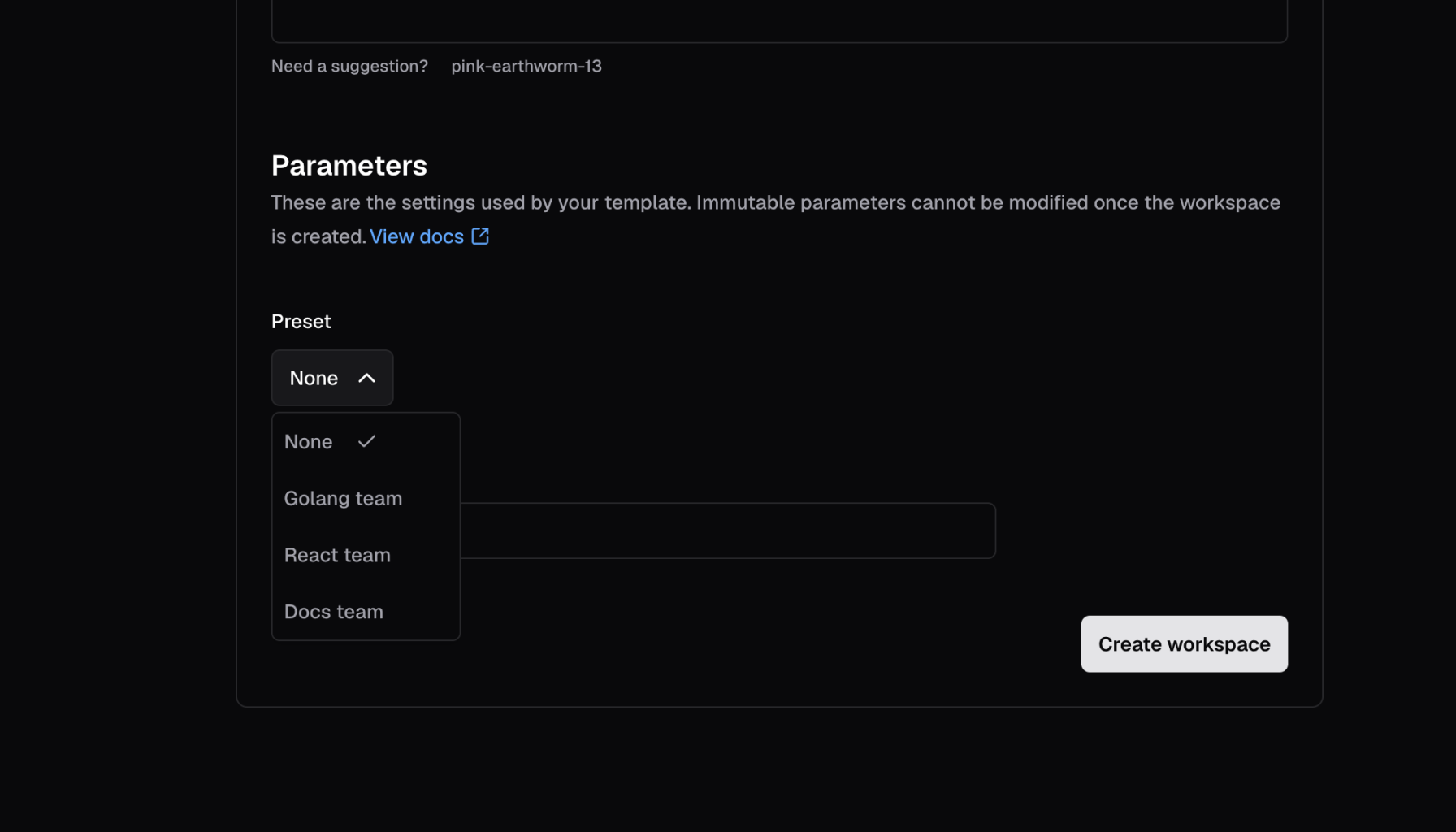
Use the coder_workspace_preset data source to define the preset parameters.
After you save the template file, the presets will be available for all new workspace deployments.
Optional preset fields
Only the name field is required.
The other fields you can set are optional, including parameters, so a preset can have zero parameters and only define prebuilds.
You can also set these fields:
- description: A helpful text description that provides additional context about the preset. This helps users understand what the preset is for and when to use it.
- icon:
A visual icon displayed alongside the preset name in the UI.
Use emoji icons with the format
/emojis/{code}.png(for example,/emojis/1f1fa-1f1f8.pngfor the flag emoji of the United States (US) 🇺🇸).
For a complete list of all available fields, visit the Terraform provider documentation.
Learn more
Prebuilt workspaces use presets to define the configuration of each pool of ready-to-claim workspaces.