JetBrains IDEs
Configure JetBrains IDEs to use AI Bridge
On this page
JetBrains IDE (IntelliJ IDEA, PyCharm, WebStorm, etc.) support AI Bridge via the "Bring Your Own Key" (BYOK) feature.
Prerequisites
- JetBrains AI Assistant: Installed and enabled.
- Authentication: Your Coder session token.
Configuration
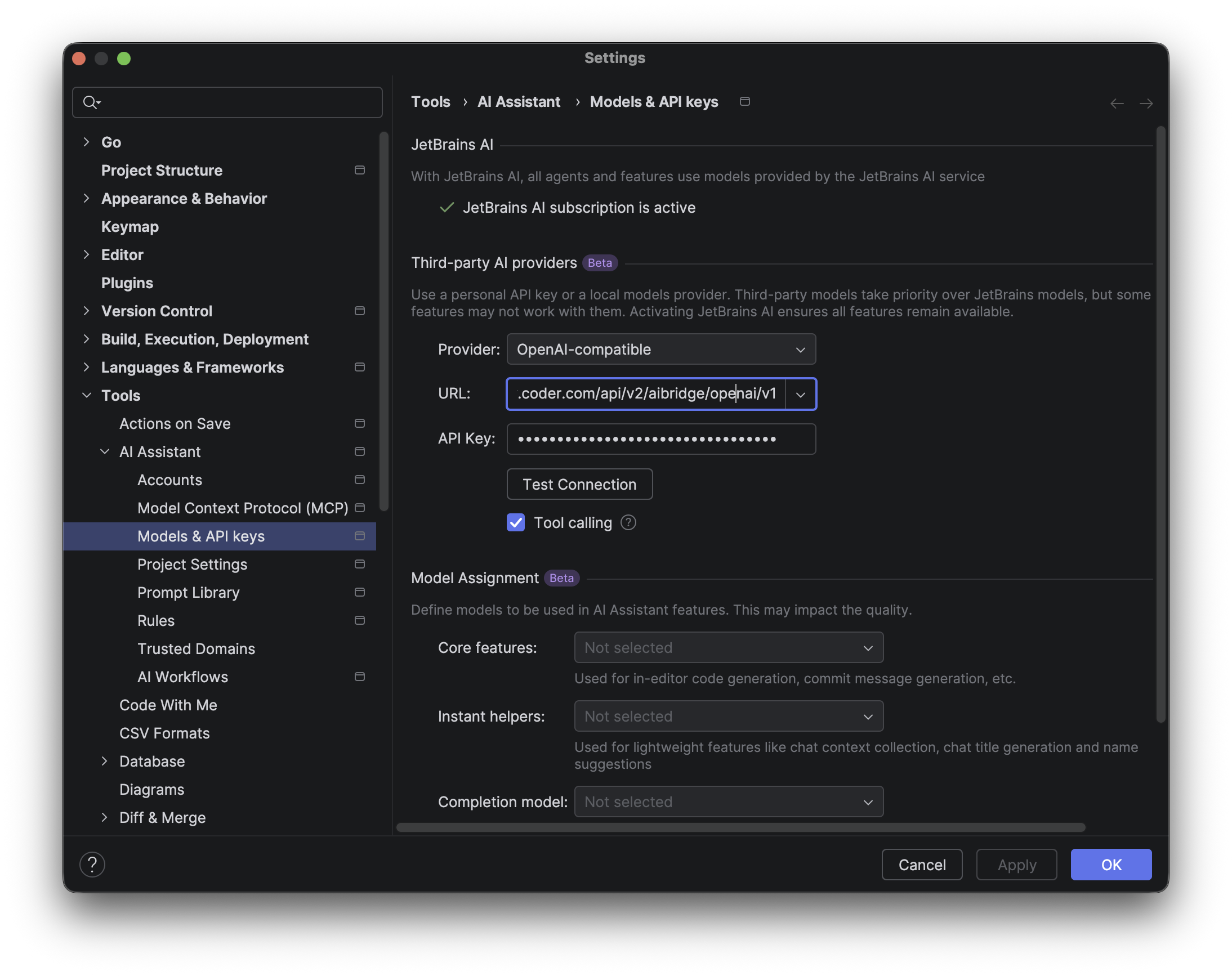
- Open Settings: Go to Settings > Tools > AI Assistant > Models & API Keys.
- Configure Provider: Go to Third-party AI providers.
- Choose Provider: Choose OpenAI-compatible.
- URL:
https://coder.example.com/api/v2/aibridge/openai/v1 - API Key: Paste your Coder session token.
- Apply: Click Apply and OK.
Using the AI Assistant
- Go back to AI Chat on theleft side bar and choose Chat.
- In the Model dropdown, select the desired model (e.g.,
gpt-5.2).
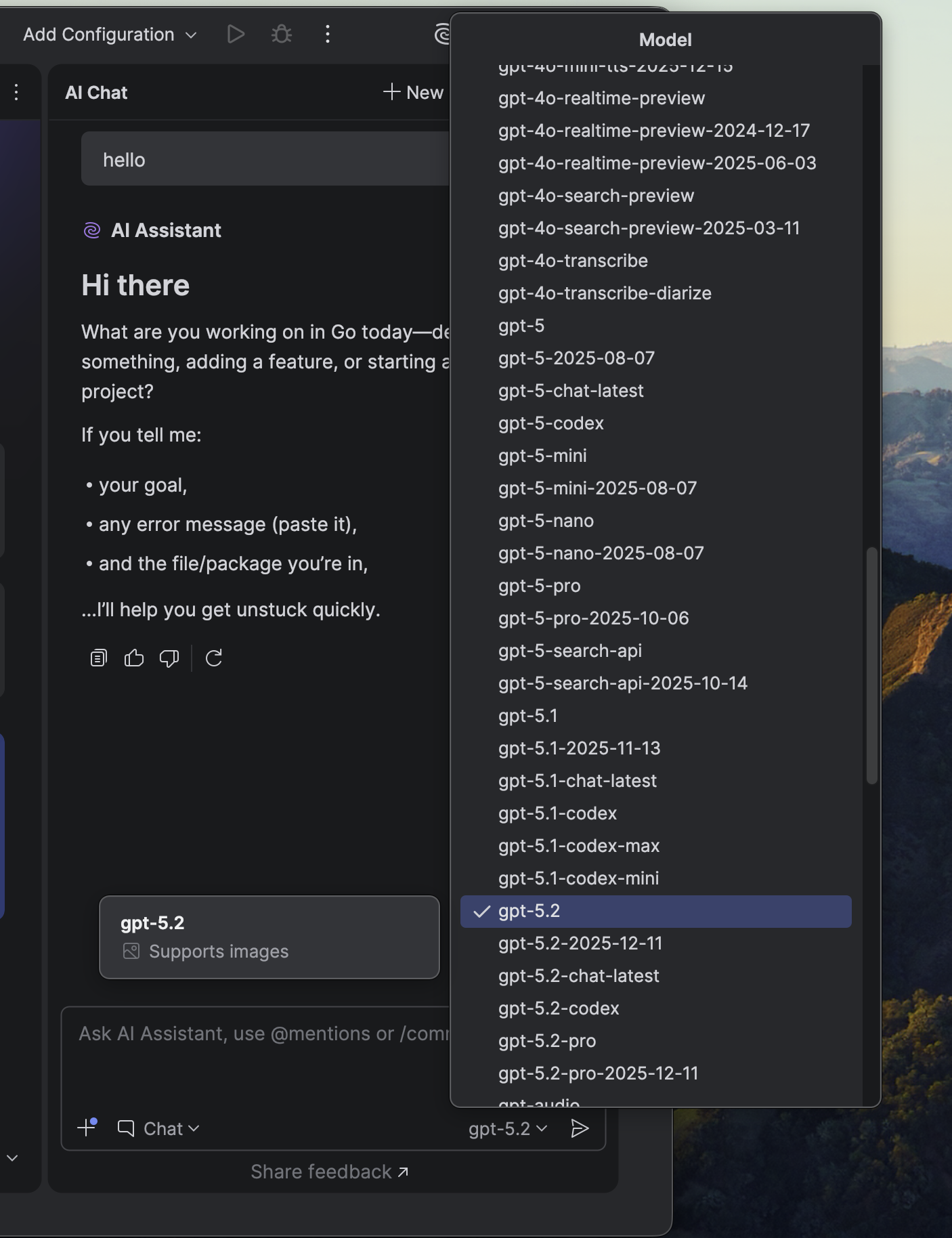
You can now use the AI Assistant chat with the configured provider.
Note
- JetBrains AI Assistant currently only supports OpenAI-compatible endpoints. There is an open issue tracking support for Anthropic.
- JetBrains AI Assistant may not support all models that support OPenAI's
/chat/completionsendpoint in Chat mode.
References: Use custom models with JetBrains AI Assistant