Kubernetes event logs
Stream Kubernetes event logs into workspace startup logs to debug pod scheduling issues.
On this page
To stream Kubernetes events into your workspace startup logs, you can use
Coder's coder-logstream-kube
tool. coder-logstream-kube provides useful information about the workspace pod
or deployment, such as:
- Causes of pod provisioning failures, or why a pod is stuck in a pending state.
- Visibility into when pods are OOMKilled, or when they are evicted.
Installation
Install the coder-logstream-kube helm chart on the cluster where the
deployment is running.
helm repo add coder-logstream-kube https://helm.coder.com/logstream-kube
helm install coder-logstream-kube coder-logstream-kube/coder-logstream-kube \
    --namespace coder \
    --set url=<your-coder-url-including-http-or-https>
Example logs
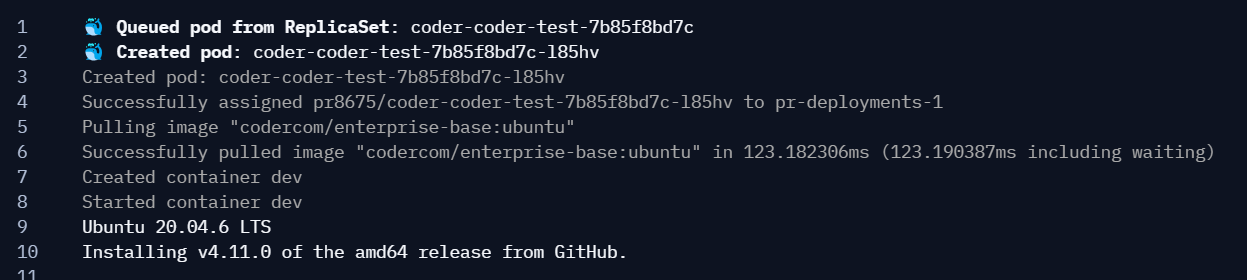
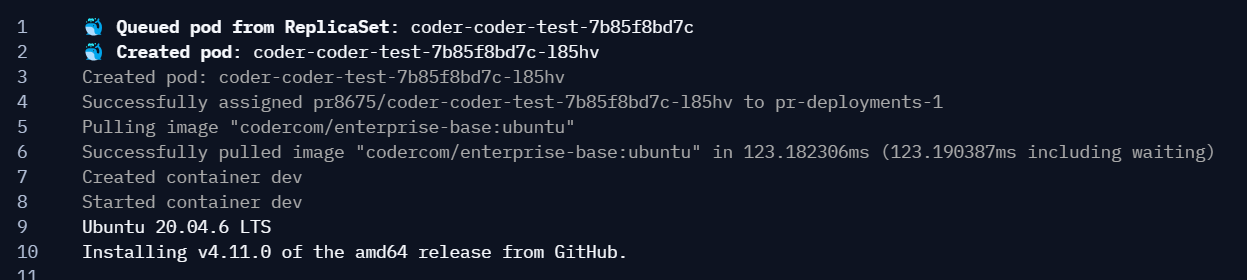
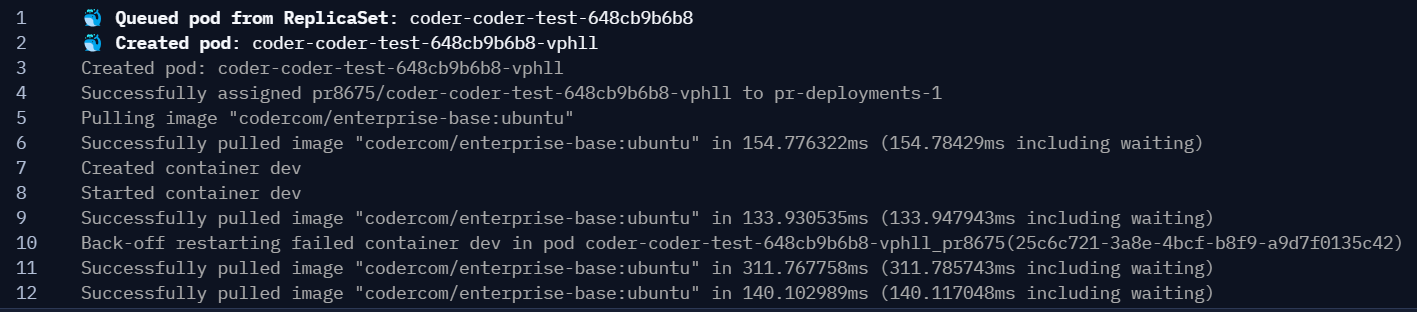
Here is an example of the logs you can expect to see in the workspace startup logs:
Normal pod deployment
Wrong image
Kubernetes quota exceeded

Pod crash loop
How it works
Kubernetes provides an informers API that streams pod and event data from the API server.
coder-logstream-kube listens for pod creation events with containers that have the CODER_AGENT_TOKEN environment variable set. All pod events are streamed as logs to the Coder API using the agent token for authentication. For more details, see the coder-logstream-kube repository.