Coder powers secure, scalable development across key industries — automotive, finance, government, and technology — enabling faster builds, tighter compliance, and seamless AI adoption in enterprise-grade cloud environments.
Note: AI Bridge is now AI Gateway, and Agent Boundaries is now Agent Firewall. Both remain part of the Coder AI Governance solution with no functional changes.
The shift from "generative" to "agentic" AI creates friction between developer velocity and enterprise security. We're way past chatbots. Developers are deploying autonomous agents like Anthropic's Claude Code that navigate file systems, execute terminal commands, and refactor entire services in a loop.
For developers, this is a superpower. For platform teams, it's a governance nightmare. According to Gartner, over 40% of agentic AI projects will be scrapped by 2027 because enterprises can't govern it safely, not necessarily because the technology doesn't work. The problem isn't the agents themselves. It's where they run and how they access resources.
How do you safely enable tools designed to have "hands" on the command line? Most teams are forced into a "shadow AI" workflow:
Key sprawl: Developers generate personal API keys (sk-...) and store them in plaintext .env files or shell histories on their laptops.
MCP tool sprawl: Developers configure MCP servers locally without oversight, leaving platform teams blind to what tools are accessing company resources or what data is being exposed.
Context leakage: To be useful, agents need context. Developers often paste proprietary schemas or database dumps into the agent's context window, bypassing data loss prevention (DLP) controls.
Blocking these tools isn't an option. They're too valuable. The solution isn't to restrict them—it's to rethink where they run.
The workspace should be the agent's home
An autonomous coding agent shouldn't run on a developer's laptop, constrained by local networking rules and unmanaged secrets. It should run in the cloud within the same secure boundary as the workload it modifies.
When agents run locally, every security control becomes reactive: DLP scanning after the fact, key rotation after compromise, audit logs that can't prove a negative. But when agents run inside governed infrastructure, security becomes architectural and built into the environment rather than bolted on after.
The question isn't "how do we monitor what developers do with AI?" It's "how do we make AI work the way enterprise systems already work?"
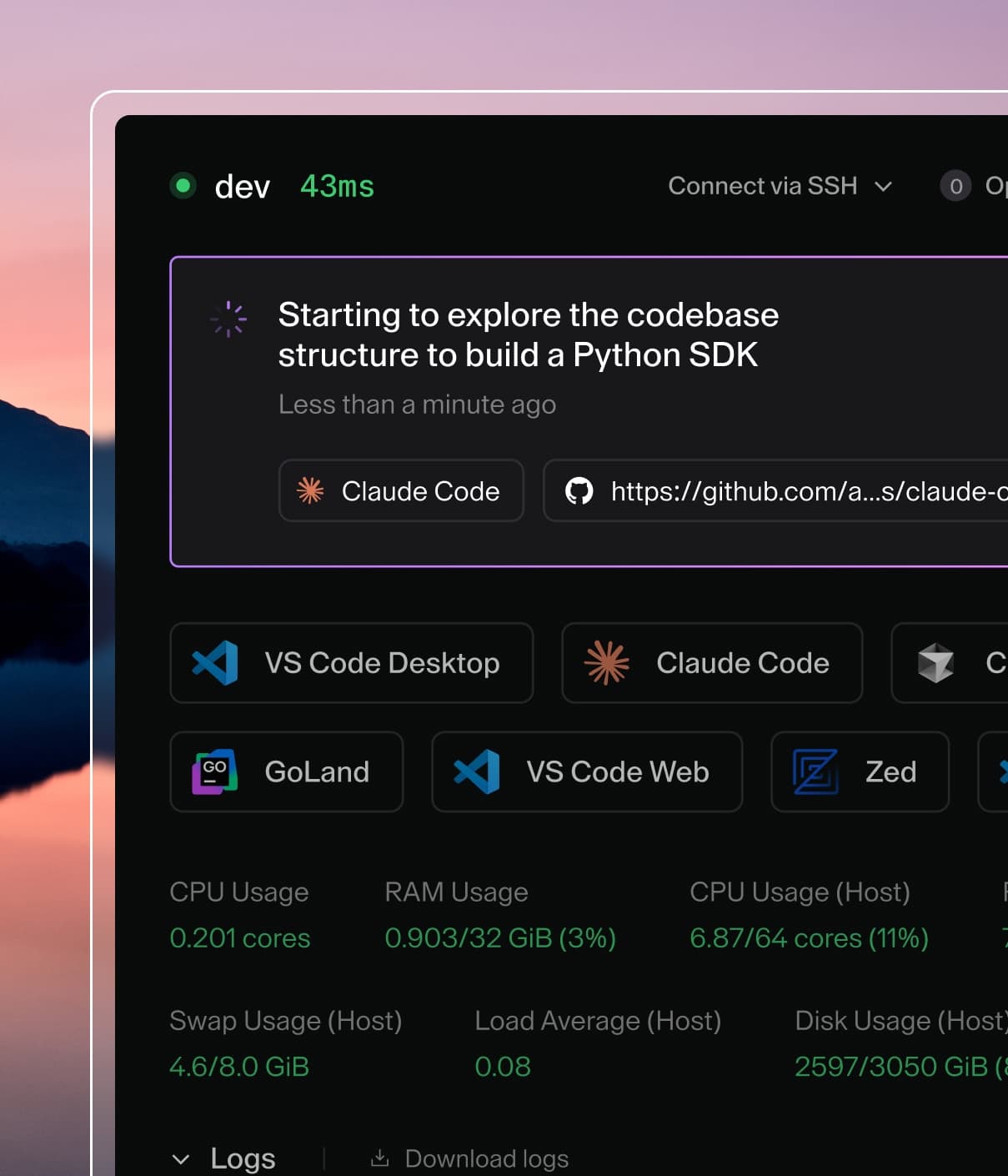
In this model, the cloud development environment acts as the control plane or "immune system" wrapping around the agent, providing identity, authorized tools, and secure connectivity. Enterprise AI adoption hinges on centralized federation, where the platform injects authentication and tools just-in-time, and the agent never holds the keys to the kingdom.
Meet AI Bridge
Facing all this, enterprises need a centralized control plane for agents that provides governance, not just monitoring. That's exactly what we built with AI Bridge.
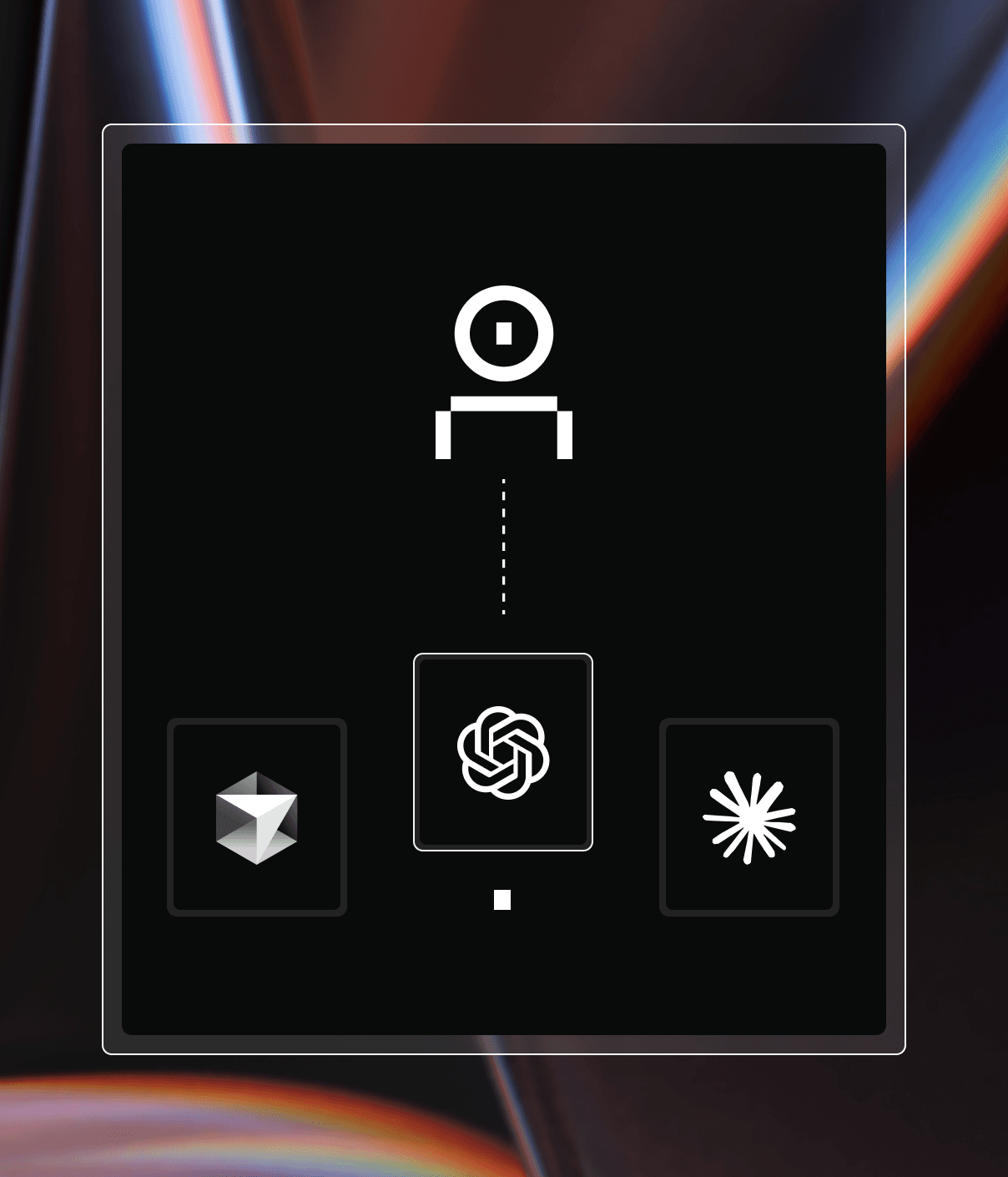
AI Bridge acts as middleware between your developers' agents and external LLM providers, running as an in-process daemon inside the Coder control plane. This effectively solves the Shadow AI problem at the infrastructure level:
Coder AI Bridge
Identity-aware LLM access with AI Bridge
No more local keys: A user's Coder API key authenticates the AI agent with AI Bridge. An admin can configure this at the template level to be automatically injected as an environment variable (e.g., ANTHROPIC_API_KEY). The agent talks to AI Bridge on a custom base URL set as ANTHROPIC_BASE_URL=https://coder.example.com/api/v2/aibridge/anthropic, and AI Bridge talks to the LLM provider using your existing enterprise credentials.
User attribution: Traffic flows through AI Bridge, so every prompt and request is tagged with each user's identity. You get a granular audit trail showing who used which model and for what purpose.
Spend tracking: Monitor token spend and costs per user, team, or organization for chargeback. Set up alerts for abnormal usage patterns. Identify power users and least engaged users.
MCP tools auditing: Gain comprehensive visibility into which specific MCP tools your agents and developers are accessing, along with timestamps of when each access occurred, providing a complete audit trail for security and compliance purposes.
How it works in the real world
Consider a team adopting Claude Code for a large refactoring project.
Without AI Bridge: Rampant shadow AI
A developer installs the CLI, generates a personal API key, and hardcodes database credentials so the agent can read the schema. If that laptop is compromised, the attacker has valid API keys and database access. The ops team has zero visibility into what code the agent generates or exports.
With AI Bridge: Governed by default
The developer opens their workspace and types claude in the terminal.
Immediate auth: The tool starts immediately without asking for login, using API credentials injected by AI Bridge.
Automatic MCP injection: When configured, AI Bridge can automatically inject all available tools from the configured MCP servers into each LLM call made by the agents and executes them on behalf of the user. This uses Coder's existing External Auth for authentication with remote MCP servers.
Full audit: The security team sees: User [email protected] used 150k tokens and the create_pull_request GitHub MCP tool with the claude-opus-4.5 model and anthropic provider with the prompt create a PR with the proposed changes.
This transitions the agent from an isolated developer tool into a seamlessly integrated, friction-free part of the development workflow.
Why this matters for your team
For teams already running Coder, AI Bridge turns your development environments into a secure AI platform without forcing developers to change their workflow. For teams evaluating solutions, it's proof that you don't have to choose between developer velocity and security governance.
This architecture bridges the gap between Developer Experience (giving developers the best tools) and Security Governance (keeping the CISO happy) — a critical piece of any Secure AI Development Platform.
For platform engineers
It eliminates the "help ticket" loop of provisioning API keys for every new user. Configure the agents to use AI Bridge once in the Coder template, and it propagates to every workspace.
For security teams
It provides complete request logs listing every tool call, prompt, and token usage—partitioned by user, provider, and model. This is useful for compliance audits, incident response, and cost attribution. When a security incident is suspected, teams can quickly identify which user initiated which actions.
For developers
It means AI tools just work — no key management or waiting on tickets. The governance happens invisibly at the infrastructure level, so developers stay in flow.
Ready to take control?
Don't let shadow AI take over your engineering org. Centralize your keys, attribute users, and securely empower your agents.