I am not a software engineer. I have never taken a formal computer science course. I cannot write Python from scratch, and I only recently started exploring Linux. But after two years at Coder, I have learned how cloud development environments work, how they support modern teams, and how secure on demand workspaces remove friction from the development process.
Despite my lack of formal training, I was able to prototype the first version of a real working to do app that fits my own workflow and preferences by working side by side with an AI agent called Blink.
This was not a drag and drop project. It was real code, version controlled in GitHub, deployed through Vercel, and powered by a live backend in Supabase. Everything ran inside a secure Coder workspace.That foundation gave me the confidence to try something new.
This is the beginning of my vibe coding journey. It is my attempt to learn by building and to work with AI as a partner instead of writing every line myself.
What is vibe coding? And, what does it mean to me?
Vibe coding is a way of building software by describing what you want to create instead of writing every line by hand. I can say something straightforward like “Create a to-do list with categories and deadlines,” or something more abstract like “Make this feel more like the Things Three app from Culture Code.” I can focus on ideas, flow, and experience while the agent handles the structure and syntax.
Vibe coding is not about skipping fundamentals. It removes the early blockers that usually stop someone like me from getting started. The more I build this way, the more curious I become about what is happening behind the scenes. Working with Blink, an open source AI agent building tool from Coder, has pushed me to learn Git, CSS, and even take Linux classes because I want to understand how everything connects under the hood.
For me, vibe coding is a new way in. It gives me a place to start and a safe way to learn through real projects, not theory.
What’s different about Blink?
Blink is an AI agent that runs inside a secure cloud development environment powered by Coder. It has access to my GitHub repo, my project history, and the tools needed to deploy real applications. It understands context and builds software in response to my prompts.
Before Blink, I experimented with Coder Tasks and Claude Code. Those early experiments gave me an exciting preview of how cloud infrastructure and AI can work together. I was able to generate simple prototypes and understand how version controlled AI tasks could shape early ideas.
Blink pushed that experience much further. When I created my workspace, GitHub, Vercel, and Supabase were already connected and ready. I did not write config files or perform setup steps. I just described what I wanted, and Blink guided me from idea to deployment.
Sometimes things broke. There was a point where menus shifted when I implemented a code change or when I tried to update subtasks to respond a certain way but the tasks broke. I ran into these kinds of bugs during development and at one point I asked Blink to wipe the entire build and start from scratch while keeping my GitHub repo, Supabase project, and Vercel instance intact. It did exactly that. Clean slate. Same infrastructure. I still had bugs but I was able to fix them with Blink.
Blink is not a one off code generator. It is a persistent partner that stays with you as the project grows.
How does Blink compare to other AI coding tools?
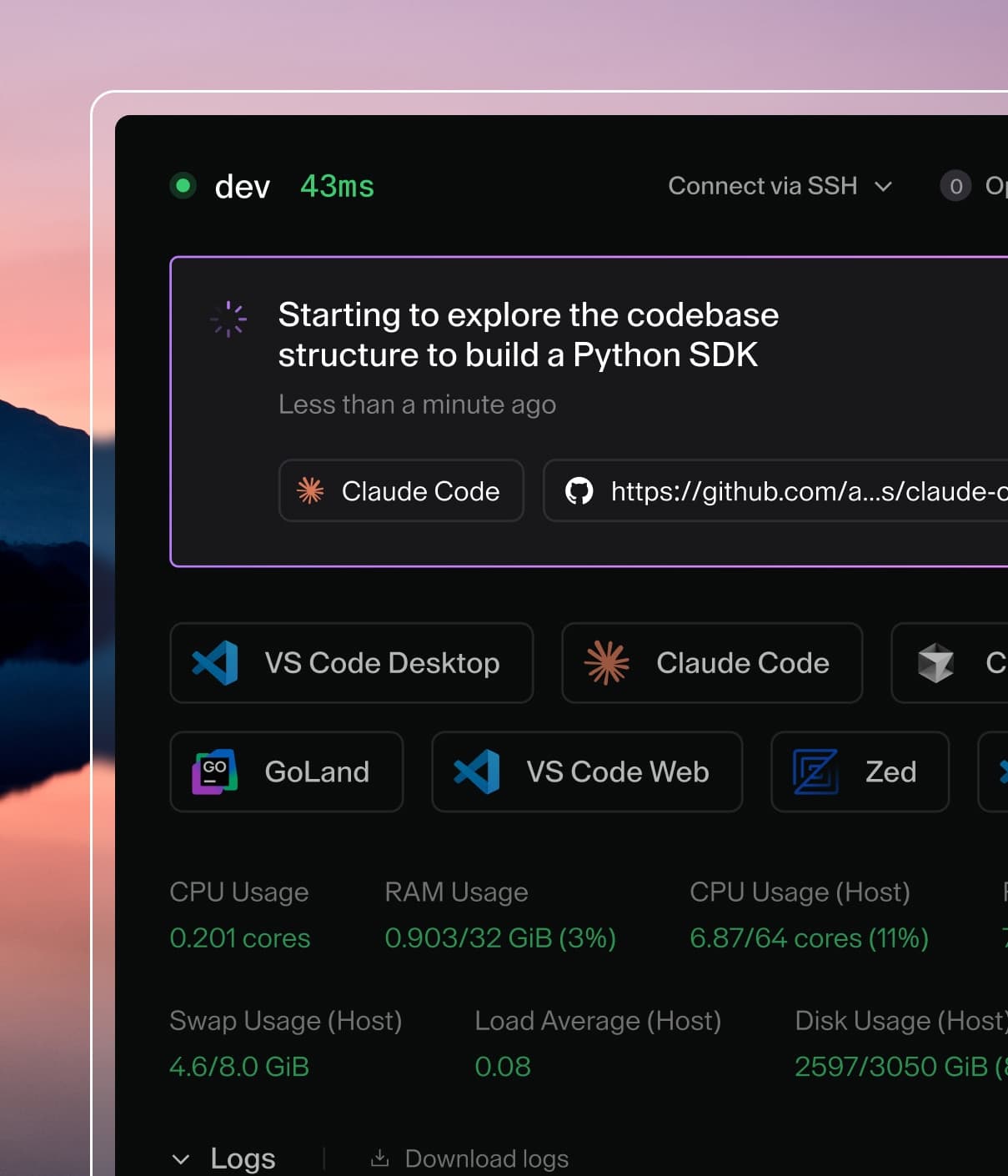
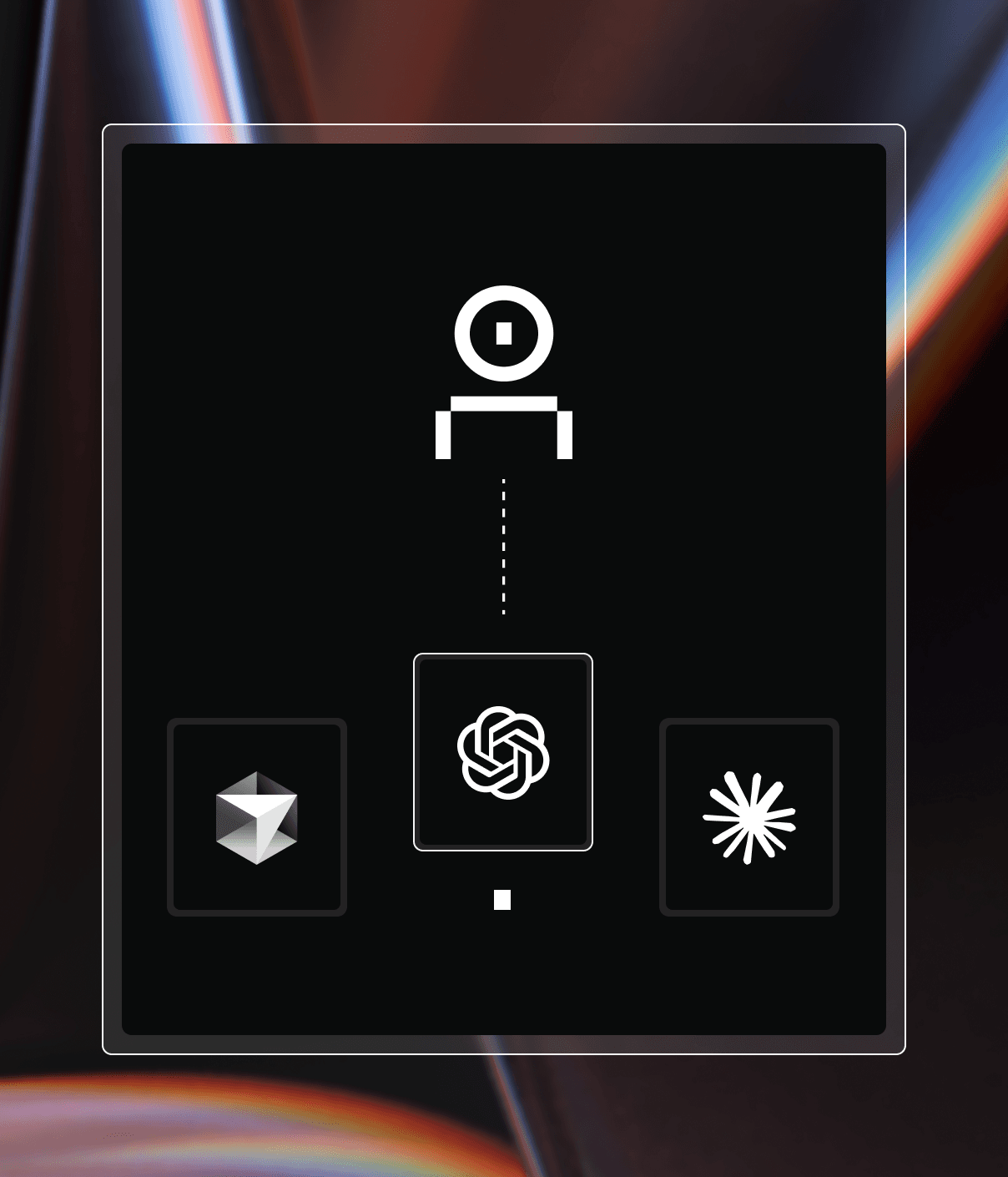
Blink is not the only agent you can use inside Coder. My first experience was with Claude Code, a general purpose coding agent developed by Anthropic. Claude is powerful and flexible, and I used it through Coder Tasks to run scoped technical work inside secure cloud environments. That setup helped me get early prototypes running and showed me how agents can shape real development workflows when they are backed by the right infrastructure.
Coder Tasks is the layer that makes this possible. It lets you run agents like Claude inside isolated cloud workspaces that are version controlled and fully contained within your own environment. You can give an agent a specific prompt, scope it to a branch, and see exactly what it changes.
Blink works differently. It is built to go deeper into the development lifecycle. It remembers context, understands the state of your project, and can stay with you as you iterate. Claude Code excels at one off tasks and suggestions. Blink feels closer to a project partner. It can track progress, make decisions, and help you move from idea to deployed app in a more continuous way.
So it is not that Blink is more powerful than Claude Code or other agents. It is more specialized. It is built for people like me who want to create real applications through conversation inside a secure, consistent development environment.
Who is vibe coding for?
One of the unexpected highlights of this journey was connecting with someone else who was also vibe coding with Blink. Natalie Lambert, the founder and managing partner of GenEdge, built something completely different – a lightweight CRM for her startup. But even though our projects were different, our experiences had so many commonalities.
We both had the same realization: vibe coding isn't just for people who can't code. It's for people who have ideas and want to see them work without waiting for a developer to have bandwidth.
That doesn't eliminate the need for skilled engineers. It just gives them a better starting point. When I hand off something I vibe coded, it's already past the sketch phase. It has structure, it runs, and it reflects what I'm actually trying to build. Blink makes that kind of collaboration feel possible, even for people who are not traditional engineers.
What I Learned Through Vibe Coding
Every iteration taught me something new. I learned how small UI changes can affect an entire layout, how frontend and backend work together, and why scoped increments produce better results than sweeping requests. I learned to commit versions carefully, test in branches, and take smaller steps.
The biggest shift happened when I started asking Blink for guidance rather than directives. Instead of saying “Build this,” I would ask “What would you recommend here?” That change created a more collaborative process. Blink showed me trade offs and approaches I would not have considered.
This style of building made software concepts feel less intimidating and more approachable. It taught me terminology, best practices, and version discipline through direct experience. The learning did not come from documentation. It came from doing the work with Blink in the loop.
What’s next for my vibe coding journey? How I work with Blink today
The to-do app I built is still evolving. I'm refining the UI, testing new features, and learning better habits every time I open the workspace.
But the bigger shift is this: vibe coding has made me more confident, more curious, and more eager to keep learning. It hasn't flattened the learning curve. It's just made it more accessible.
That's what tools like Blink enable. Not shortcuts around the fundamentals, but a way in for people who wouldn't have started otherwise.
And honestly? That feels like the point.
If you want to try vibe coding yourself, you can sign up for early access to Blink.