Solutions
Docs
Industries
Resources
Pricing
Community
Coder AgentsNew
Deploy coding agents with consistency and control on self-hosted, network-isolated infrastructure.
Coder Agents
Coder Workspaces
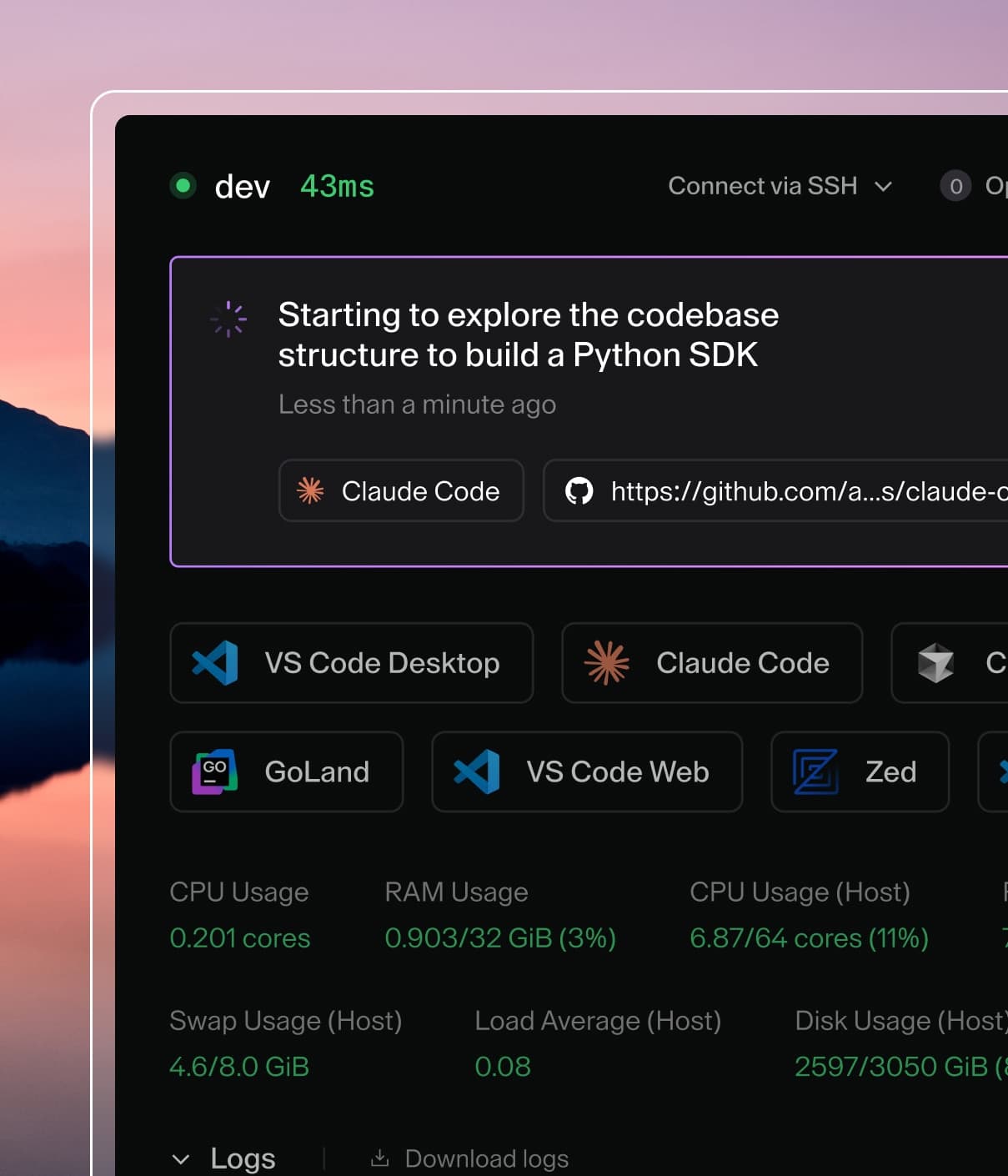
Self-hosted cloud development environments for your developers and their agents.
Coder Workspaces
Coder AI Governance
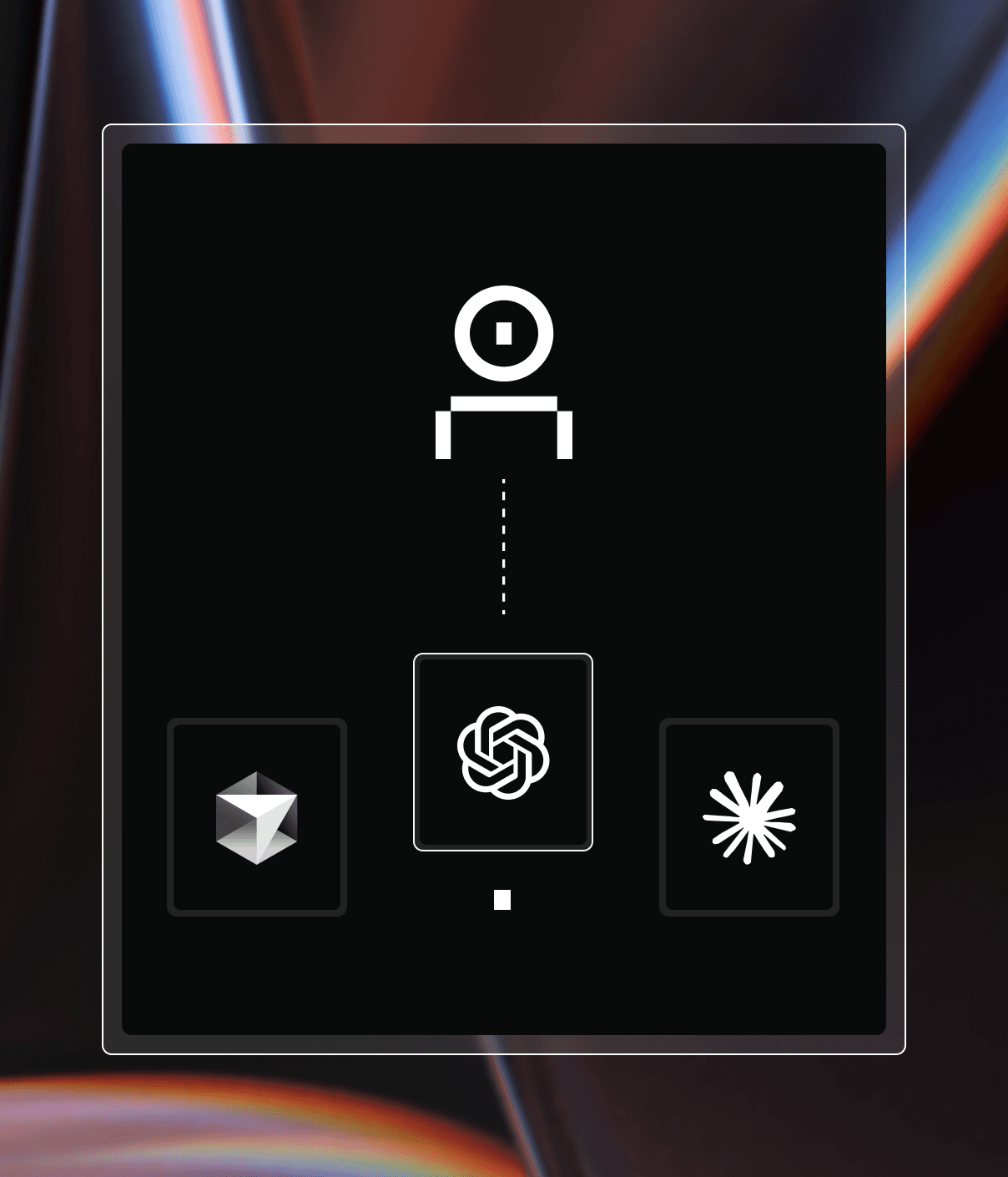
A centralized gateway to observe and control LLM tool usage across your environments.
Coder AI Governance
Explore Coder
Changelog
Compare Coder
Coder on GitHub
How Coder Works
Ecosystem Integrations
Backstage
VS Code
JetBrains
Cursor
Windsurf
Dev Containers
View all

AI-native Development

Coder powers secure, scalable development across key industries — automotive, finance, government, and technology — enabling faster builds, tighter compliance, and seamless AI adoption in enterprise-grade cloud environments.

Explore by Industry
Government
Financial Services
Technology

Secure Environments for 2,500+ Developers

How a U.S. defense intelligence organization centralized ATO compliance and established the military's first multi-tenant Coder deployment.

Secure Environments for 2,500+ Developers
Insights
Resource Center
Blog
Events & Webinars
Success Stories
Newsletter
Company
Partnerships
Careers
About Coder
Security
120.5K
Home
Architecture
Installation
Platforms
Templates
Working with templates
Your first template
Guided tour
Setting up templates
Customizing templates
Parameters
Variables
Workspace Tags
Administering templates
Open in Coder
Docker in workspaces
Dev Containers
Troubleshooting templates
Process Logging
Icons
Workspaces
IDEs
Networking
Dotfiles
Secrets
Administration
Licensing
Contributing
Reference
Security
FAQs
Guides
HomeTemplates

Templates

Templates define the underlying infrastructure that Coder workspaces run on. All workspaces are created from templates.

Working with templates

Creating, editing, and updating templates

Your first template

A tutorial for creating and editing your first template

Guided tour

Create a template from scratch

Setting up templates

Best practices for writing templates

Customizing templates

Give information and options to workspace users

Parameters

Prompt the user for additional information about a workspace

Variables

Prompt the template administrator for additional information about a template

Workspace Tags

Control provisioning using Workspace Tags and Parameters

Administering templates

Configuration settings for template admins

Open in Coder

Add an "Open in Coder" button to your repos

Docker in workspaces

Use Docker inside containerized templates

Dev Containers

Use Dev Containers in workspaces

Troubleshooting templates

Fix common template problems

Process Logging

Audit commands in workspaces with exectrace

Icons

Coder includes icons for popular cloud providers and programming languages for you to use
See an opportunity to improve our docs? Make an edit.
Solutions
Install CoderCoder PremiumChangelogCompareIntegrationsPricing
Resources
Resource CenterBlogEvents & WebinarsSuccess StoriesCommunity
Company
PartnershipsCareersAbout CoderBrand GuidelinesSuccess StoriesSwag StoreSecurity
Sales & Support
Contact SalesRequest a DemoStart a Premium TrialDiscord Community
Terms of Service
Privacy Policy
Licenses
Badge indicating compliance with a SOC 2 Type 2 security audit based on AICPA's Trust Services CriteriaSOC 2 Type II Certified
© 2026 Coder Technologies
All Rights Reserved