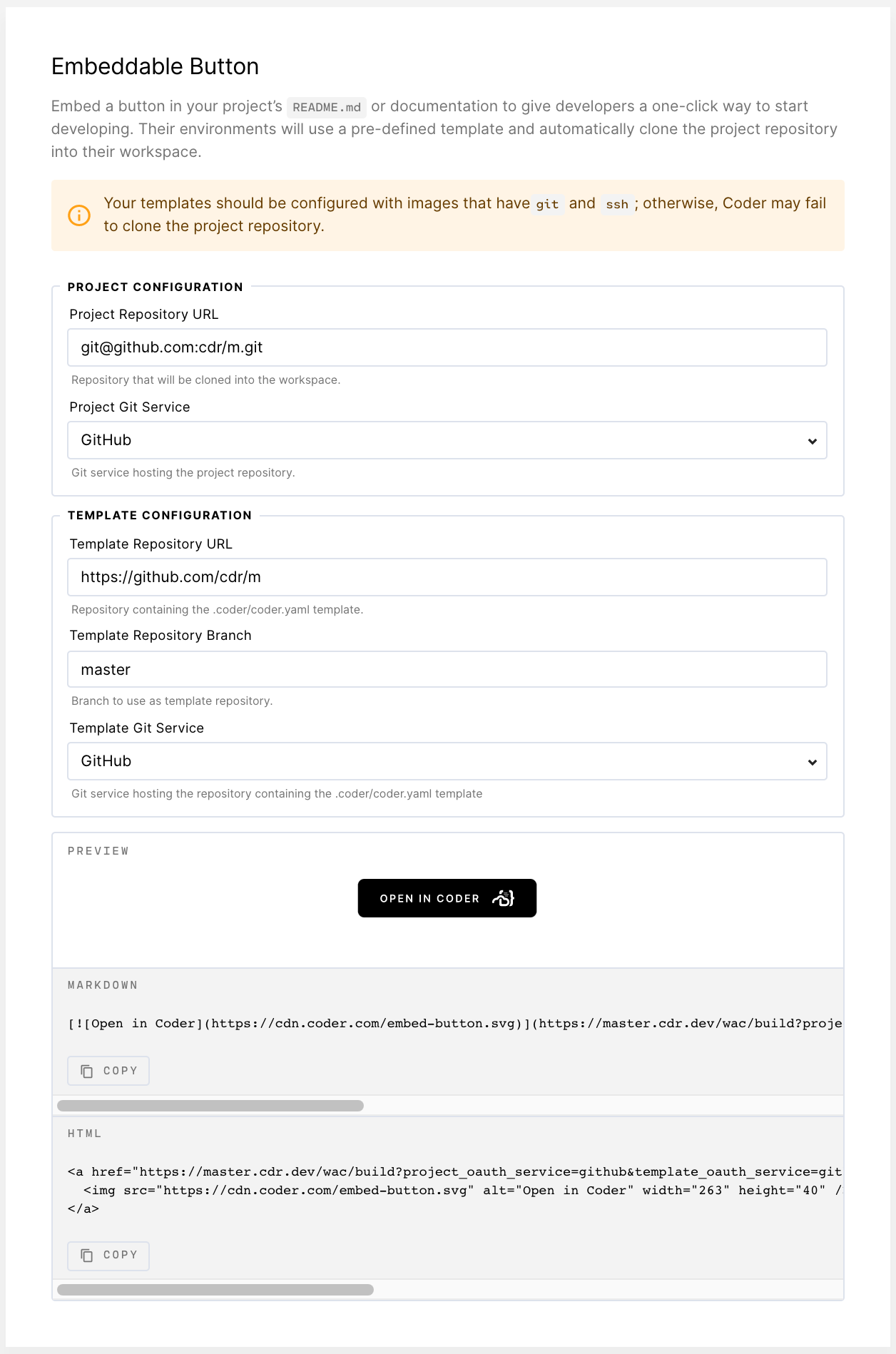

The Templates tab features a form you can use for generating an embeddable button. This button makes it easy for developers to use your workspace template.
To create your button:
- Go to Manage > Admin > Templates.
- Fill out the fields.
Once you've filled out the form, Coder generates a custom Markdown snippet,
which you can then add to your repository's README.md.