When you’re troubleshooting issues in a large codebase, the hardest part often isn’t fixing the problem, it’s figuring out where to start.
Working within the Coder ecosystem at CloudSecure, I often found myself digging through documentation, tracing source code, and piecing together context just to understand what might be going wrong.
We’ve built a strong working relationship with the team at Coder. Their engineers are incredibly knowledgeable and always willing to jump in when we hit complex issues. But in reality, no team can be on-call 24/7 for every question or troubleshooting scenario.
That’s where Blink came in.
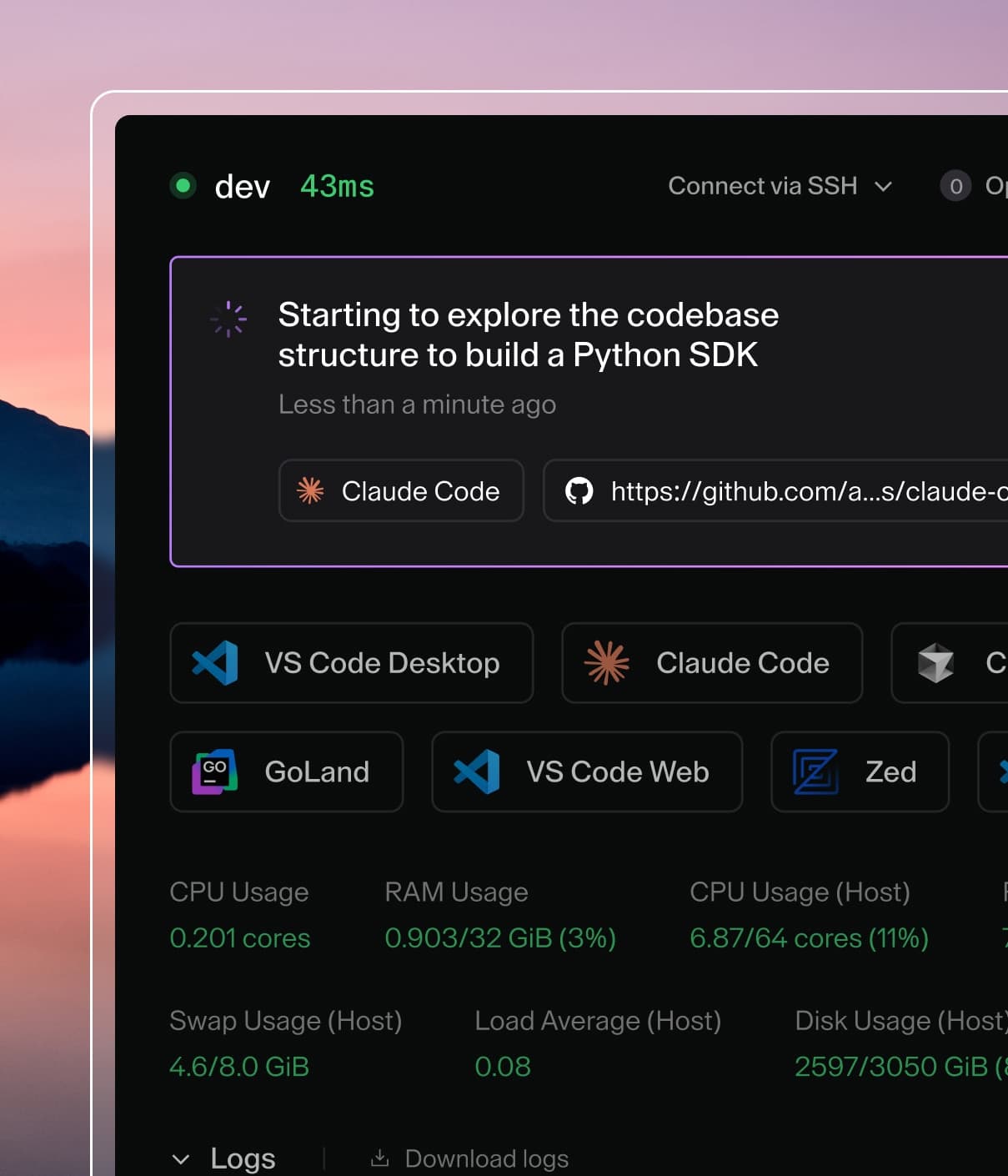
Blink is an open-source, self-hosted platform for deploying custom AI agents, with a Slack-first integration that lets you interact with it almost like another member of the team, asking questions, investigating issues, and digging into code without leaving your normal workflow.
The challenges
Working within the Coder ecosystem, I regularly ran into a few familiar challenges.
While the documentation is extensive, which is a sign of a mature platform, it can make it difficult to pinpoint the exact detail you need when you're in the middle of a debugging session. The source code, while well-structured, takes time to trace when you're trying to understand a specific behavior. And like any engineering team, Coder's engineers are busy, which means answers can take time when you're dealing with something complex.
None of these are unusual when working with powerful platforms, but they can slow down troubleshooting. Often I found that the majority of the time wasn’t spent fixing the problem, it was spent researching it.
Before discovering Blink, I tried building my own workaround. I would clone Coder repositories, documentation, and relevant files, then feed them into Claude when I needed help debugging. It worked surprisingly well, but it came with some clear drawbacks: every new conversation required re-uploading the same context, it was time-consuming to maintain, and there was an ongoing cost associated with repeatedly processing the same data.
Then I started using Blink.
First impressions
The value was immediately clear.
Instead of manually assembling context, Blink already had the entire Coder ecosystem available to it, multiple repositories, source code, documentation, issues, pull requests, and more. That meant I could start troubleshooting immediately without rebuilding the environment every time.
What followed were several moments where Blink saved significant time.
Example 1: Implementing AWS Bedrock with AI Bridge
One of the earliest examples came when AI Governance features were first released.
I wanted to implement AWS Bedrock with AI Bridge, but at the time the documentation was still pretty limited. Normally this would mean spending hours digging through code and experimenting with configurations.
Instead, I asked Blink to analyze the repository and identify all environment variables related to the feature. Within minutes it scanned the relevant parts of the codebase, identified the required variables, and explained how each one fit into the configuration. In effect, it surfaced implementation guidance that wasn't even fully documented yet.
Within about an hour, I had the entire setup working.
Example 2: Debugging the Cline module
A more complex case came when I was implementing the Cline module.
The symptoms were confusing: errors were coming back from the LLM API, but nothing obvious stood out in configuration or logs.
Working through the problem with Blink, we gradually narrowed the issue down to model data not being sent upstream correctly, which explained the API failures.
The key insight was that the underlying bug had already been fixed in the latest release of Coder, but the change wasn’t listed as Cline-specific because the root cause affected other areas of the platform.
Blink helped connect those dotsWithin minutes I had identified the real issue, upgraded to the latest release, and confirmed the fix. What could easily have been a multi-hour debugging session was resolved in under an hour.
Example 3: Extending the Agent API
More recently, I’ve been working on adding additional functionality to Coder’s Agent API.
This actually started as another troubleshooting conversation with Blink. I was trying to integrate a feature and discovered that only the Claude Code module natively supported Boundary integration.
Instead of stopping there, Blink helped walk through the relevant parts of the codebase, and I began working on extending support so that other modules could support the same functionality more natively.
That’s one of the most interesting things about using Blink - it doesn’t just help you fix problems, it can help you understand the architecture well enough to improve it.
Final thoughts
My overall conclusion is that Blink is an incredibly effective triaging tool.
At a minimum, it saves time by allowing you to locate relevant documentation or code paths instantly, without spending hours digging through repositories.At its best, it becomes something more powerful. It helps diagnose issues quickly, accelerate troubleshooting, enable deeper understanding of the platform, and even contribute improvements back to the codebase.
For teams working with complex platforms, tools like this fundamentally change the early stages of adoption. Coder's writing on the AI learning curve captures this well: developers often get slower before they get faster as they build new workflows with AI. Blink shortens that curve. Instead of spending days learning where everything lives, you can focus on solving real problems and building solutions.
It’s also worth saying that tools like Blink aren’t perfect. There are still times where answers need validating, especially when questions are ambiguous or when the full context isn’t available.
The best results come from treating Blink as a collaborator rather than an oracle. The real value comes from the back-and-forth: asking better questions, refining the problem, and using its insights to accelerate your own investigation. Used that way, it becomes less about replacing engineering judgment and more about amplifying it.
Honestly, Blink is the sort of tool I would love to see more companies using as part of their engineering workflow. As a triaging tool it’s incredibly powerful, and if this kind of approach became more widely adopted, the value it could add across engineering teams would be huge.