Products
Docs
Solutions
Resources
Pricing
Community
Workspaces
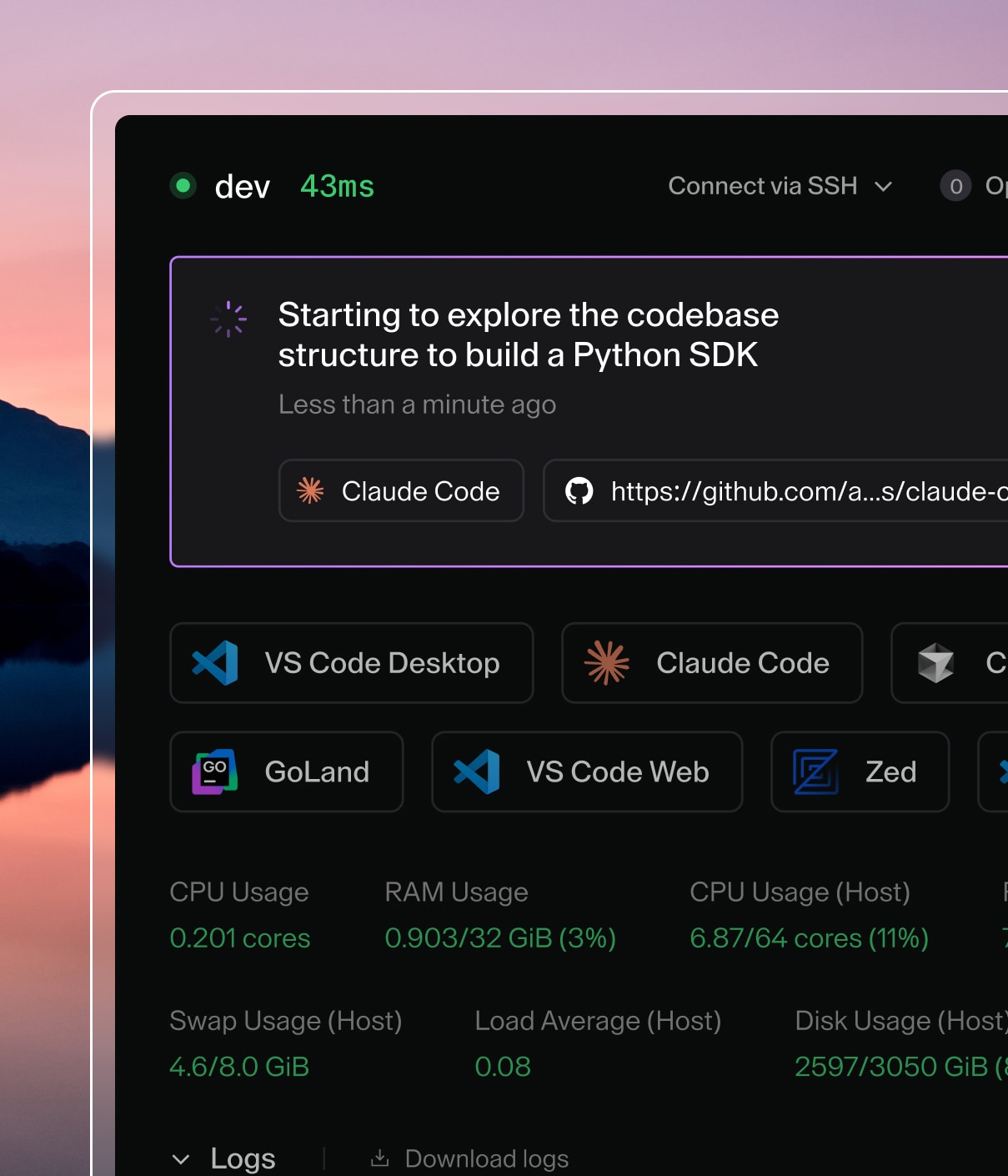
Self-hosted environments for your developers and the coding agents you choose, on your infrastructure.
Workspaces
MuxEarly Access
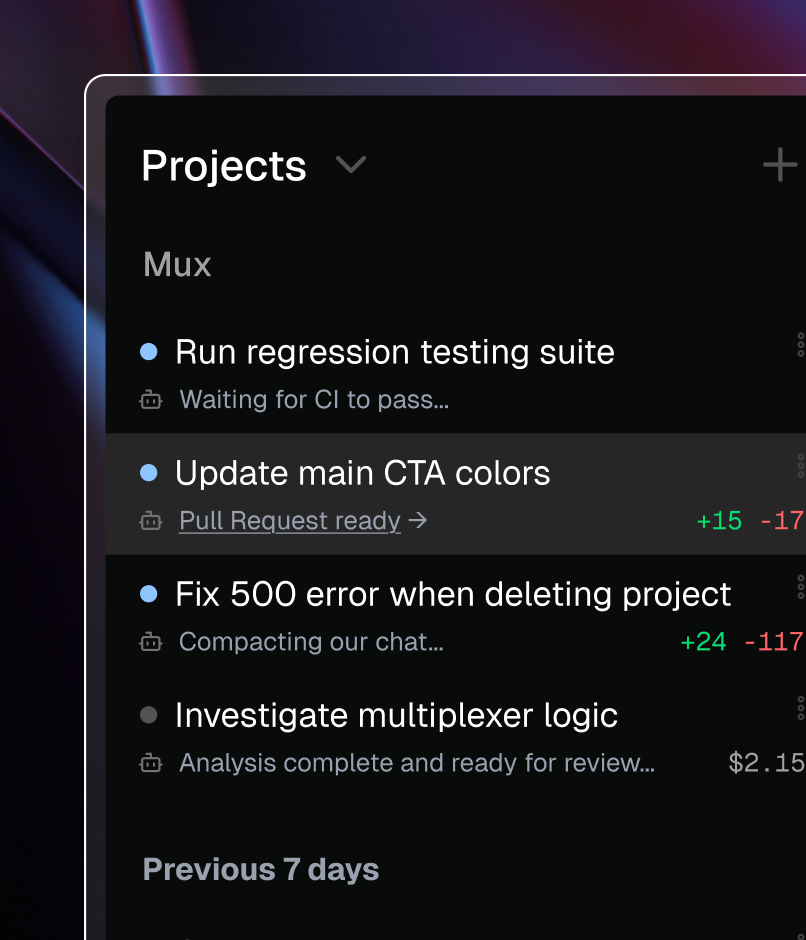
A browser-based and desktop application for running parallel AI coding agents in governed workspaces.
Mux
Latest from Coder
NewAgent Boundaries
NewAI Bridge
NewMux
Explore Coder
Changelog
Compare Coder
Coder on GitHub
Ecosystem Integrations
Backstage
VS Code
JetBrains
Cursor
Windsurf
Dev Containers
View all

AI-native Development

Coder powers secure, scalable development across key industries — automotive, finance, government, and technology — enabling faster builds, tighter compliance, and seamless AI adoption in enterprise-grade cloud environments.

Industries
Government
Financial Services
Technology

AI Governance

Safely integrate any AI tool into your development workflow, on your infrastructure, without losing control, visibility, or adaptability.

AI Governance
Insights
Resource Center
Blog
Events & Webinars
Success Stories
Company
Partnerships
Careers
About Coder
Security
114.4K
Home
Install
User Guides
Access Workspaces
Coder Desktop
Workspace Management
Workspace Scheduling
Workspace Lifecycle
Dev Containers Integration
Dotfiles
Administration
Run AI Coding Agents in Coder
Tutorials
Reference
HomeUser Guides

User Guides

These guides contain information on workspace management, workspace access via IDEs, environment personalization, and workspace scheduling.

These are intended for end-user flows only. If you are an administrator, please refer to our docs on configuring templates or the control plane.

Check out our early access features for upcoming functionality, including Dev Containers integration.

Access Workspaces
Connect to your Coder workspaces
Coder Desktop
Transform remote workspaces into seamless local development environments with no port forwarding required
Workspace Management
Manage workspaces
Workspace Scheduling
Cost control with workspace schedules
Workspace Lifecycle
A guide to the workspace lifecycle, from creation and status through stopping and deletion.
Dev Containers Integration
Run containerized development environments in your Coder workspace using the dev containers specification.
Dotfiles
Personalize your environment with dotfiles

See an opportunity to improve our docs? Make an edit.
Products
Install CoderCoder PremiumChangelogCompareIntegrationsPricing
Resources
Resource CenterBlogEvents & WebinarsSuccess StoriesCommunity
Company
PartnershipsCareersAbout CoderBrand GuidelinesSuccess StoriesSwag StoreSecurity
Sales & Support
Contact SalesRequest a DemoStart a Premium TrialDiscord Community
Terms of Service
Privacy Policy
Licenses
Badge indicating compliance with a SOC 2 Type 2 security audit based on AICPA's Trust Services CriteriaSOC 2 Type II Certified
© 2026 Coder Technologies
All Rights Reserved