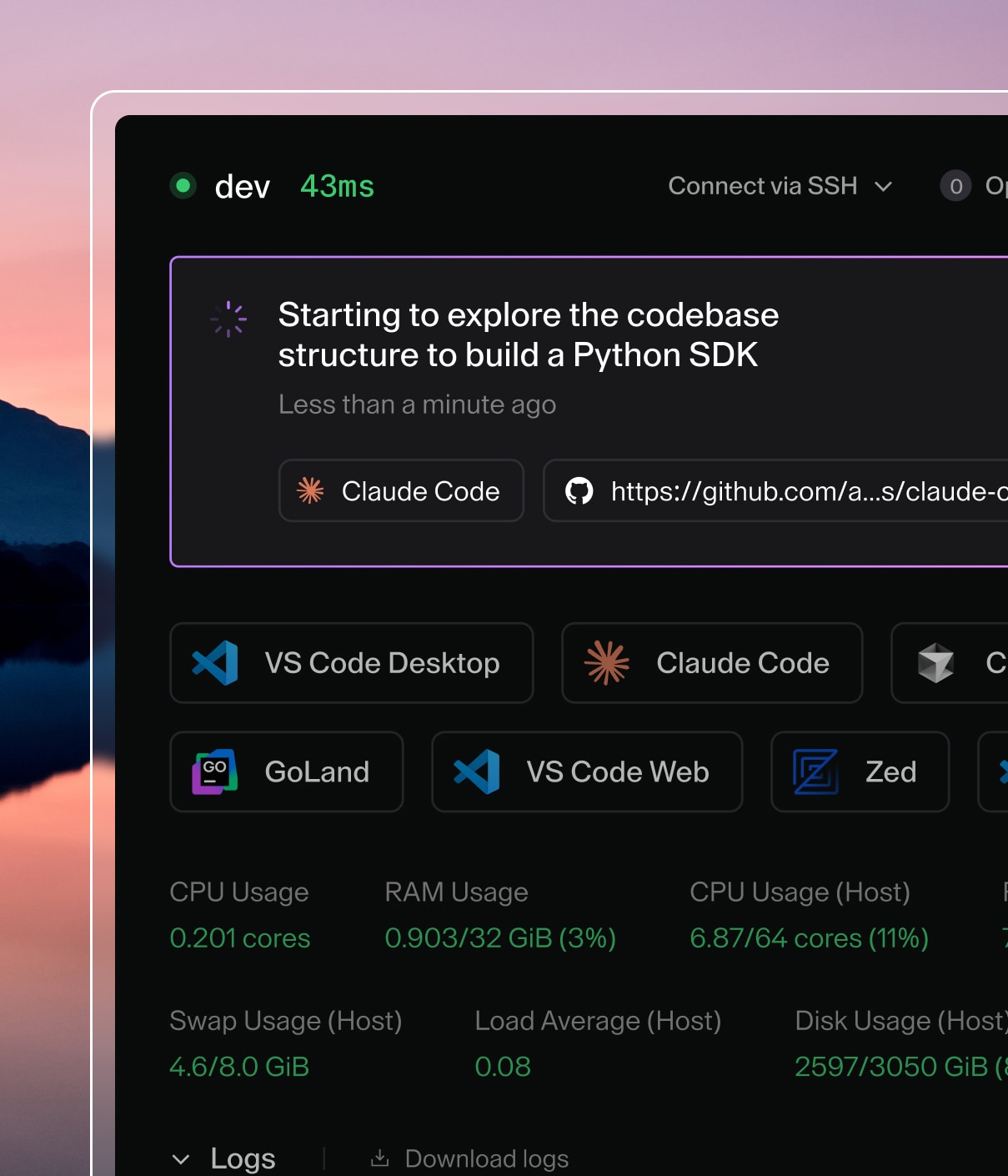

By default, Coder enables SSH access for all users. Coder assigns each user a private key that they can use to access their environments.
Background
Part of the standard Coder environment asset bundle is a lightweight SSH server mounted onto the environment agent; the lightweight SSH server is a backup used when Coder can't find a server available on port 22. This allows slimmer images to remain accessible via SSH without the need for additional image dependencies.
Using OpenSSH
The built-in SSH server is limited, and does not implement advanced
functionality like X11 forwarding or sshd_config specifications. If SSH is the
primary mode of access to Coder for your users, consider running a full OpenSSH
server with systemd inside your image instead.
To do so, add the following to your Dockerfile:
FROM ubuntu:20.04
RUN apt-get update && apt-get install -y \
    build-essential \
    systemd \
    openssh-server

# Start OpenSSH with systemd
RUN systemctl enable ssh

# recommended: remove the system-wide environment override
RUN rm /etc/environment

# recommended: adjust OpenSSH config
RUN echo "PermitUserEnvironment yes" >> /etc/ssh/sshd_config && \
  echo "X11Forwarding yes" >> /etc/ssh/sshd_config && \
  echo "X11UseLocalhost no" >> /etc/ssh/sshd_config
Then, make sure that you're creating your environments with the CVM option enabled.
If Coder detects a running TCP server on port 22, it will forward incoming SSH traffic to this server. This means that environments should not run a TCP server on port 22 unless it can properly handle incoming SSH traffic.
At startup, Coder injects the user's SSH key into ~/authorized_keys inside
your environment to facilitate authentication with OpenSSH. For the best
experience, add the following to your /etc/ssh/sshd_config file inside your
image:
PermitUserEnvironment yes
X11Forwarding yes
X11UseLocalhost no
SSH environment variables
OpenSSH handles environment variables differently than most container processes.
Environment variable overrides for OpenSSH sessions are set by
~/.ssh/environment and /etc/environment. Note that these values will
override those set in the Dockerfile ENV directives.
At environment startup, Coder injects the image defined environment variables
into ~/.ssh/environment, as well as a set of Coder-defined defaults.
The following snippet shows an example of what this file may look like for a new environment.
# --------- START CODER ENVIRONMENT VARIABLES ----------
# The following has been auto-generated at environment startup
# You should not hand-edit this section, unless you are deleting it.

SHELL=/bin/bash
[email protected]
CODER_ENVIRONMENT_NAME=dev
HOSTNAME=dev
CODER_USERNAME=john
SSH_AUTH_SOCK=/home/coder/.coder-ssh-agent.sock
PWD=/home/coder
CODER_ASSETS_ROOT=/opt/coder
HOME=/home/coder
LANG=en_US.UTF-8
CODER_CPU_LIMIT=24.00
CODER_MEMORY_LIMIT=32.00
USER=coder
ITEM_URL=https://coder.domain.com/extensions
CODER_IMAGE_TAG=latest
CODER_IMAGE_DIGEST=sha256:1586122346e7d9d64a0c49a28df7538de4c5da5bfe0df672b1552dd52932c9a7
SERVICE_URL=https://extensions.coder.com/api
CODER_IMAGE_URI=codercom/enterprise-base:ubuntu
PATH=/usr/local/google-cloud-sdk/bin:/home/coder/go/bin:/home/linuxbrew/.linuxbrew/bin:/usr/local/sbin:/usr/local/bin:/usr/sbin:/usr/bin:/sbin:/bin:/opt/coder/coder-cli
BASE_PATH=/proxy/environments/60162f9e-78809dfc9a9e24b8f5e580ff/ide
_=/opt/coder/envagent

# ----------------- END CODER -----------------------
Disable SSH access
If you would like to disable SSH access, you can either:
- Run
helm install --set ssh.enable=false - Add the following to your helm chart and run
helm install -f values.yaml
ssh:
  enable: false
For Cloudflare users: Cloudflare's proxied mode does not support SSH. If you're using Cloudflare for SSL, add your certificates to your cluster and use the DNS only mode to allow SSH.