Back to architecture

Coder provides

Developer Workspaces

Isolated, ephemeral environments where code actually runs

What is a workspace?

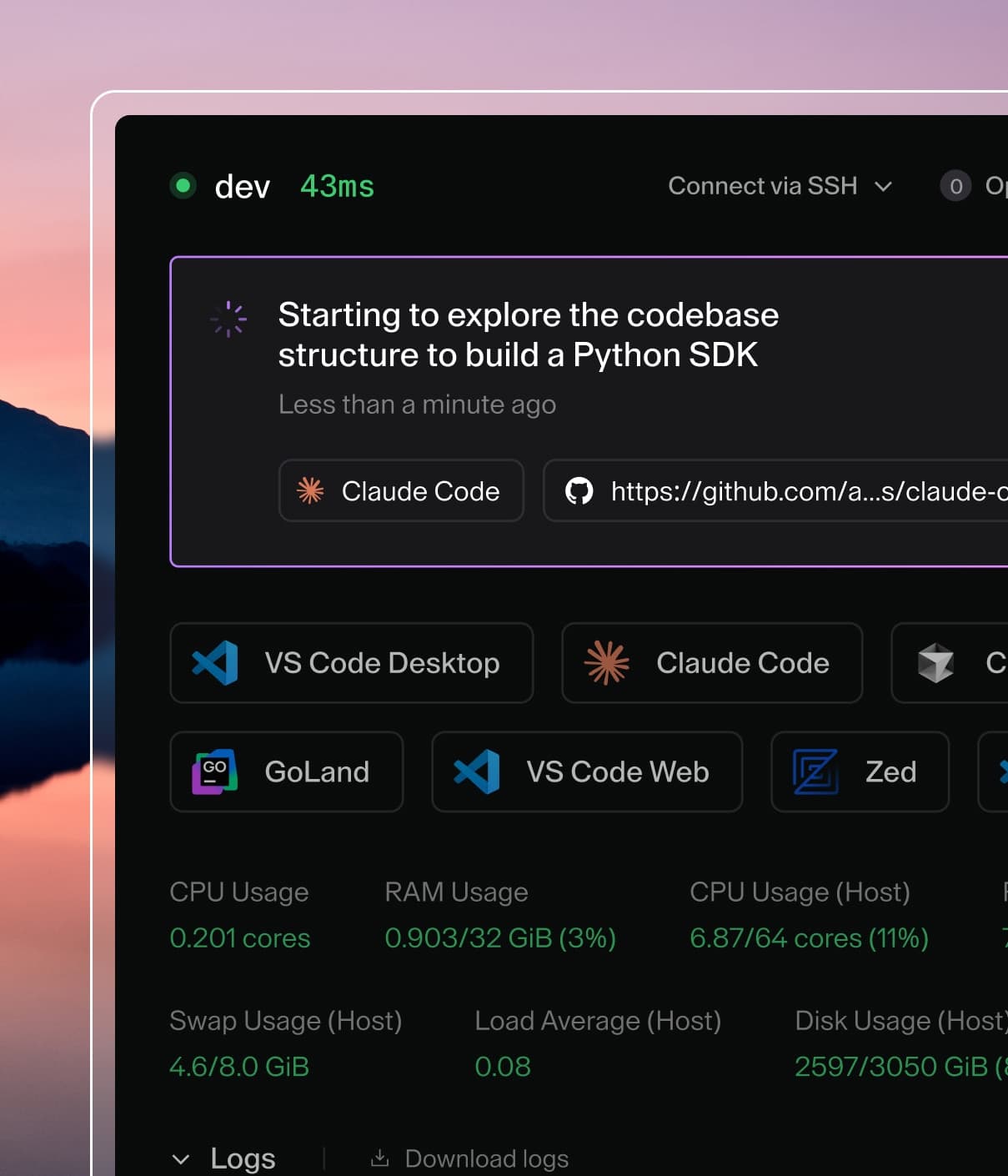
A workspace is an isolated development environment—a container or VM running in your infrastructure. Each developer gets their own workspace with tools, dependencies, and a clone of the source code. Think of it as a cloud-hosted version of a developer's laptop, but standardized, secure, and ephemeral.

What lives inside a workspace

Included

  • Source code (cloned from Git)

    Automatically cloned on workspace creation

  • IDE backends:

    code-server, Projector

  • Language runtimes and SDKs

    Node.js, Python, Go, Java, etc.

  • Development tools

    git, docker, kubectl, make, npm, etc.

  • Local services

    PostgreSQL, Redis, etc. (for testing)

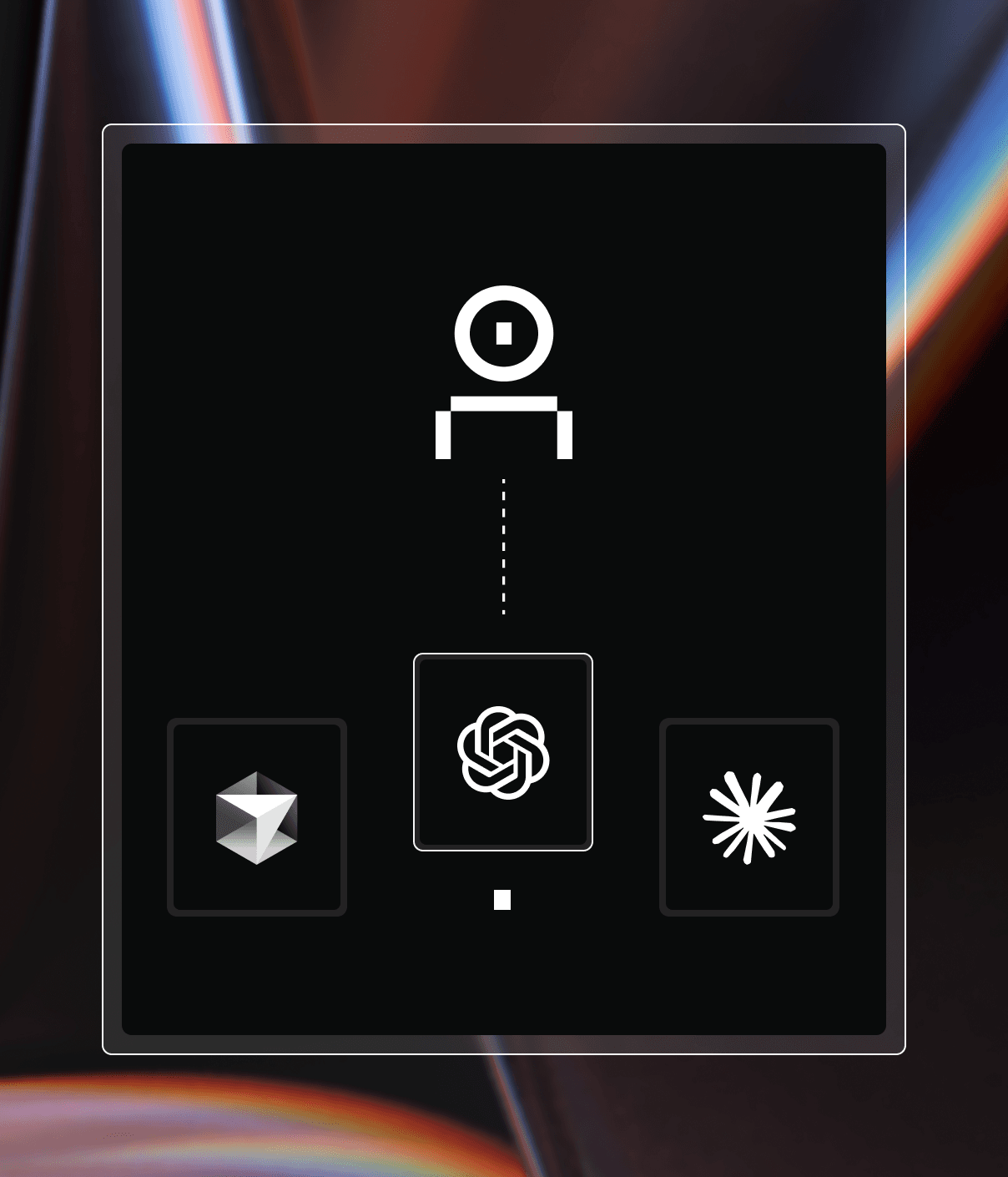
  • AI agents (if configured)

    Claude, Copilot, etc.

Not included (by default)

  • Production data

    Never cloned into workspaces

  • Other developers' workspaces

    Each workspace is isolated

  • Persistent state

    Ephemeral by default (can be configured)

  • Uninjected credentials

    Secrets come from vault, never hardcoded

Workspace lifecycle

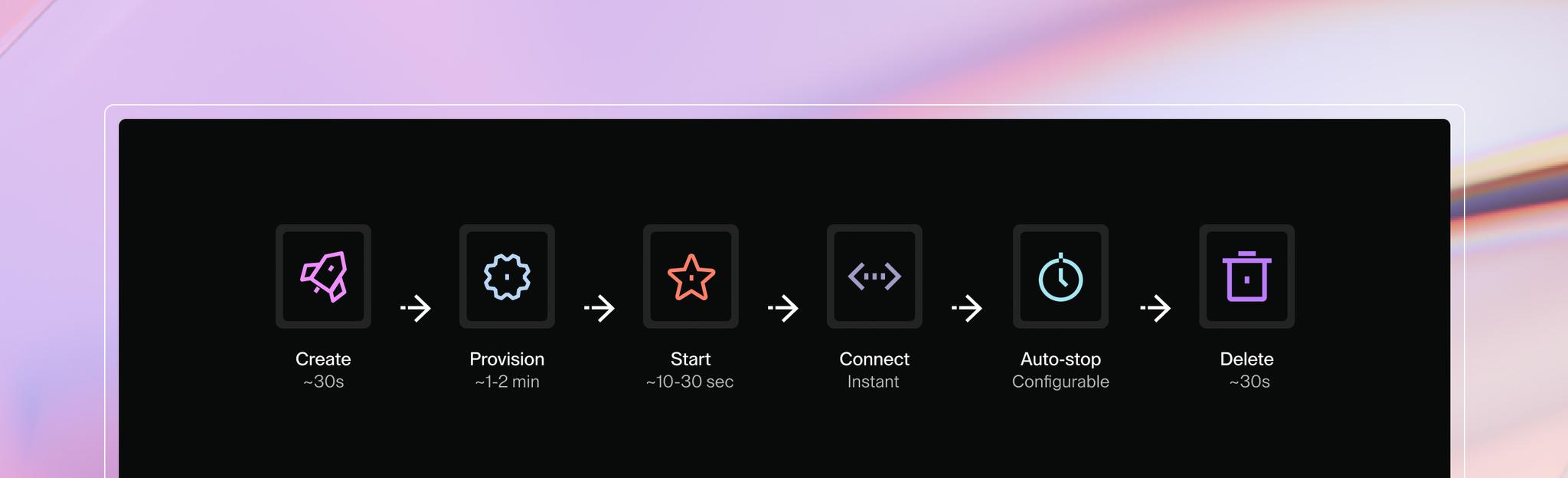
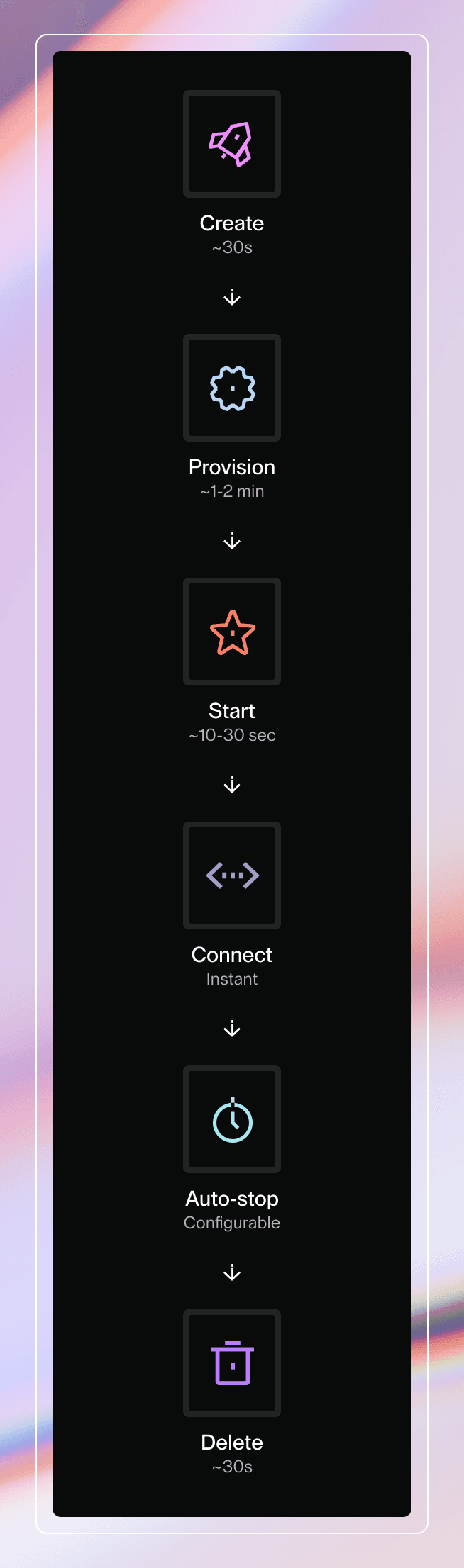
1. Create (~30s). 2. Provision (~1-2 min). 3. Start (~10-30 sec). 4. Connect (Instant). 5. Auto-stop (Configurable). 6. Delete (~30s).

Fast provisioning, automatic cleanup: Developers get workspaces in minutes, not days. Auto-stop after idle time saves costs. Delete when done to keep infrastructure clean.

Key Concepts

Defined as code

Workspaces are defined in Terraform templates. Version controlled, code-reviewed, repeatable.

Runs in your infra

Workspaces run in your Kubernetes cluster, AWS, GCP, Azure, or on-prem. You control where data lives.

Isolated by default

Each workspace runs in its own container/VM. Network isolation, resource limits, RBAC enforced.

Ephemeral by default

Workspaces auto-stop after idle timeout. Delete when done. Recreate from template anytime.

Template vs Workspace

Template

  • Blueprint / structure

  • Shared across team

  • Version controlled

  • Written in Terraform

Example: "backend-dev-template" defines Node.js, PostgreSQL, VS Code

Workspace

  • Running instance

  • Personal to developer

  • Disposable / ephemeral

  • Created from template

Example: "alice-backend-dev" is Alice's workspace from that template

Think: class vs instance: Templates are like classes in programming. Workspaces are instances. One template → many workspaces.

FAQs

Where does source code live?
Source code is cloned from Git into the workspace on creation. Developers commit and push changes back to Git. The workspace itself is ephemeral—code lives in Git, not in the workspace.
Can developers customize their workspace?
What happens when a workspace stops?
How are secrets handled?
Can I limit resources per workspace?