Ona (formerly known as Gitpod) and Coder both provide developers with reproducible, powerful, cloud-based developer environments or workspaces, but they differ dramatically in their target audience: While Ona appears to be focused on individuals or small teams by way of a SaaS offering only, Coder is focused on making cloud development available to the enterprise, with a self-hosted on-premises and public cloud solution.
Here's how to choose the best fit for your development team.
Why remote development
Today most developers have their IDEs on their local machines. There is a growing interest in moving development workspaces and IDEs to the cloud, which solves some key problems for organizations while also offering advantages for the developer:
Ona: Easy to get started, but only hosted SaaS
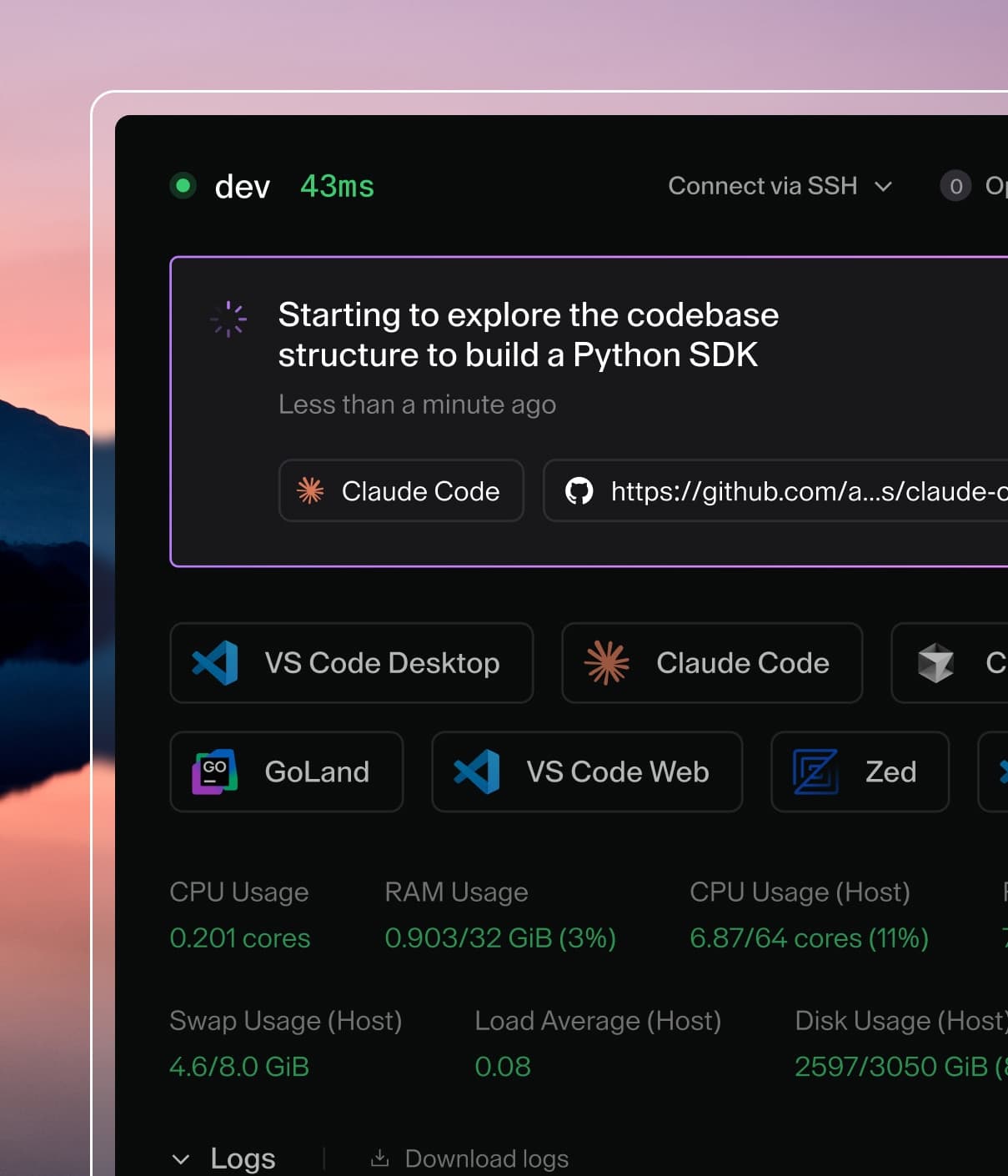
Ona is very focused on the developer experience. Getting started with Ona is easy. Like Coder, they developed (and open-sourced) a fork of VS Code suited for the web browser. Using a familiar IDE makes it simpler for developers to transition to remote development, since they do not need to learn new shortcuts, extensions, etc. Ona also supports different IDEs beyond VS Code in the web browser. Developers can choose between VS Code (Web), VS Code (Local), and beta support for IntelliJ IDEs to write code.
Ona’s opinionated model for development environments can work well for new projects and small teams building web applications. All workspaces are ephemeral, run in containers, and new workspaces can be created for each task (feature, bugfix, code review) a developer does.
There is a growing list of hosted SaaS offerings from larger, more established suppliers like GitHub Codespaces, Amazon CodeCatalyst, Microsoft Dev Box, and soon GitLab.
Coder: Supporting enterprises, on their infrastructure
While Ona has a single-tenant SaaS offering option, it has discontinued support for a self-hosted offering like Coder. Coder continues to only be a self-hosted offering because our target customers, larger enterprises, prefer this flexibility and security to run Coder on-premises or in their public cloud.
One example is multi-cluster and workspace infrastructure support. With Coder, workspaces can be provisioned on whatever Kubernetes, Docker or VM infrastructure you prefer, so developers can develop remotely with low-latency wherever they are on the globe. This is particularly useful for organizations that may have teams of developers that are geographically distributed. Coder supports other enterprise-grade features such as built-in single-sign-on, an audit log, configurable workspace resources, quotas, and usage metrics.
Coder supports different types of workspace infrastructure. While Coder can run on Kubernetes, it is not required. Coder also runs on Docker and VMs. The Coder control plane can also run on a laptop, a VM or Kubernetes.
Enterprises can confidently deploy Coder at scale in their organization, measure its adoption, and configure their deployment to match requirements for different teams.
With that being said, the developer experience with Coder is not an afterthought. Coder supports multiple IDEs, full Linux desktop, container and VM development (including Windows and Visual Studio or macOS), GPU support, REST access, CLI access, and personalization to enable developers and teams to move their existing workflows to remote workspaces.
Next steps
Ona can be right for some environments, but if you're looking to securely scale AI agents for your developers then a self-hosted alternative like Coder is exactly what you need.
Learn more by reading our documentation or sign up for a trial. You can also request a demo of Coder or request to speak with Sales about licensing and pricing.