Announcing the general availability of Shared Workspaces and Service Accounts in Coder: secure, policy-controlled multi-user access to the environments where work actually happens.
Shared Workspaces is one of the most requested features in Coder’s history, and for good reason. The capability solves a wide range of problems, from getting help when something goes wrong with your workspace to setting up dev environments shared across your team. Up until now, however, there hasn’t been a clean and secure solution.
That all changes with the GA of Shared Workspaces. This release goes beyond peer-to-peer sharing for one-off collaboration. Instead, it lets teams collaborate inside the same running Coder workspace while enjoying enterprise-grade controls around who can share, who can join, and how access is audited.
GA includes Service Accounts in our Premium plan, which offer a secure way to manage team-owned shared workspaces. In other words, they can be owned by a non-human and persistent identity instead of an individual employee with personal credentials that can be exposed.
Why secure collaboration in remote environments can be hard
Coder was built to give every developer a consistent, secure, cloud-based development environment. That model works, up until teams need to work together inside those environments.
Without secure shared access, teams resort to workarounds that are slow, risky, or both.
- Port sharing or
coder_app resources give surface-level visibility, but collaborators can’t access the terminal, files, or running processes inside the workspace.
- VS Code Live Share helps with editor-level collaboration, but it’s not environment-level access (services, processes, long-lived state) and it isn’t designed for governed, long-lived sharing.
- SSH key or credential sharing under pressure (incidents, handoffs, cross-team debugging) creates security risk that’s hard to unwind.
- Platform teams lack a safe, temporary, auditable way to grant access without building custom tooling around keys, bastions, or VM-level credentials.
Secure multi-user access to development environments is at once more urgent and challenging to implement than ever. This is due to the rise of AI coding agents, many of which work at the environment level as opposed to the IDE, and need similar permissions for accessing code, tools, and services as human developers. They're often granted broad access with low scrutiny, while carrying a much higher potential for damage.
Shared Workspaces GA steps up to meet that challenge.
What shipped
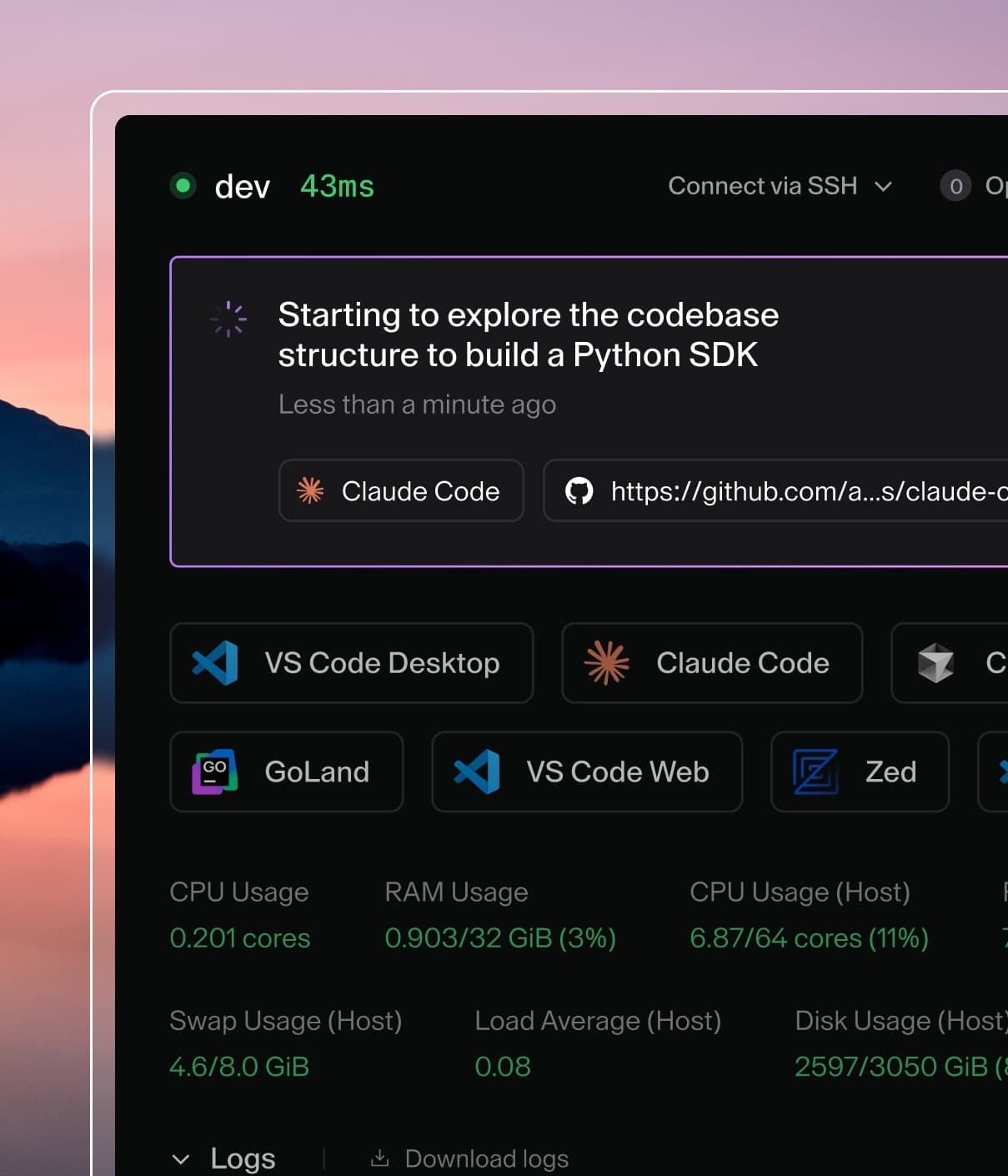
Shared Workspaces GA allows multiple users to access the same Coder Workspace, as long as it has been shared to them by a workspace owner or Coder administrator. Collaborators authenticate with their existing Coder account to access the same files, tools, services, and running processes as the owner.
Administrators can customize sharing with automations. For example, grant and rescind access for a specific set of users on a given schedule using a combination of service account ownership and template configuration.
This enables users to go beyond peer-to-peer sharing and access the team-owned environment patterns that enterprises need:
- Workspaces persist beyond individual employees: When someone leaves the company, service-account-owned workspaces continue running. No scrambling to recover state.
- Credentials are protected: A shared workspace authenticates to external systems as the service account, not as an individual person. There is no personal information in the workspace to be exposed.
- Access is auditable: Administrators can see who accessed a shared workspace and when.
- Policy controls are built in: Admins with a Premium plan can restrict sharing to service-account-owned workspaces only. This blocks peer-to-peer sharing, which carries more risk in compliance-sensitive deployments.
Use cases
Here are a few patterns that Shared Workspaces + Service Accounts make possible.
On-call troubleshooting: A service-account-owned workspace pre-loaded with debugging tools, production read-only access, and diagnostic dashboards gives any engineer on the on-call rotation can access it immediately during an incident. No waiting for the workspace owner to come online and share their credentials. Access is granted and removed automatically as engineers rotate through shifts and the incoming engineer picks up exactly where the last one left off. Post-mortem logs show which engineer ran which query.
QA and preview environments: Teams can share a persistent, service-account-owned environment for testing features or reproducing bugs. QA engineers, developers, and PMs can all verify behavior in the same workspace instead of reconstructing state from a Slack thread, screenshots, and screen-sharing on calls.
Scale testing and benchmarking: Deploy a persistent workspace for multi-day stress tests and historical benchmark storage. Service-account ownership ensures the environment and its data survive team changes while stable environment configurations keep results comparable across runs over time.
Data training boxes: Machine learnings and AI teams can share expensive GPU-backed workspaces for training runs that span days. Multiple researchers can monitor progress, hand off between shifts, and debug in the same environment without exposing personal credentials.
Built on existing primitives
The best part? Shared Workspaces builds on what already exists in Coder — templates, RBAC, organizations, and audit logs. Shared access can be customized through the same ways your platform team is already familiar with. In addition, it does not bypass the controls your platform team has already defined.
Combined with Coder’s AI Governance suite, including AI Gateway for LLM governance and Agent Firewall for runtime controls, shared workspaces become governed environments where humans and AI agents can collaborate safely under the same policy umbrella.
Get started
Shared Workspaces is available now in the latest Coder release on all plans, including OSS.
The feature is enabled by default on a deployment level (though workspaces must still be individually shared). Service Accounts are available on Premium plans.
→ Read the documentation
→ Install Coder open source
→ Talk to our team about enabling shared workspaces for your organization
Have questions or feedback? Join the conversation on Discord or reach out to us directly.