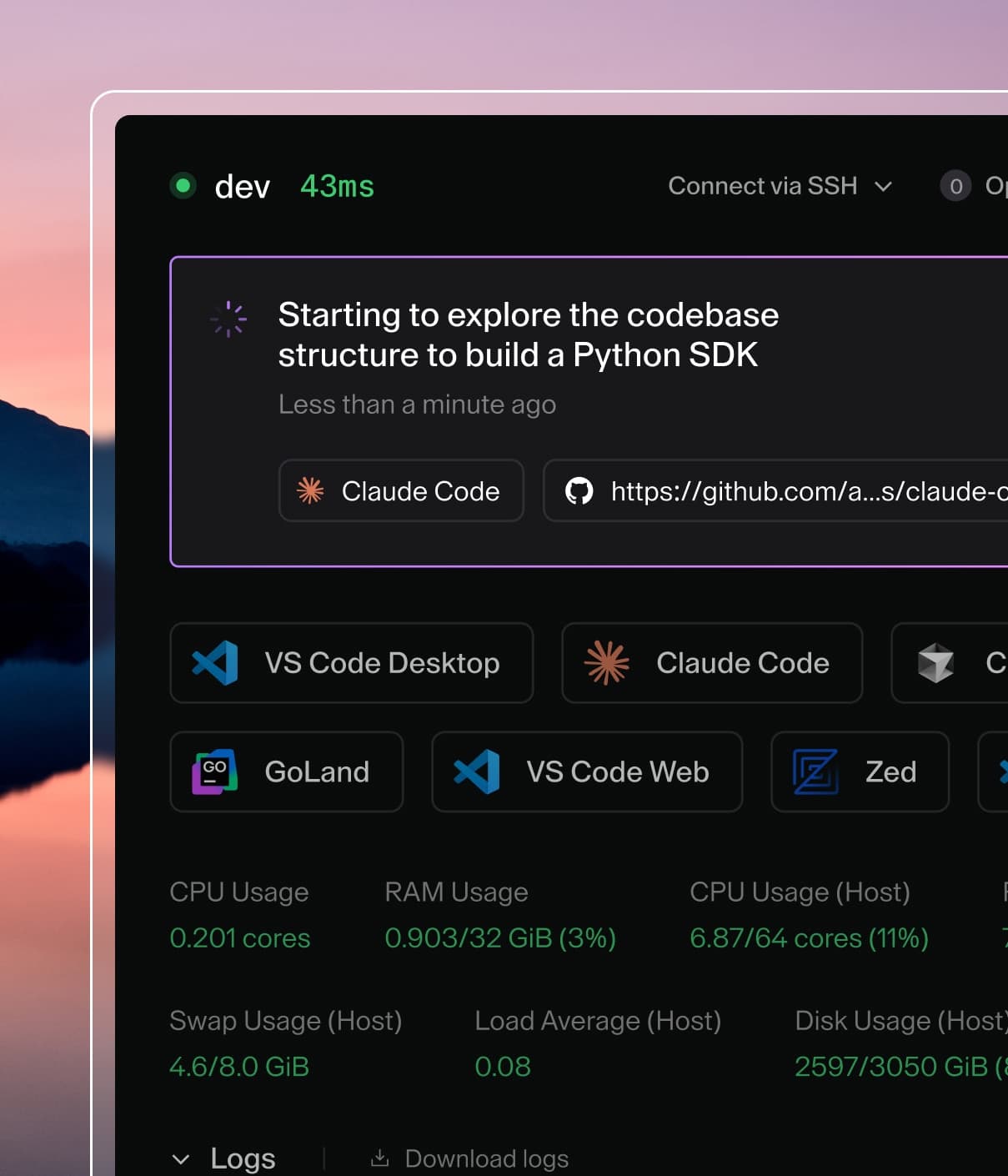
Coder powers secure, scalable development across key industries — automotive, finance, government, and technology — enabling faster builds, tighter compliance, and seamless AI adoption in enterprise-grade cloud environments.
For a faster first time connection with JetBrains IDEs, pre-install the IDEs backend in your template.
Note
This guide only talks about installing the IDEs backend. For a complete guide on setting up JetBrains Gateway with client IDEs, refer to the JetBrains Gateway air-gapped guide.
Install the Client Downloader
Install the JetBrains Client Downloader binary:
wget https://download.jetbrains.com/idea/code-with-me/backend/jetbrains-clients-downloader-linux-x86_64-1867.tar.gz && \
tar -xzvf jetbrains-clients-downloader-linux-x86_64-1867.tar.gz
rm jetbrains-clients-downloader-linux-x86_64-1867.tar.gz