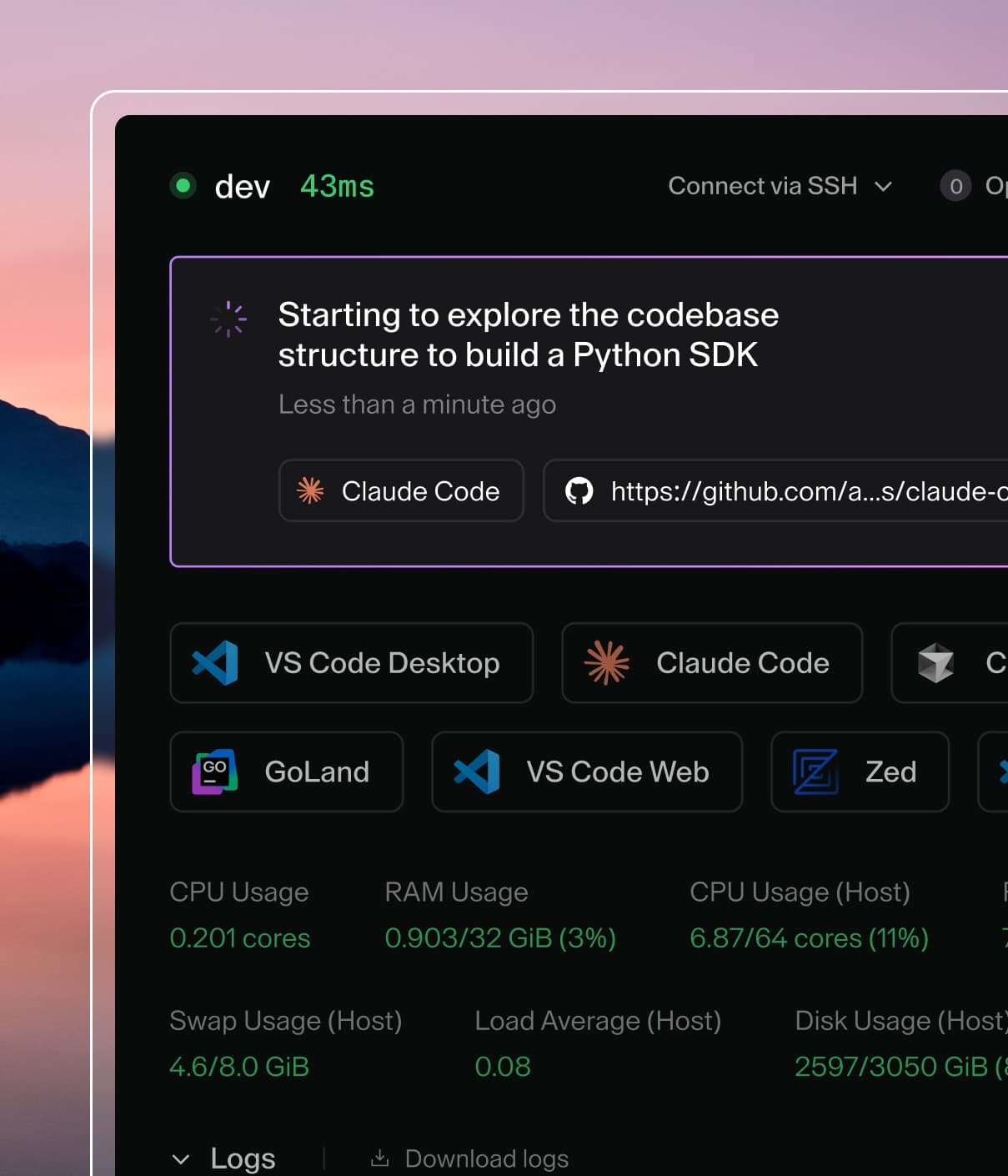
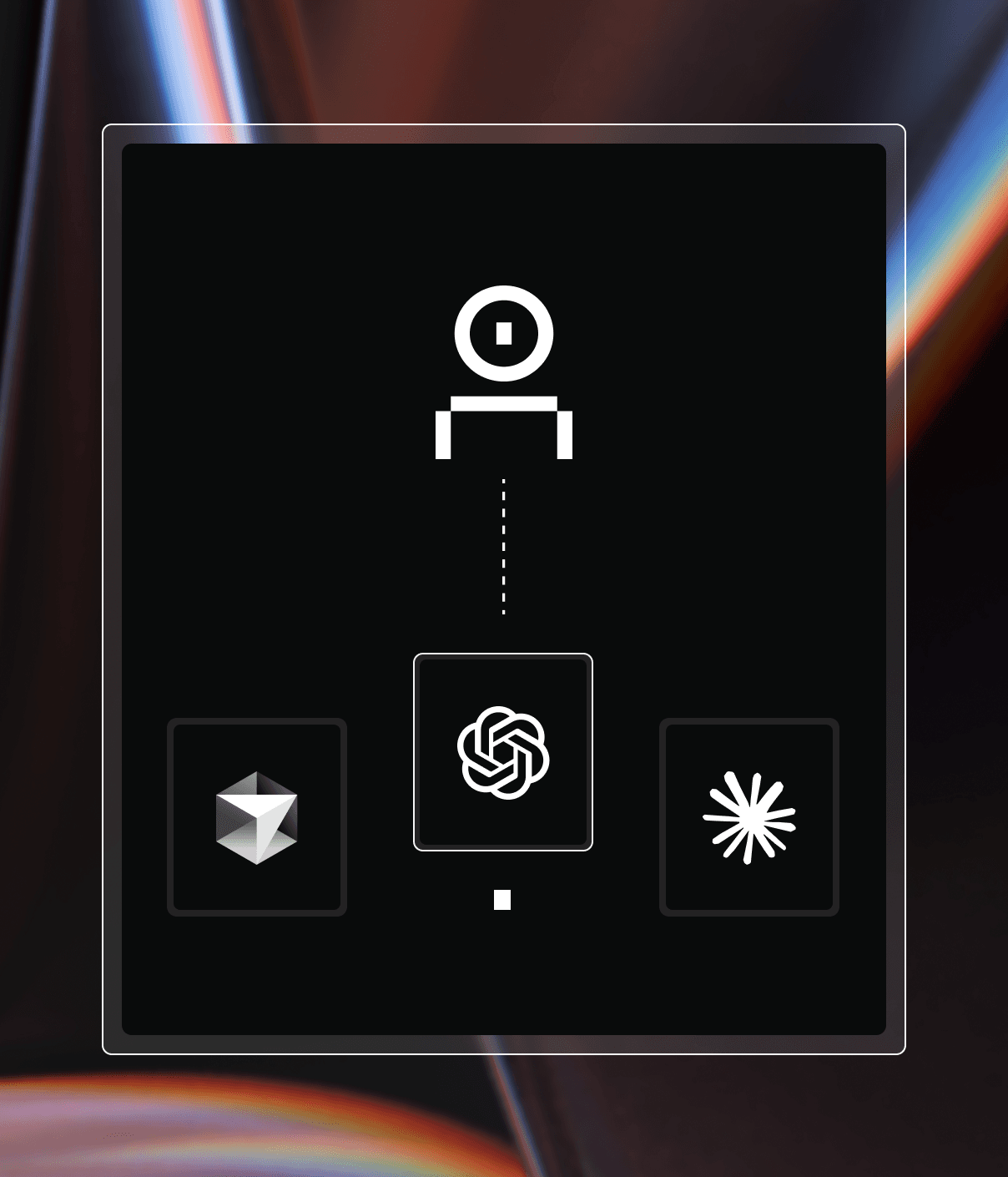
Coder powers secure, scalable development across key industries — automotive, finance, government, and technology — enabling faster builds, tighter compliance, and seamless AI adoption in enterprise-grade cloud environments.
This will use Coder's tunnel and built-in database. See our Docker documentation for other configuration options such as running on localhost, using docker-compose, and external PostgreSQL.
In new terminal, install Coder in order to connect to your deployment through the CLI.
curl -L https://coder.com/install.sh | sh
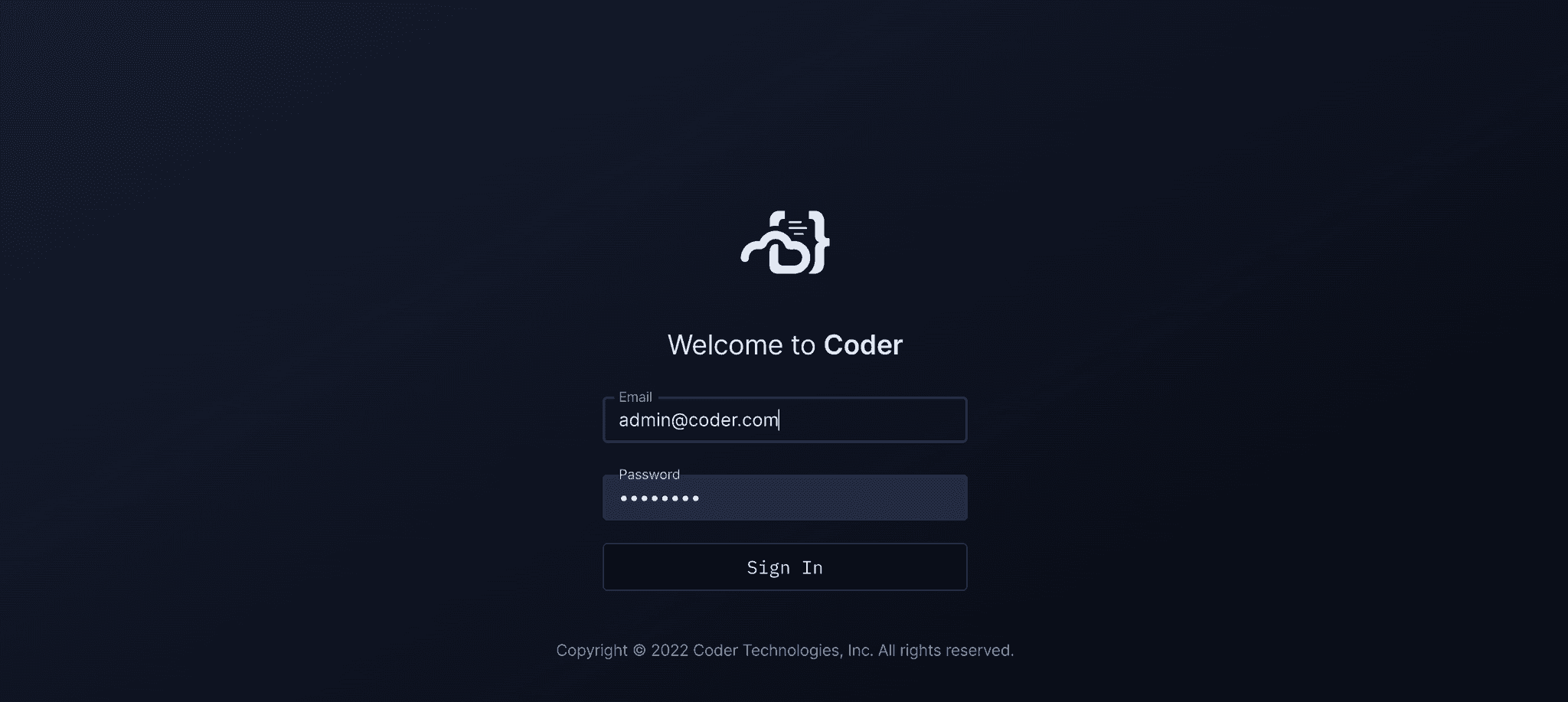
Run coder login <access url> and follow the
interactive instructions to create your user.
Pull the "Docker" example template using the interactive coder templates init:
coder templates init
cd docker
Push up the template with coder templates create
Open the dashboard in your browser to create your
first workspace:
Then navigate to Templates > docker > Create workspace
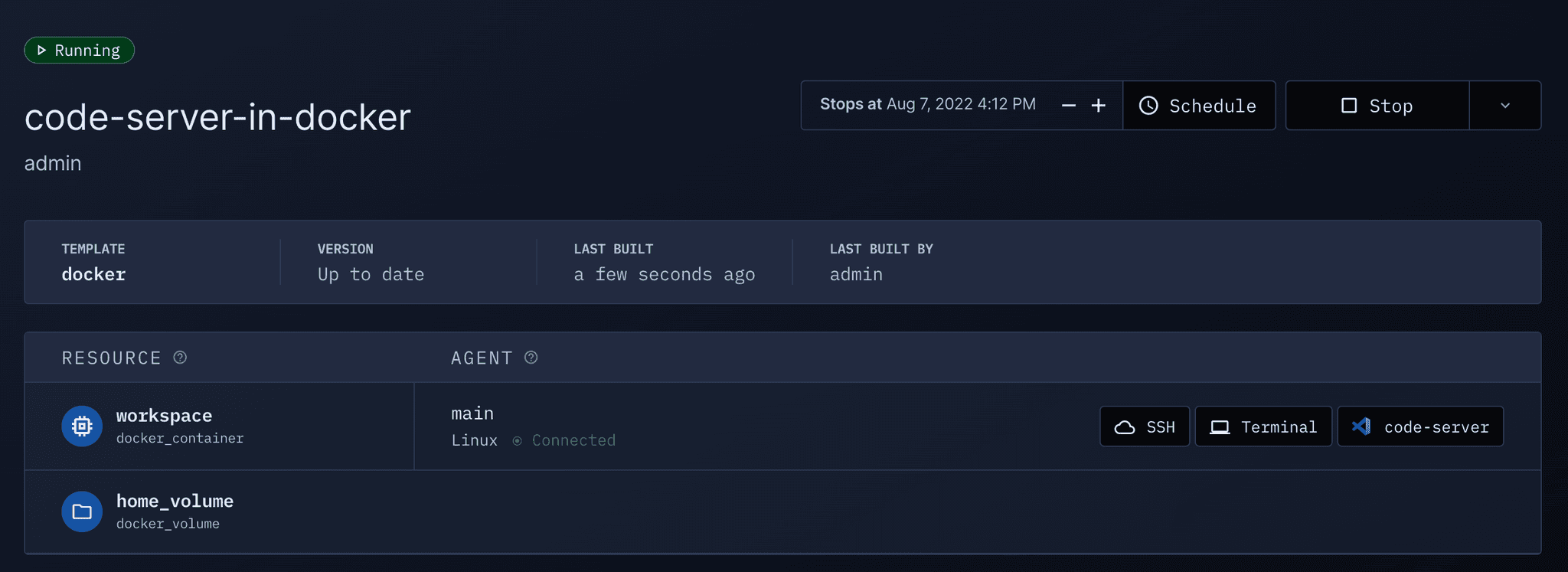
Now wait a few moments for the workspace to build... After the first build,
the image is cached and subsequent builds will take a few seconds.