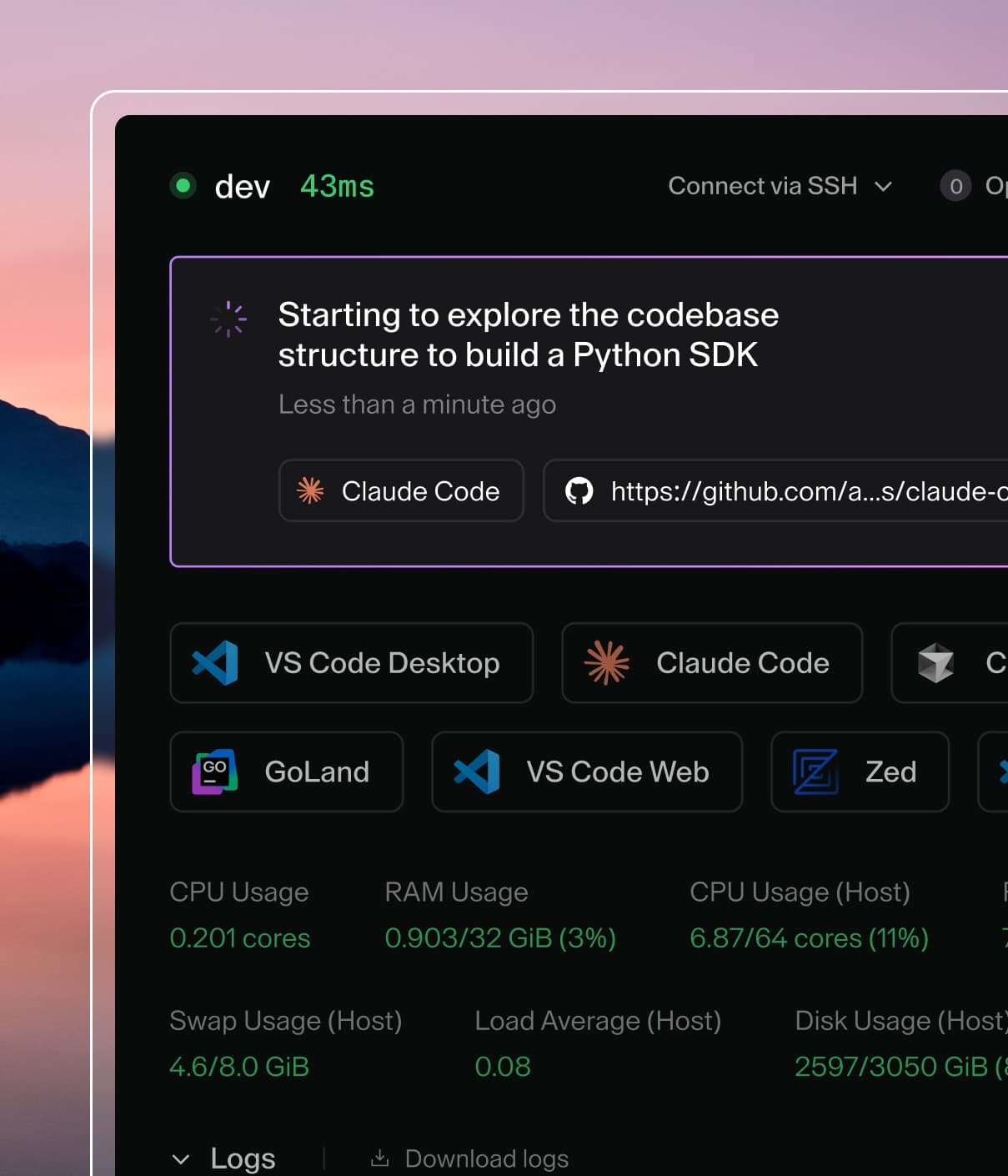
Coder powers secure, scalable development across key industries — automotive, finance, government, and technology — enabling faster builds, tighter compliance, and seamless AI adoption in enterprise-grade cloud environments.
We recommend using the Nix package manager as it makes any pain related to maintaining dependency versions just disappear. Once nix has been installed the development environment can be manually instantiated through the nix-shell command:
$ cd ~/code/coder

# https://nix.dev/tutorials/declarative-and-reproducible-developer-environments
$ nix-shell

...
copying path '/nix/store/3ms6cs5210n8vfb5a7jkdvzrzdagqzbp-iana-etc-20210225' from 'https://cache.nixos.org'...
copying path '/nix/store/dxg5aijpyy36clz05wjsyk90gqcdzbam-iana-etc-20220520' from 'https://cache.nixos.org'...
copying path '/nix/store/v2gvj8whv241nj4lzha3flq8pnllcmvv-ignore-5.2.0.tgz' from 'https://cache.nixos.org'...
...
If direnv is installed and the hooks are configured then the development environment can be automatically instantiated by creating the following .envrc, thus removing the need to run nix-shell by hand!
$ ./coderd/database/migrations/create_fixture.sh my name
/home/coder/src/coder/coderd/database/migrations/000070_my_name.up.sql
/home/coder/src/coder/coderd/database/migrations/000070_my_name.down.sql
Run "make gen" to generate models.
Then write queries into the generated .up.sql and .down.sql files and commit
them into the repository. The down script should make a best-effort to retain as
much data as possible.
Database fixtures (for testing migrations)
There are two types of fixtures that are used to test that migrations don't
break existing Coder deployments:
Both types behave like database migrations (they also migrate). Their behavior mirrors Coder migrations such that when migration
number 000022 is applied, fixture 000022 is applied afterwards.
Partial fixtures are used to conveniently add data to newly created tables so
that we can ensure that this data is migrated without issue.
Full database dumps are for testing the migration of fully-fledged Coder
deployments. These are usually done for a specific version of Coder and are
often fixed in time. A full database dump may be necessary when testing the
migration of multiple features or complex configurations.
To add a new partial fixture, run the following command:
$ ./coderd/database/migrations/create_fixture.sh my fixture
/home/coder/src/coder/coderd/database/migrations/testdata/fixtures/000070_my_fixture.up.sql
Then add some queries to insert data and commit the file to the repo. See
000024_example.up.sql
for an example.
To create a full dump, run a fully fledged Coder deployment and use it to
generate data in the database. Then shut down the deployment and take a snapshot
of the database.
$ mkdir -p coderd/database/migrations/testdata/full_dumps/v0.12.2 && cd $_
$ pg_dump "postgres://coder@localhost:..." -a --inserts >000069_dump_v0.12.2.up.sql
Make sure sensitive data in the dump is desensitized, for instance names,
emails, OAuth tokens and other secrets. Then commit the dump to the project.
To find out what the latest migration for a version of Coder is, use the
following command:
This helps in naming the dump (e.g. 000069 above).
Styling
Documentation
Our style guide for authoring documentation can be found here.
Backend
Use Go style
Contributions must adhere to the guidelines outlined in Effective
Go. We prefer linting rules over documenting
styles (run ours with make lint); humans are error-prone!
Coder writes packages that are used during implementation. It isn't easy to
validate whether an abstraction is valid until it's checked against an
implementation. This results in a larger changeset, but it provides reviewers
with a holistic perspective regarding the contribution.
Frontend
Follow component conventions
Each component gets its own folder. Make sure you add a test and Storybook
stories for the component as well. By keeping these tidy, the codebase will
remain easy-to-navigate, healthy and maintainable for all contributors.
Keep accessibility in mind
We strive to keep our UI accessible. When using colors, avoid adding new
elements with low color contrast. Always use labels on inputs, not just
placeholders. These are important for screen-readers.
Coder values thorough reviews. For each review comment that you receive, please
"close" it by implementing the suggestion or providing an explanation on why the
suggestion isn't the best option. Be sure to do this for each comment; you can
click Done to indicate that you've implemented the suggestion, or you can
add a comment explaining why you aren't implementing the suggestion (or what you
chose to implement instead).
It is perfectly normal for changes to go through several rounds of reviews, with
one or more reviewers making new comments every time, then waiting for an
updated change before reviewing again. All contributors, including those from
maintainers, are subject to the same review cycle; this process is not meant to
be applied selectively or to discourage anyone from contributing.