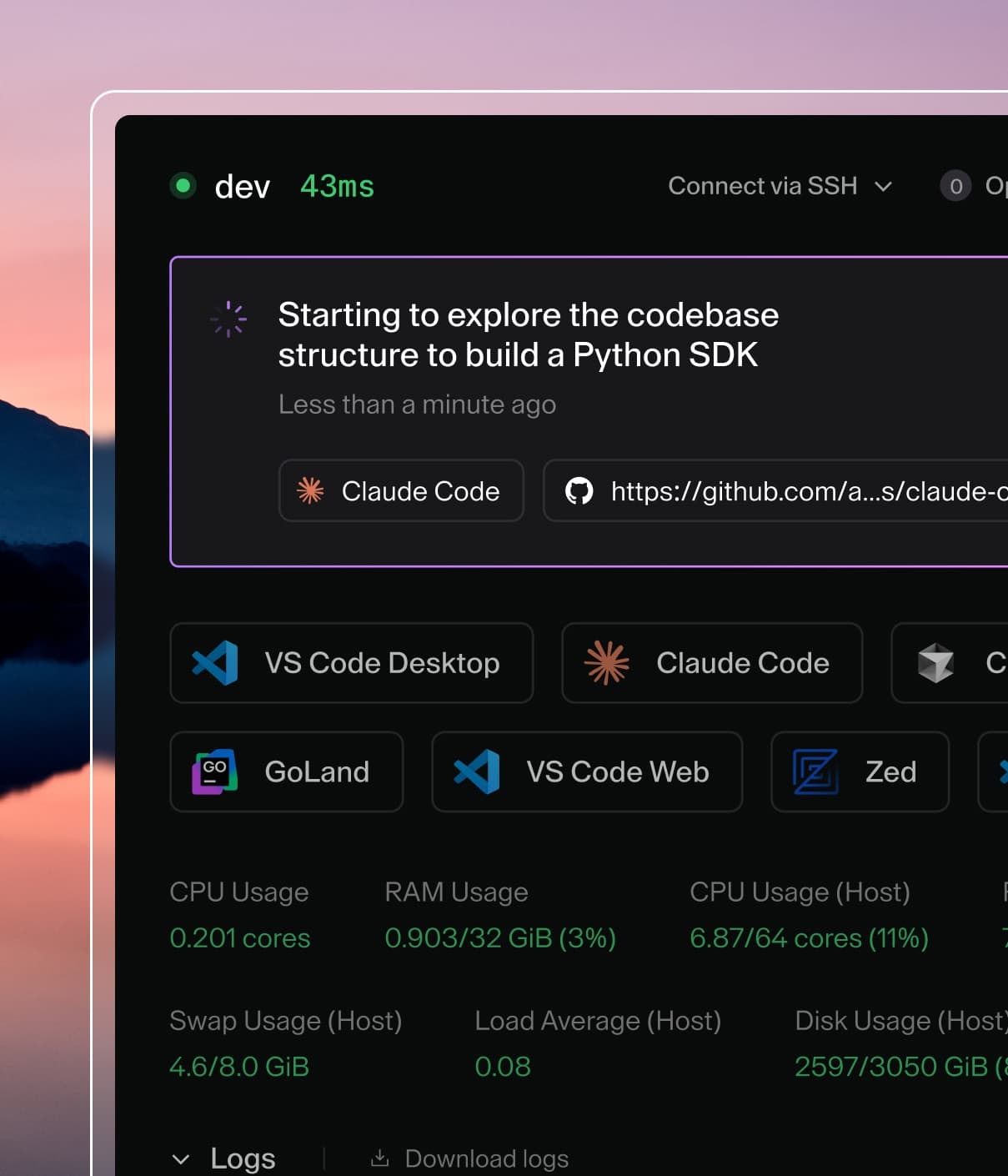
Coder powers secure, scalable development across key industries — automotive, finance, government, and technology — enabling faster builds, tighter compliance, and seamless AI adoption in enterprise-grade cloud environments.
Templates are written in standard Terraform and describe the infrastructure for
workspaces (e.g., aws_instance, kubernetes_pod, or both).
In most cases, a small group of users (Coder admins) manage templates. Then,
other users provision their development workspaces from templates.
Add a template
Before users can create workspaces, you'll need at least one template in Coder.
# create a local directory to store templates
mkdir -p $HOME/coder/templates
cd $HOME/coder/templates

# start from an example
coder templates init

# optional: modify the template
vim <template-name>/main.tf

# add the template to Coder deployment
coder templates <create/update> <template-name>
See the documentation and source code for each example in the
examples/
directory in the repo.
Customize templates
Example templates are not designed to support every use (e.g examples/aws-linux does
not support custom VPCs). You can add these features by editing the Terraform
code once you run coder templates init (new) or coder templates pull
(existing).
While templates are written with standard Terraform, the
Coder Terraform Provider is
used to define the workspace lifecycle and establish a connection from resources
to Coder.
Below is an overview of some key concepts in templates (and workspaces). For all
template options, reference Coder Terraform provider docs.
Resource
Resources in Coder are simply Terraform resources.
If a Coder agent is attached to a resource, users can connect directly to the resource over
SSH or web apps.
Coder agent
Once a Coder workspace is created, the Coder agent establishes a connection
between a resource (docker_container) and Coder, so that a user can connect to
their workspace from the web UI or CLI. A template can have multiple agents to
allow users to connect to multiple resources in their workspace.
Resources must download and start the Coder agent binary to connect to Coder.
This means the resource must be able to reach your Coder URL.
The coder_agent resource can be configured as described in the
documentation for the coder Terraform provider.
For example, you can use the env property to set environment variables that will be
inherited by all child processes of the agent, including SSH sessions.
Parameters
Templates often contain parameters. These are defined by variable blocks in
Terraform. There are two types of parameters:
Admin/template-wide parameters are set when a template is created/updated. These values
are often cloud configuration, such as a VPC, and are annotated
with sensitive = true in the template code.
User/workspace parameters are set when a user creates a workspace. These
values are often personalization settings such as "preferred region"
or "workspace image".
The template sample below uses admin and user parameters to allow developers to
create workspaces from any image as long as it is in the proper registry:
variable "image_registry_url" {
  description = "The image registry developers can select"
  default     = "artifactory1.organization.com"
  sensitive   = true # admin (template-wide) parameter
}

variable "docker_image_name" {
  description = "The image your workspace will start from"
  default     = "base_image"
  sensitive   = false # user (workspace) parameter
}

resource "docker_image" "workspace" {
  # ... other config
  name = "${var.image_registry_url}/${var.docker_image_name}"
}
Persistent vs. ephemeral resources
You can use the workspace state to ensure some resources in Coder can are
persistent, while others are ephemeral.
Start/stop
Coder workspaces can be started/stopped. This is often used to save on cloud costs or enforce
ephemeral workflows. When a workspace is started or stopped, the Coder server
runs an additional
terraform apply, informing the
Coder provider that the workspace has a new transition state.
This template sample has one persistent resource (docker image) and one ephemeral resource
(docker volume).
data "coder_workspace" "me" {
}

resource "docker_volume" "home_volume" {
  # persistent resource (remains a workspace is stopped)
  count = 1
  name  = "coder-${data.coder_workspace.me.owner}-${data.coder_workspace.me.name}-root"
}

resource "docker_container" "workspace" {
  # ephemeral resource (deleted when workspace is stopped, created when started)
  count = data.coder_workspace.me.start_count # 0 (stopped), 1 (started)
  volumes {
    container_path = "/home/coder/"
    volume_name    = docker_volume.home_volume.name
    read_only      = false
  }
  # ... other config
}
Using updated images when rebuilding a workspace
To ensure that Coder uses an updated image when rebuilding a workspace, we
suggest that admins update the tag in the template (e.g., my-image:v0.4.2 ->
my-image:v0.4.3) or digest (my-image@sha256:[digest] ->
my-image@sha256:[new_digest]).
Alternatively, if you're willing to wait for longer start times from Coder, you
can set the imagePullPolicy to Always in your Terraform template; when set,
Coder will check image:tag on every build and update if necessary:
By default, all templates allow developers to connect over SSH and a web
terminal. See Configuring Web IDEs to
learn how to give users access to additional web applications.
Data source
When a workspace is being started or stopped, the coder_workspace data source provides
some useful parameters. See the documentation for the coder Terraform provider
for more information.
For example, the Docker quick-start template
sets a few environment variables based on the username and email address of the workspace's owner, so
that you can make Git commits immediately without any manual configuration: