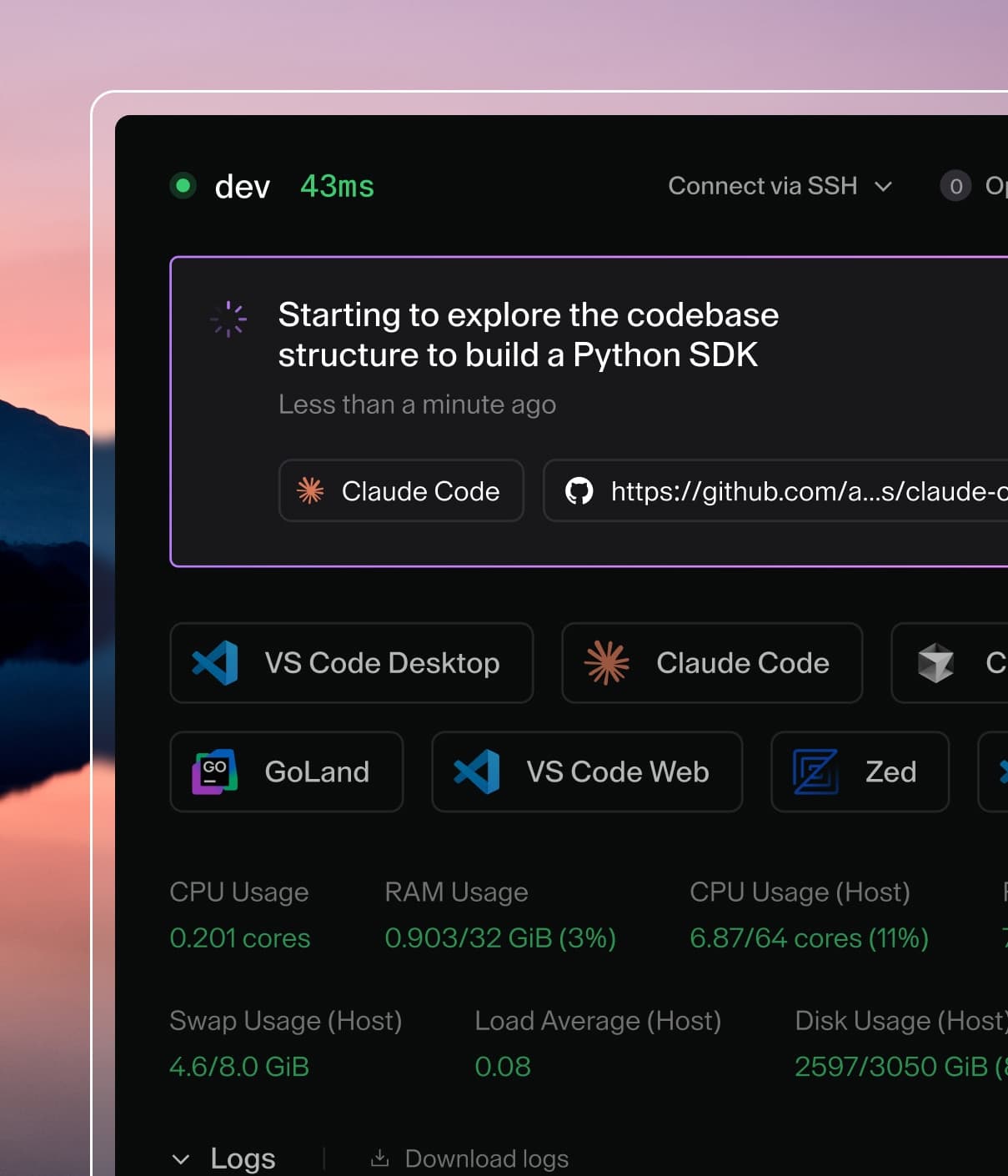
Coder powers secure, scalable development across key industries — automotive, finance, government, and technology — enabling faster builds, tighter compliance, and seamless AI adoption in enterprise-grade cloud environments.
Note: Organizations is still under active development and requires a
non-standard enterprise license to use. Do not use organizations on your
production instance!
Organizations allow you to run a Coder deployment with multiple platform teams,
all with uniquely scoped templates, provisioners, users, groups, and workspaces.
See all
preview images
in GitHub. Preview images prefixed with main- expire after a week.
Then, upgrade your deployment:
helm upgrade coder coder-v2/coder -f values.yaml
The default organization
All Coder deployments start with one organization called Default.
To edit the organization details, navigate to Deployment -> Organizations in
the top bar:
From there, you can manage the name, icon, description, users, and groups:
Guide: Your first organization
1. Create the organization
Within the sidebar, click New organization to create an organization. In this
example, we'll create the data-platform org.
From there, let's deploy a provisioner and template for this organization.
2. Deploy a provisioner
Provisioners are organization-scoped and are
responsible for executing Terraform/OpenTofu to provision the infrastructure for
workspaces and testing templates. Before creating templates, we must deploy at
least one provisioner as the built-in provisioners are scoped to the default
organization.
using Coder CLI, run the following command to create a key that will be used to
authenticate the provisioner:
coder provisioner keys create data-cluster-key --org data-platform
Successfully created provisioner key data-cluster! Save this authentication token, it will not be shown again.

< key omitted >
Next, start the provisioner with the key on your desired platform. In this
example, we'll start it using the Coder CLI on a host with Docker. For
instructions on using other platforms like Kubernetes, see our
provisioner documentation.