Coder powers secure, scalable development across key industries — automotive, finance, government, and technology — enabling faster builds, tighter compliance, and seamless AI adoption in enterprise-grade cloud environments.
Simple installation (everything is on a single box)
Workspace images are easily configured
Workspaces share resources for burst operations
Note that the below steps are only supported on a Linux distribution.
Requirements
A Linux machine
A running Docker daemon
Before you install
If you would like your workspaces to be able to run Docker, we recommend that you install Sysbox before proceeding.
As part of the Sysbox installation you will be required to remove all existing
Docker containers including containers used by Coder workspaces. Installing
Sysbox ahead of time will reduce disruption to your Coder instance.
This will use Coder's tunnel and built-in database. See our
Docker documentation for other configuration
options such as running on localhost, using docker-compose, and external
PostgreSQL.
In new terminal, install Coder in order to connect to your
deployment through the CLI.
curl -L https://coder.com/install.sh | sh
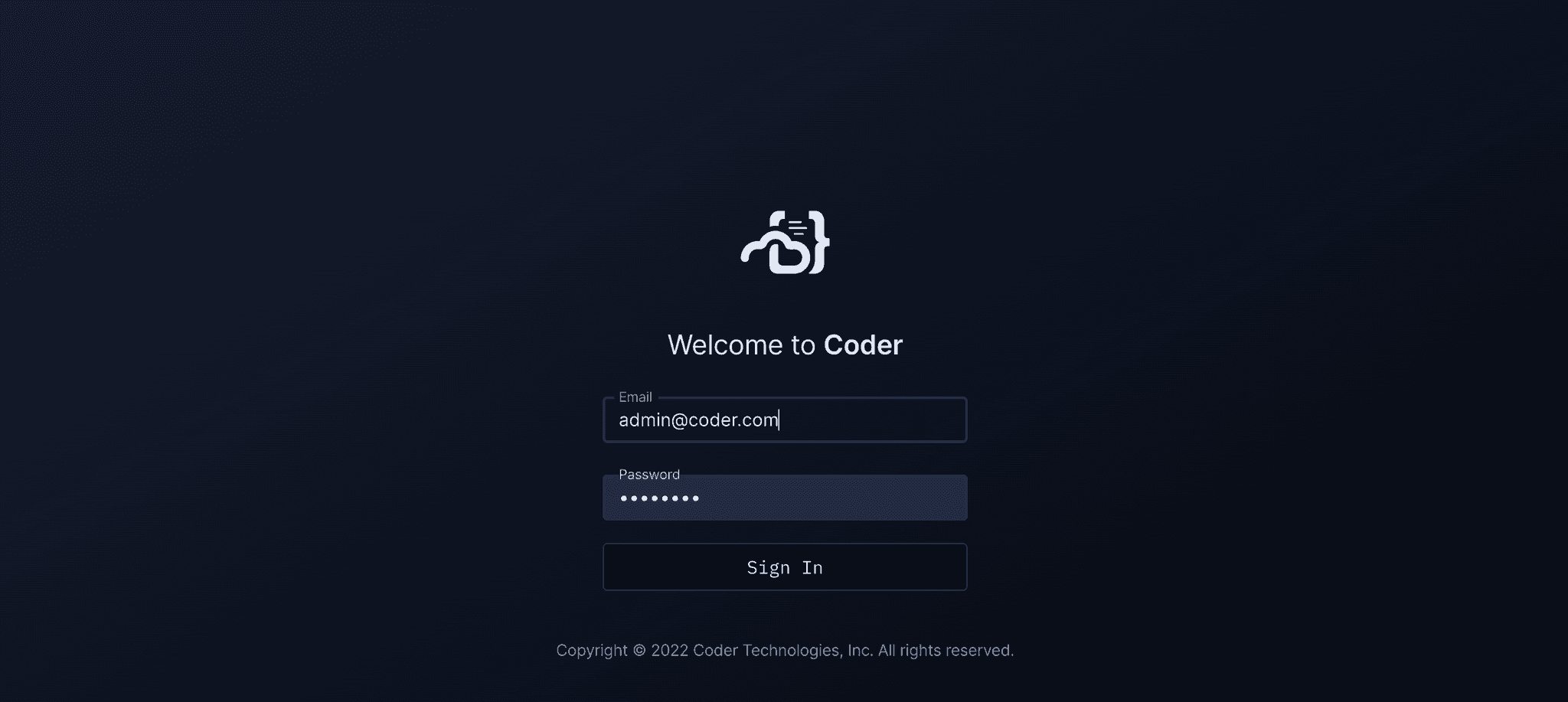
Run coder login <access url> and follow the interactive instructions to
create your user.
Pull the "Docker" example template using the interactive
coder templates init:
coder templates init
cd docker
Push up the template with coder templates push
Open the dashboard in your browser to create your first workspace:
Then navigate to Templates > docker > Create Workspace
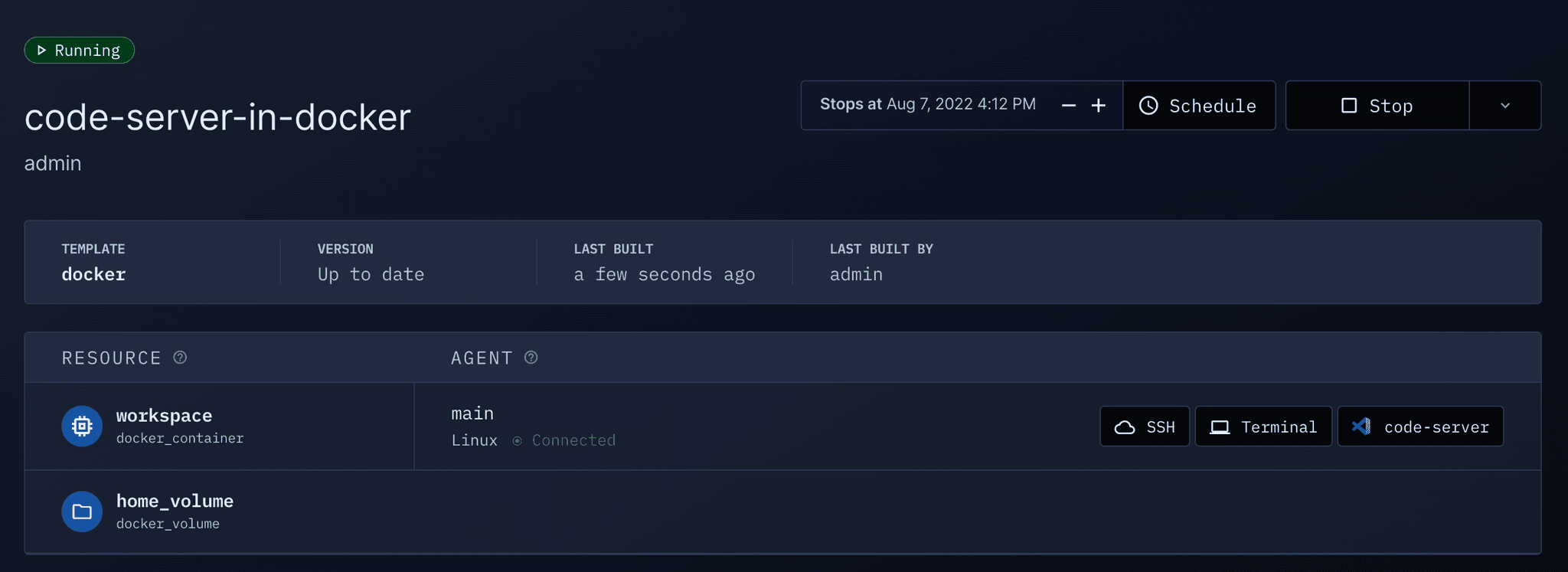
Now wait a few moments for the workspace to build... After the first build,
the image is cached and subsequent builds will take a few seconds.