Coder powers secure, scalable development across key industries — automotive, finance, government, and technology — enabling faster builds, tighter compliance, and seamless AI adoption in enterprise-grade cloud environments.
Coder integrates with Git and OpenID Connect to automate away the need for
developers to authenticate with external services within their workspace.
Git Providers
When developers use git inside their workspace, they are prompted to
authenticate. After that, Coder will store and refresh tokens for future
operations.
Configuration
To add an external authentication provider, you'll need to create an OAuth
application. The following providers are supported:
The next step is to configure the Coder server to use the
OAuth application by setting the following environment variables:
CODER_EXTERNAL_AUTH_0_ID="<USER_DEFINED_ID>"
CODER_EXTERNAL_AUTH_0_TYPE=<github|gitlab|azure-devops|bitbucket-cloud|bitbucket-server|etc>
CODER_EXTERNAL_AUTH_0_CLIENT_ID=xxxxxx
CODER_EXTERNAL_AUTH_0_CLIENT_SECRET=xxxxxxx

# Optionally, configure a custom display name and icon
CODER_EXTERNAL_AUTH_0_DISPLAY_NAME="Google Calendar"
CODER_EXTERNAL_AUTH_0_DISPLAY_ICON="https://mycustomicon.com/google.svg"
The CODER_EXTERNAL_AUTH_0_ID environment variable is used for internal
reference. Therefore, it can be set arbitrarily (e.g., primary-github for your
GitHub provider).
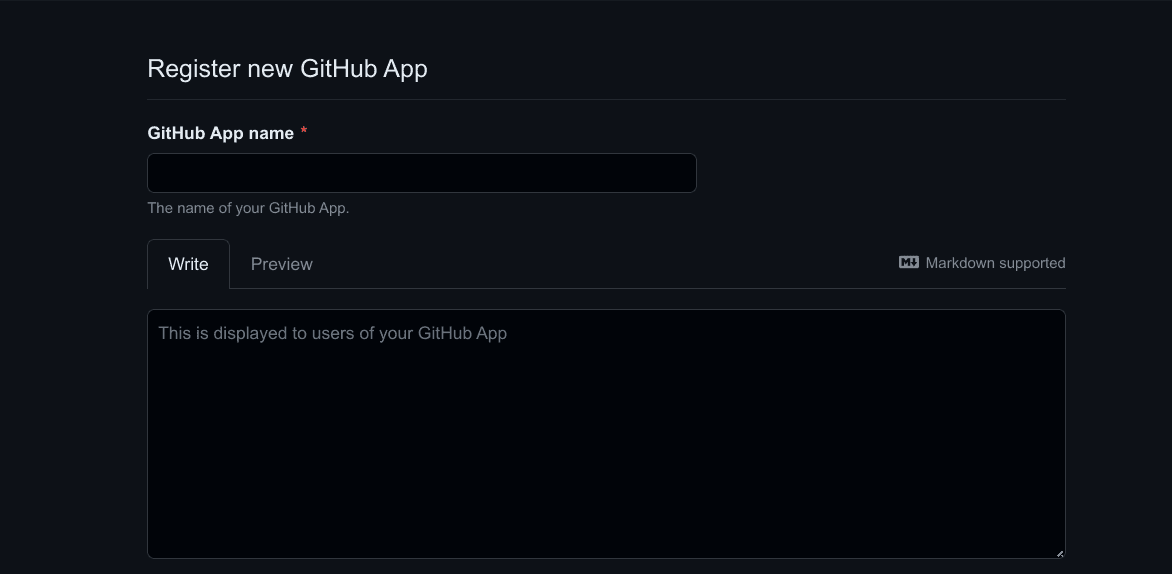
GitHub
If you don't require fine-grained access control, it's easier to configure a
GitHub OAuth app!
Set the callback URL to
https://coder.example.com/external-auth/USER_DEFINED_ID/callback.
Deactivate Webhooks.
Enable fine-grained access to specific repositories or a subset of
permissions for security.
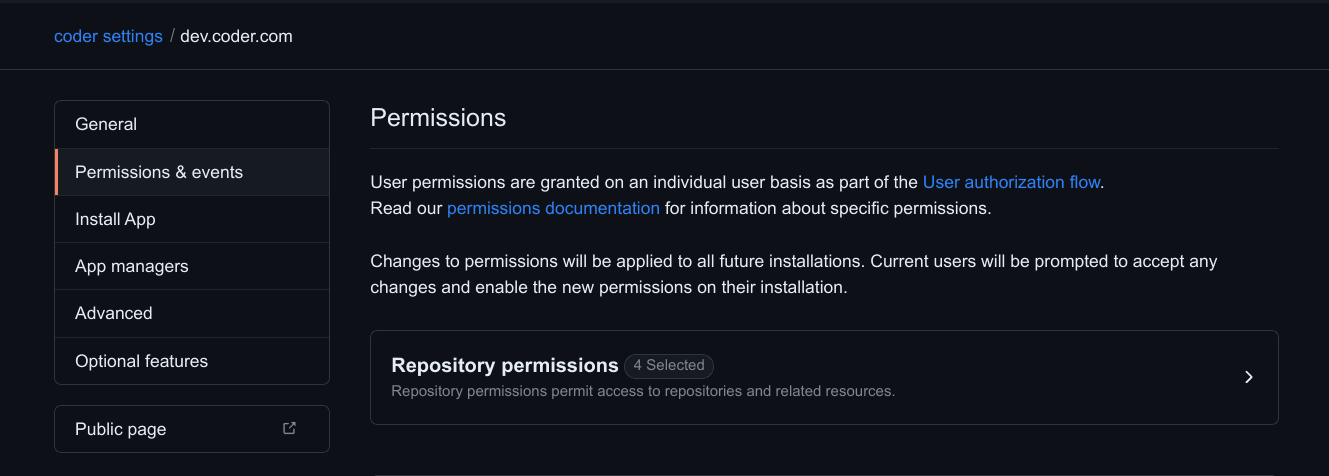
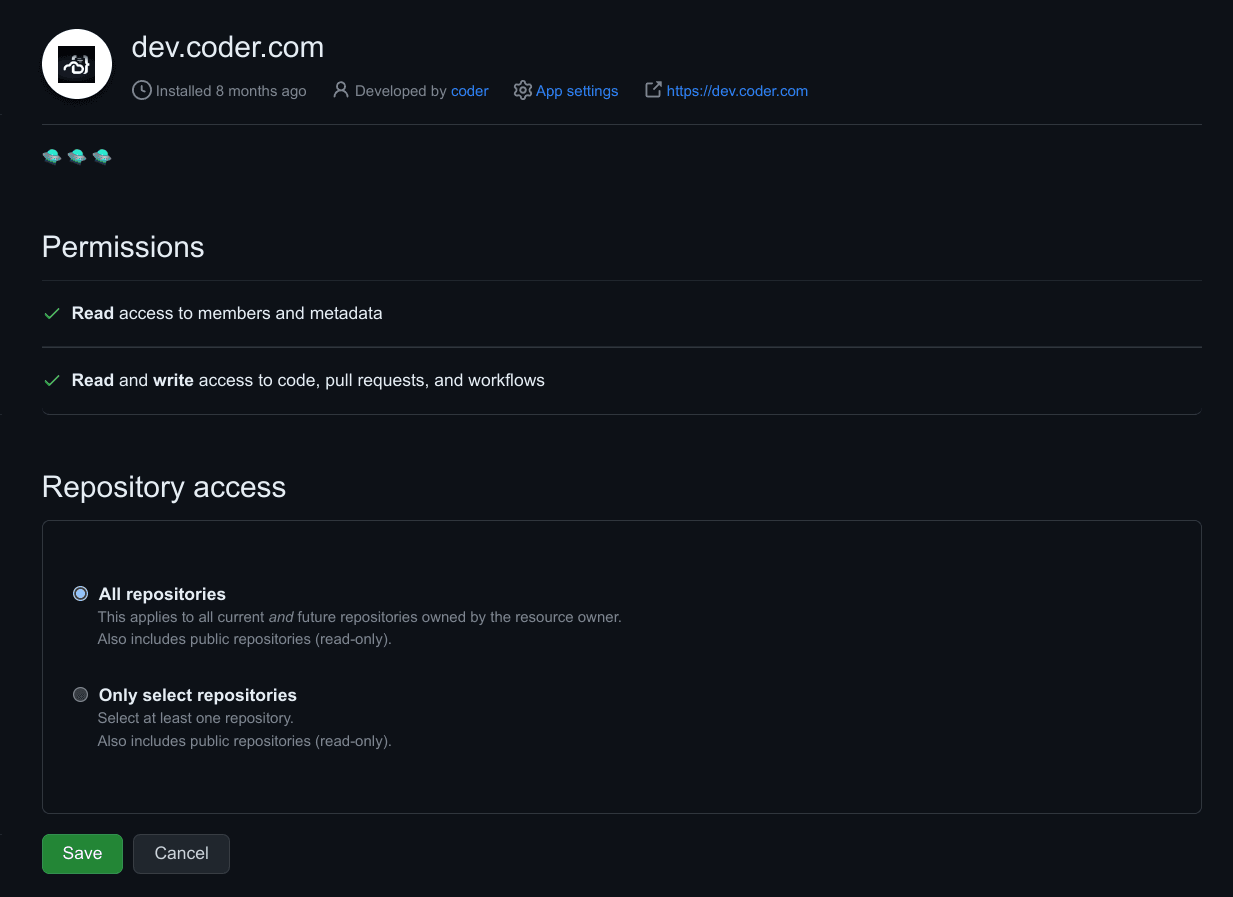
Adjust the GitHub App permissions. You can use more or less permissions than
are listed here, this is merely a suggestion that allows users to clone
repositories:
Name
Permission
Description
Contents
Read & Write
Grants access to code and commit statuses.
Pull requests
Read & Write
Grants access to create and update pull requests.
Workflows
Read & Write
Grants access to update files in .github/workflows/.
Metadata
Read-only
Grants access to metadata written by GitHub Apps.
Members
Read-only
Grants access to organization members and teams.
Install the App for your organization. You may select a subset of
repositories to grant access to.
Azure DevOps requires the following environment variables:
CODER_EXTERNAL_AUTH_0_ID="primary-azure-devops"
CODER_EXTERNAL_AUTH_0_TYPE=azure-devops
CODER_EXTERNAL_AUTH_0_CLIENT_ID=xxxxxx
# Ensure this value is your "Client Secret", not "App Secret"
CODER_EXTERNAL_AUTH_0_CLIENT_SECRET=xxxxxxx
CODER_EXTERNAL_AUTH_0_AUTH_URL="https://app.vssps.visualstudio.com/oauth2/authorize"
CODER_EXTERNAL_AUTH_0_TOKEN_URL="https://app.vssps.visualstudio.com/oauth2/token"
Azure DevOps (via Entra ID)
Azure DevOps (via Entra ID) requires the following environment variables:
Note: Your app registration in Entra ID requires the vso.code_write scope
GitLab self-managed
GitLab self-managed requires the following environment variables:
CODER_EXTERNAL_AUTH_0_ID="primary-gitlab"
CODER_EXTERNAL_AUTH_0_TYPE=gitlab
# This value is the "Application ID"
CODER_EXTERNAL_AUTH_0_CLIENT_ID=xxxxxx
CODER_EXTERNAL_AUTH_0_CLIENT_SECRET=xxxxxxx
CODER_EXTERNAL_AUTH_0_VALIDATE_URL="https://gitlab.company.org/oauth/token/info"
CODER_EXTERNAL_AUTH_0_AUTH_URL="https://gitlab.company.org/oauth/authorize"
CODER_EXTERNAL_AUTH_0_TOKEN_URL="https://gitlab.company.org/oauth/token"
CODER_EXTERNAL_AUTH_0_REGEX=gitlab\.company\.org
Gitea
CODER_EXTERNAL_AUTH_0_ID="gitea"
CODER_EXTERNAL_AUTH_0_TYPE=gitea
CODER_EXTERNAL_AUTH_0_CLIENT_ID=xxxxxxx
CODER_EXTERNAL_AUTH_0_CLIENT_SECRET=xxxxxxx
# If self managed, set the Auth URL to your Gitea instance
CODER_EXTERNAL_AUTH_0_AUTH_URL="https://gitea.com/login/oauth/authorize"
Make sure to restart the affected pods for the change to take effect.
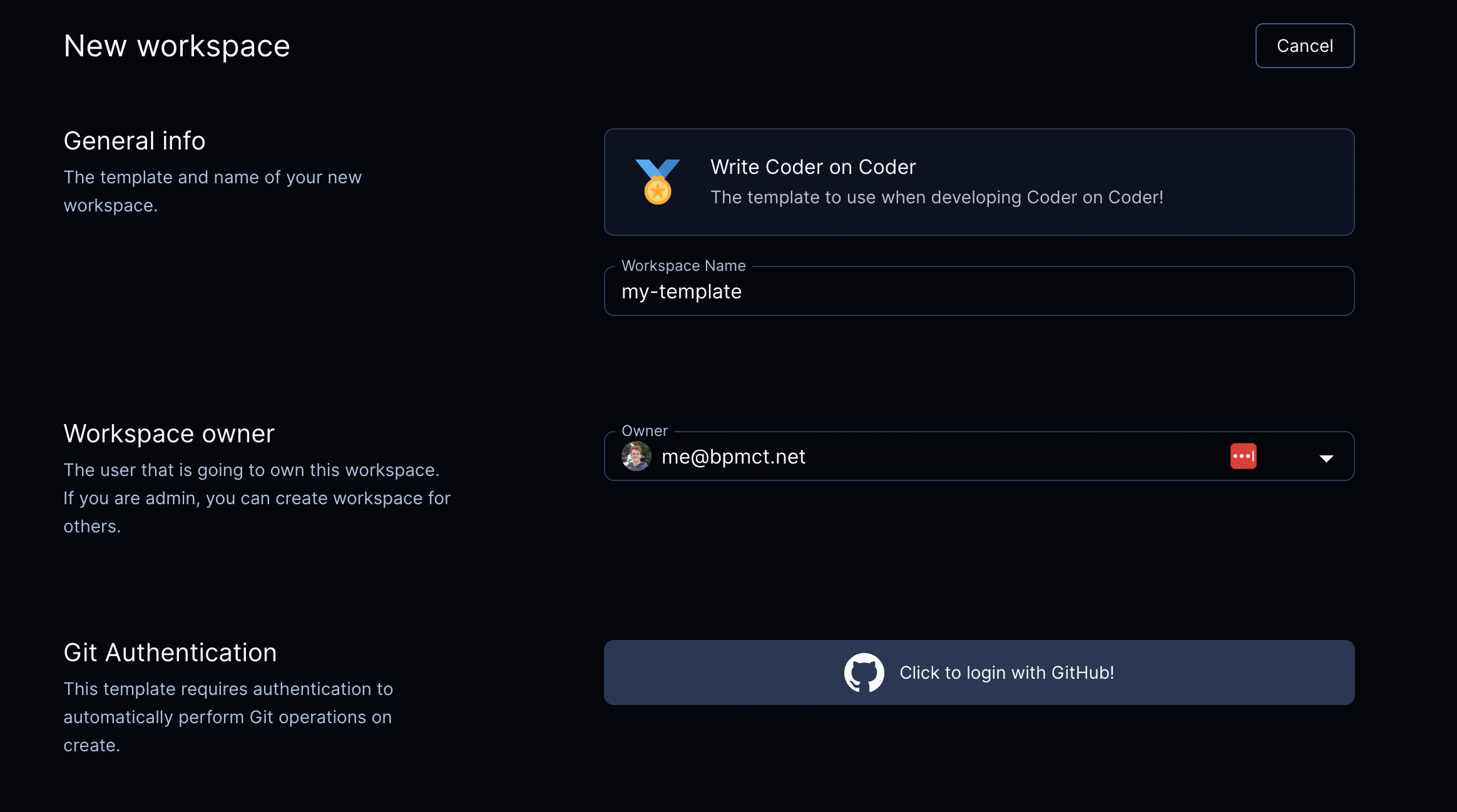
Require git authentication in templates
If your template requires git authentication (e.g. running git clone in the
startup_script),
you can require users authenticate via git prior to creating a workspace:
Native git authentication will auto-refresh tokens
This is the preferred authentication method.
By default, the coder agent will configure native git authentication via the
GIT_ASKPASS environment variable. Meaning, with no additional configuration,
external authentication will work with native git commands.
To check the auth token being used from inside a running workspace, run:
# If the exit code is non-zero, then the user is not authenticated with the
# external provider.
coder external-auth access-token <external-auth-id>
Note: Some IDE's override the GIT_ASKPASS environment variable and need to be
configured.
VSCode
Use the
Coder
extension to automatically configure these settings for you!
Otherwise, you can manually configure the following settings:
Set git.terminalAuthentication to false
Set git.useIntegratedAskPass to false
Hard coded tokens do not auto-refresh
If the token is required to be inserted into the workspace, for example
GitHub cli, the auth token can be inserted from the
template. This token will not auto-refresh. The following example will
authenticate via GitHub and auto-clone a repo into the ~/coder directory.
data "coder_external_auth" "github" {
  # Matches the ID of the external auth provider in Coder.
  id = "github"
}

resource "coder_agent" "dev" {
  os   = "linux"
  arch = "amd64"
  dir  = "~/coder"
  env = {
    GITHUB_TOKEN : data.coder_external_auth.github.access_token
  }
  startup_script = <<EOF
if [ ! -d ~/coder ]; then
    git clone https://github.com/coder/coder
fi
EOF
}