Coder powers secure, scalable development across key industries — automotive, finance, government, and technology — enabling faster builds, tighter compliance, and seamless AI adoption in enterprise-grade cloud environments.
The next step is to configure the Coder server to use the OAuth application by
setting the following environment variables:
CODER_EXTERNAL_AUTH_0_ID="<USER_DEFINED_ID>"
CODER_EXTERNAL_AUTH_0_TYPE=<github|gitlab|azure-devops|bitbucket-cloud|bitbucket-server|etc>
CODER_EXTERNAL_AUTH_0_CLIENT_ID=xxxxxx
CODER_EXTERNAL_AUTH_0_CLIENT_SECRET=xxxxxxx

# Optionally, configure a custom display name and icon
CODER_EXTERNAL_AUTH_0_DISPLAY_NAME="Google Calendar"
CODER_EXTERNAL_AUTH_0_DISPLAY_ICON="https://mycustomicon.com/google.svg"
The CODER_EXTERNAL_AUTH_0_ID environment variable is used for internal
reference. Therefore, it can be set arbitrarily (e.g., primary-github for your
GitHub provider).
GitHub
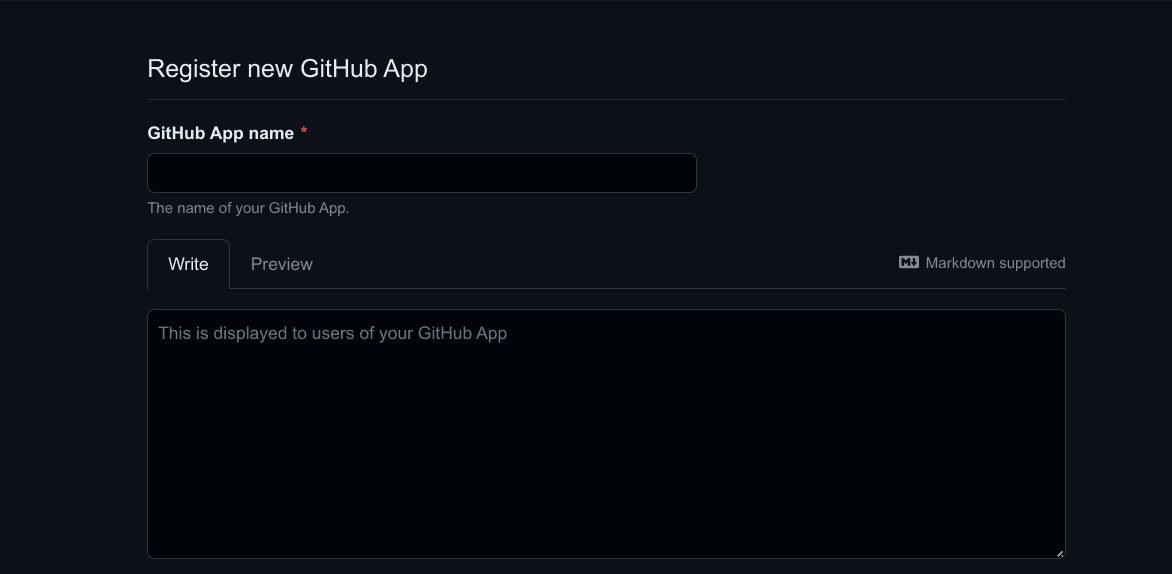
If you don't require fine-grained access control, it's easier to configure a
GitHub OAuth app!
Set the callback URL to
https://coder.example.com/external-auth/USER_DEFINED_ID/callback.
Deactivate Webhooks.
Enable fine-grained access to specific repositories or a subset of
permissions for security.
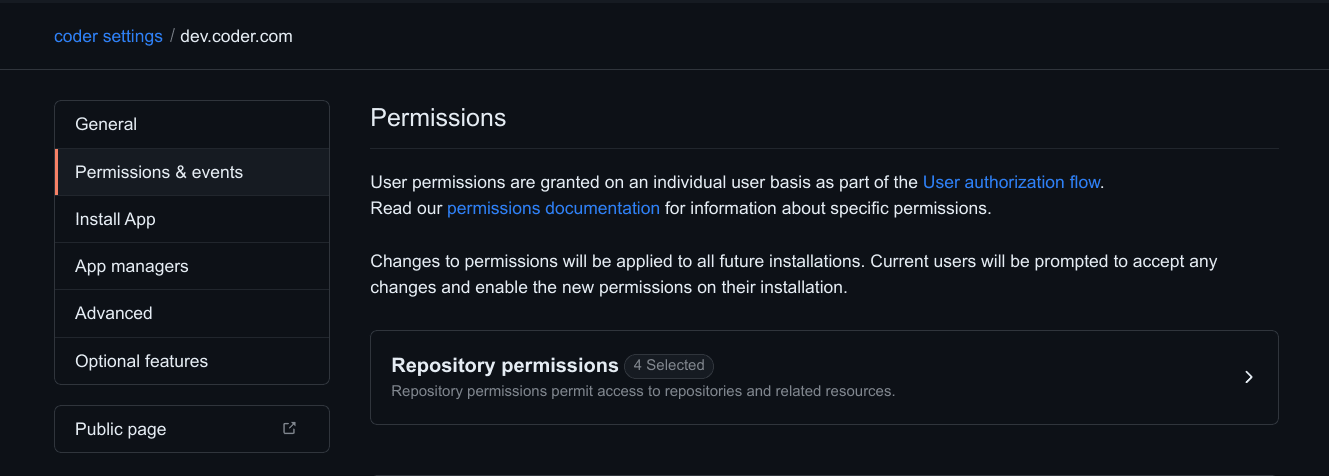
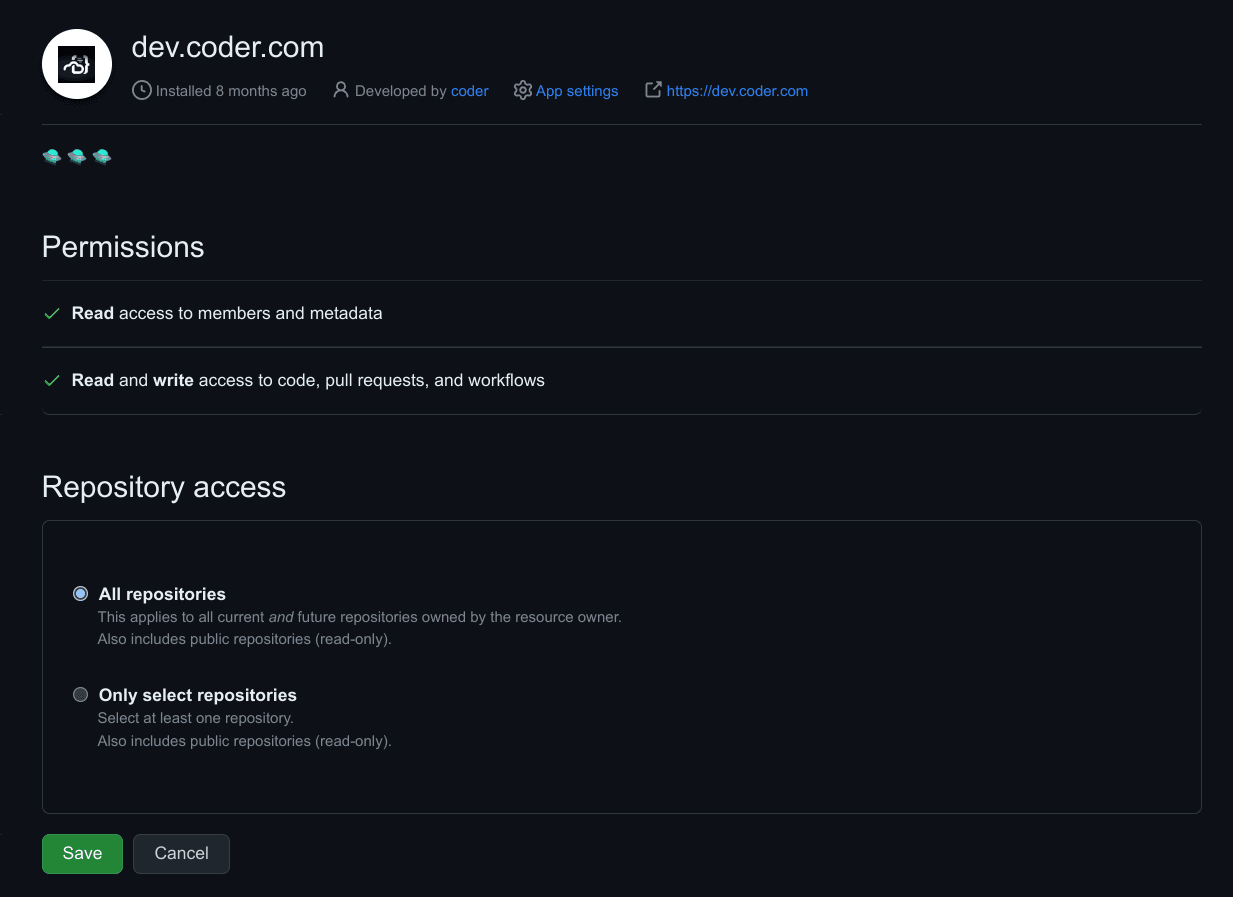
Adjust the GitHub App permissions. You can use more or less permissions than
are listed here, this is merely a suggestion that allows users to clone
repositories:
Name
Permission
Description
Contents
Read & Write
Grants access to code and commit statuses.
Pull requests
Read & Write
Grants access to create and update pull requests.
Workflows
Read & Write
Grants access to update files in .github/workflows/.
Metadata
Read-only
Grants access to metadata written by GitHub Apps.
Members
Read-only
Grants access to organization members and teams.
Install the App for your organization. You may select a subset of
repositories to grant access to.
Azure DevOps requires the following environment variables:
CODER_EXTERNAL_AUTH_0_ID="primary-azure-devops"
CODER_EXTERNAL_AUTH_0_TYPE=azure-devops
CODER_EXTERNAL_AUTH_0_CLIENT_ID=xxxxxx
# Ensure this value is your "Client Secret", not "App Secret"
CODER_EXTERNAL_AUTH_0_CLIENT_SECRET=xxxxxxx
CODER_EXTERNAL_AUTH_0_AUTH_URL="https://app.vssps.visualstudio.com/oauth2/authorize"
CODER_EXTERNAL_AUTH_0_TOKEN_URL="https://app.vssps.visualstudio.com/oauth2/token"
Azure DevOps (via Entra ID)
Azure DevOps (via Entra ID) requires the following environment variables:
Note: Your app registration in Entra ID requires the vso.code_write scope
GitLab self-managed
GitLab self-managed requires the following environment variables:
CODER_EXTERNAL_AUTH_0_ID="primary-gitlab"
CODER_EXTERNAL_AUTH_0_TYPE=gitlab
# This value is the "Application ID"
CODER_EXTERNAL_AUTH_0_CLIENT_ID=xxxxxx
CODER_EXTERNAL_AUTH_0_CLIENT_SECRET=xxxxxxx
CODER_EXTERNAL_AUTH_0_VALIDATE_URL="https://gitlab.company.org/oauth/token/info"
CODER_EXTERNAL_AUTH_0_AUTH_URL="https://gitlab.company.org/oauth/authorize"
CODER_EXTERNAL_AUTH_0_TOKEN_URL="https://gitlab.company.org/oauth/token"
CODER_EXTERNAL_AUTH_0_REGEX=gitlab\.company\.org
Gitea
CODER_EXTERNAL_AUTH_0_ID="gitea"
CODER_EXTERNAL_AUTH_0_TYPE=gitea
CODER_EXTERNAL_AUTH_0_CLIENT_ID=xxxxxxx
CODER_EXTERNAL_AUTH_0_CLIENT_SECRET=xxxxxxx
# If self managed, set the Auth URL to your Gitea instance
CODER_EXTERNAL_AUTH_0_AUTH_URL="https://gitea.com/login/oauth/authorize"