Coder powers secure, scalable development across key industries — automotive, finance, government, and technology — enabling faster builds, tighter compliance, and seamless AI adoption in enterprise-grade cloud environments.
Learn how to run & manage coding agents with Coder, both alongside existing
workspaces and for background task execution.
Agents in the IDE
Coder integrates with IDEs such as
Cursor, Windsurf, and Zed that include built-in coding agents to work alongside
developers. Additionally, template admins can
pre-install extensions
for agents such as GitHub Copilot and Roo Code.
These agents work well inside existing Coder workspaces as they can simply be
enabled via an extension or are built-into the editor.
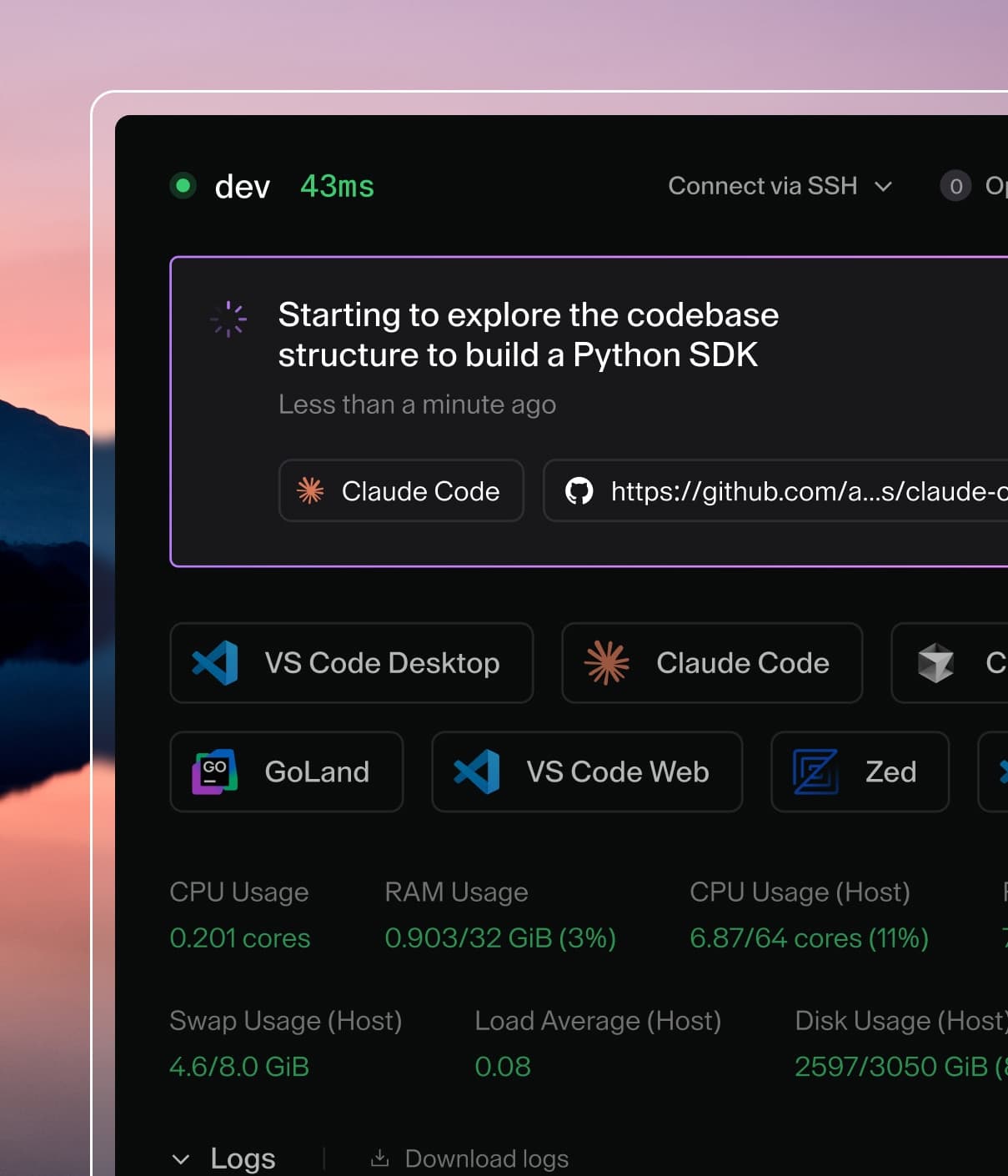
Agents with Coder Tasks
In cases where the IDE is secondary, such as prototyping or long-running
background jobs, agents like Claude Code or Aider are better for the job and new
SaaS interfaces like Devin and
ChatGPT Codex are emerging.
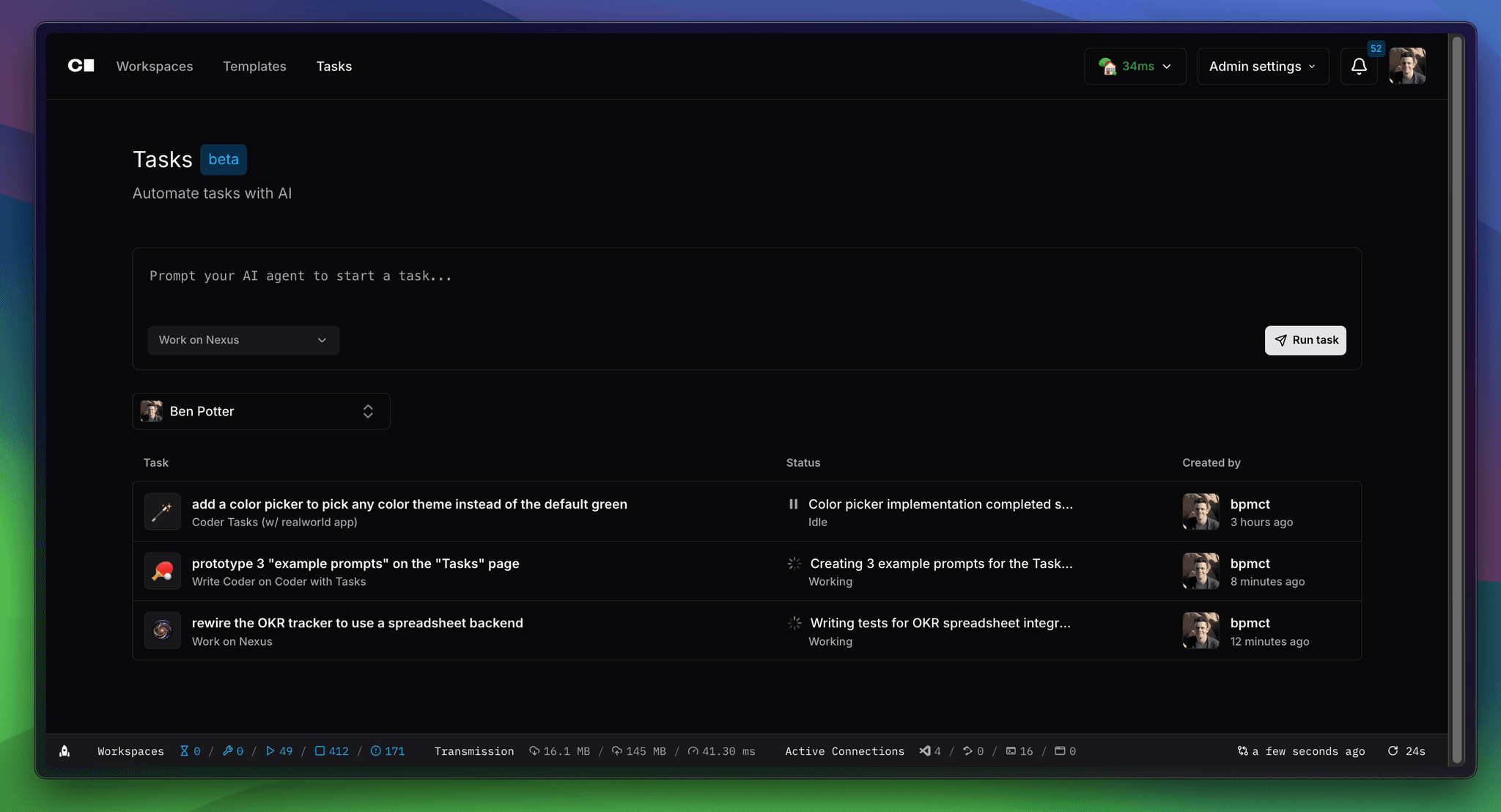
Coder Tasks is an interface inside Coder to run and manage coding
agents with a chat-based UI. Unlike SaaS-based products, Coder Tasks is
self-hosted (included in your Coder deployment) and allows you to run any
terminal-based agent such as Claude Code or Codex's Open Source CLI.
AI agents can be powerful teammates, but must be treated as untrusted and
unpredictable interns as opposed to tools. Without the right controls, they can
go rogue.
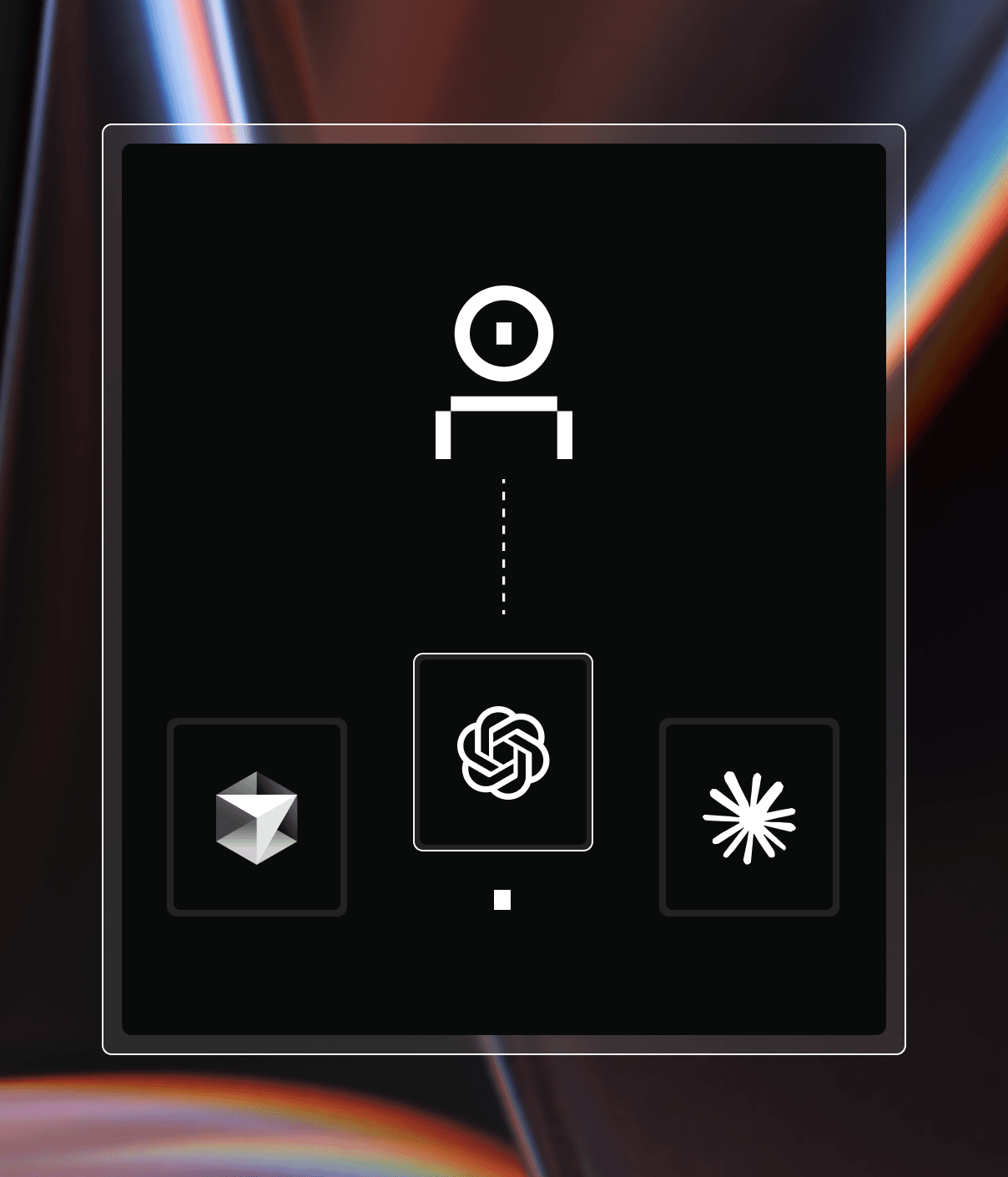
Agent Boundaries is a new tool that offers
process-level safeguards that detect and prevent destructive actions. Unlike
traditional mitigation methods like firewalls, service meshes, and RBAC systems,
Agent Boundaries is an agent-aware, centralized control point that can either be
embedded in the same secure Coder Workspaces that enterprises already trust, or
used through an open source CLI.
To learn more about features, implementation details, and how to get started,
check out the Agent Boundaries documentation.