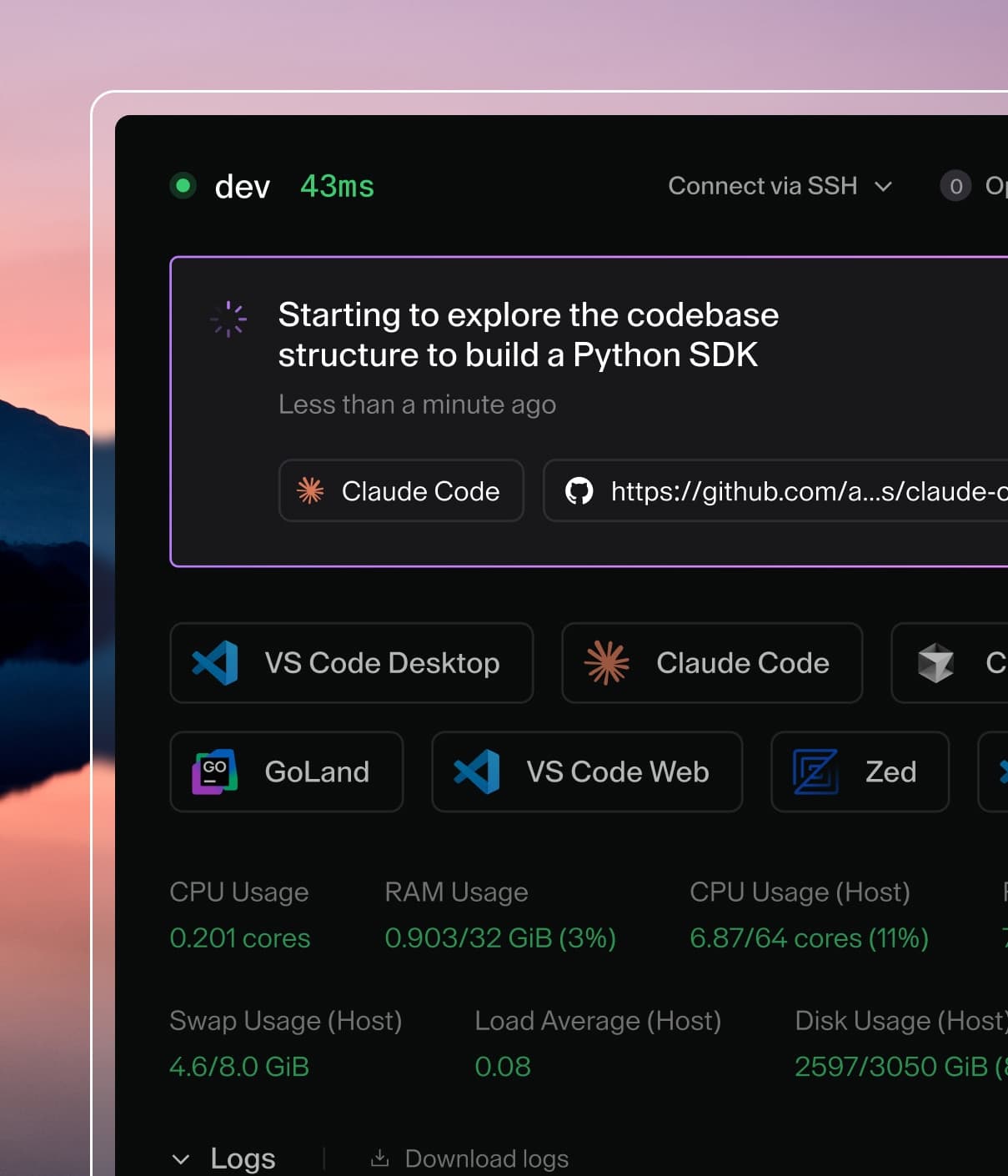
Coder powers secure, scalable development across key industries — automotive, finance, government, and technology — enabling faster builds, tighter compliance, and seamless AI adoption in enterprise-grade cloud environments.
By default, new Coder deployments use a Coder-managed GitHub app to authenticate
users.
We provide it for convenience, allowing you to experiment with Coder
without setting up your own GitHub OAuth app.
If you authenticate with it, you grant Coder server read access to your GitHub
user email and other metadata listed during the authentication flow.
This access is necessary for the Coder server to complete the authentication
process.
To the best of our knowledge, Coder, the company, does not gain access
to this data by administering the GitHub app.
Default Configuration
Important
Installation of the default GitHub app grants Coder (the company) access to your organization's GitHub data.
For production environments, we strongly recommend that you
configure your own GitHub OAuth app
to ensure that your data is not shared with Coder (the company).
The default GitHub app requires device flow to authenticate.
This is enabled by default when using the default GitHub app.
If you disable device flow using CODER_OAUTH2_GITHUB_DEVICE_FLOW=false, it will be ignored.
By default, only the admin user can sign up.
To allow additional users to sign up with GitHub, add:
CODER_OAUTH2_GITHUB_ALLOW_SIGNUPS=true
(Optional) If you want to limit sign-ups to specific GitHub organizations, set:
After you disable the default GitHub provider, the Sign in with GitHub button
might still appear on your login page even though the authentication flow is disabled.
To completely hide the GitHub sign-in button, you must disable the default provider
and ensure you don't have a custom GitHub OAuth app configured.
GitHub will ask you for the following Coder parameters:
Homepage URL: Set to your Coder deployment's
CODER_ACCESS_URL (e.g.
https://coder.domain.com)
User Authorization Callback URL: Set to https://coder.domain.com
If you want to allow multiple Coder deployments hosted on subdomains, such as
coder1.domain.com, coder2.domain.com, to authenticate with the
same GitHub OAuth app, then you can set User Authorization Callback URL to
the https://domain.com
Take note of the Client ID and Client Secret generated by GitHub.
You will use these values in the next step.
Coder needs permission to access user email addresses.
Find the Account Permissions settings for your app and select read-only for Email addresses.
Step 2: Configure Coder with the OAuth credentials
Go to your Coder host and run the following command to start up the Coder server:
coder server --oauth2-github-allow-signups=true --oauth2-github-allowed-orgs="your-org" --oauth2-github-client-id="8d1...e05" --oauth2-github-client-secret="57ebc9...02c24c"
Note
For GitHub Enterprise support, specify the --oauth2-github-enterprise-base-url flag.
Alternatively, if you are running Coder as a system service, you can achieve the
same result as the command above by adding the following environment variables
to the /etc/coder.d/coder.env file:
We recommend requiring and auditing MFA usage for all users in your GitHub organizations.
This can be enforced from the organization settings page in the Authentication security sidebar tab.
Device Flow
Coder supports
device flow
for GitHub OAuth.
This is enabled by default for the default GitHub app and cannot be disabled for that app.
For your own custom GitHub OAuth app, you can enable device flow by setting:
CODER_OAUTH2_GITHUB_DEVICE_FLOW=true
Device flow is optional for custom GitHub OAuth apps.
We generally recommend using the standard OAuth flow instead, as it is more convenient for end users.
Note
If you're using the default GitHub app, device flow is always enabled regardless of
the CODER_OAUTH2_GITHUB_DEVICE_FLOW setting.