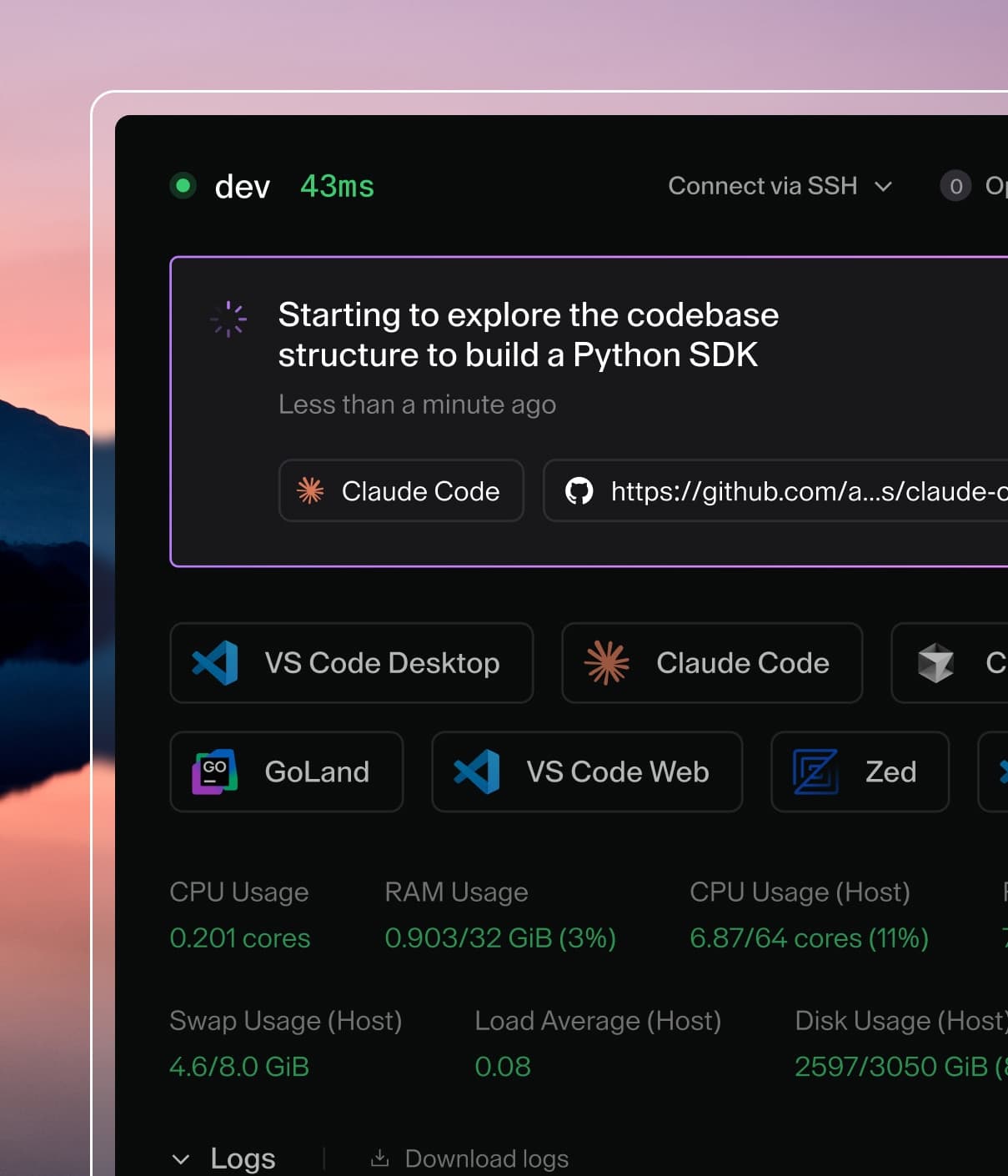
Coder powers secure, scalable development across key industries — automotive, finance, government, and technology — enabling faster builds, tighter compliance, and seamless AI adoption in enterprise-grade cloud environments.
Update group_add: in docker-compose.yaml with the gid of docker
group. You can get the docker group gid by running the below command:
getent group docker | cut -d: -f3
Start Coder with docker compose up
Visit the web UI via the configured url.
Follow the on-screen instructions log in and create your first template and
workspace
Coder configuration is defined via environment variables. Learn more about
Coder's configuration options.
Install the preview release
Tip
We do not recommend using preview releases in production environments.
You can install and test a
preview release of Coder
by using the coder-preview:latest image tag.
This image is automatically updated with the latest changes from the main branch.
Replace ghcr.io/coder/coder:latest in the docker run command in the
steps above with ghcr.io/coder/coder-preview:latest.
Troubleshooting
Cannot connect to the Docker daemon
If you see an error like:
Error: Error pinging Docker server: Cannot connect to the Docker daemon at unix:///var/run/docker.sock. Is the docker daemon running?
Docker is not installed or not running on the host. Install Docker and start the
daemon before creating a workspace from a Docker-based template. Refer to the
quickstart troubleshooting
for platform-specific steps.
Docker-based workspace is stuck in "Connecting..."
Ensure you have an externally-reachable CODER_ACCESS_URL set. See
troubleshooting templates for more
steps.
Permission denied while trying to connect to the Docker daemon socket
Coder runs as a non-root user, we use --group-add to ensure Coder has
permissions to manage Docker via docker.sock. If the host systems
/var/run/docker.sock is not group writable or does not belong to the docker
group, the above may not work as-is.
I cannot add cloud-based templates
In order to use cloud-based templates (e.g. Kubernetes, AWS), you must have an
external URL that users and workspaces will use to connect to Coder. For
proof-of-concept deployments, you can use
Coder's tunnel. For production deployments, we
recommend setting an access URL