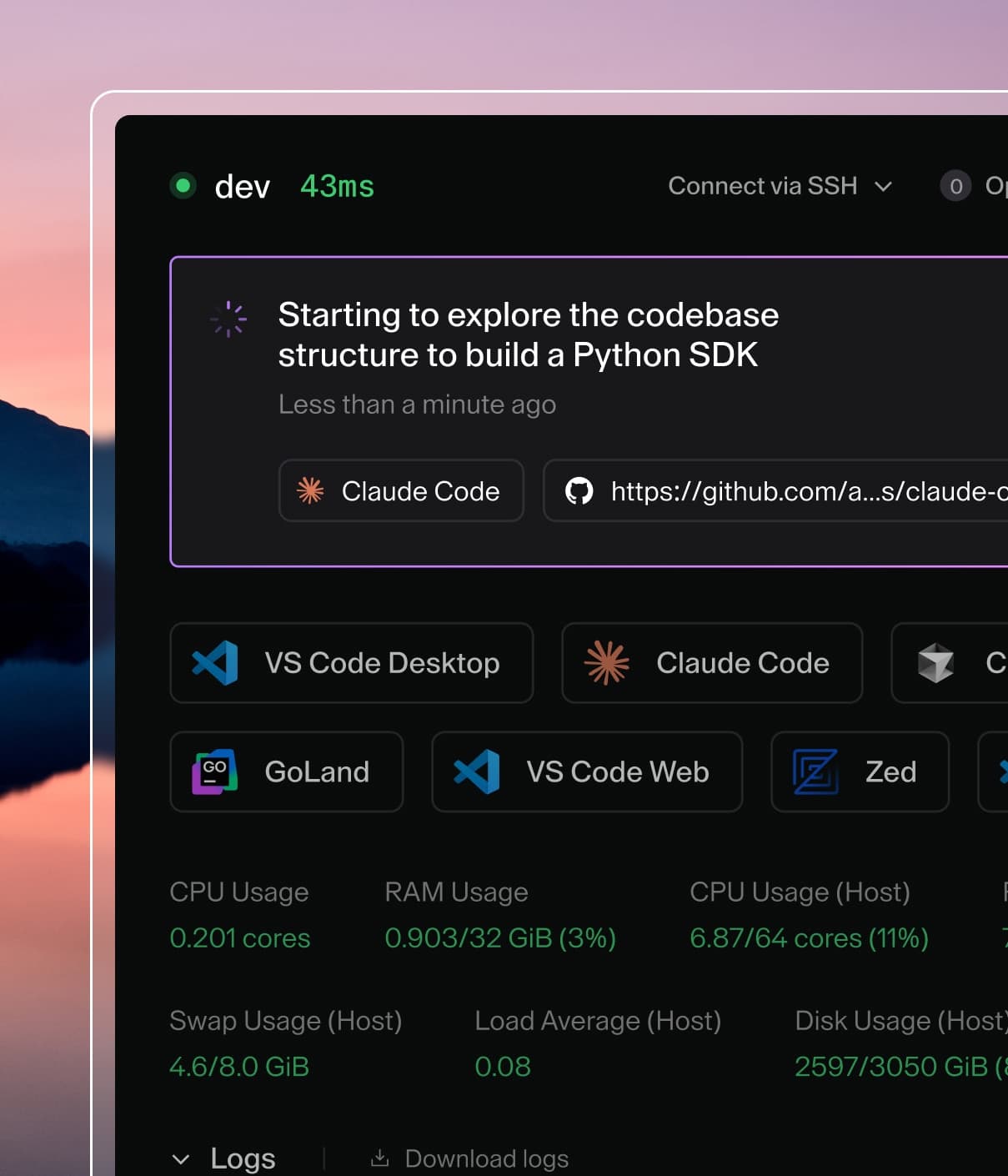
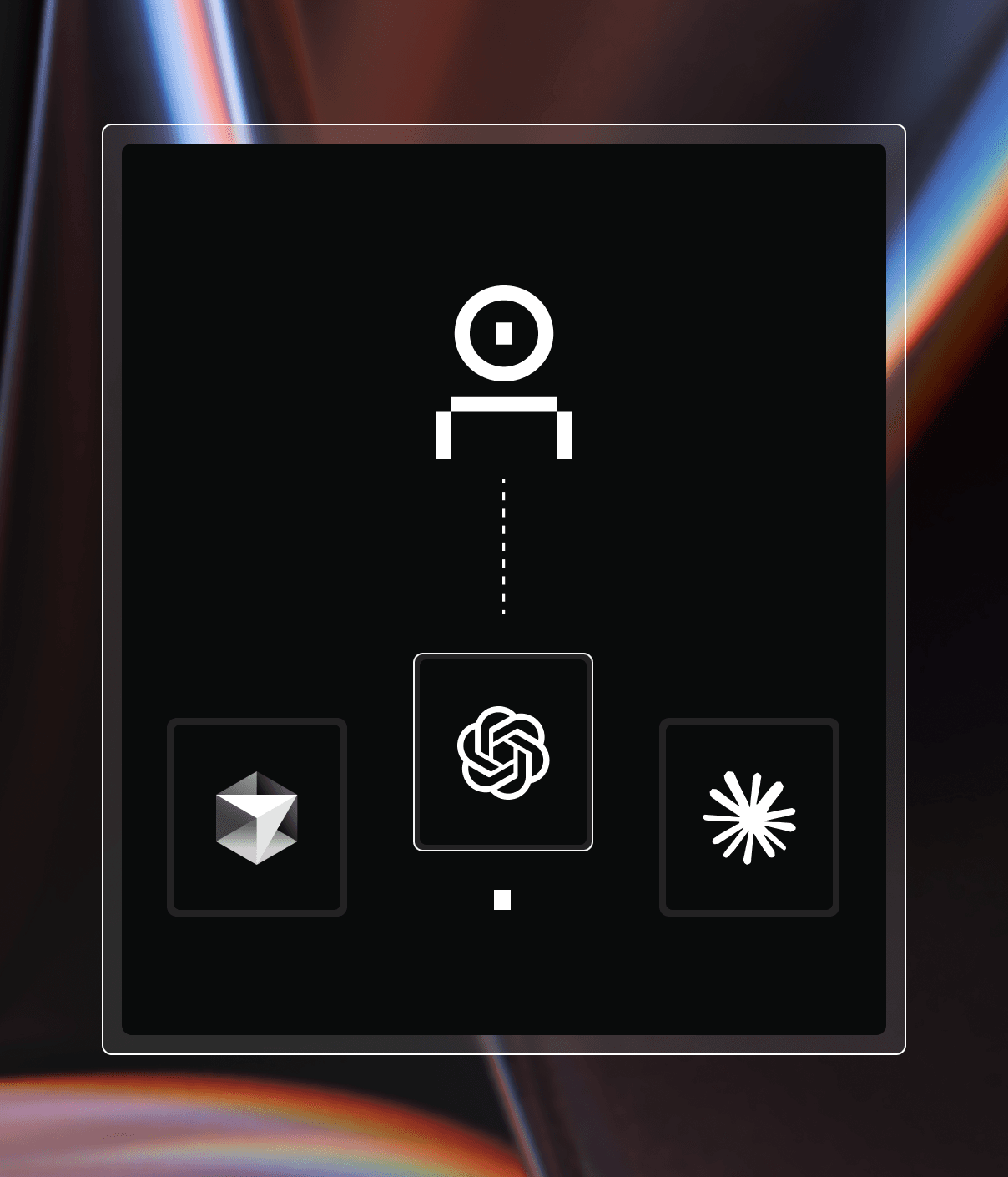
Coder powers secure, scalable development across key industries — automotive, finance, government, and technology — enabling faster builds, tighter compliance, and seamless AI adoption in enterprise-grade cloud environments.
Coder Workspaces already lets teams run AI tools like
Cursor and
Claude Code inside their
development environments. As adoption grows, many enterprises also need
observability, management, and policy controls to support secure and auditable
AI rollouts.
AI Governance is included with a Premium license. Each Premium user gets access
to a set of features that help organizations safely roll out AI tooling at scale:
AI Gateway: LLM gateway to audit AI sessions, central
MCP server management, and policy enforcement
Agent Firewall: Process-level firewalls for
agents, restricting which domains can be accessed by AI agents
Note
AI Gateway and Agent Firewall require a Premium license.
Community deployments cannot access these features.
Who should use AI Governance
AI Governance is for teams that want to extend the Coder platform to support
AI-powered IDEs and coding agents in a controlled, observable way.
It's a good fit if you're:
Rolling out AI-powered IDEs like Cursor and AI coding agents like Claude Code
across teams
Looking to centrally observe, audit, and govern AI activity in Coder
Workspaces
Managing AI workflows against sensitive or regulated codebases
If you already use other AI Governance tools, such as third-party LLM gateways
or vendor-managed policies, you can continue using them. Coder Workspaces can
still serve as the backend for development environments and AI workflows, with
or without Coder's AI Governance features.
Use cases for AI Governance
Organizations adopting AI coding tools at scale often encounter operational and
security challenges that traditional developer tooling doesn't address.
Audit AI activity across teams
Without centralized monitoring, teams have no way to understand how AI tools are
being used across the organization. AI Gateway provides audit trails of prompts,
token usage, and tool invocations, giving administrators insight into AI
adoption patterns and potential issues.
Restrict agent network access
AI agents can make arbitrary network requests, potentially accessing unauthorized services or exfiltrating data.
Agent Firewall enforces process-level policies that restrict which domains agents can reach and what actions they can perform,
preventing unintended data exposure.
Centralize API key management
Managing individual API keys for AI providers across hundreds of developers
creates security risks and administrative overhead. AI Gateway centralizes
authentication so users authenticate through Coder, eliminating the need to
distribute and rotate provider API keys.
Standardize MCP tools and servers
Different teams may use different MCP servers and tools with varying security
postures. AI Gateway enables centralized MCP administration, allowing
organizations to define approved tools and servers that all users can access.
Measure AI adoption and spend
Without usage data, it's hard to justify AI tooling investments or identify
high-leverage use cases. AI Gateway captures metrics on token spend, adoption
rates, and usage patterns to inform decisions about AI strategy.
GA status and availability
Starting with Coder v2.30 (February 2026), AI Gateway and Agent Firewall are
generally available as part of AI Governance.
To learn more about AI Governance, pricing, or trial options, reach out to your
Coder account team.