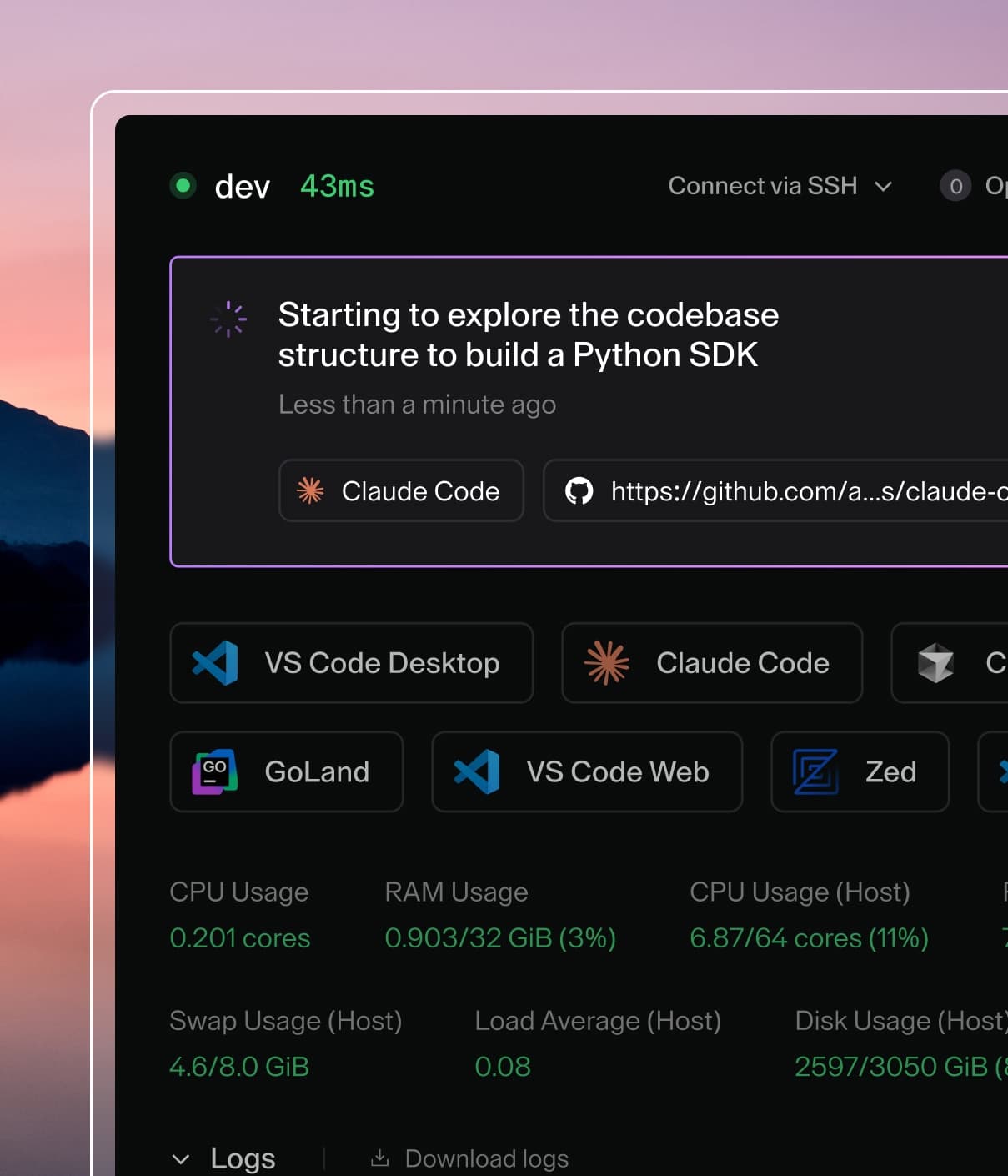
Coder powers secure, scalable development across key industries — automotive, finance, government, and technology — enabling faster builds, tighter compliance, and seamless AI adoption in enterprise-grade cloud environments.
This document includes a mix of cultural and technical best practices and guidelines for introducing AI agents into your organization.
Identify Use Cases
To successfully implement AI coding agents, identify 3-5 practical use cases where AI tools can deliver real value. Additionally, find a target group of developers and projects that are the best candidates for each specific use case.
Below are common scenarios where AI coding agents provide the most impact, along with the right tools for each use case:
Scenario
Description
Examples
Tools
Automating actions in the IDE
Supplement tedious development with agents
Small refactors, generating unit tests, writing inline documentation, code search and navigation
While LLMs are trained on general knowledge, it's important to provide additional context to help agents understand your codebase and organization.
For Coder Agents, context comes from a few complementary places. Platform admins configure a system prompt that applies to every chat and register MCP servers per organization. Repos and workspace templates can ship reusable skills under .agents/skills/, which the agent discovers automatically when it attaches to the workspace. Developers don't need to manage memory files or wire up tools themselves.
The rest of this section covers patterns for agents you run yourself inside a workspace, such as Claude Code or Codex.
Memory
Coding Agents like Claude Code often refer to a memory file in order to gain context about your repository or organization.
Look up the docs for the specific agent you're using to learn more about how to provide context to your agents.
Tools (Model Context Protocol)
Agents can also use tools, often via Model Context Protocol to look up information or perform actions. A common example would be fetching style guidelines from an internal wiki, or looking up the documentation for a service within your catalog.
Look up the docs for the specific agent you're using to learn more about how to provide tools to your agents.
Our Favorite MCP Servers
In internal testing, we have seen significant improvements in agent performance when these tools are added via MCP.
Playwright: Instruct your agent
to open a browser, and check its work by viewing output and taking
screenshots.
desktop-commander:
Instruct your agent to run long-running tasks (e.g. npm run dev) in the background instead of blocking the main thread.
Security & Permissions
LLMs and agents can be dangerous if not run with proper boundaries. Be sure not to give agents full permissions on behalf of a user, and instead use separate identities with limited scope whenever interacting autonomously.
Today's LLMs and AI agents are not going to refactor entire codebases with production-grade code on their own! Using coding agents can be extremely fun and productive, but it is important to keep the scope of your use cases small and simple, and grow them over time.