code-server
Learn how to install and run code-server.
On this page
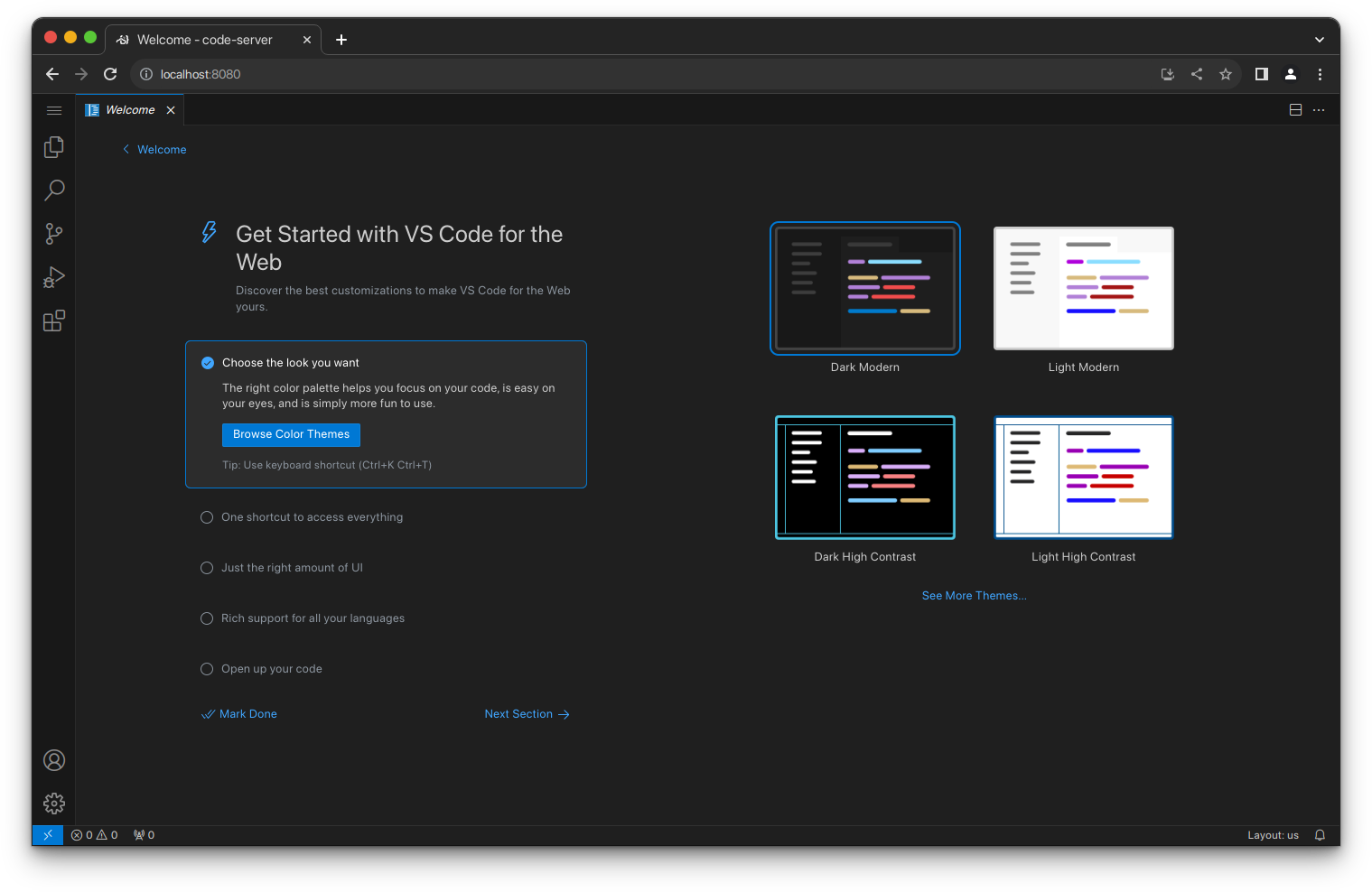
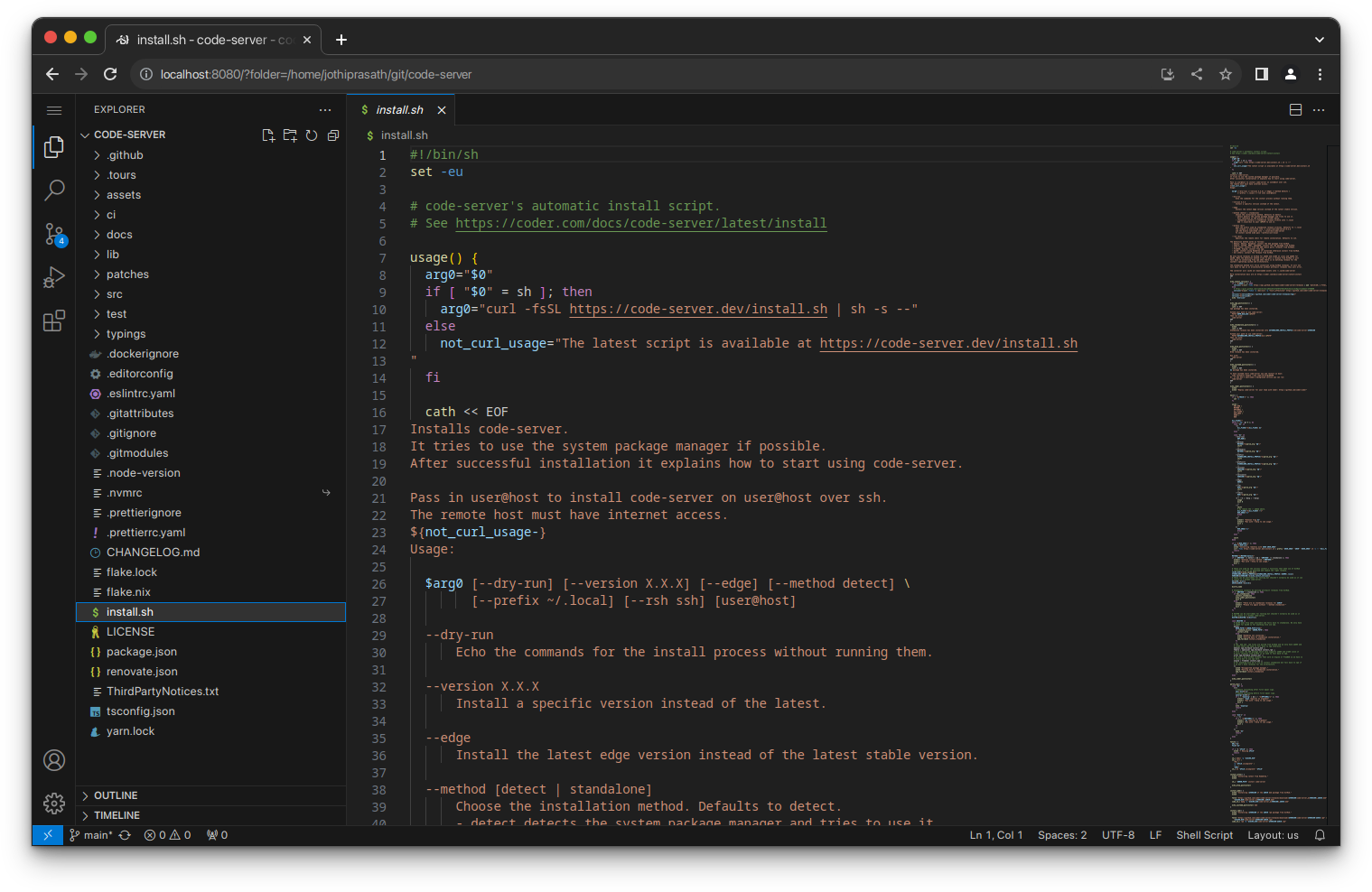
Run VS Code on any machine anywhere and access it in the browser.
Highlights
Highlights- Code on any device with a consistent development environment
- Use cloud servers to speed up tests, compilations, downloads, and more
- Preserve battery life when you're on the go; all intensive tasks run on your server
Requirements
RequirementsSee requirements for minimum specs, as well as instructions on how to set up a Google VM on which you can install code-server.
TL;DR: Linux machine with WebSockets enabled, 1 GB RAM, and 2 vCPUs
Getting started
Getting startedThere are four ways to get started:
- Using the install script, which automates most of the process. The script uses the system package manager if possible.
- Manually installing code-server
- Deploy code-server to your team with coder/coder
- Using the code-server feature for devcontainers, if you already use devcontainers in your project.
If you use the install script, you can preview what occurs during the install process:
curl -fsSL https://code-server.dev/install.sh | sh -s -- --dry-runTo install, run:
curl -fsSL https://code-server.dev/install.sh | shWhen done, the install script prints out instructions for running and starting code-server.
Note To manage code-server for a team on your infrastructure, see: coder/coder
We also have an in-depth setup and configuration guide.
Questions?
Questions?See answers to frequently asked questions.
Want to help?
Want to help?See Contributing for details.
Hiring
HiringInterested in working at Coder? Check out our open positions!
For Teams
For TeamsWe develop coder/coder to help teams to adopt remote development.