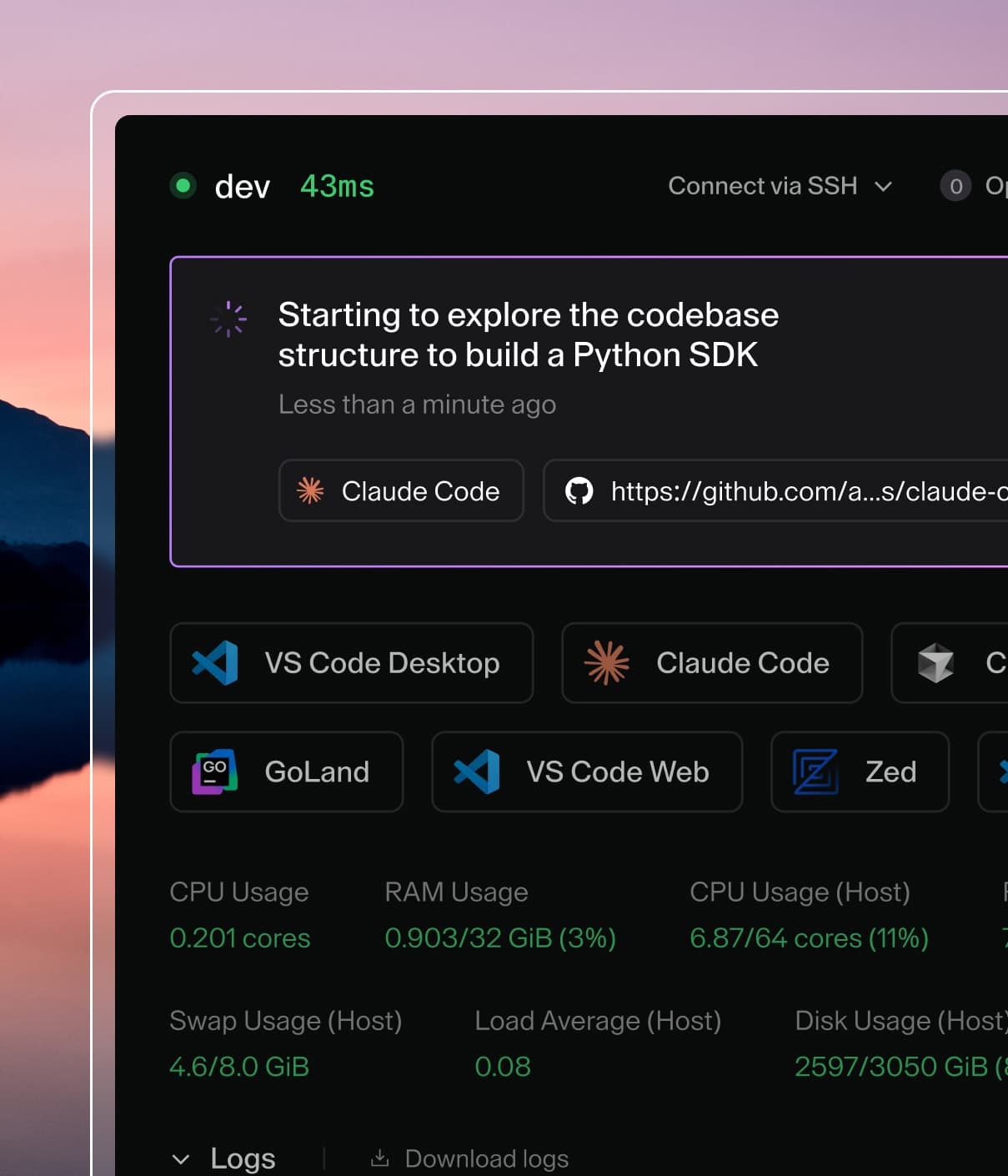
Coder powers secure, scalable development across key industries — automotive, finance, government, and technology — enabling faster builds, tighter compliance, and seamless AI adoption in enterprise-grade cloud environments.
The command deploys code-server on the Kubernetes cluster in the default
configuration. The configuration section lists the parameters
that can be configured during installation.
Tip: List all releases using helm list
Uninstalling the Chart
To uninstall/delete the code-server deployment:
$ helm delete code-server
The command removes all the Kubernetes components associated with the chart and
deletes the release.
Configuration
The following table lists the configurable parameters of the code-server chart
and their default values.
Values
Key
Type
Default
affinity
object
{}
annotations
object
{}
extraArgs
list
[]
extraConfigmapMounts
list
[]
extraContainers
string
""
extraInitContainers
string
""
extraPorts
list
[]
extraSecretMounts
list
[]
extraVars
list
[]
extraVolumeMounts
list
[]
fullnameOverride
string
""
hostnameOverride
string
""
image.pullPolicy
string
"Always"
image.repository
string
"codercom/code-server"
image.tag
string
"4.139.1"
imagePullSecrets
list
[]
ingress.enabled
bool
false
ingress.ingressClassName
string
""
lifecycle.enabled
bool
false
livenessProbe.enabled
bool
true
nameOverride
string
""
nodeSelector
object
{}
persistence.accessMode
string
"ReadWriteOnce"
persistence.annotations
object
{}
persistence.enabled
bool
true
persistence.size
string
"10Gi"
podAnnotations
object
{}
podSecurityContext
object
{}
priorityClassName
string
""
readinessProbe.enabled
bool
true
replicaCount
int
1
resources
object
{}
securityContext.enabled
bool
true
securityContext.fsGroup
int
1000
securityContext.runAsUser
int
1000
service.port
int
8080
service.type
string
"ClusterIP"
serviceAccount.annotations
object
{}
serviceAccount.create
bool
true
serviceAccount.name
string
""
tolerations
list
[]
volumePermissions.enabled
bool
true
volumePermissions.securityContext.runAsUser
int
0
Specify each parameter using the --set key=value[,key=value] argument to helm install. For example,
There are two parameters which allow to add more containers to pod.
Use extraContainers to add regular containers
and extraInitContainers to add init containers. You can read more
about init containers in k8s documentation.
Both parameters accept strings and use them as a templates