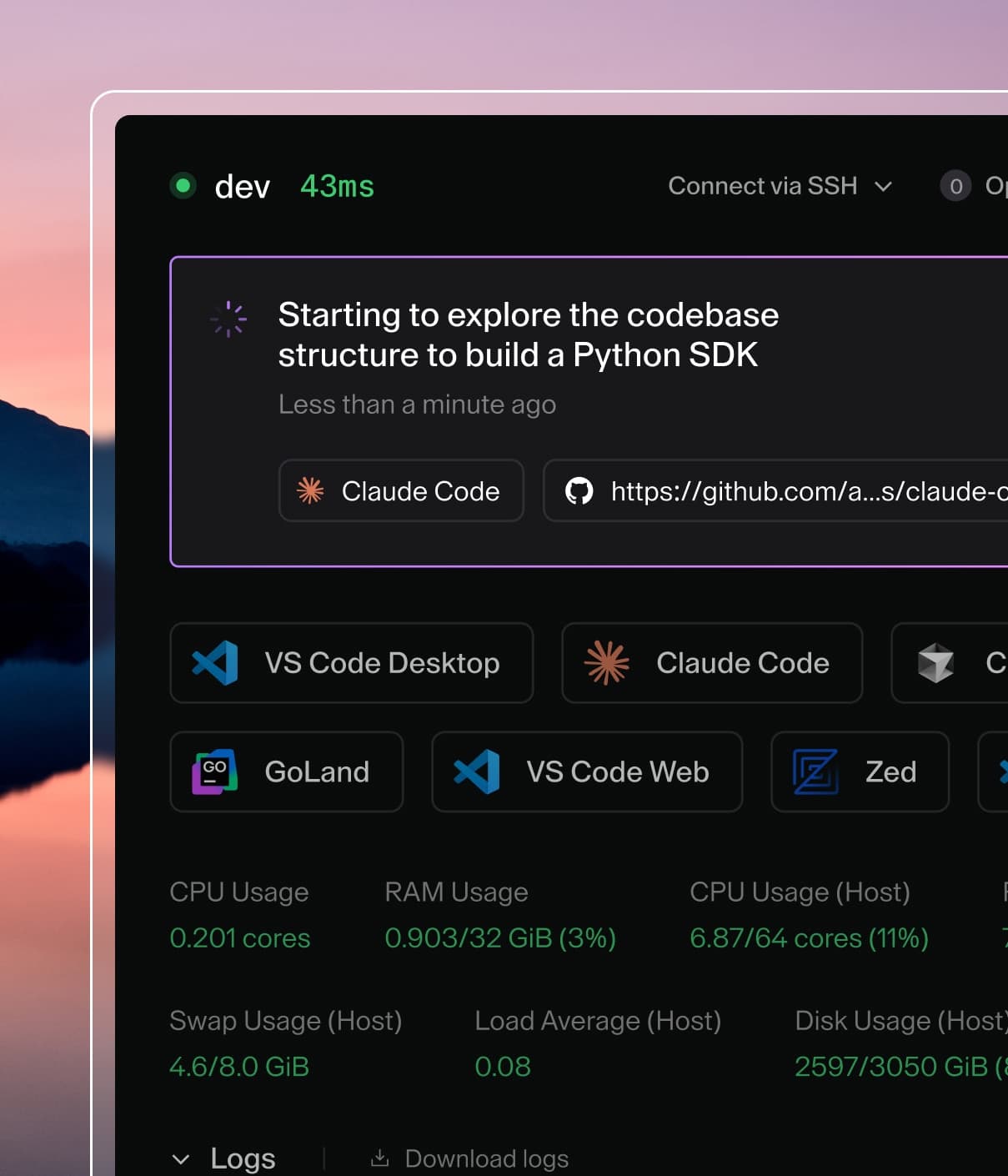
Coder powers secure, scalable development across key industries — automotive, finance, government, and technology — enabling faster builds, tighter compliance, and seamless AI adoption in enterprise-grade cloud environments.
If you encounter a creating directory error on macOS, check the
troubleshooting section below.
Development workflow
Use the following make commands and scripts in development:
./scripts/develop.sh runs the frontend and backend development server
make build compiles binaries and release packages
make install installs binaries to $GOPATH/bin
make test
Running Coder on development mode
Run the development script to spin up the local environment:
./scripts/develop.sh
This will start two processes:
http://localhost:3000 — the backend API server. Primarily used for backend development and also serves the static frontend build.
http://localhost:8080 — the Node.js frontend development server. Supports hot reloading and is useful if you're working on the frontend as well.
Additionally, it starts a local PostgreSQL instance, creates both an admin and a member user account, and installs a default Docker-based template.
Verify Your Session
Confirm that you're logged in by running:
./scripts/coder-dev.sh list
This should return an empty list of workspaces. If you encounter an error, review the output from the develop.sh script for issues.
Note
coder-dev.sh is a helper script that behaves like the regular coder CLI, but uses the binary built from your local source and shares the same configuration directory set up by develop.sh. This ensures your local changes are reflected when testing.
The default user is [email protected] and the default password is SomeSecurePassword!
Create Your First Workspace
A template named docker is created automatically. To spin up a workspace quickly, use:
Coder values thorough reviews. For each review comment that you receive, please
"close" it by implementing the suggestion or providing an explanation on why the
suggestion isn't the best option. Be sure to do this for each comment; you can
click Done to indicate that you've implemented the suggestion, or you can
add a comment explaining why you aren't implementing the suggestion (or what you
chose to implement instead).
It is perfectly normal for changes to go through several rounds of reviews, with
one or more reviewers making new comments every time, then waiting for an
updated change before reviewing again. All contributors, including those from
maintainers, are subject to the same review cycle; this process is not meant to
be applied selectively or to discourage anyone from contributing.
Releases
Coder releases are initiated via
./scripts/release.sh
and automated via GitHub Actions. Specifically, the
release.yaml
workflow. They are created based on the current
main branch.
The release notes for a release are automatically generated from commit titles
and metadata from PRs that are merged into main.
Creating a release
The creation of a release is initiated via
./scripts/release.sh.
This script will show a preview of the release that will be created, and if you
choose to continue, create and push the tag which will trigger the creation of
the release via GitHub Actions.
See ./scripts/release.sh --help for more information.
Creating a release (via workflow dispatch)
Typically the workflow dispatch is only used to test (dry-run) a release,
meaning no actual release will take place. The workflow can be dispatched
manually from
Actions: Release.
Simply press "Run workflow" and choose dry-run.
If a release has failed after the tag has been created and pushed, it can be
retried by again, pressing "Run workflow", changing "Use workflow from" from
"Branch: main" to "Tag: vX.X.X" and not selecting dry-run.
Allowed commit types (feat, fix, etc.) are listed in
conventional-commit-types.
Note that these types are also used to automatically sort and organize the
release notes.
A good commit message title uses the imperative, present tense and is ~50
characters long (no more than 72).
Note: We lint PR titles to ensure they follow the Conventional Commits
specification, however, it's still possible to merge PRs on GitHub with a badly
formatted title. Take care when merging single-commit PRs as GitHub may prefer
to use the original commit title instead of the PR title.
Breaking changes
Breaking changes can be triggered in two ways:
Add ! to the commit message title, e.g.
feat(api)!: remove deprecated endpoint /test
Add the
release/breaking
label to a PR that has, or will be, merged into main.
Security
Caution
If you find a vulnerability, DO NOT FILE AN ISSUE. Instead, send an email
to [email protected].
The
security
label can be added to PRs that have, or will be, merged into main. Doing so
will make sure the change stands out in the release notes.
Experimental
The
release/experimental
label can be used to move the note to the bottom of the release notes under a
separate title.
Troubleshooting
Nix on macOS: error: creating directory
On macOS, a direnv bug can cause
nix-shell to fail to build or run coder. If you encounter
error: creating directory when you attempt to run, build, or test, add a
mkdir line to your .envrc: