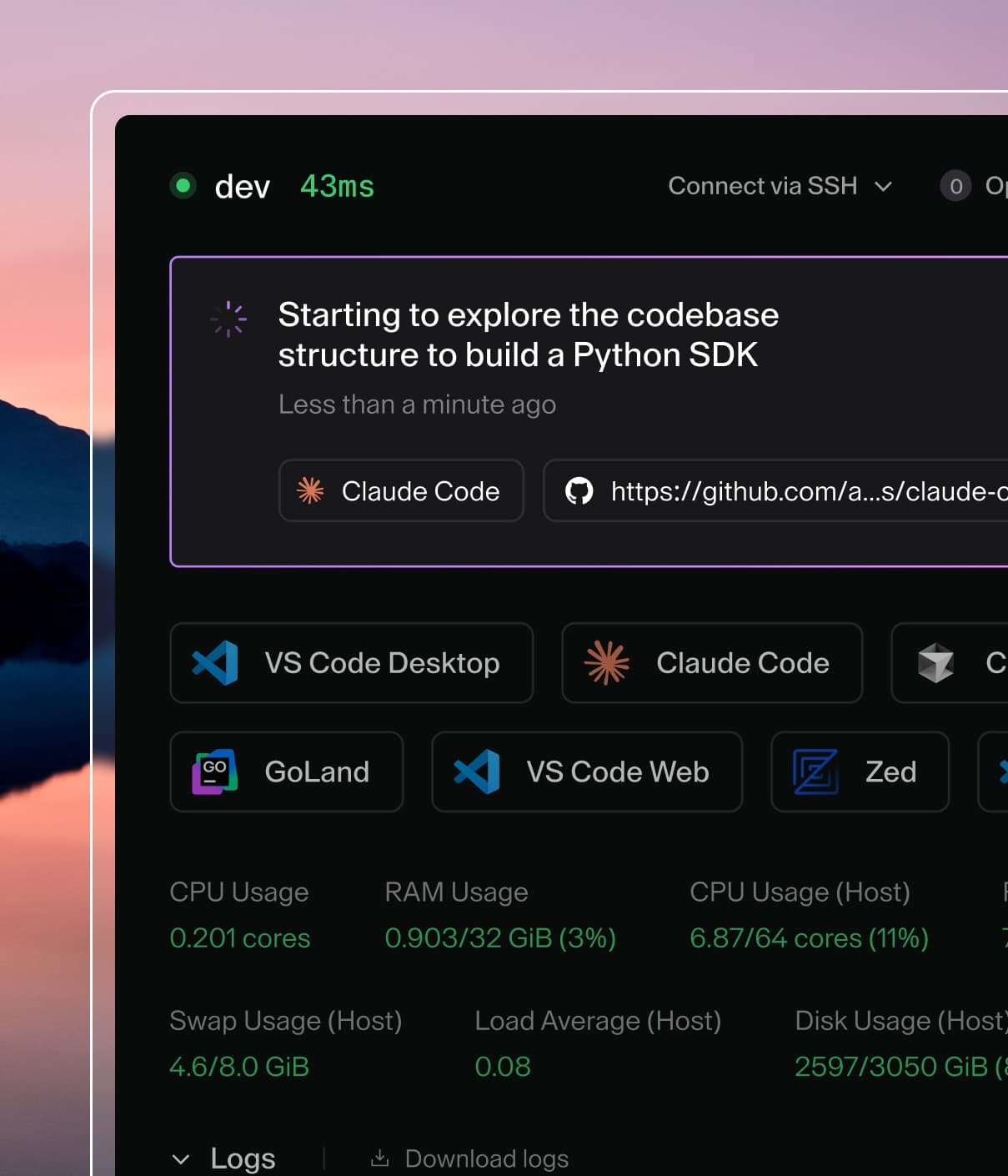
Coder powers secure, scalable development across key industries — automotive, finance, government, and technology — enabling faster builds, tighter compliance, and seamless AI adoption in enterprise-grade cloud environments.
This style guide is primarily for use with authoring documentation.
General guidelines
Use sentence case, even in titles (do not punctuate the title, though)
Use the second person
Use the active voice
Use plural nouns and pronouns (they, their, or them), especially when
the specific number is uncertain (i.e., "Set up your environments" even though
you don't know if the user will have one or many environments)
When writing documentation titles, use the noun form, not the gerund form (e.g., "Environment
Management" instead of "Managing Environments")
Context matters when you decide whether to capitalize something or not. For
example, "A Job creates one or more
Pods..." is
correct when writing about Kubernetes. However, in other contexts, neither
job nor pods would be capitalized. Please follow the conventions set forth
by the relevant companies and open source communities.
Third-party references
If you have questions that aren't explicitly covered by this guide, consult the
following third-party references:
Below summarizes the text-formatting conventions you should follow.
Bold
Use bold formatting when referring to UI elements.
Italics
Use italics for:
Parameter names
Mathematical and version variables
Code font
Use code font for:
User text input
Command-line utility names
DNS record types
Environment variable names (e.g., PATH)
Filenames, filename extensions, and paths
Folders and directories
HTTP verbs, status codes, and content-type values
Placeholder variables
Use code blocks for code samples and other blocks of code. Be sure to indicate
the language your using to apply the proper syntax highlighting.
This is a codeblock.
For code that you want users to enter via a command-line interface, use
console, not bash.
Punctuation
Do not use the ampersand (&) as a shorthand for and unless you're referring to a
UI element or the name of something that uses &.
You can use the symbol ~ in place of the word approximately.
UI elements
When referring to UI elements, including the names for buttons, menus, dialogs,
and anything that has a name visible to the user, use bold font.
Example: On the Environment Overview page, click Configure SSH.
Don't use code font for UI elements unless it is rendered based on previously entered
text. For example, if you tell the user to provide the environment name as
myEnvironment, then use both bold and cold font when referring to the name.
Example: Click myEnvironment.
When writing out instructions that involve UI elements, both of the following options are acceptable:
Go to Manage > Users.
In the Manage menu, click Users.
Product-specific references
Below summarizes the guidelines regarding how Coder terms should be used.
Capitalized terms
The only Coder-specific terms that should be capitalized are the names of
products (e.g., Coder).
The exception is code-server, which is always lowercase. If it appears at the
beginning of the sentence, rewrite the sentence to avoid this usage.
Uncapitalized terms
In general, we do not capitalize the names of features (unless the situation calls for it,
such as the word appearing at the beginning of a sentence):
account dormancy
audit logs
autostart
command-line interface
dev URLs
environment
image
metrics
organizations
progressive web app
registries
single sign-on
telemetry
workspace
workspace providers
workspaces as code
We also do not capitalize the names of user roles: