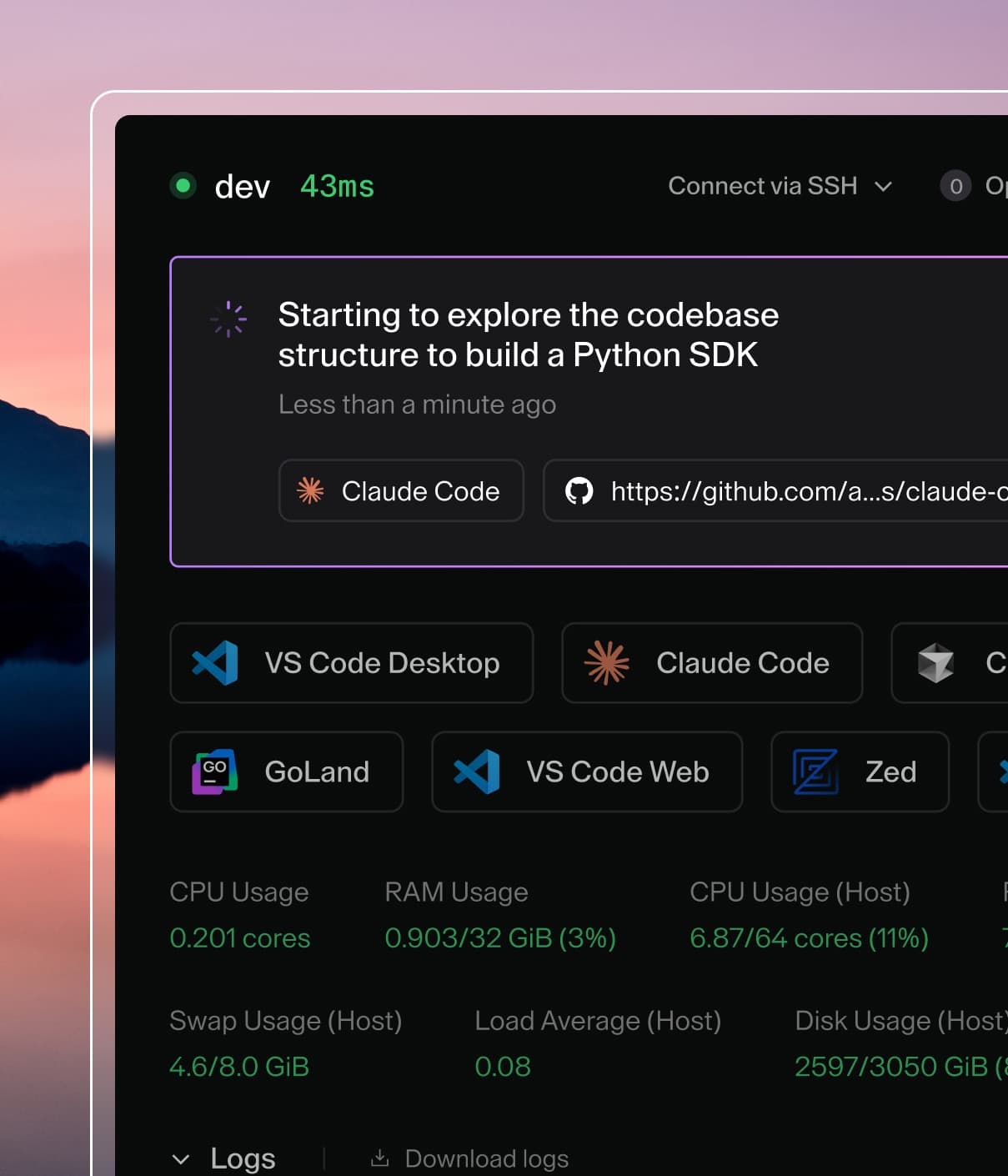
Coder powers secure, scalable development across key industries — automotive, finance, government, and technology — enabling faster builds, tighter compliance, and seamless AI adoption in enterprise-grade cloud environments.
The OAuth2 provider is off by default.
Set CODER_OAUTH2_PROVIDER_ENABLE=true to turn it on.
The oauth2 experiment has been removed, and adding oauth2 to CODER_EXPERIMENTS now only logs a warning and does nothing.
Switch to CODER_OAUTH2_PROVIDER_ENABLE=true instead.
Coder can act as an OAuth2 authorization server, allowing third-party applications to authenticate users through Coder and access the Coder API on their behalf.
This enables integrations where external applications can leverage Coder's authentication and user management.
Requirements
Admin privileges in Coder
CODER_OAUTH2_PROVIDER_ENABLE=true set on the control plane
HTTPS recommended for production deployments
Enable OAuth2 provider
The provider is off by default.
While it is off, the OAuth2 endpoints and discovery documents return 404 and the OAuth2 Applications page is hidden.
Turn it on with the CLI flag:
coder server --oauth2-provider-enable
Or set the environment variable:
CODER_OAUTH2_PROVIDER_ENABLE=true
Or set it in the YAML configuration file:
oauth2:
  provider:
    enable: true
For Kubernetes deployments that use the Helm chart, add the environment variable to coder.env in your values file:
Existing applications, secrets, and user authorizations are kept while the provider is off and work again when you turn it on.
Turning the provider off does not invalidate access tokens it already issued.
Those tokens keep authenticating to the regular Coder API while the OAuth2 refresh and revocation endpoints return 404.
Treat the setting as a way to stop new authorizations rather than as a way to revoke access, and delete the application before you disable the provider if you need to cut off every user's existing tokens too.
Create OAuth2 applications
Create an application in the web UI
Navigate to Deployment Settings > OAuth2 Applications.
On the Applications tab, select Add application.
Fill in the application details:
Name: Your application name
Default callback: https://yourapp.example.com/callback (web) or myapp://callback (native/desktop). Select Add redirect URI for additional callback URLs.
callback_url is still accepted and still returned, but it is deprecated: it is equal to the first entry in redirect_uris. New scripts should send and read redirect_uris instead.
Update an application with PUT. Fetch it first and edit the fields you want to change, then send the result back:
name is required on every PUT, and icon is cleared if you leave it out.
redirect_uris replaces the stored list when present and keeps it when omitted.
scope is kept when omitted; refer to Scopes for how to change it.
Add an optional scope field to restrict which scopes the application's clients may request.
Refer to Scopes for how the allowlist is applied and how to change it later.
Generate a client secret:
curl -X POST \
  -H "Authorization: Bearer $CODER_SESSION_TOKEN" \
  "$CODER_URL/api/v2/oauth2-provider/apps/$APP_ID/secrets"
The response includes client_secret_full, the plaintext secret. Save it now: later reads of this application return only a truncated version.
Every client, whichever method you used to create its application, must complete PKCE (Proof Key for Code Exchange) to exchange a code for a token; refer to Authorization code flow before you start integrating.
Dynamic Client Registration
Dynamic Client Registration (RFC 7591) lets a client register itself against /oauth2/register instead of an admin creating the application manually. It's disabled by default; an owner must turn it on before any client can self-register.
Change the setting in the web UI:
Navigate to Deployment Settings > OAuth2 Applications.
Select the Settings tab.
Select Enable or Disable next to Dynamic Client Registration.
Enabling asks you to confirm first.
Disabling does not.
The tab is linkable directly at https://$CODER_ACCESS_URL/deployment/oauth2-provider/apps?tab=settings.
Viewing the tab requires permission to view deployment configuration, and changing the setting requires permission to edit it.
Without edit permission the button is present but inactive, and the page says why.
Disabling only blocks new self-registrations. Applications that already
registered while it was enabled keep authorizing and exchanging tokens
normally; disabling does not revoke or otherwise affect them.
An application may list several redirect_uris, whether it registered itself or an admin created it.
A request may present any of them, and the code it receives can only be exchanged with that same URI.
The first entry is the primary callback: it is what the web UI shows for the application, and what a request that omits redirect_uri is sent to.
An admin can edit the list through the management API, and a self-registered client can update its own list with its registration access token.
The admin PUT also validates the stored name, so a self-registered client whose name has leading or trailing whitespace can only be updated with its registration access token.
Learn more
Integration patterns: client authentication methods, the PKCE flow, and discovery endpoints