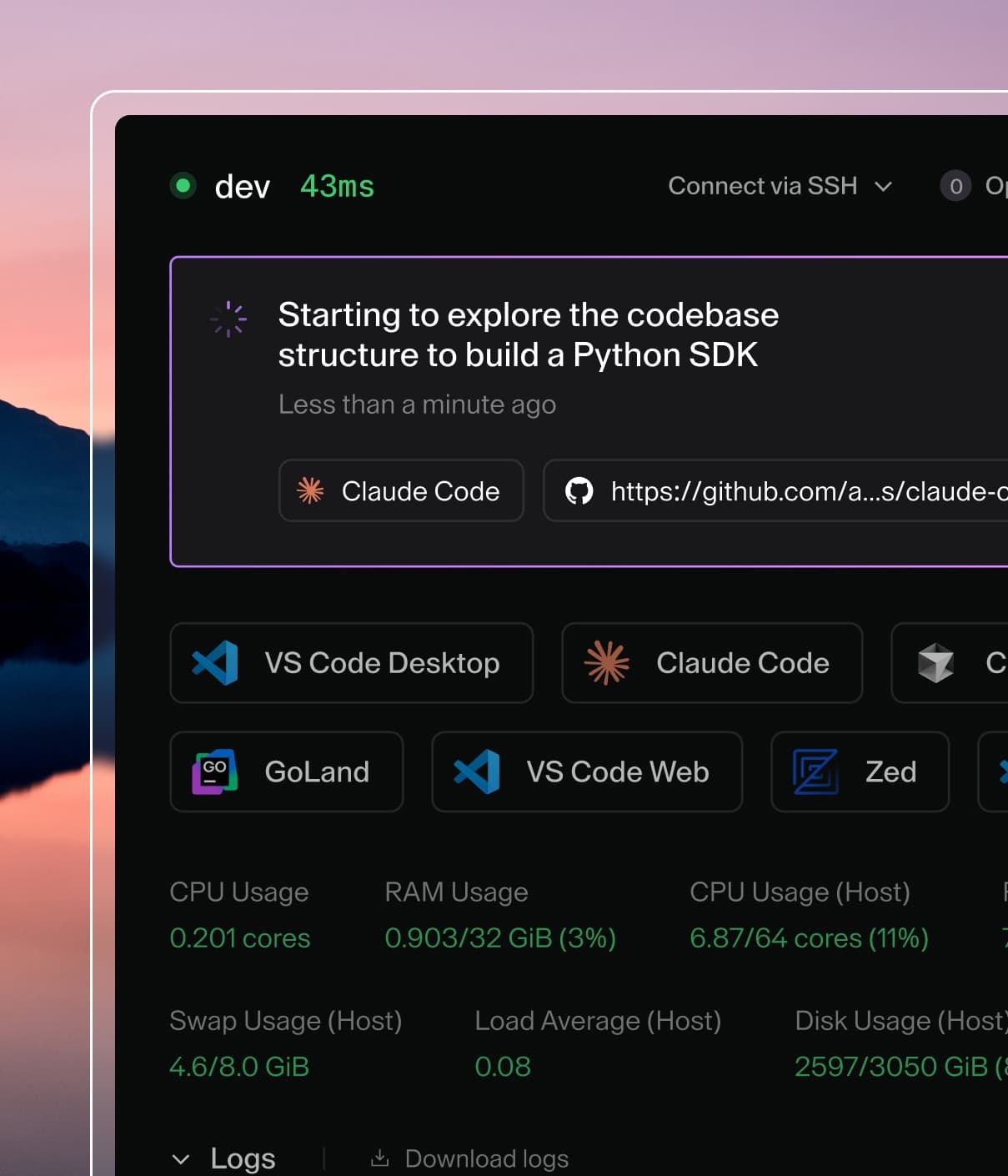
Coder powers secure, scalable development across key industries — automotive, finance, government, and technology — enabling faster builds, tighter compliance, and seamless AI adoption in enterprise-grade cloud environments.
It's common to also let developers to connect via web IDEs for uses cases like
zero trust networks, data science, contractors, and infrequent code
contributors.
In Coder, web IDEs are defined as
coder_app
resources in the template. With our generic model, any web application can be
used as a Coder application. For example:
# Add button to open Portainer in the workspace dashboard
# Note: Portainer must be already running in the workspace
resource "coder_app" "portainer" {
  agent_id      = coder_agent.main.id
  slug          = "portainer"
  display_name  = "Portainer"
  icon          = "https://simpleicons.org/icons/portainer.svg"
  url           = "https://localhost:9443/api/status"

  healthcheck {
    url       = "https://localhost:9443/api/status"
    interval  = 6
    threshold = 10
  }
}
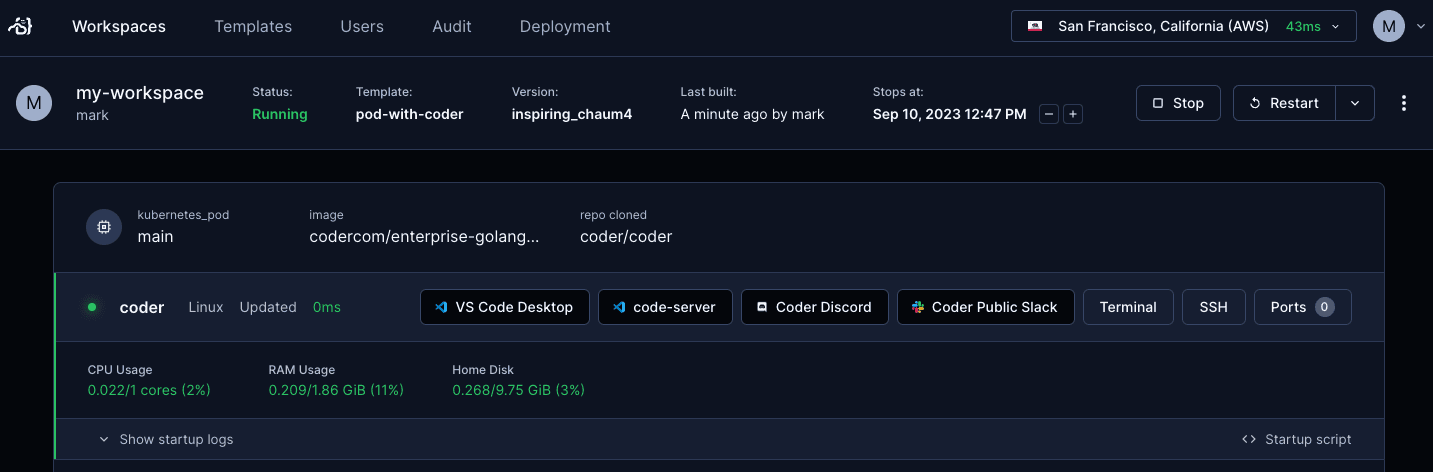
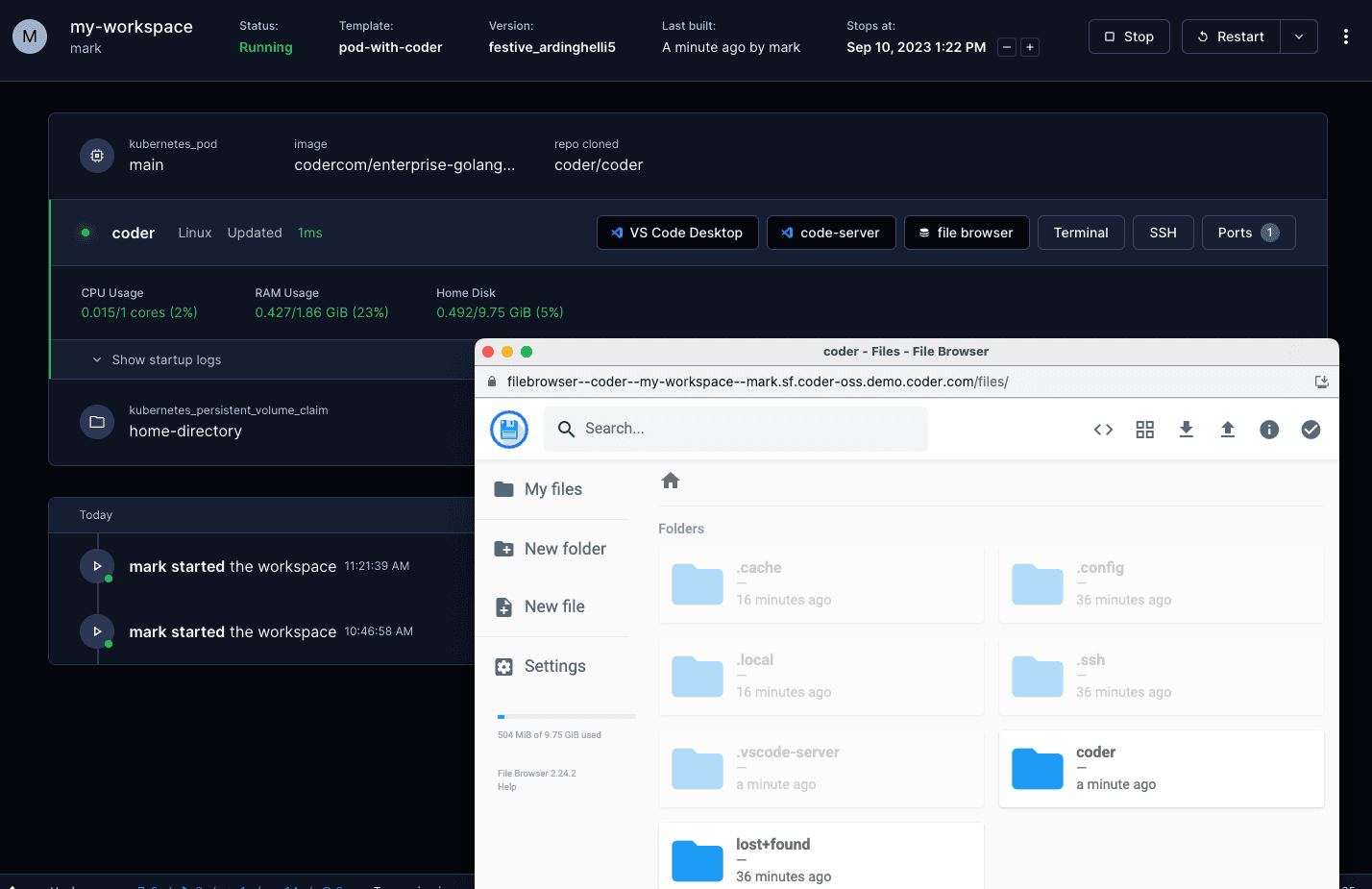
External URLs
Any URL external to the Coder deployment is accessible as a coder_app. e.g.,
Dropbox, Slack, Discord, GitHub
code-server is our supported method of running
VS Code in the web browser. A simple way to install code-server in Linux/macOS
workspaces is via the Coder agent in your template:
# edit your template
cd your-template/
vim main.tf
resource "coder_agent" "main" {
    arch           = "amd64"
    os             = "linux"
    startup_script = <<EOF
    #!/bin/sh
    # install code-server
    # add '-s -- --version x.x.x' to install a specific code-server version
    curl -fsSL https://code-server.dev/install.sh | sh -s -- --method=standalone --prefix=/tmp/code-server

    # start code-server on a specific port
    # authn is off since the user already authn-ed into the coder deployment
    # & is used to run the process in the background
    /tmp/code-server/bin/code-server --auth none --port 13337 &
    EOF
}
For advanced use, we recommend installing code-server in your VM snapshot or
container image. Here's a Dockerfile which leverages some special
code-server features:
FROM codercom/enterprise-base:ubuntu

# install the latest version
USER root
RUN curl -fsSL https://code-server.dev/install.sh | sh
USER coder

# pre-install VS Code extensions
RUN code-server --install-extension eamodio.gitlens

# directly start code-server with the agent's startup_script (see above),
# or use a process manager like supervisord
You'll also need to specify a coder_app resource related to the agent. This is
how code-server is displayed on the workspace page.
Install and start in your startup_script and create a corresponding
coder_app
resource "coder_agent" "main" {
    arch           = "amd64"
    os             = "linux"
    startup_script = <<EOF
    #!/bin/sh
    # install VS Code
    curl -Lk 'https://code.visualstudio.com/sha/download?build=stable&os=cli-alpine-x64' --output vscode_cli.tar.gz
    mkdir -p /tmp/vscode-cli
    tar -xf vscode_cli.tar.gz -C /tmp/vscode-cli
    rm vscode_cli.tar.gz
    # start the web server on a specific port
    /tmp/vscode-cli/code serve-web --port 13338 --without-connection-token  --accept-server-license-terms >/tmp/vscode-web.log 2>&1 &
    EOF
}
code serve-web was introduced in version 1.82.0 (August 2023).
You also need to add a coder_app resource for this.
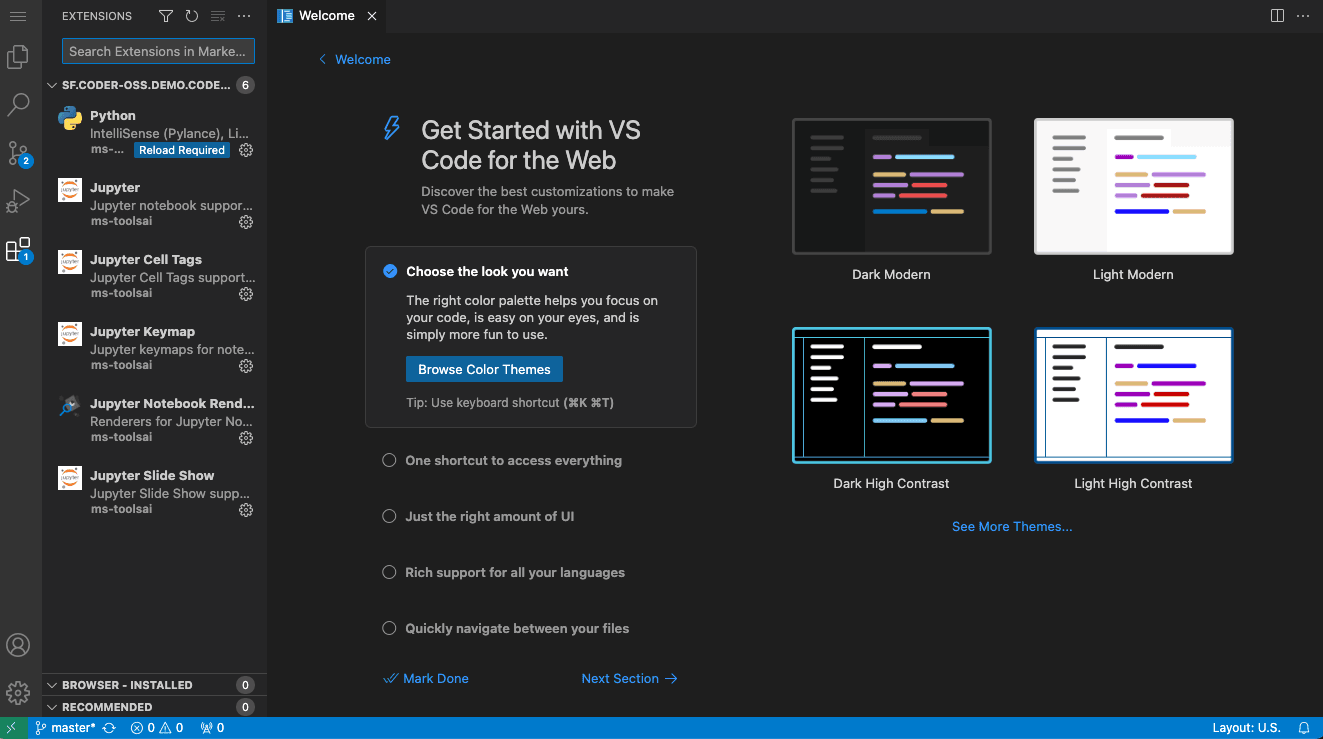
# VS Code Web
resource "coder_app" "vscode-web" {
  agent_id     = coder_agent.coder.id
  slug         = "vscode-web"
  display_name = "VS Code Web"
  icon         = "/icon/code.svg"
  url          = "http://localhost:13338?folder=/home/coder"
  subdomain    = true  # VS Code Web does currently does not work with a subpath https://github.com/microsoft/vscode/issues/192947
  share        = "owner"
}
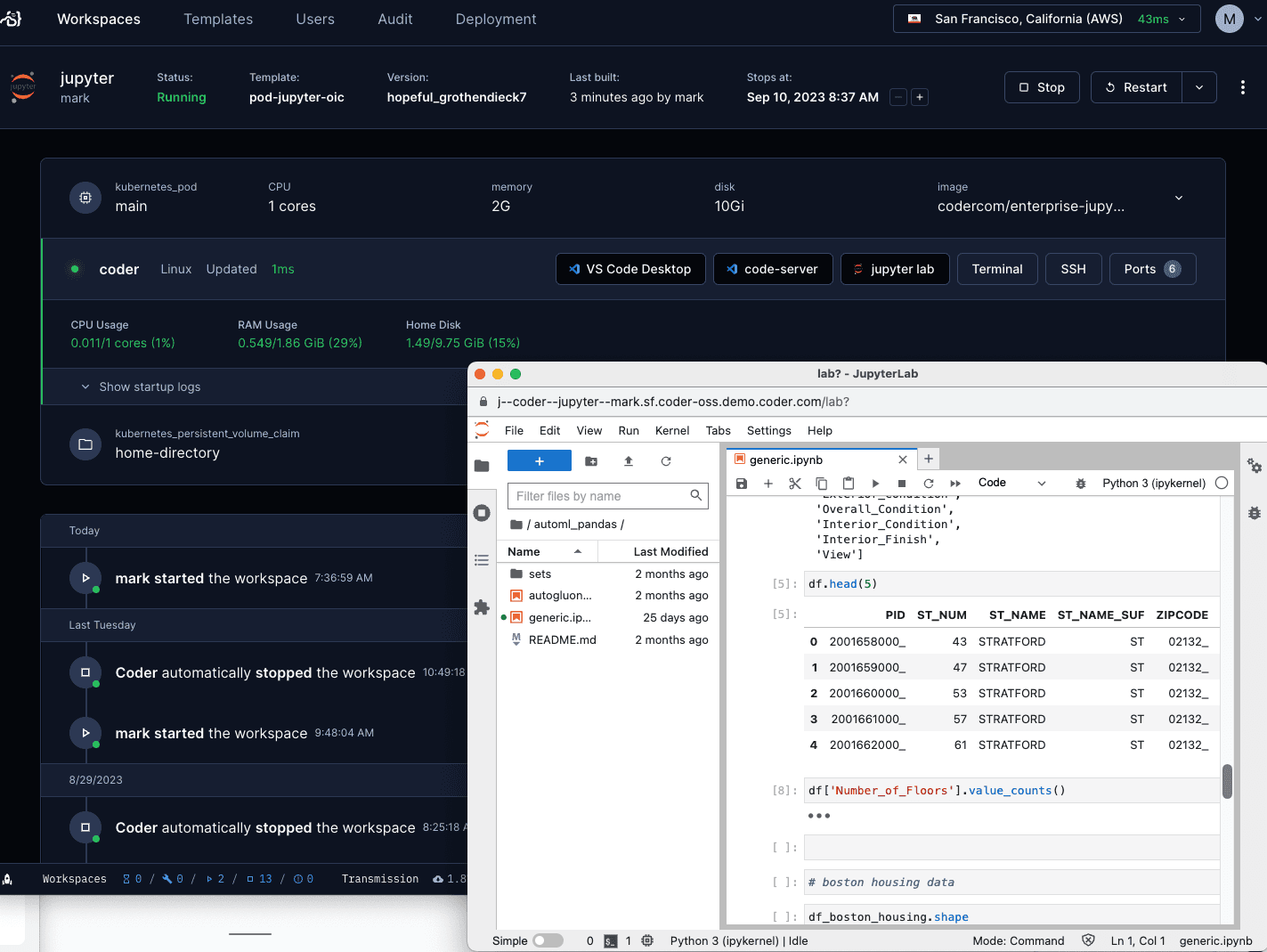
JupyterLab
Configure your agent and coder_app like so to use Jupyter. Notice the
subdomain=true configuration:
If you cannot enable a
wildcard subdomain,
you can configure the template to run Jupyter on a path. There is however
security risk
running an app on a path and the template code is more complicated with coder
value substitution to recreate the path structure.
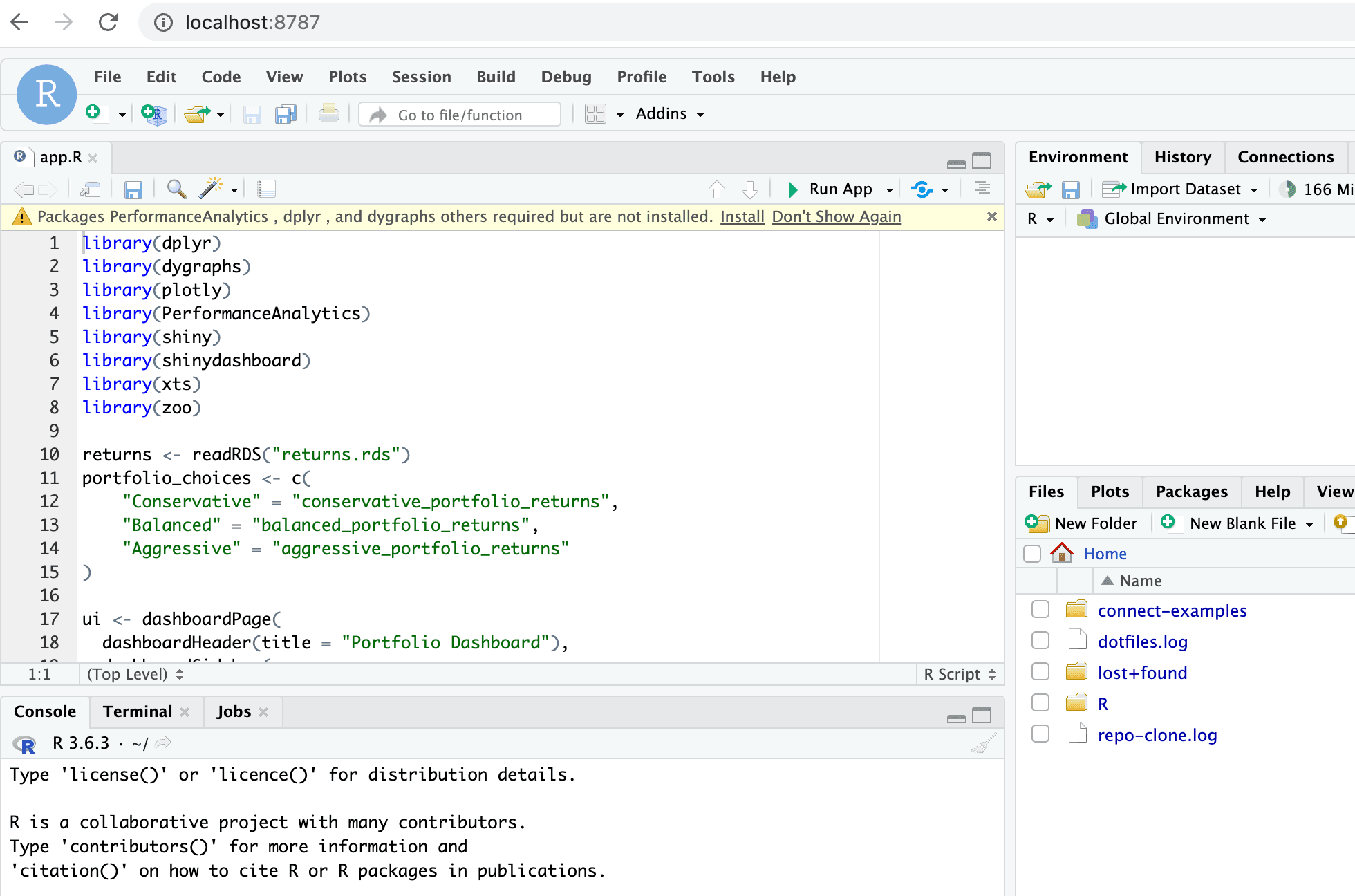
If you cannot enable a
wildcard subdomain,
you can configure the template to run RStudio on a path using an NGINX reverse
proxy in the template. There is however
security risk
running an app on a path and the template code is more complicated with coder
value substitution to recreate the path structure.
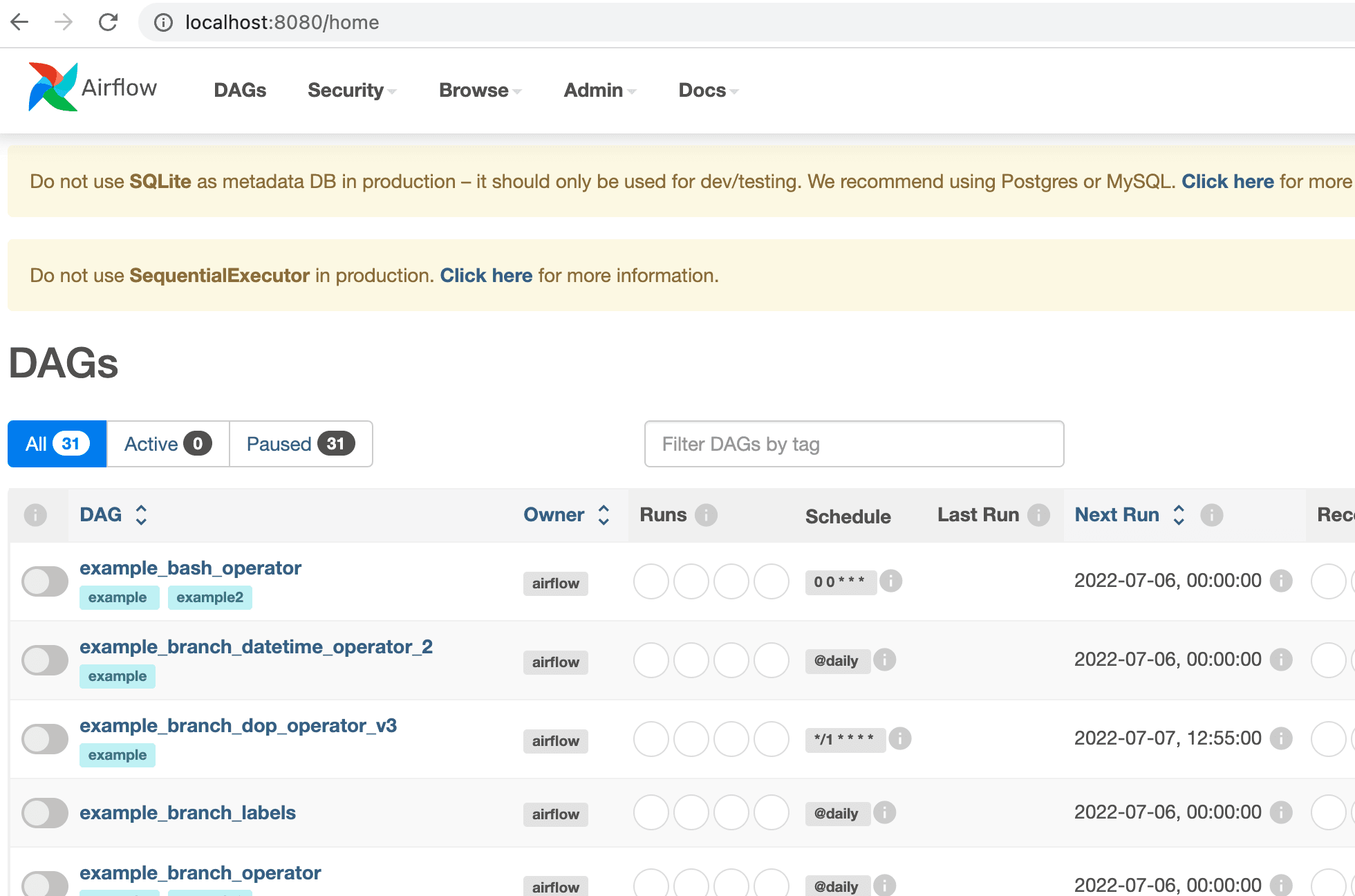
If you prefer to run web IDEs in localhost, you can port forward using
SSH or the Coder CLI port-forward sub-command. Some web IDEs
may not support URL base path adjustment so port forwarding is the only
approach.