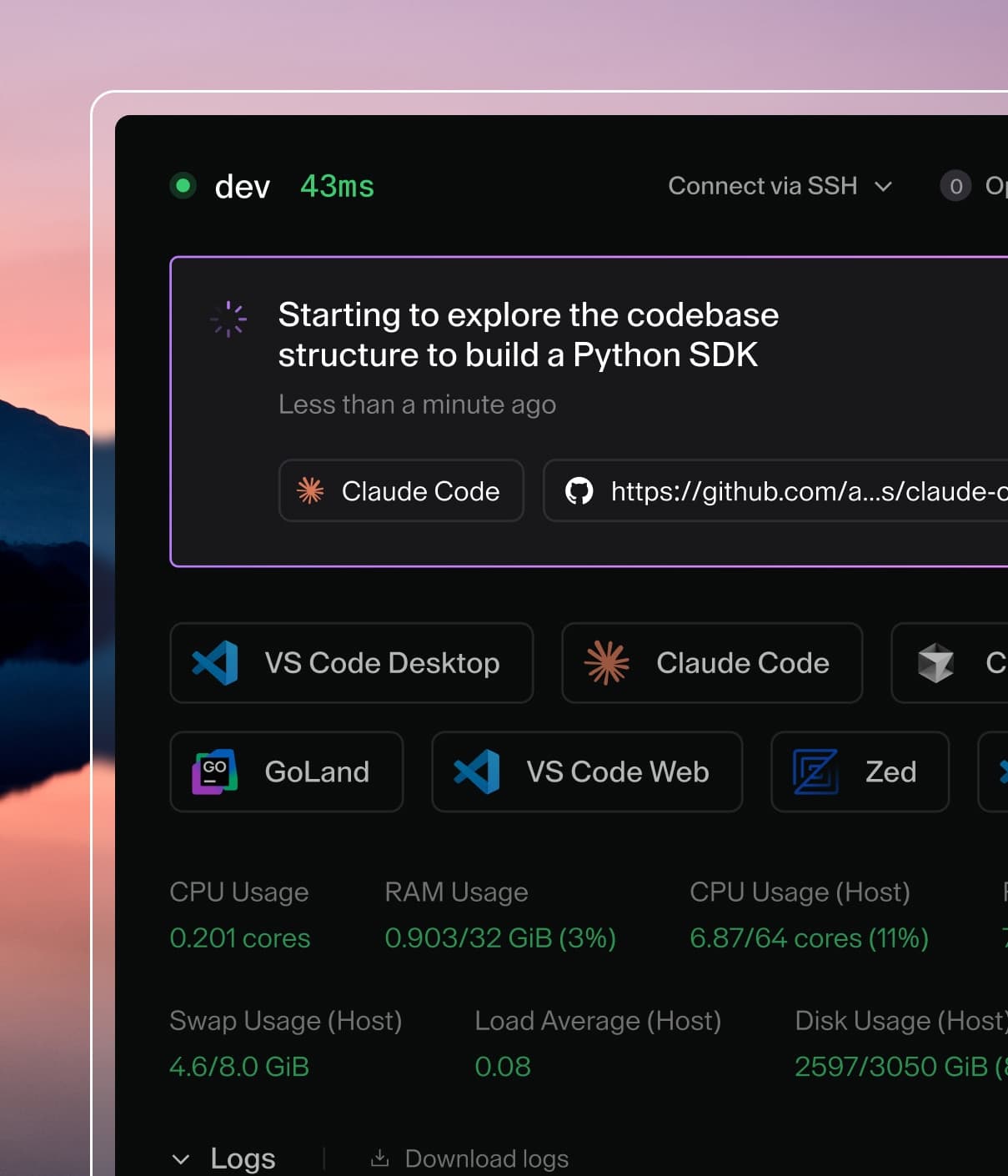
Coder powers secure, scalable development across key industries — automotive, finance, government, and technology — enabling faster builds, tighter compliance, and seamless AI adoption in enterprise-grade cloud environments.
Notifications are sent by Coder in response to specific internal events, such as
a workspace being deleted or a user being created.
Event Types
Notifications are sent in response to internal events, to alert the affected
user(s) of this event. Currently we support the following list of events:
Workspace Events
These notifications are sent to the workspace owner.
Workspace Deleted
Workspace Manual Build Failure
Workspace Automatic Build Failure
Workspace Automatically Updated
Workspace Dormant
Workspace Marked For Deletion
User Events
These notifications are sent to users with owner and user admin roles.
User Account Created
User Account Deleted
User Account Suspended
User Account Activated
(coming soon) User Password Reset
(coming soon) User Email Verification
These notifications are sent to the user themselves.
User Account Suspended
User Account Activated
Template Events
These notifications are sent to users with template admin roles.
Template Deleted
Configuration
You can modify the notification delivery behavior using the following server
flags.
Required
CLI
Env
Type
Description
Default
✔️
--notifications-dispatch-timeout
CODER_NOTIFICATIONS_DISPATCH_TIMEOUT
duration
How long to wait while a notification is being sent before giving up.
1m
✔️
--notifications-method
CODER_NOTIFICATIONS_METHOD
string
Which delivery method to use (available options: 'smtp', 'webhook'). See Delivery Methods below.
smtp
-️
--notifications-max-send-attempts
CODER_NOTIFICATIONS_MAX_SEND_ATTEMPTS
int
The upper limit of attempts to send a notification.
5
Delivery Methods
Notifications can currently be delivered by either SMTP or webhook. Each message
can only be delivered to one method, and this method is configured globally with
CODER_NOTIFICATIONS_METHOD
(default: smtp). When there are no delivery methods configured, notifications
will be disabled.
Premium customers can configure which method to use for each of the supported
Events; see the Preferences
section below for more details.
SMTP (Email)
Use the smtp method to deliver notifications by email to your users. Coder
does not ship with an SMTP server, so you will need to configure Coder to use an
existing one.
Server Settings:
Required
CLI
Env
Type
Description
Default
✔️
--email-from
CODER_EMAIL_FROM
string
The sender's address to use.
✔️
--email-smarthost
CODER_EMAIL_SMARTHOST
string
The SMTP relay to send messages
✔️
--email-hello
CODER_EMAIL_HELLO
string
The hostname identifying the SMTP server.
localhost
Authentication Settings:
Required
CLI
Env
Type
Description
-
--email-auth-username
CODER_EMAIL_AUTH_USERNAME
string
Username to use with PLAIN/LOGIN authentication.
-
--email-auth-password
CODER_EMAIL_AUTH_PASSWORD
string
Password to use with PLAIN/LOGIN authentication.
-
--email-auth-password-file
CODER_EMAIL_AUTH_PASSWORD_FILE
string
File from which to load password for use with PLAIN/LOGIN authentication.
The webhook delivery method sends an HTTP POST request to the defined endpoint.
The purpose of webhook notifications is to enable integrations with other
systems.
Settings:
Required
CLI
Env
Type
Description
✔️
--notifications-webhook-endpoint
CODER_NOTIFICATIONS_WEBHOOK_ENDPOINT
url
The endpoint to which to send webhooks.
Here is an example payload for Coder's webhook notification:
_version: describes the version of this schema; follows semantic versioning
msg_id: the UUID of the notification (matches the ID in the
notification_messages table)
payload: contains the specific details of the notification; described below
title: the title of the notification message (equivalent to a subject in
SMTP delivery)
body: the body of the notification message (equivalent to the message body
in SMTP delivery)
The payload object has these keys:
_version: describes the version of this inner schema; follows semantic
versioning
notification_name: name of the event which triggered the notification
user_id: Coder internal user identifier of the target user (UUID)
user_email: email address of the target user
user_name: name of the target user
user_username: username of the target user
actions: a list of CTAs (Call-To-Action); these are mainly relevant for SMTP
delivery in which they're shown as buttons
labels: dynamic map of zero or more string key-value pairs; these vary from
event to event
User Preferences
All users have the option to opt-out of any notifications. Go to Account ->
Notifications to turn notifications on or off. The delivery method for each
notification is indicated on the right hand side of this table.
Delivery Preferences
Delivery preferences is an Enterprise and Premium feature.
Learn more.
Administrators can configure which delivery methods are used for each different
event type.
You can find this page under
https://$CODER_ACCESS_URL/deployment/notifications?tab=events.
Stop sending notifications
Administrators may wish to stop all notifications across the deployment. We
support a killswitch in the CLI for these cases.
If notifications are not being delivered, use the following methods to
troubleshoot:
Ensure notifications are being added to the notification_messages table.
Review any available error messages in the status_reason column
Review the logs. Search for the term notifications for diagnostic information.
If you do not see any relevant logs, set
CODER_VERBOSE=true or --verbose to output debug logs.
If you are on version 2.15.x, notifications must be enabled using the
notificationsexperiment.
Notifications are enabled by default in Coder v2.16.0 and later.
Internals
The notification system is built to operate concurrently in a single- or
multi-replica Coder deployment, and has a built-in retry mechanism. It uses the
configured Postgres database to store notifications in a queue and facilitate
concurrency.
All messages are stored in the notification_messages table.
Messages older than seven days are deleted.
Message States
A notifier here refers to a Coder replica which is responsible for dispatching
the notification. All running replicas act as notifiers to process pending
messages.
a message begins in pending state
transitions to leased when a Coder replica acquires new messages from the
database
new messages are checked for every CODER_NOTIFICATIONS_FETCH_INTERVAL
(default: 15s)
if a message is delivered successfully, it transitions to sent state
if a message encounters a non-retryable error (e.g. misconfiguration), it
transitions to permanent_failure
if a message encounters a retryable error (e.g. temporary server outage), it
transitions to temporary_failure
this message will be retried up to CODER_NOTIFICATIONS_MAX_SEND_ATTEMPTS
(default: 5)
this message will transition back to pending state after
CODER_NOTIFICATIONS_RETRY_INTERVAL (default: 5m) and be retried
after CODER_NOTIFICATIONS_MAX_SEND_ATTEMPTS is exceeded, it transitions to
permanent_failure