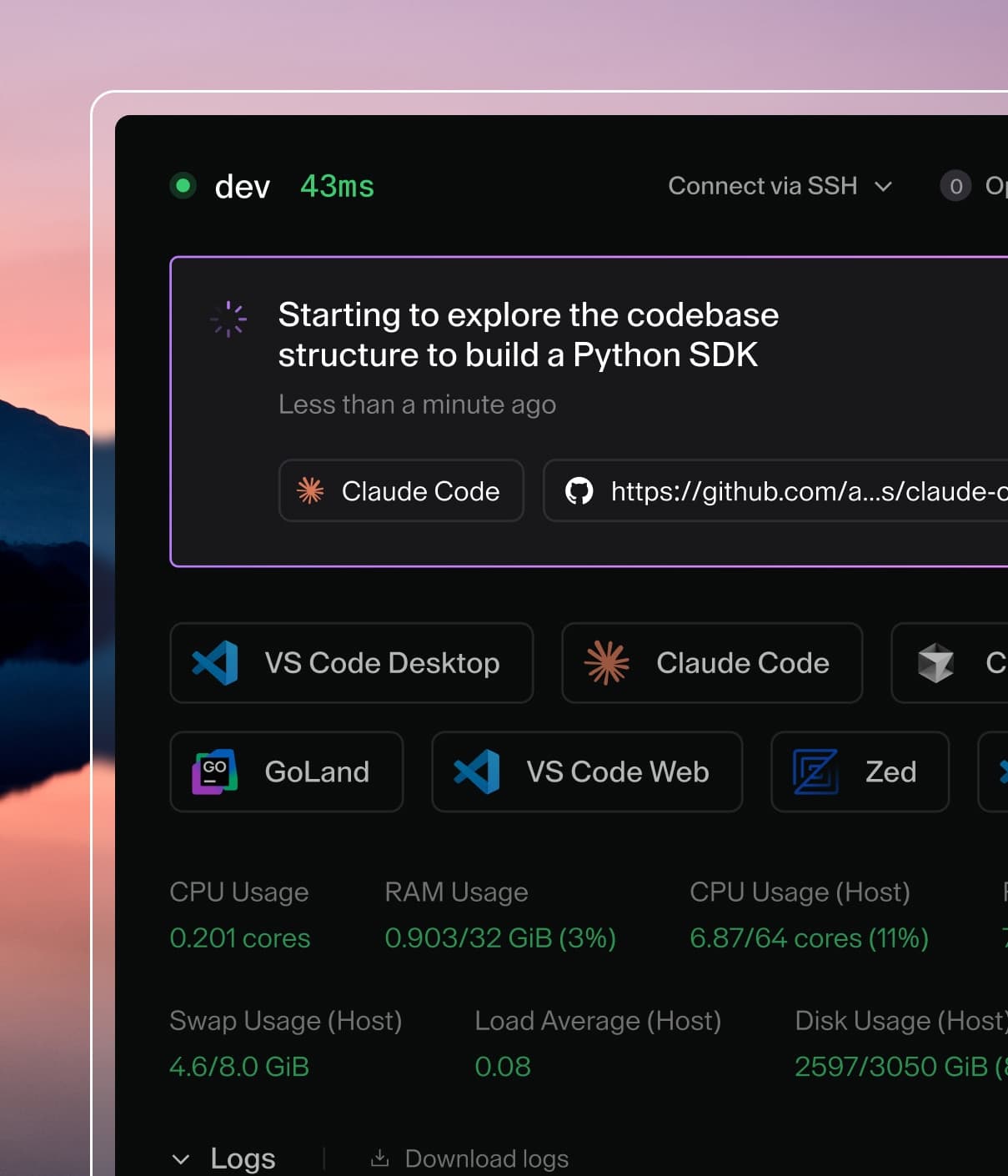
Coder powers secure, scalable development across key industries — automotive, finance, government, and technology — enabling faster builds, tighter compliance, and seamless AI adoption in enterprise-grade cloud environments.
High Availability (HA) mode solves for horizontal scalability and automatic
failover within a single region. When in HA mode, Coder continues using a single
Postgres endpoint.
GCP,
AWS,
and other cloud vendors offer fully-managed HA Postgres services that pair
nicely with Coder.
For Coder to operate correctly, Coderd instances should have low-latency
connections to each other so that they can effectively relay traffic between
users and workspaces no matter which Coderd instance users or workspaces connect
to. We make a best-effort attempt to warn the user when inter-Coderd latency is
too high, but if requests start dropping, this is one metric to investigate.
We also recommend that you deploy all Coderd instances such that they have
low-latency connections to Postgres. Coderd often makes several database
round-trips while processing a single API request, so prioritizing low-latency
between Coderd and Postgres is more important than low-latency between users and
Coderd.
Note that this latency requirement applies only to Coder services. Coder will
operate correctly even with few seconds of latency on workspace <-> Coder and
user <-> Coder connections.
Setup
Coder automatically enters HA mode when multiple instances simultaneously
connect to the same Postgres endpoint.
HA brings one configuration variable to set in each Coderd node:
CODER_DERP_SERVER_RELAY_URL. The HA nodes use these URLs to communicate with
each other. Inter-node communication is only required while using the embedded
relay (default). If you're using custom relays,
Coder ignores CODER_DERP_SERVER_RELAY_URL since Postgres is the sole
rendezvous for the Coder nodes.
CODER_DERP_SERVER_RELAY_URL will never be CODER_ACCESS_URL because
CODER_ACCESS_URL is a load balancer to all Coder nodes.
Here's an example 3-node network configuration setup:
Name
CODER_HTTP_ADDRESS
CODER_DERP_SERVER_RELAY_URL
CODER_ACCESS_URL
coder-1
*:80
http://10.0.0.1:80
https://coder.big.corp
coder-2
*:80
http://10.0.0.2:80
https://coder.big.corp
coder-3
*:80
http://10.0.0.3:80
https://coder.big.corp
Kubernetes
If you installed Coder via
our Helm Chart, just
increase coder.replicaCount in values.yaml.
If you installed Coder into Kubernetes by some other means, insert the relay URL
via the environment like so: