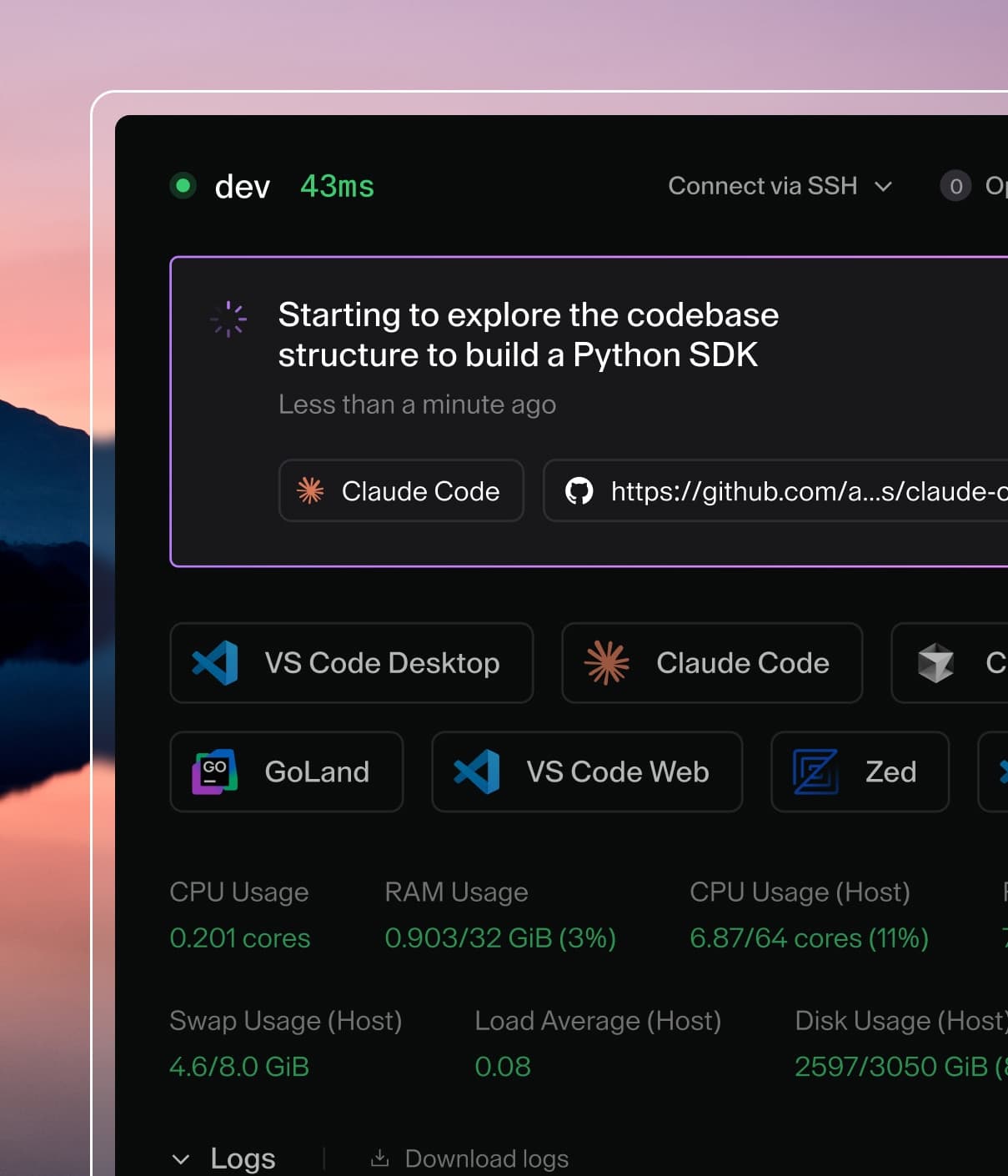
Coder powers secure, scalable development across key industries — automotive, finance, government, and technology — enabling faster builds, tighter compliance, and seamless AI adoption in enterprise-grade cloud environments.
Coder workspaces are commonly run as Kubernetes pods. When run inside of an
enterprise, the pod image is typically pulled from a private image registry.
This guide walks through creating an ImagePullSecret to use for authenticating
to your registry, and defining it in your workspace template.
1. Create Docker Config JSON File
Create a Docker configuration JSON file containing your registry credentials.
Replace <your-registry>, <your-username>, and <your-password> with your
actual Docker registry URL, username, and password.
With the ImagePullSecret now created, we can add the secret into the workspace
template. In the example below, we define the secret via the
image_pull_secrets argument. Note that this argument is nested at the same
level as the container argument:
resource "kubernetes_pod" "dev" {
  metadata {
    # this must be the same namespace where workspaces will be deployed
    namespace = "workspaces-namespace"
  }

  spec {
    image_pull_secrets {
      name = "regcred"
    }
    container {
      name  = "dev"
      image = "your-image:latest"
    }
  }
}
4. Push New Template Version
Update your template by running the following commands: