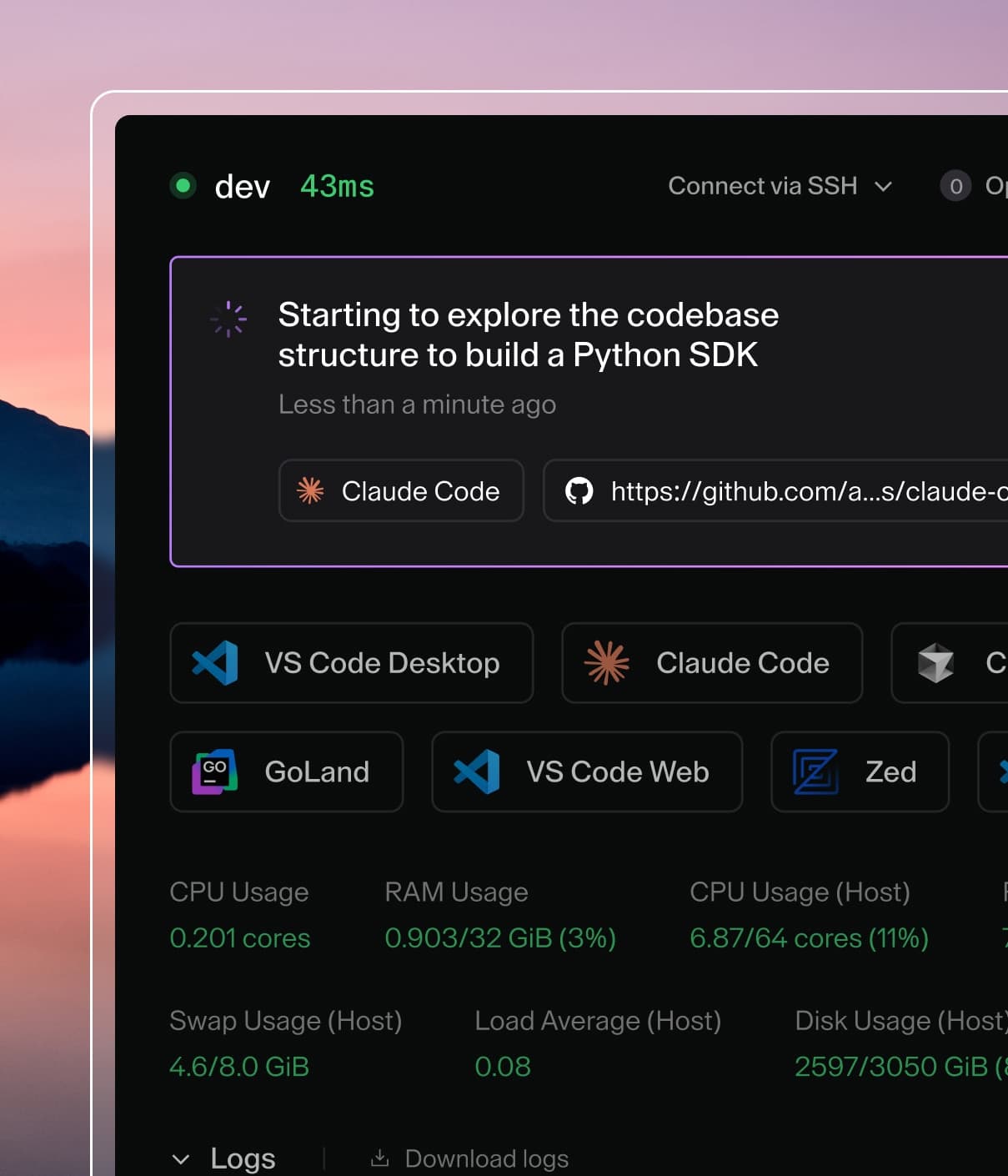
Coder powers secure, scalable development across key industries — automotive, finance, government, and technology — enabling faster builds, tighter compliance, and seamless AI adoption in enterprise-grade cloud environments.
User secrets let you store secret values in Coder and make them available in
every workspace you own.
Note
User secrets are in Early Access and may change. For more information, see
feature stages.
How user secrets work
Each user secret has:
A name, used to manage the secret with the CLI or REST API.
A value, which contains the sensitive content.
An optional description.
An optional environment variable target, file target, or both.
A secret without an environment variable target or file target is stored, but is
not injected into workspaces.
User secrets apply to all workspaces that you own. Coder injects user secrets
when a workspace starts. If you create, update, or delete a secret while a
workspace is running, restart the workspace before relying on that change.
Environment variable secrets are available to startup scripts and workspace
sessions. File secrets are written before startup scripts run.
Secret values are omitted from CLI output and REST API responses after you
create or update them.
Warning
Anyone with shell or file access to a workspace can read secrets injected into
that workspace. Do not share a workspace that has injected secrets with users
who should not access those values.
Create a secret
Use coder secret create <name> to create a user secret. For sensitive values,
provide the value through non-interactive stdin with a pipe or redirect. This
keeps the value out of your shell history and process arguments.
Create an environment variable secret
Use --env to inject a secret into your workspaces as an environment variable.
The secret is available under the environment variable name you provide. User
secret environment variables take precedence over template-defined environment
variables with the same name, including variables set with coder_env.
Coder creates parent directories as needed. If the file already exists, including
a file created by a template or image, Coder updates the contents and preserves
the existing permissions.
Create a secret with environment variable and file targets
You can inject the same secret as both an environment variable and a file:
For sensitive values, prefer stdin because --value can expose the secret in
shell history or process arguments.
Stdin is read verbatim. If the source file ends with a trailing newline, Coder
stores that newline as part of the secret value. Use echo -n when you do not
want to store a trailing newline:
Use coder secret update to update a secret value, description, environment
variable target, or file target. At least one of --value, --description,
--env, or --file must be specified.
# Update a secret value.
echo -n "$NEW_API_KEY" | coder secret update api-key

# Change the environment variable target.
coder secret update api-key --env NEW_API_KEY

# Clear the file injection target while keeping the secret.
coder secret update api-key --file ""
List and delete secrets
List, show, and delete your secrets with the coder secret CLI:
# List all of your secrets.
coder secret list

# Show a single secret by name.
coder secret list api-key

# Delete a secret you no longer need.
coder secret delete api-key
Deleting a secret removes it from Coder and stops Coder from injecting it during
future workspace starts. Deleting a secret does not remove the value from
running processes or delete files that were already written in existing
workspaces.
The list and show commands return secret metadata only. They never return the
secret value.