Coder powers secure, scalable development across key industries — automotive, finance, government, and technology — enabling faster builds, tighter compliance, and seamless AI adoption in enterprise-grade cloud environments.
Learn how to run & manage coding agents with Coder, both alongside existing
workspaces and for background task execution.
Agents in the IDE
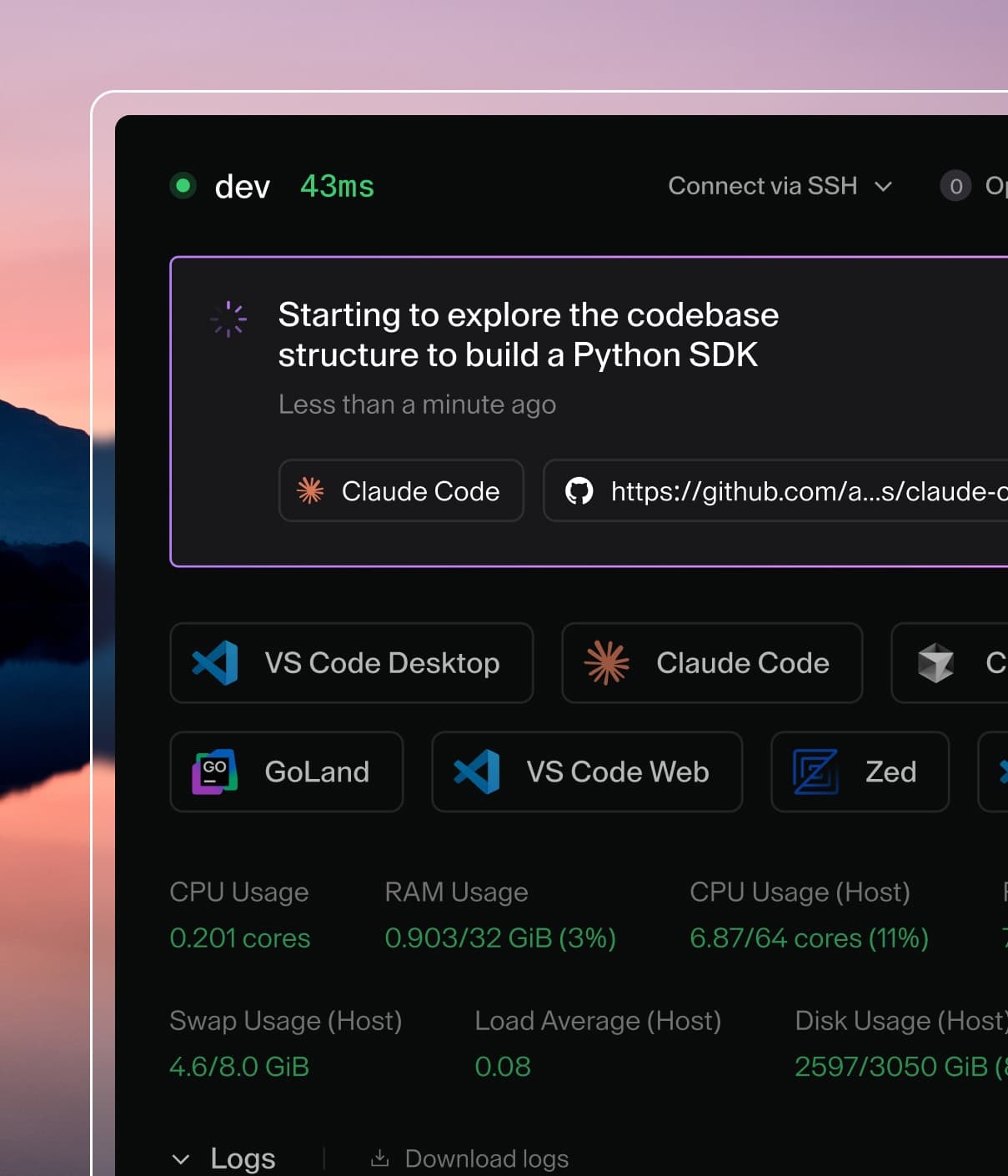
Coder integrates with IDEs such as
Cursor, Windsurf, and Zed that include built-in coding agents to work alongside
developers. Additionally, template admins can
pre-install extensions
for agents such as GitHub Copilot.
These agents work well inside existing Coder workspaces as they can simply be
enabled via an extension or are built-into the editor.
Coder Agents
In cases where the IDE is secondary, such as prototyping, research, or
long-running background jobs, Coder Agents is the
recommended way to delegate development work to coding agents in your Coder
deployment.
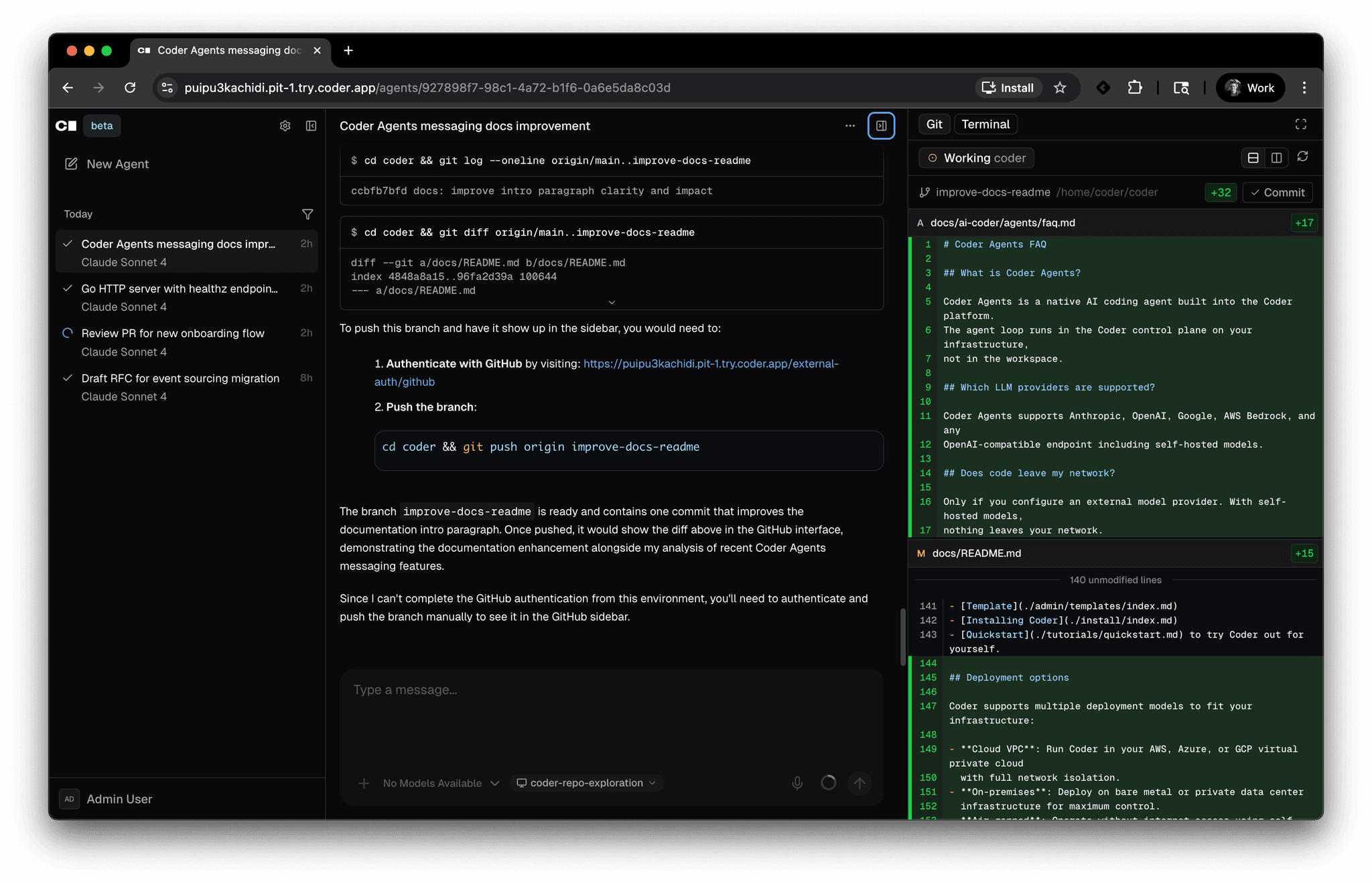
Coder Agents is a native AI coding agent built into Coder. The agent loop runs
in the Coder control plane on your infrastructure rather than inside the
workspace, so workspaces can be completely network isolated. Developers
interact with agents through the web UI or the REST API.
AI coding tools are quickly becoming core to how engineering teams ship
software. As adoption grows, platform teams want a clear picture of how AI is
being used, consistent guardrails across teams, and predictable cost controls
so they can confidently scale AI tooling to the whole organization.
The AI Governance Add-On is a per-user license that adds
observability, management, and policy controls for AI tooling across your
Coder deployment. It includes:
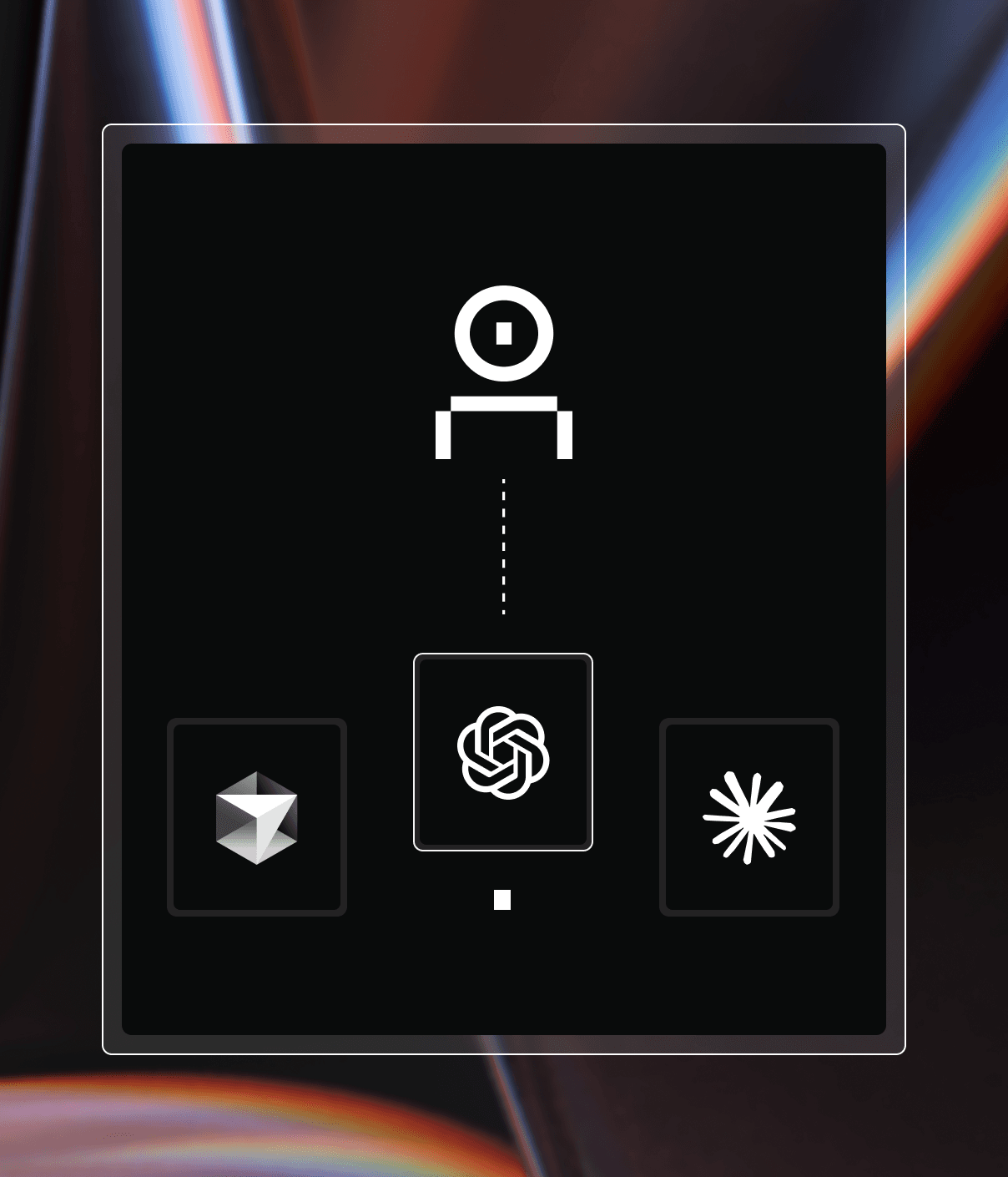
AI Gateway for centralized authentication, audit
trails of prompts and tool invocations, and policy enforcement against
upstream LLM providers.
Agent Firewall for process-level network and
command policies that restrict what agents can reach and do inside a
workspace.
Expanded Agent Workspace Build allowances for teams running AI-driven
background work at scale.