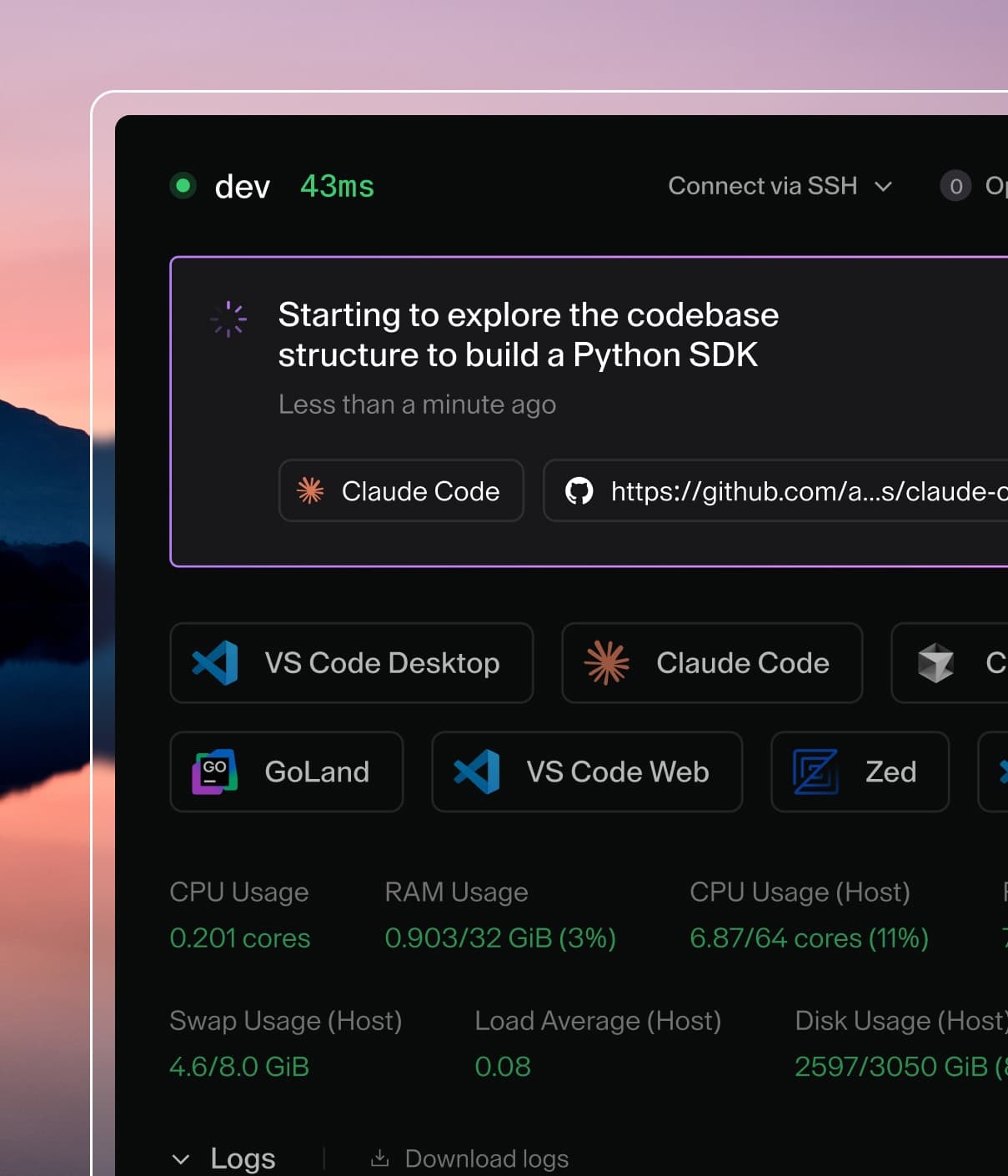
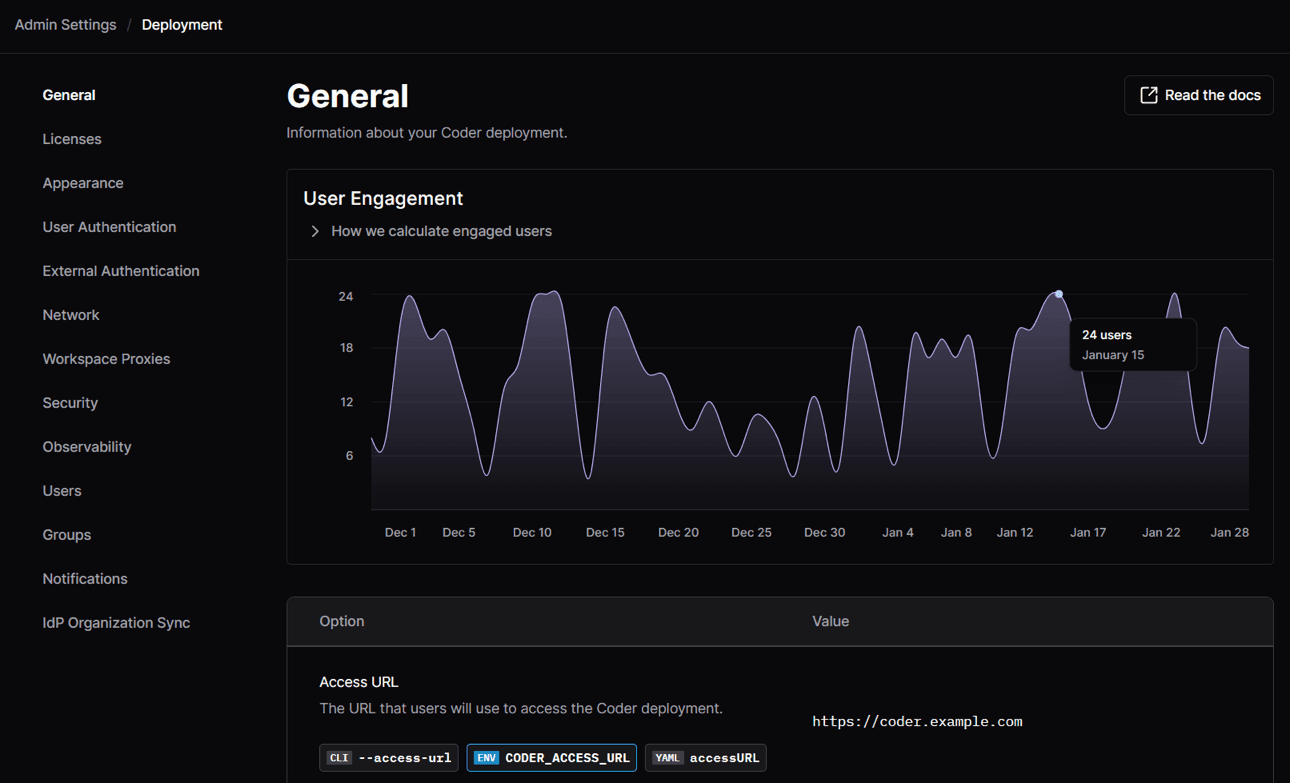
Coder powers secure, scalable development across key industries — automotive, finance, government, and technology — enabling faster builds, tighter compliance, and seamless AI adoption in enterprise-grade cloud environments.
These guides contain information on managing the Coder control plane and
authoring templates.
First time viewers looking to set up control plane access can start with the
configuration guide. If you're a team lead looking to design
environments for your developers, check out our
templates guides. If you are a developer using Coder, we
recommend the user guides.
For automation and scripting workflows, see our CLI
and API docs.
For any information not strictly contained in these sections, check out our
Tutorials and FAQs.
What is an image, template, dev container, or workspace
Image
A base image contains
OS-level packages and utilities that the Coder workspace is built on. It can
be an example image, custom image in your
registry, or one from Docker Hub. It is
defined in each template.
Managed by: Externally to Coder.
Template
Templates include infrastructure-level dependencies
for the workspace. For example, a template can include Kubernetes
PersistentVolumeClaims, Docker containers, or EC2 VMs.
Managed by: Template administrators from within the Coder deployment.
Startup scripts
Agent startup scripts apply to all users of a template. This is an
intentionally flexible area that template authors have at their disposal to
manage the "last mile" of workspace creation.
Managed by: Coder template administrators.
Workspace
A workspace is the environment that
a developer works in. Developers on a team each work from their own workspace
and can use multiple IDEs.
Managed by: Developers
Development containers (dev containers)
A
Development Container
is an open-source specification for defining development environments (called
dev containers). It is generally stored in VCS alongside associated source
code. It can reference an existing base image, or a custom Dockerfile that
will be built on-demand.
Managed by: Dev Teams
Dotfiles / personalization
Users may have their own specific preferences relating to shell prompt, custom
keybindings, color schemes, and more. Users can leverage Coder's
dotfiles support or create their own
script to personalize their workspace. Be aware that users with root
permissions in their workspace can override almost all of the previous
configuration.