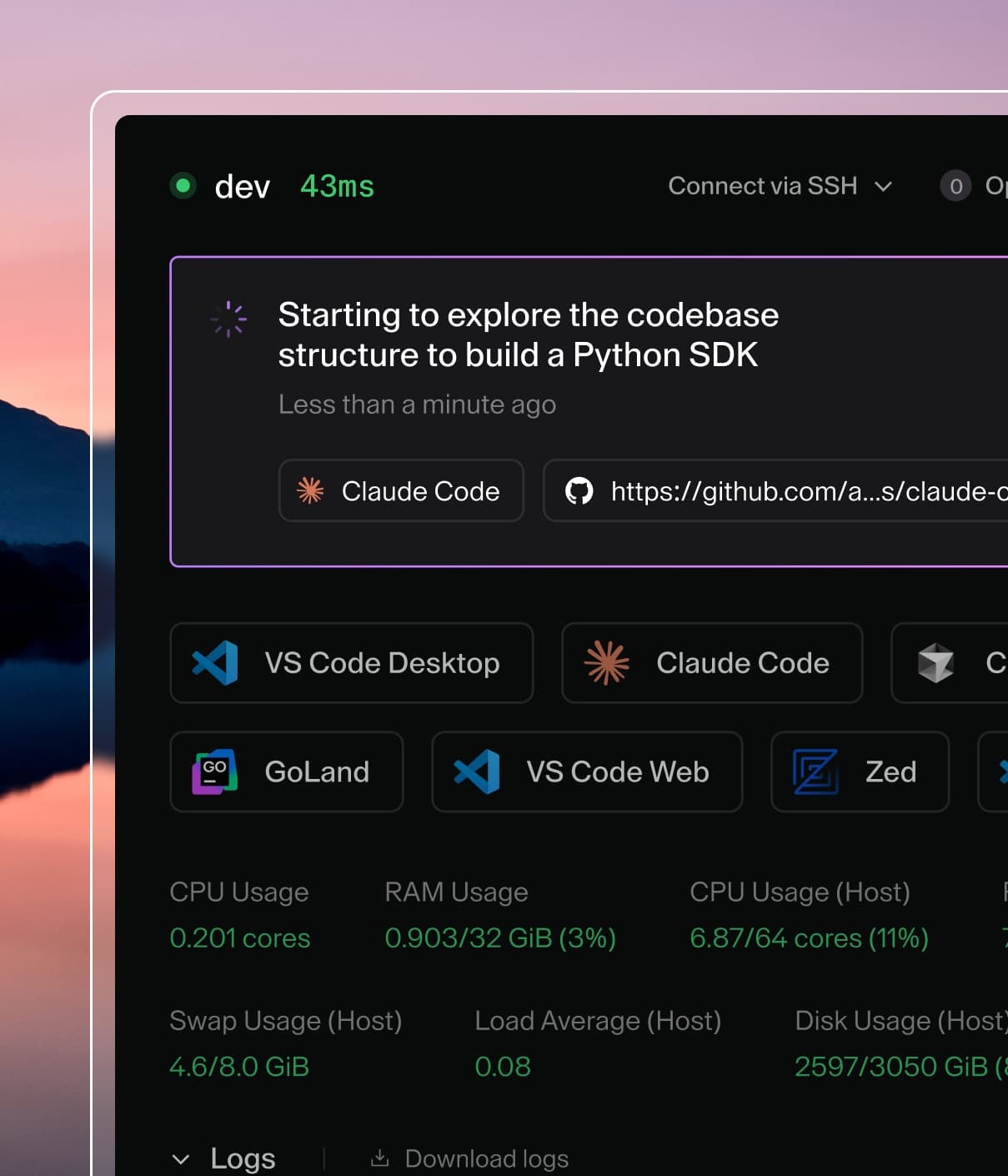
Coder powers secure, scalable development across key industries — automotive, finance, government, and technology — enabling faster builds, tighter compliance, and seamless AI adoption in enterprise-grade cloud environments.
Install the Sysbox runtime on your Kubernetes nodes or Docker host(s) for secure docker-in-docker and systemd-in-docker. Works with GKE, EKS, AKS, Docker.
A container image with all the packages necessary to run an inner Sysbox container. Removes the need to setup sysbox-runc on your nodes. Works with GKE, EKS, AKS.
Requires running the outer container as privileged (the inner container that acts as the workspace is locked down). Requires compatible nodes.
Requires a privileged container. Workspaces can break out to root on the host machine.
Sysbox container runtime
The Sysbox container runtime allows
unprivileged users to run system-level applications, such as Docker, securely
from the workspace containers. Sysbox requires a
compatible Linux distribution
to implement these security features. Sysbox can also be used to run systemd
inside Coder workspaces. See Systemd in Docker.
Use Sysbox in Docker-based templates
After installing Sysbox on
the Coder host, modify your template to use the sysbox-runc runtime:
resource "docker_container" "workspace" {
  # ...
  name    = "coder-${data.coder_workspace.me.owner}-${lower(data.coder_workspace.me.name)}"
  image   = "codercom/example-base:ubuntu"
  env     = ["CODER_AGENT_TOKEN=${coder_agent.main.token}"]
  command = ["sh", "-c", coder_agent.main.init_script]
  # Use the Sysbox container runtime (required)
  runtime = "sysbox-runc"
}

resource "coder_agent" "main" {
  arch           = data.coder_provisioner.me.arch
  os             = "linux"
  startup_script = <<-EOF
    #!/bin/sh
    set -e
    sudo service docker start
  EOF
}
Use Sysbox in Kubernetes-based templates
After
installing Sysbox on Kubernetes,
modify your template to use the sysbox-runc RuntimeClass. This requires the
Kubernetes Terraform provider version 2.16.0 or greater.
Envbox is an image developed and maintained
by Coder that bundles the sysbox runtime. It works by starting an outer
container that manages the various sysbox daemons and spawns an unprivileged
inner container that acts as the user's workspace. The inner container is able
to run system-level software similar to a regular virtual machine (e.g.
systemd, dockerd, etc). Envbox offers the following benefits over running
sysbox directly on the nodes:
No custom runtime installation or management on your Kubernetes nodes.
No limit to the number of pods that run envbox.
Some drawbacks include:
The outer container must be run as privileged
Note: the inner container is not privileged. For more information on the
security of sysbox containers see sysbox's
official documentation.
Initial workspace startup is slower than running sysbox-runc directly on the
nodes. This is due to envbox having to pull the image to its own Docker
cache on its initial startup. Once the image is cached in envbox, startup
performance is similar.
Envbox requires the same kernel requirements as running sysbox directly on the
nodes. Refer to sysbox's
compatibility matrix
to ensure your nodes are compliant.
Authenticating with a private container registry can be done by referencing the
credentials via the CODER_IMAGE_PULL_SECRET environment variable. It is
encouraged to populate this
environment variable
by using a Kubernetes
secret.
Refer to your container registry documentation to understand how to best create
this secret.
The following shows a minimal example using a the JSON API key from a GCP
service account to pull a private image:
env {
  name = "CODER_IMAGE_PULL_SECRET"
  value_from {
    secret_key_ref {
      name = "<name>"
      key = ".dockerconfigjson"
    }
  }
}
Rootless podman
Podman is Docker alternative that is
compatible with OCI containers specification. which can run rootless inside
Kubernetes pods. No custom RuntimeClass is required.
Before using Podman, please review the following documentation:
Be sure to label your nodes to enable smarter-device-manager:
kubectl get nodes
kubectl label nodes --all smarter-device-manager=enabled
⚠️ Warning: If you are using a managed Kubernetes distribution (e.g.
AKS, EKS, GKE), be sure to set node labels via your cloud provider.
Otherwise, your nodes may drop the labels and break podman functionality.
For systems running SELinux (typically Fedora-, CentOS-, and Red Hat-based
systems), you might need to disable SELinux or set it to permissive mode.
Rootless containers rely on Linux user-namespaces.
Bottlerocket disables them by default (user.max_user_namespaces = 0), so Podman commands will return an error until you raise the limit:
cannot clone: Invalid argument
user namespaces are not enabled in /proc/sys/user/max_user_namespaces
Add a user.max_user_namespaces value to your Bottlerocket user data to use rootless Podman on the node:
Use a privileged sidecar container in Kubernetes-based templates
terraform {
  required_providers {
    coder = {
      source  = "coder/coder"
    }
    kubernetes = {
      source = "hashicorp/kubernetes"
      version = "2.16.0"
    }
  }
}

variable "workspaces_namespace" {
  default = "coder-namespace"
}

data "coder_workspace" "me" {}

resource "coder_agent" "main" {
  os             = "linux"
  arch           = "amd64"
}

resource "kubernetes_pod" "main" {
  count = data.coder_workspace.me.start_count
  metadata {
    name      = "coder-${data.coder_workspace.me.owner}-${data.coder_workspace.me.name}"
    namespace = var.namespace
  }
  spec {
    # Run a privileged dind (Docker in Docker) container
    container {
      name  = "docker-sidecar"
      image = "docker:dind"
      security_context {
        privileged = true
        run_as_user = 0
      }
      command = ["dockerd", "-H", "tcp://127.0.0.1:2375"]
    }
    container {
      name    = "dev"
      image   = "codercom/example-base:ubuntu"
      command = ["sh", "-c", coder_agent.main.init_script]
      security_context {
        run_as_user = "1000"
      }
      env {
        name  = "CODER_AGENT_TOKEN"
        value = coder_agent.main.token
      }
      # Use the Docker daemon in the "docker-sidecar" container
      env {
        name  = "DOCKER_HOST"
        value = "localhost:2375"
      }
    }
  }
}
Systemd in Docker
Additionally, Sysbox can be used to give
workspaces full systemd capabilities.
After
installing Sysbox on Kubernetes,
modify your template to use the sysbox-runc RuntimeClass. This requires the
Kubernetes Terraform provider version 2.16.0 or greater.
terraform {
  required_providers {
    coder = {
      source  = "coder/coder"
    }
    kubernetes = {
      source = "hashicorp/kubernetes"
      version = "2.16.0"
    }
  }
}

variable "workspaces_namespace" {
  default = "coder-namespace"
}

data "coder_workspace" "me" {}

resource "coder_agent" "main" {
  os   = "linux"
  arch = "amd64"
  dir  = "/home/coder"
}

resource "kubernetes_pod" "dev" {
  count = data.coder_workspace.me.start_count
  metadata {
    name      = "coder-${data.coder_workspace.me.owner}-${data.coder_workspace.me.name}"
    namespace = var.workspaces_namespace
    annotations = {
      "io.kubernetes.cri-o.userns-mode" = "auto:size=65536"
    }
  }

  spec {

    # Use Sysbox container runtime (required)
    runtime_class_name = "sysbox-runc"

    # Run as root in order to start systemd (required)
    security_context {
      run_as_user = 0
      fs_group    = 0
    }

    container {
      name = "dev"
      env {
        name  = "CODER_AGENT_TOKEN"
        value = coder_agent.main.token
      }
      image = "codercom/example-base:ubuntu"
      command = ["sh", "-c", <<EOF
    # Start the Coder agent as the "coder" user
    # once systemd has started up
    sudo -u coder --preserve-env=CODER_AGENT_TOKEN /bin/bash -- <<-'    EOT' &
    while [[ ! $(systemctl is-system-running) =~ ^(running|degraded) ]]
    do
      echo "Waiting for system to start... $(systemctl is-system-running)"
      sleep 2
    done
    ${coder_agent.main.init_script}
    EOT

    exec /sbin/init
    EOF
      ]
    }
  }
}