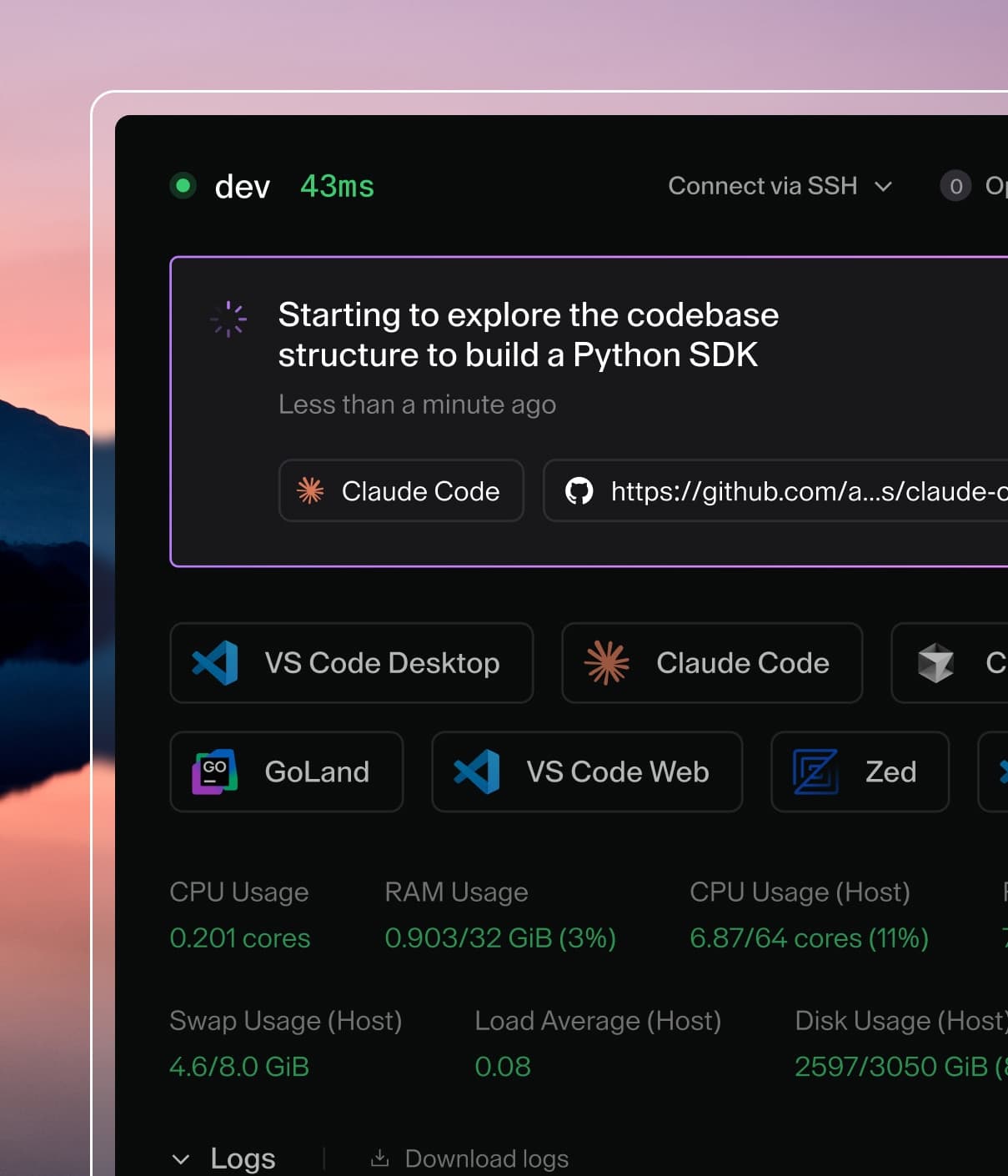
Coder powers secure, scalable development across key industries — automotive, finance, government, and technology — enabling faster builds, tighter compliance, and seamless AI adoption in enterprise-grade cloud environments.
Users with the Template Administrator role or above can create templates
within Coder.
From a starter template
In most cases, it is best to start with a starter template.
The template builder is the recommended way to create templates in Coder. It
guides you through selecting a base infrastructure template, adding modules
(IDEs, tools, integrations), and configuring your template, all without writing
Terraform.
The template builder is enabled by default. When you select New Template on
the Templates page, the builder opens automatically.
The builder guides you through up to five steps:
Select base infrastructure: Choose a starter template for your target
platform (e.g. Docker, AWS EC2, Kubernetes). Each base template provides a
working foundation with the Coder agent pre-configured.
Base template parameters(optional): If the selected base template
declares configurable variables, you can supply values for them here.
If the base template has no parameters, this step is skipped automatically.
Select modules: Pick from a curated list of
registry modules to add IDEs, AI agents,
source control integrations, and other tools. Modules are grouped by
category and filtered for compatibility with the selected base template's
operating system. You can select multiple modules.
Module settings(optional): Configure variables for the modules you
selected. Required variables without defaults must be filled in before you
can proceed. Modules that require secrets (such as API keys) display a
notice that developers will be prompted for the value at workspace creation
time.
Template customizations: Set the template's display name, description,
icon, and organization, then select Create Template.
After you select Create Template, Coder composes the Terraform
configuration server-side, validates it with terraform init and
terraform validate, and creates the template. The generated template is
standard Terraform HCL that you can edit later through the dashboard or CLI.
Note
The template builder requires outbound access to registry.coder.com so
that terraform init can resolve module sources. For air-gapped or
restricted-egress deployments, visit
Air-gapped deployments.
If you select modules that are known to conflict with each other, the builder
displays a warning. Module conflicts do not block template creation, but you
should review the warning before proceeding.
Turn off the template builder
Operators can disable the template builder by setting the
CODER_DISABLE_TEMPLATE_BUILDER environment variable or the
--disable-template-builder server flag. When disabled, the New Template
button links to the starter templates page instead, and the
/api/v2/templatebuilder/* endpoints return 404.
Deployments using a self-hosted module registry mirror can set
CODER_TEMPLATE_BUILDER_REGISTRY_URL to point generated module source paths at
the mirror instead of registry.coder.com.
The value is a bare host, optionally with a port (for example mirror.internal:8443).
A leading http(s):// scheme and trailing slash are stripped, and a path, query, fragment, or credentials is rejected at server start.
Alternative creation methods
The template builder's first step also links to alternative creation paths:
Upload an existing template: Upload a .tar.gz or .zip of Terraform
files you have authored locally.
Browse community templates: Browse the
Coder Registry for community and
official templates.
From an existing template
You can duplicate an existing template in your Coder deployment. This copies
the template code and metadata, allowing you to make changes without affecting
the original template.
After navigating to the page for a template, use the dropdown menu on the right
to Duplicate.
Give the new template a name, icon, and description.
Press Create template. After the build, you will be taken to the new template
page.
From scratch (advanced)
There may be cases where you want to create a template from scratch. You can use
any Terraform provider with Coder to create
templates for additional clouds (e.g. Hetzner, Alibaba) or orchestrators
(VMware, Proxmox) that we do not provide example templates for.