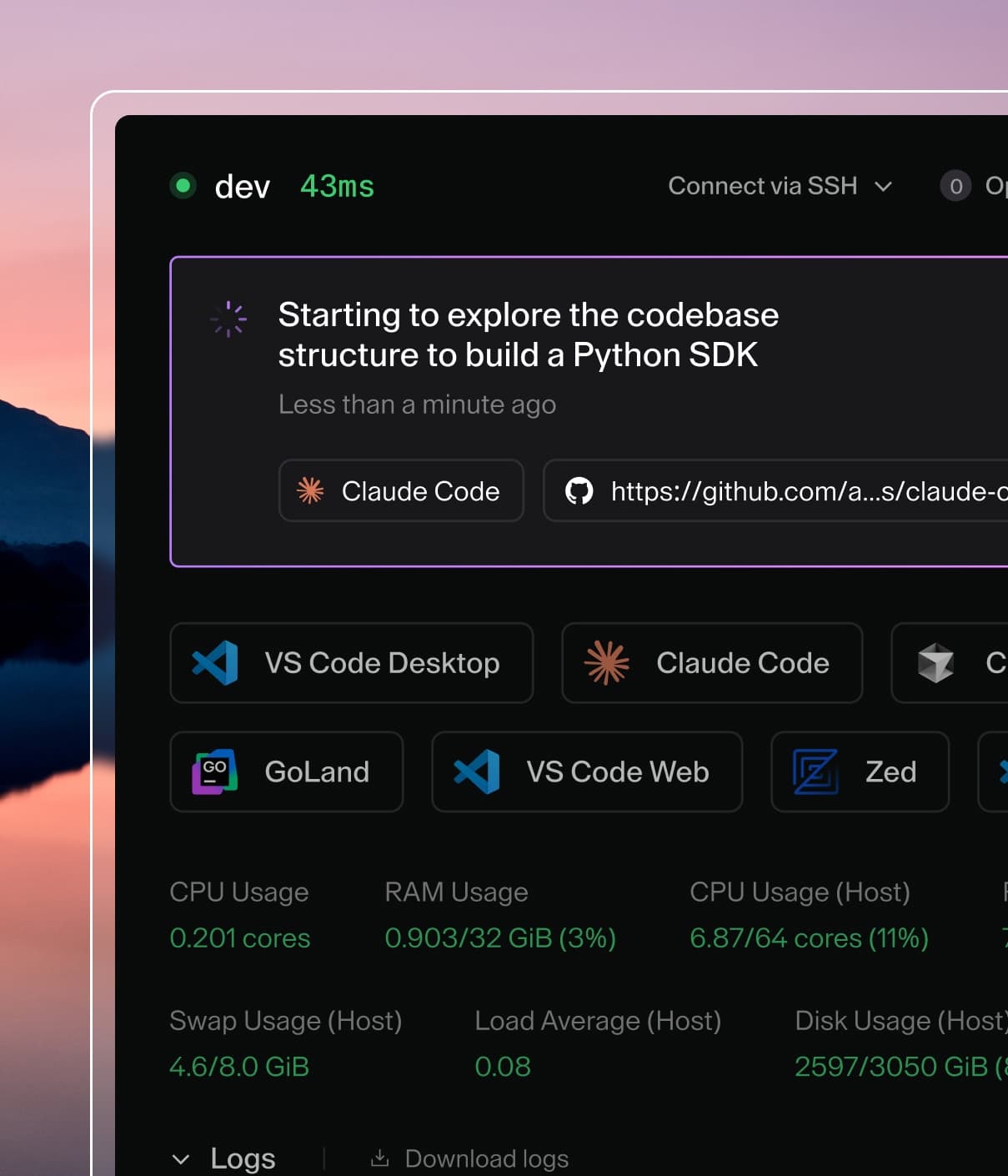
Coder powers secure, scalable development across key industries — automotive, finance, government, and technology — enabling faster builds, tighter compliance, and seamless AI adoption in enterprise-grade cloud environments.
AI Gateway is part of AI Governance, which is
included with a Premium license.
Mux makes it easy to run parallel coding agents, each with its own isolated workspace, from your browser or desktop; it is open source and provider-agnostic.
Mux can be configured to route OpenAI- and Anthropic-compatible traffic through AI Gateway by setting a custom provider base URL and using a Coder-issued token for authentication.
Set Base URL to https://coder.example.com/api/v2/ai-gateway/openai/v1.
Replace coder.example.com with your Coder deployment URL.
Environment variables
Mux reads provider configuration from its settings UI and also from environment variables.
Environment variables are useful in CI or when running Mux inside a Coder workspace.
Note
Mux treats environment variables as a fallback when a provider is not configured in settings.
If you have already configured a provider in the UI, clear it (or update it) for env vars to take effect.
To run Mux inside a Coder workspace (for example, as a Coder app), you can install it with the Mux module and pre-configure AI Gateway via environment variables on the agent: