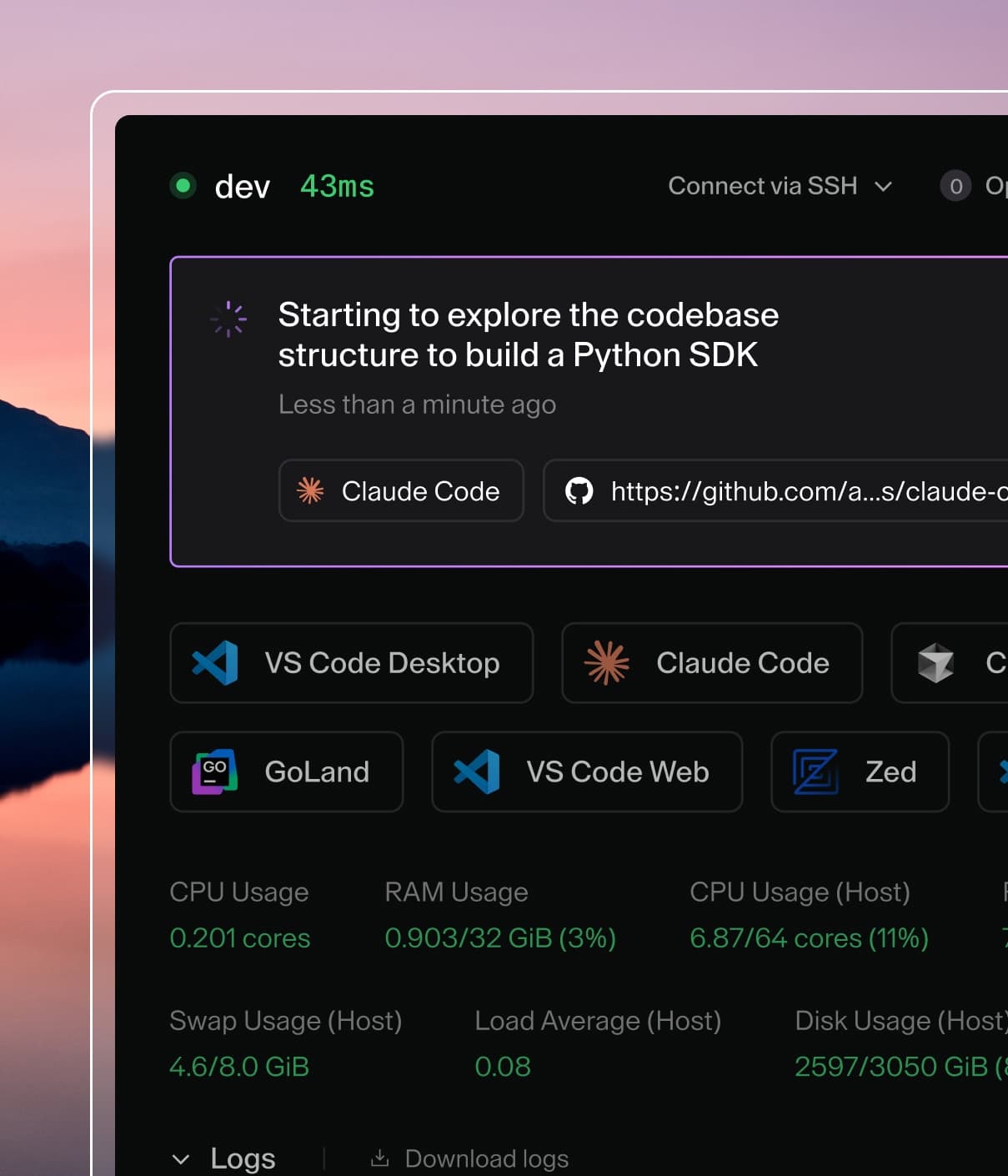
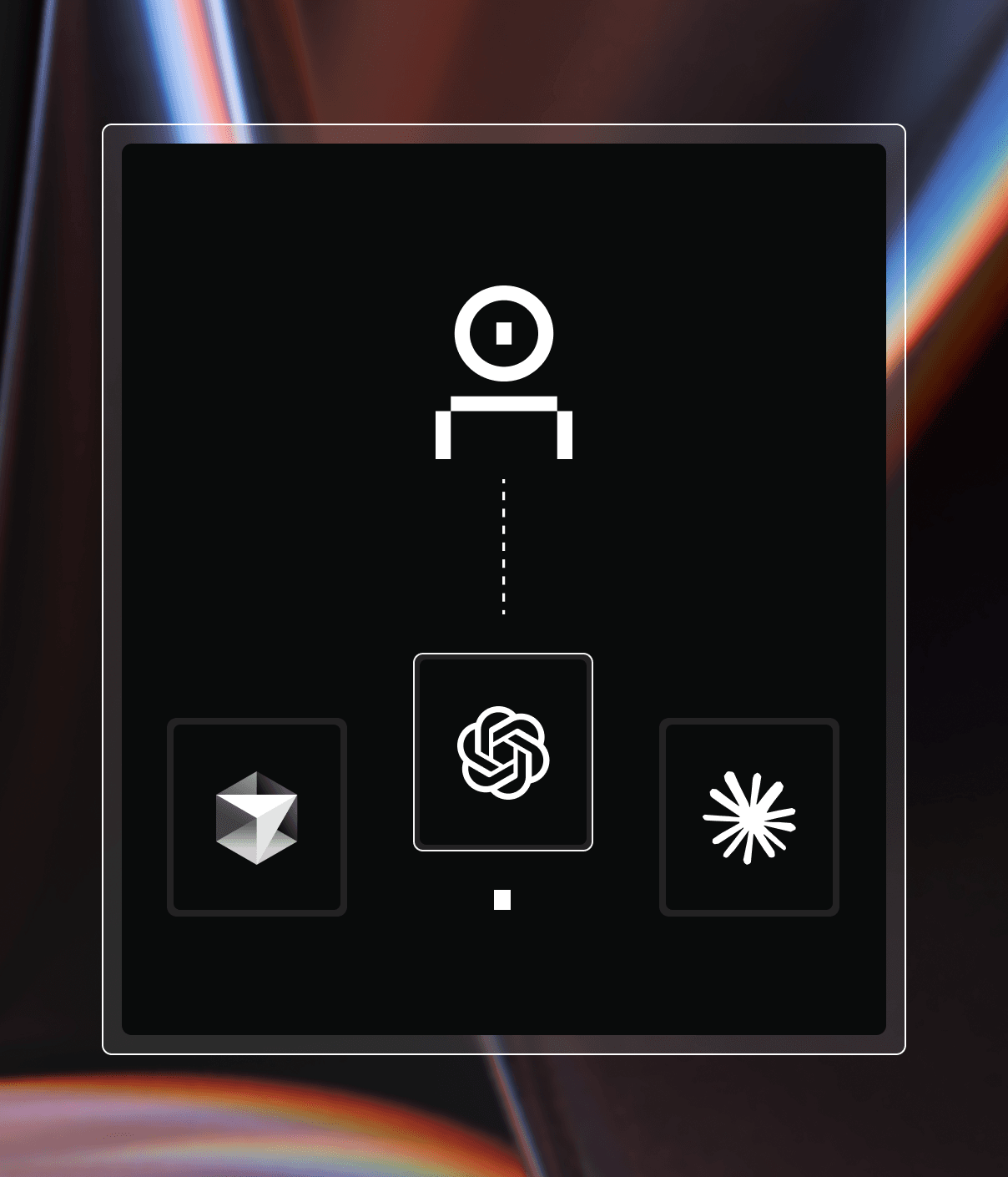
Coder powers secure, scalable development across key industries — automotive, finance, government, and technology — enabling faster builds, tighter compliance, and seamless AI adoption in enterprise-grade cloud environments.
Coder includes a built-in Model Context Protocol
(MCP) server that provides AI assistants with tools and context about your Coder
deployment. This enables AI-powered workflows for managing workspaces,
templates, and development environments.
Coder supports two MCP server modes:
Local MCP Server: Runs via the Coder CLI using stdio
transport. Ideal for local AI tools and IDE integrations.
Remote MCP Server: HTTP-based server exposed by your
Coder deployment. Supports OAuth2 authentication and is published to the MCP
Registry.
Local MCP Server
The local MCP server runs via the Coder CLI and uses stdio transport to
communicate with AI tools.
The remote MCP server is an HTTP endpoint exposed by your Coder deployment at
/api/experimental/mcp/http. This enables MCP clients to connect to Coder
without running the CLI locally.
The endpoint implements the
Streamable HTTP transport
in stateless mode: it supports MCP specification versions from 2024-11-05
through 2026-07-28, does not issue Mcp-Session-Id headers, and answers
GET and DELETE with 405 Method Not Allowed (there is no standalone
server-event stream or explicit session termination, both permitted by the
specification). The server exposes tools only; MCP resources, prompts,
structured tool output, elicitation, and the MCP Tasks extension are not
implemented.
Prerequisites
The remote MCP HTTP endpoint requires both the oauth2 and mcp-server-http
experiments enabled on your Coder deployment:
coder server --experiments=oauth2,mcp-server-http
Or set the environment variable:
CODER_EXPERIMENTS=oauth2,mcp-server-http
MCP Registry
Coder is published to the official MCP Registry
as io.github.coder/coder, enabling easy installation in supported MCP clients.
VS Code / GitHub Copilot
Open VS Code Command Palette and run MCP: Add Server...
Select From MCP Registry
Search for "Coder" and select it
Enter your Coder deployment hostname when prompted (e.g., coder.example.com)
VS Code will automatically handle OAuth2 authentication
Claude Desktop (Remote)
Add to your Claude Desktop configuration file (claude_desktop_config.json):
The MCP server supports two authentication methods:
OAuth2 (Recommended for Interactive Clients)
MCP clients that support RFC 9728
(Protected Resource Metadata) can authenticate automatically using OAuth2. The
server advertises its OAuth2 capabilities via the WWW-Authenticate header and
/.well-known/oauth-protected-resource endpoint.
This enables a seamless "click-to-connect" experience where users authenticate
through their browser without manually managing tokens.
Note
OAuth2 requires the oauth2 experiment to be enabled on your Coder deployment.
Session Token (For Programmatic Access)
For clients that don't support OAuth2 discovery, or for programmatic access, use
a session token as shown in the Manual Configuration
section.
Available Tools
The MCP server exposes tools across several areas:
Workspace management: list, inspect, create, and build workspaces
Template operations: list, inspect, create, and manage templates and versions
File operations: read, write, and edit files in a workspace
Workspace interaction: run commands, forward ports, list apps, and read logs
Coder Agents chats: create chats, send messages, read transcripts and status, interrupt, archive, and list available models
User and system: authenticated user details, tar uploads, and task reporting
The full, authoritative set of tools, including their names, descriptions, and
arguments, is defined in Coder's
toolsdk package. Refer to it for the
current list, since the available tools can change between releases.
Available Prompts
The MCP server also exposes
prompts
for common Coder Agents chat workflows. Clients that support prompts surface
them for you to invoke, for example as slash commands:
coder_agents_delegate: delegate a coding task to a Coder Agents chat and
monitor it to completion
coder_agents_check: check the status and recent activity of an existing
Coder Agents chat
Troubleshooting
"Unauthorized" errors
Verify your session token is valid and not expired
Check that the MCP server experiment is enabled on your deployment
Ensure your user has appropriate permissions for the requested operations
Connection timeouts
Verify your Coder deployment URL is correct and accessible
Check network connectivity between your MCP client and the Coder server
Review Coder server logs for any errors
OAuth2 authentication not working
Ensure your Coder deployment has the oauth2 experiment enabled
Verify your MCP client supports RFC 9728 Protected Resource Metadata
Check that your browser can reach the Coder authorization endpoint