Coder powers secure, scalable development across key industries — automotive, finance, government, and technology — enabling faster builds, tighter compliance, and seamless AI adoption in enterprise-grade cloud environments.
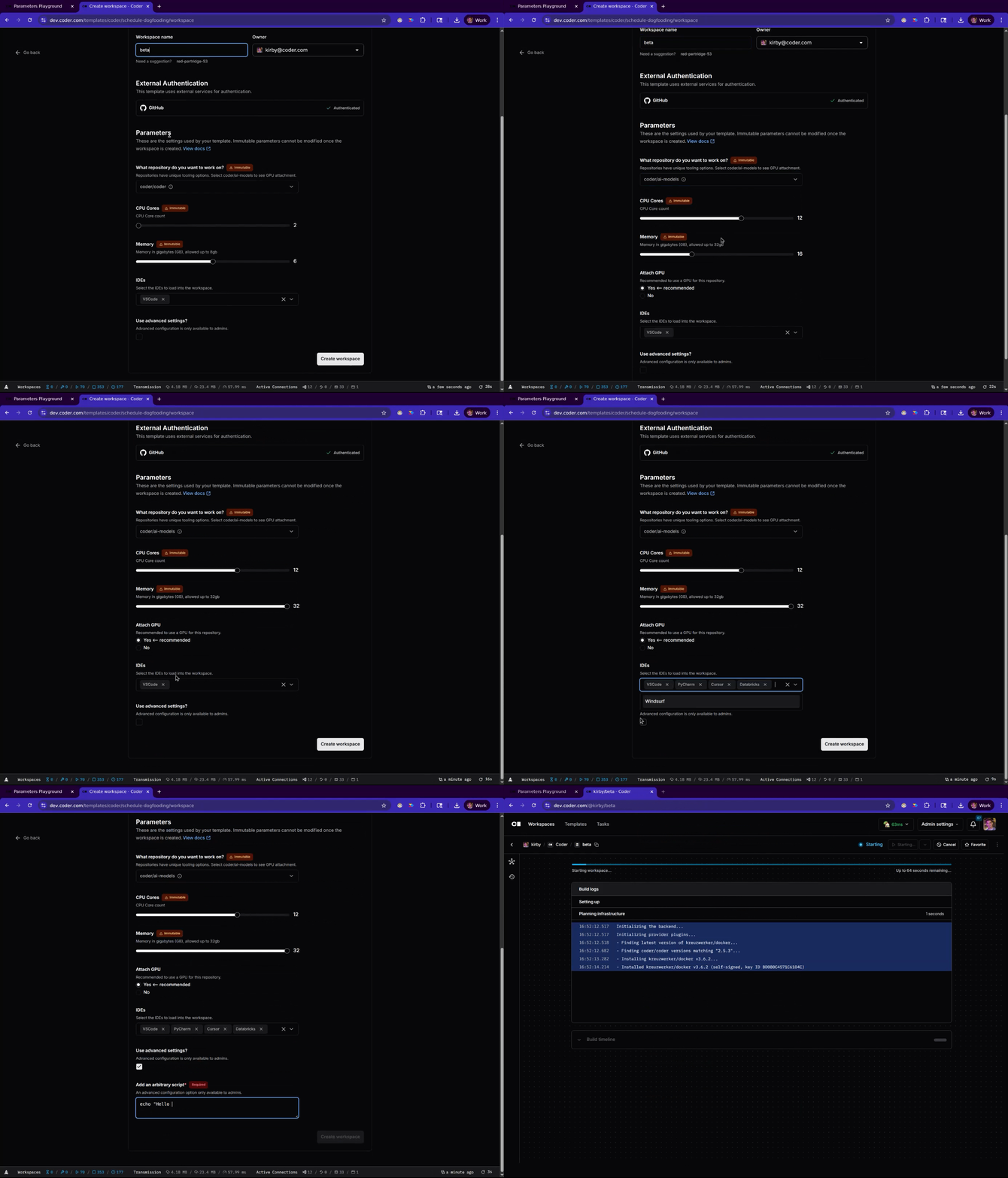
Conditional parameters react to the user's other selections in the workspace creation form.
Use native Terraform syntax and parameter attributes like count to:
Hide parameters unless the user activates them.
Set default values based on other selections.
Change the available options based on other parameter inputs.
Combine these patterns to build an intuitive form that branches for each use case, so you maintain one template instead of several.
data "coder_parameter" "show_cpu_cores" {
  name         = "show_cpu_cores"
  display_name = "Toggles next parameter"
  description  = "Select this checkbox to show the CPU cores parameter."
  type         = "bool"
  form_type    = "checkbox"
  default      = false
  order        = 1
}

data "coder_parameter" "cpu_cores" {
  # Only show this parameter if the previous box is selected.
  count = data.coder_parameter.show_cpu_cores.value ? 1 : 0

  name         = "cpu_cores"
  display_name = "CPU Cores"
  type         = "number"
  form_type    = "slider"
  default      = 2
  order        = 2
  validation {
    min = 1
    max = 8
  }
}
Set defaults from other parameters
Influence which option is selected by default for one parameter based on the selection of another.
With cascading default parameter settings, you can suggest an option dynamically without strict enforcement.