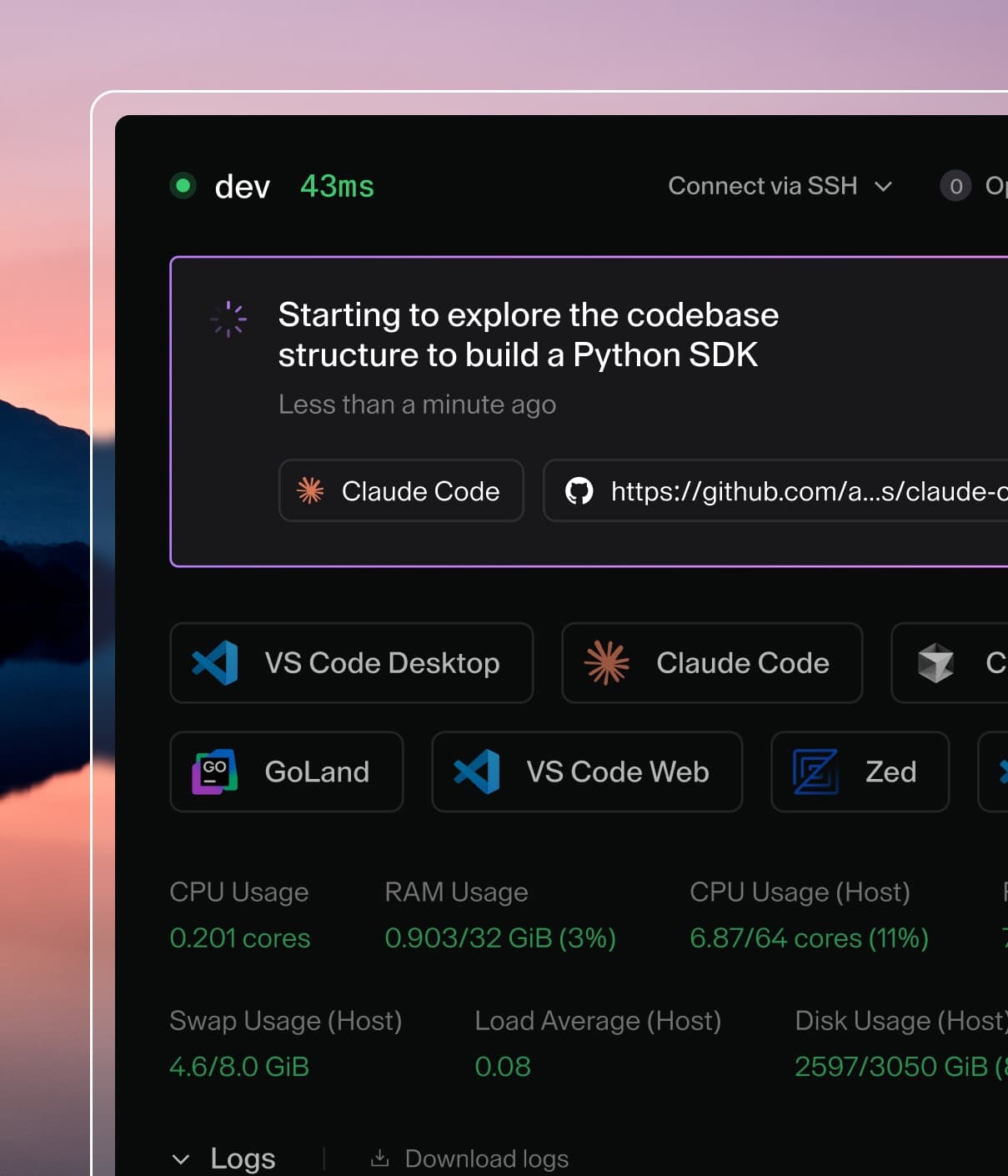
Coder powers secure, scalable development across key industries — automotive, finance, government, and technology — enabling faster builds, tighter compliance, and seamless AI adoption in enterprise-grade cloud environments.
Coder Agents completes work by calling tools: structured functions the agent invokes during a chat to gather context and take action, such as listing templates, reading files, running commands, or creating a workspace.
This page explains how tool calls work and documents the tools the agent uses to select a template and create a workspace.
How tool calls work
Each turn of a conversation follows the same loop:
You send a message.
The model decides whether it needs a tool and calls it with structured arguments.
For example, list_templates with {"query": "docker"}.
Coder executes the tool in the control plane using your identity and permissions, and returns a JSON result to the model.
The model uses the result to decide what to do next: call another tool or reply to you.
Tool calls and their results are visible in the chat timeline, so you can always inspect what the agent did and why.
Two properties hold for every built-in tool:
Your permissions apply.
Tools run with the chat owner's RBAC identity.
The agent cannot list templates or create workspaces that you could not access yourself.
Results carry instructions.
Where a decision matters, the tool result includes a next_step field containing a fixed instruction for the agent, such as asking you to choose between similar templates.
This keeps agent behavior consistent without relying on long prompt rules.
Workspace creation tools
A chat can start without a workspace.
When the conversation and available tools are sufficient, the agent answers without provisioning one.
If missing tools, skills, MCP integrations, or context block progress, or the task needs workspace file access or execution, the agent provisions a workspace.
You don't need to request a workspace separately for setup needed to complete your task.
The agent uses three tools to provision a workspace:
Tool
Purpose
list_templates
Rank available templates and recommend one when confident
read_template
Read a template's parameters and presets
create_workspace
Create the workspace from a chosen template
Administrators can restrict which templates these tools can use with the switches on the Templates page.
list_templates
list_templates returns a ranked shortlist of the active, non-deprecated templates in the chat's organization, so the agent can pick a template the same way a colleague would: prefer what matches the request, what you already use, and what the rest of the organization uses.
Arguments
Argument
Type
Description
query
string
Optional text matched against template names, display names, and descriptions
page
integer
Optional page number, starting at 1. Each page holds 10 templates
How templates are ranked
Templates are ordered by query relevance first (when a query is provided), then by an affinity score computed from your recent usage and organization popularity.
Name and ID break any remaining ties so the order is stable.
Query relevance tiers
When a query is provided, each template receives the highest tier that any of its fields matches:
Tier
Match
4
The name or display name equals the query
3
The name or display name starts with the query
2
The name or display name contains the query
1
The description contains the query
0
No match. The template is excluded from the results
The description is checked only when neither the name nor the display name matched.
Matching is case-insensitive and ignores spaces, hyphens, and underscores, so python gpu matches python-gpu.
A higher tier always outranks a lower tier, regardless of usage.
Affinity score
Within a relevance tier, or when no query is given, templates are ordered by an affinity score:
affinity = 10 x (active + 0.5 x deleted) x 0.5^(days_since_last_use / 14)
         + ln(1 + active_developers)
active: your workspaces on the template used in the last 60 days.
deleted: your recently deleted workspaces used in the last 60 days, counted at half the weight of active ones.
days_since_last_use: days since you last used the template.
The personal term halves every 14 days and is zero when you have no usage in the last 60 days.
active_developers: developers in the organization with an active workspace on the template, excluding unclaimed prebuilt workspaces.
Personal usage carries ten times the weight of organization popularity, and popularity grows logarithmically so heavily used templates do not drown out your own history.
Each template is scored independently from its own signals; one template's usage never affects another's score.
The score is internal and only determines ordering and the recommendation.
The response carries the raw evidence instead: active_developers, your_workspace_count, and last_used_by_you appear on each template when they are non-zero.
Recommendation and next_step
Beyond the ranked list, the result tells the agent what to do next:
recommended_template_id is present only when the top template is a clear winner: it is the only available template, it matches the query at a strictly higher tier than every other match, or its affinity score reaches at least the score of two active developers and leads the runner-up by a clear margin.
next_step is always present and contains one of four fixed instructions:
Situation
next_step instruction for the agent
A template is recommended
Use recommended_template_id with create_workspace
Top templates are too close to call
Ask you to choose a template
The query matched nothing
Retry without a query or ask you
No templates are available
Inform you that no templates are available
When the agent is told to ask, it presents the choices instead of guessing.
You can always override the recommendation by naming a template yourself.
Example
A user asks for "a workspace to debug a Docker image".
The agent extracts a search term and calls list_templates with:
{
  "query": "docker"
}
The response lists matching templates best-first.
Here docker is an exact name match while docker-gpu is only a prefix match, so the top template is a clear winner and is recommended:
{
  "templates": [
    {
      "id": "0f9ab36e-43f6-4d8a-b3e6-6803d9a06f72",
      "name": "docker",
      "display_name": "Docker",
      "description": "Provision Docker containers as Coder workspaces.",
      "active_developers": 14,
      "your_workspace_count": 2,
      "last_used_by_you": "2026-06-09T10:04:18.123456Z"
    },
    {
      "id": "8d2cf2a1-55b0-4c4e-9a3f-41be8a5cd1f0",
      "name": "docker-gpu",
      "display_name": "Docker GPU",
      "description": "Docker workspaces with NVIDIA GPU access.",
      "active_developers": 3
    }
  ],
  "page": 1,
  "recommended_template_id": "0f9ab36e-43f6-4d8a-b3e6-6803d9a06f72",
  "next_step": "Use recommended_template_id with create_workspace. Call read_template first only if you need parameter or preset details."
}
The agent follows next_step and calls create_workspace with the recommended template.
Had the two templates tied (for example, both plain substring matches with similar usage), the response would omit recommended_template_id and next_step would instruct the agent to ask you to choose.
next_page is present only when more results exist.
read_template
read_template reads one template's details: its configurable parameters (name, type, default, options, and validation rules) and its presets, including preset parameter values and whether prebuilt workspaces are available for faster startup.
The agent calls it only when needed, typically when a template has required parameters or when a preset should be applied.
For templates that work with defaults, the agent skips straight to create_workspace.
create_workspace
create_workspace provisions a workspace from a template and waits for it to become ready, then attaches it to the chat.
Argument
Type
Description
template_id
string
Required. The template UUID from list_templates
name
string
Optional workspace name. One is generated if omitted
parameters
object
Optional template parameter values from read_template
preset_id
string
Optional preset UUID. Applies preset parameters and may claim a prebuilt workspace
Guardrails:
The agent creates a workspace when missing tools, skills, MCP integrations, or context block progress, when workspace access is needed, or when you ask.
It prefers existing tools and context when they're sufficient.
Creating a workspace doesn't make workspace MCP tools available in Plan Mode.
Workspace readiness doesn't guarantee that skills, MCP tools, or context have finished loading.
The agent uses available capabilities rather than recreating the workspace to retry discovery.
It follows the next_step from list_templates, asking you to choose when no template is recommended.
The tool is idempotent: if the chat already has a workspace building or running, that workspace is returned instead of creating a duplicate.
Templates that do not allow Coder Agents are rejected.