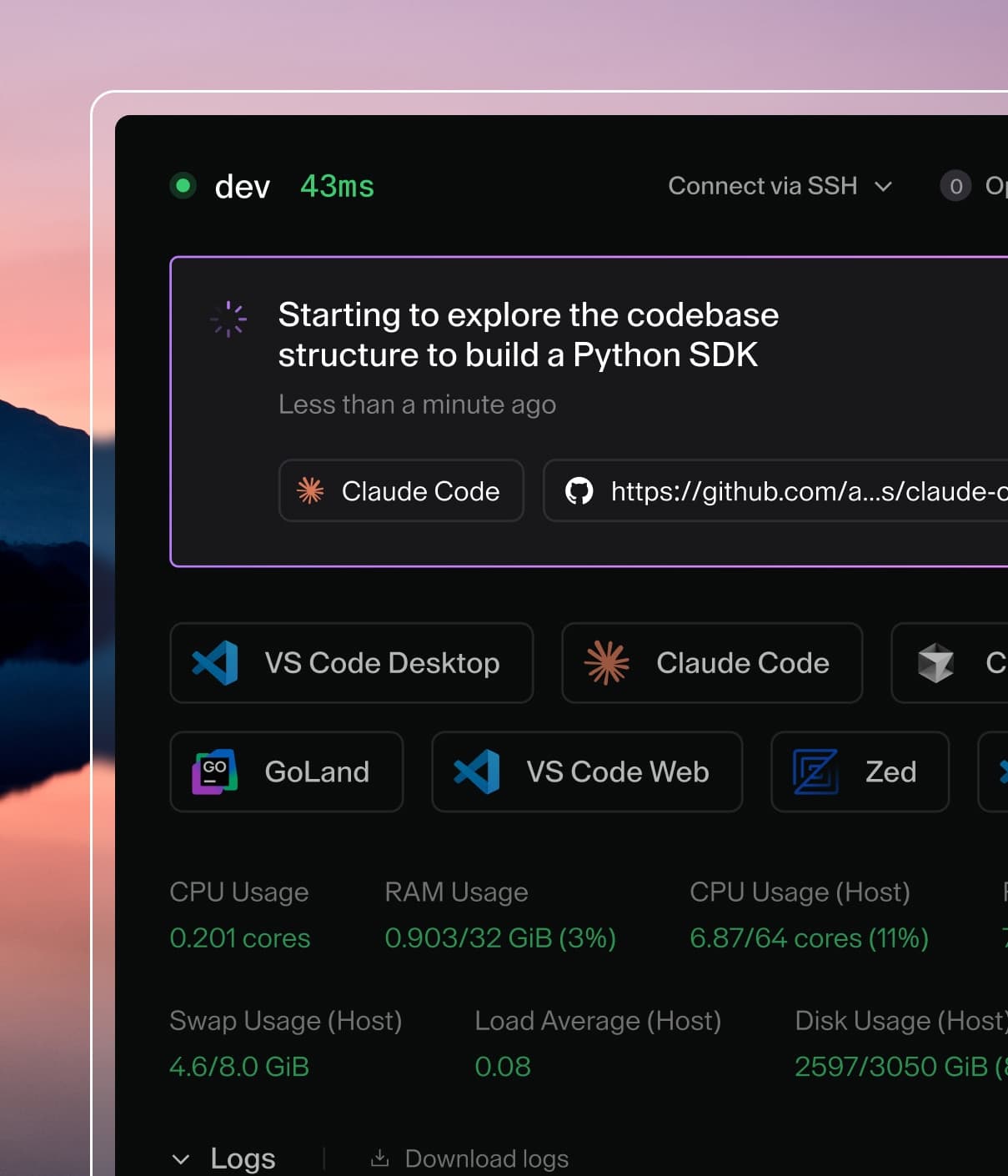
Coder powers secure, scalable development across key industries — automotive, finance, government, and technology — enabling faster builds, tighter compliance, and seamless AI adoption in enterprise-grade cloud environments.
Coder Agents is built on a simple premise: platform teams should have full
control over how agents operate, and developers should have zero configuration
burden.
This means:
All agent configuration is admin-level. Providers, models, system prompts,
and tool permissions are set by platform teams from the control plane. These
are not user preferences — they are deployment-wide policies.
Developers never need to configure anything. A developer just describes
the work they want done. They do not need to pick a provider, enter an API
key, or write a system prompt — the platform team has already set all of
that up. The goal is not to restrict developers, but to make configuration
unnecessary for a great experience.
Enforcement, not defaults. Settings configured by administrators are
enforced server-side. Developers cannot override them. This is a deliberate
distinction — a setting that a user can change is a preference, not a policy.
This is an architectural decision, not just a product choice. Because the agent
loop runs in the control plane rather than inside developer workspaces, there is
no local configuration for developers to modify and no agent software for them
to reconfigure. The control plane is the single source of truth for how agents
behave.
What platform teams control today
Providers and models
Administrators configure which LLM providers and models are available from the
Coder dashboard. This includes API keys, base URLs (for enterprise proxies or
self-hosted models), and per-model parameters like context limits, thinking
budgets, and reasoning effort.
Developers select from the set of models an administrator has enabled. They
cannot add their own providers, supply their own API keys, or access models that
have not been explicitly configured.
Administrators can set a system prompt that applies to all agent sessions. This
is useful for establishing organizational conventions — coding standards,
commit message formats, preferred libraries, or repository-specific context.
The system prompt configuration is only accessible to administrators in the
dashboard. Developers do not see or interact with it.
Template routing
Platform teams control which templates are available to agents and how the agent
selects them. When a developer describes a task, the agent reads template
descriptions to determine which template to provision.
By writing clear template descriptions — for example, "Use this template for
Python backend services in the payments repo" — platform teams can guide the
agent toward the correct infrastructure without requiring developers to
understand template selection at all.
Administrators can also restrict which templates are available to agents using
the template allowlist in Agents > Settings > Templates. When the
allowlist is configured, the agent can only see and provision workspaces from
the selected templates. When the allowlist is empty, all templates are
available. This is separate from what developers see when manually creating
workspaces, so you can apply stricter policies to agent-created workspaces
without affecting the manual workspace experience.
See Template Optimization for best practices on writing
discoverable descriptions, restricting template visibility, configuring network
boundaries, scoping credentials, and designing template parameters for agent
use.
MCP servers
Administrators can register external MCP (Model Context Protocol) servers that
provide additional tools for agent chat sessions. This includes configuring
authentication, controlling which tools are exposed via allow/deny lists, and
setting availability policies that determine whether a server is mandatory,
opt-out, or opt-in for each chat.
Administrators can set spend limits to cap LLM usage per user within a rolling
time period, with per-user and per-group overrides. The cost tracking dashboard
provides visibility into per-user spending, token consumption, and per-model
breakdowns.
The controls above cover providers, models, system prompts, templates, MCP
servers, and usage limits. We are continuing to invest in platform controls
based on what we hear from customers deploying agents in regulated and
enterprise environments.
Infrastructure-level enforcement
We believe that security-critical behaviors should not depend on the system
prompt. A system prompt can instruct an agent to "always format branch names like... ," but there is no guarantee the agent will comply every time.
For controls that matter — network boundaries, git push targets, allowed
hostnames — we intend to enforce them at the infrastructure and network layer.
Examples of what this looks like:
Network-restricted templates for agent workloads. Because the AI comes
from the control plane, agent workspaces do not need outbound access to LLM
providers. You can create templates that only permit access to your git
provider and nothing else.
Why we take this approach
The common pattern in the industry today is that each developer installs and
configures their own coding agent inside their development environment. This
creates several problems for platform teams:
No standardization. Different developers use different agents with
different configurations. There is no unified way to enforce conventions or
improve the experience across the organization.
Security is ad-hoc. If the agent runs inside the workspace, it has access
to whatever the workspace has access to — API keys, network endpoints,
credentials. Restricting this requires per-workspace configuration that is
difficult to maintain at scale.
Feedback is anecdotal. Without centralized analytics, platform teams have
no way to know which models perform best, which prompts cause failures, or how
much agents are costing the organization.
Configuration is a developer burden. Developers — especially those who
are not power users — should not need to think about which agent to install,
which API key to use, or how to configure a system prompt. They should
describe the work they want done.
As models improve and the differences between agent harnesses continue to
shrink, we believe the leverage shifts toward user experience and platform-level controls: which
models to offer, how to enforce security, and how to use analytics to
continuously improve the development experience across the organization.