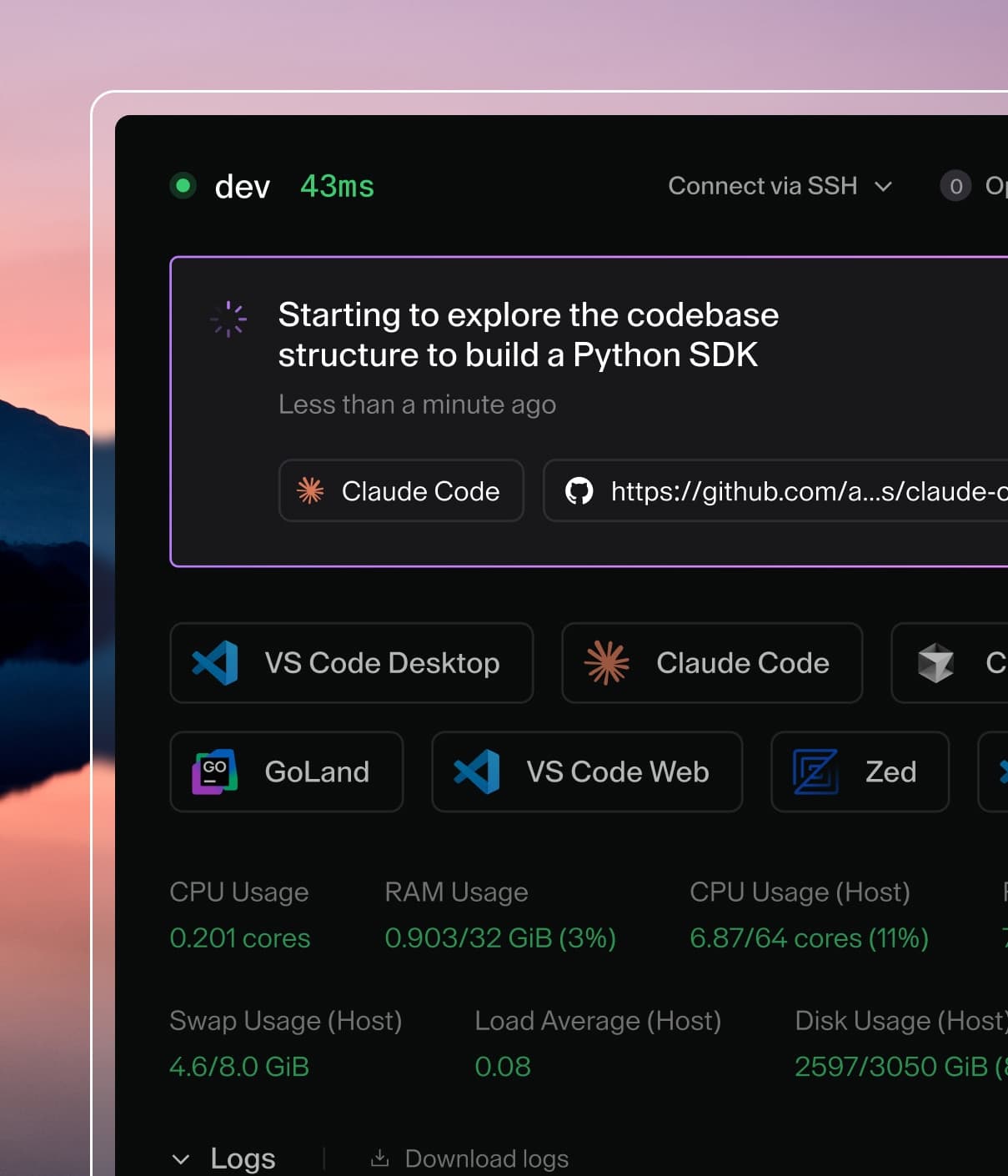
Coder powers secure, scalable development across key industries — automotive, finance, government, and technology — enabling faster builds, tighter compliance, and seamless AI adoption in enterprise-grade cloud environments.
The Chats API is experimental and gated behind the agents experiment flag.
Endpoints live under /api/experimental/chats and may change without notice.
The Chats API lets you create and interact with Coder Agents
programmatically. You can start a chat, send follow-up messages, and stream
the agent's response — all without using the Coder dashboard.
The agent begins processing the prompt asynchronously. Use the
stream endpoint to follow its progress.
Core workflow
A typical integration follows three steps:
Create a chat — POST /api/experimental/chats with your prompt.
Stream updates — Open a WebSocket to
GET /api/experimental/chats/{chat}/stream to receive real-time events
as the agent works.
Send follow-ups — POST /api/experimental/chats/{chat}/messages to
add messages to the conversation. Messages are queued if the agent is
busy.
Endpoints
Create a chat
POST /api/experimental/chats
Field
Type
Required
Description
content
ChatInputPart[]
yes
The user's prompt as one or more content parts.
workspace_id
uuid
no
Pin the chat to a specific workspace.
model_config_id
uuid
no
Override the default model configuration.
mcp_server_ids
uuid[]
no
Attach MCP servers to this chat.
labels
map[string]string
no
Key-value labels for the chat (max 50).
Each ChatInputPart has a type field. The simplest form is a text part:
{"type": "text", "text": "Fix the failing tests in the auth service"}
Other part types include file (an uploaded image referenced by its
file_id) and file-reference (a pointer to a file with optional line
range).
Response: 201 Created with a Chat object.
Send a message
POST /api/experimental/chats/{chat}/messages
Field
Type
Required
Description
content
ChatInputPart[]
yes
The follow-up message content.
model_config_id
uuid
no
Override the model for this turn.
mcp_server_ids
uuid[]
no
Override MCP servers for this turn.
If the agent is currently processing, the message is queued automatically.
The response indicates whether the message was delivered immediately or
queued:
Edits a previously sent user message. The agent re-processes from the
edited message onward, truncating any messages that followed it.
Field
Type
Required
Description
content
ChatInputPart[]
yes
The replacement message content.
The response is an EditChatMessageResponse with the edited message
and an optional warnings array. When file references in the edited
content cannot be linked (e.g. the per-chat file cap is reached), the
edit still succeeds and the warnings array describes which files
were not linked.
Stream updates
GET /api/experimental/chats/{chat}/stream
Opens a one-way WebSocket connection. The server sends events; clients
must not write to the socket (doing so closes the connection).
Query parameter
Type
Required
Description
after_id
int64
no
Only return events after this message ID.
Each WebSocket message is a JSON envelope with an outer type
("ping", "data", or "error") and an optional data field. For
"data" envelopes the payload is a JSON array of event objects:
Ignore "ping" envelopes (keepalives sent every ~15 s). On first
connect the server sends an initial snapshot of the chat state before
switching to live events. Use after_id when reconnecting to skip
messages the client already has.
Connecting to the stream also updates the caller's read cursor for
unread tracking. On disconnect the cursor is advanced to the latest
message.
Event types inside each batch:
Type
Description
message_part
A chunk of the agent's response (text, tool call, etc.).
message
A complete message has been persisted.
status
The chat status changed (e.g. running, waiting).
error
An error occurred during processing.
retry
The server is retrying a failed LLM call (includes backoff).
queue_update
The queued message list changed.
Watch all chats
GET /api/experimental/chats/watch
Opens a one-way WebSocket that pushes events for all chats owned by
the authenticated user. Use this to drive a sidebar or notification
indicator without polling.
Each event is a JSON object with kind and chat fields:
Kind
Description
created
A new chat was created.
status_change
A chat's status changed.
title_change
A chat's title was updated.
diff_status_change
A chat's diff/PR status changed.
deleted
A chat was deleted.
List chats
GET /api/experimental/chats
Returns all chats owned by the authenticated user. The files field is
populated on POST /chats and GET /chats/{id}. Other endpoints that
return a Chat object omit it.
Query parameter
Type
Required
Description
q
string
no
Search query string.
label
string
no
Filter by label as key:value. Repeat for multiple (AND logic).
Get a chat
GET /api/experimental/chats/{chat}
Returns the Chat object (metadata only, no messages). The response
includes a files field (ChatFileMetadata[]) containing metadata for
files that have been successfully linked to the chat. File linking is
best-effort; if linking fails, the file remains in message content but
will be absent from this field.
When file linking is skipped (e.g. the per-chat file cap is reached),
POST /chats includes a warnings array on the Chat response and
POST /chats/{chat}/messages includes a warnings array on the
CreateChatMessageResponse. The warnings field is omitempty and
absent when all files are linked successfully.
Get chat messages
GET /api/experimental/chats/{chat}/messages
Returns the messages and queued messages for a chat.
List models
GET /api/experimental/chats/models
Returns available models. Use this to discover valid values for
model_config_id.
Update a chat
PATCH /api/experimental/chats/{chat}
Updates chat metadata. All fields are optional; omitted fields are left
unchanged.
Field
Type
Description
title
string
Set a new title.
archived
bool
true to archive, false to unarchive. Archiving clears pin_order.
pin_order
int32
0 to unpin; >0 on an unpinned chat to pin it; >0 on a pinned chat to reorder.
labels
map[string]string
Replace all labels. Use null/omit to leave unchanged, {} to clear.
Response: 204 No Content.
Regenerate title
POST /api/experimental/chats/{chat}/title/regenerate
Regenerates the chat title using conversation context. Returns the
updated Chat object.
Interrupt
POST /api/experimental/chats/{chat}/interrupt
Stops the agent's current processing loop and returns the chat to
waiting status.
Manage queued messages
When a message is queued because the agent is busy, you can manage the
queue:
The response contains an id you can reference as file_id in a
ChatInputPart with "type": "file". To retrieve a previously uploaded
file, use GET /api/experimental/chats/files/{file}.
Supported formats: PNG, JPEG, GIF, WebP (up to 10 MB). The server
validates actual file content regardless of the declared Content-Type.
Files referenced in messages are automatically linked to the chat and
appear in the files field on subsequent
GET /api/experimental/chats/{chat} responses.
Chat statuses
Status
Meaning
waiting
Idle — newly created, finished successfully, or interrupted.