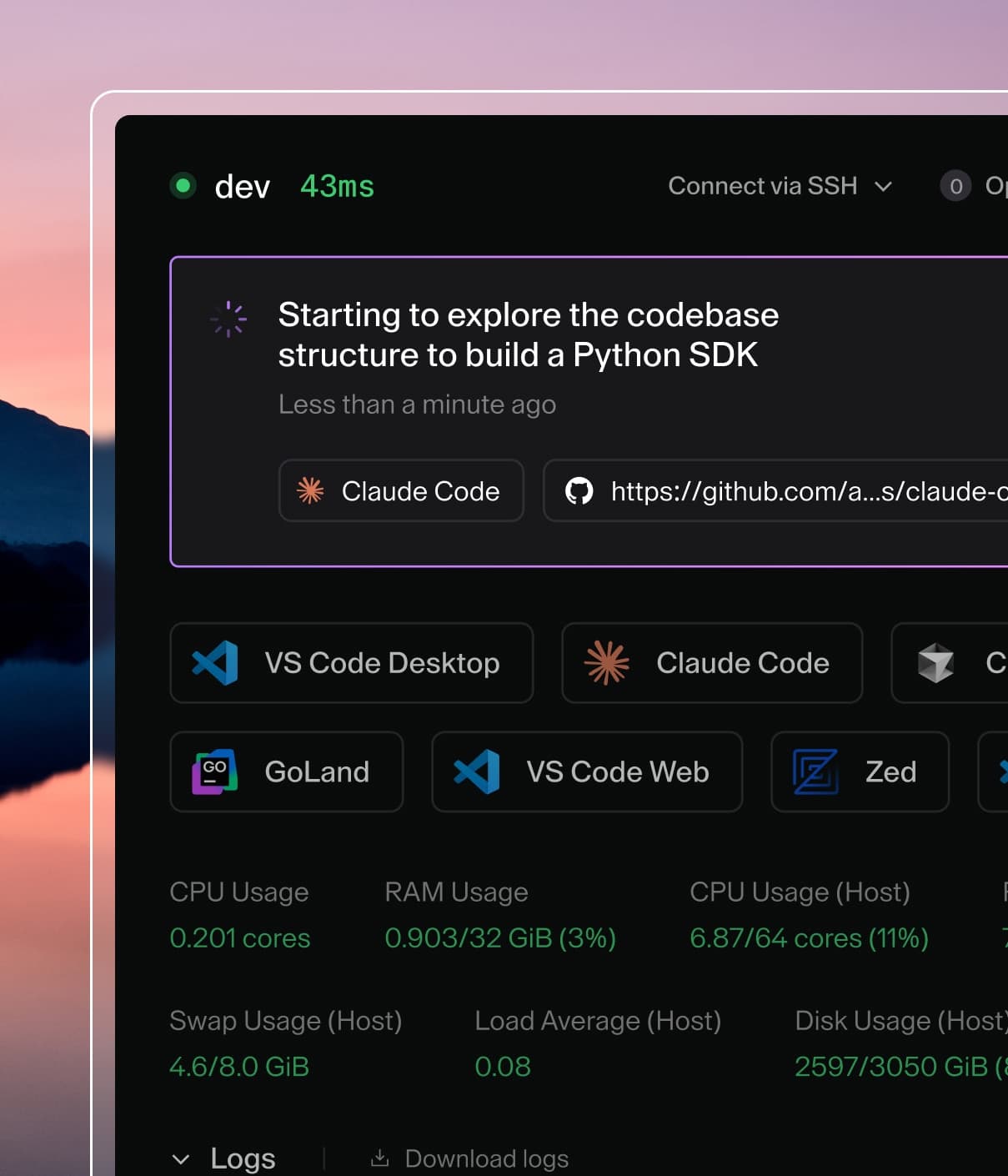
Coder powers secure, scalable development across key industries — automotive, finance, government, and technology — enabling faster builds, tighter compliance, and seamless AI adoption in enterprise-grade cloud environments.
Coder Agents automatically cleans up old conversation data to manage database
growth. Archived conversations and their associated files are periodically
purged based on a configurable retention period.
Conversations become eligible for purging only after they are archived. Old
conversations can be archived manually, or automatically. See
Auto-Archive for how the two controls interact.
How it works
A background process runs approximately every 10 minutes to remove expired
conversation data. Only archived conversations are eligible for deletion —
active (non-archived) conversations are never purged.
When an archived conversation exceeds the retention period, it is deleted along
with its messages, diff statuses, and queued messages via cascade. Orphaned
files (not referenced by any active or recently-archived conversation) are also
deleted. Both operations run in batches of 1,000 rows per cycle.
Configuration
Navigate to the Agents page, open Settings, and select the Behavior
tab to configure the conversation retention period. The default is 30 days. Use the toggle to
disable retention entirely.
The retention period is stored as the agents_chat_retention_days key in the
site_configs table and can also be managed via the API at
/api/experimental/chats/config/retention-days.
What gets deleted
Data
Condition
Cascade
Archived conversations
Archived longer than retention period
Messages, diff statuses, queued messages deleted via CASCADE.
Conversation files
Older than retention period AND not referenced by any active or recently-archived conversation
—
Unarchive safety
If a user unarchives a conversation whose files were purged, stale file
references are automatically cleaned up by FK cascades. The conversation
remains usable but previously attached files are no longer available.